
Which WorkStudio App Should I Use?
Start with Records for information and connections; choose a focused app for documents, calculations, schedules or other outputs.
Start with Records when you want to capture information and connect it: people, organisations, documents, family archives, personal collections, resources, prices and projects. Ready-made Types give each record useful properties, and Relations connect it to other records. You can create Types and properties for your own needs.
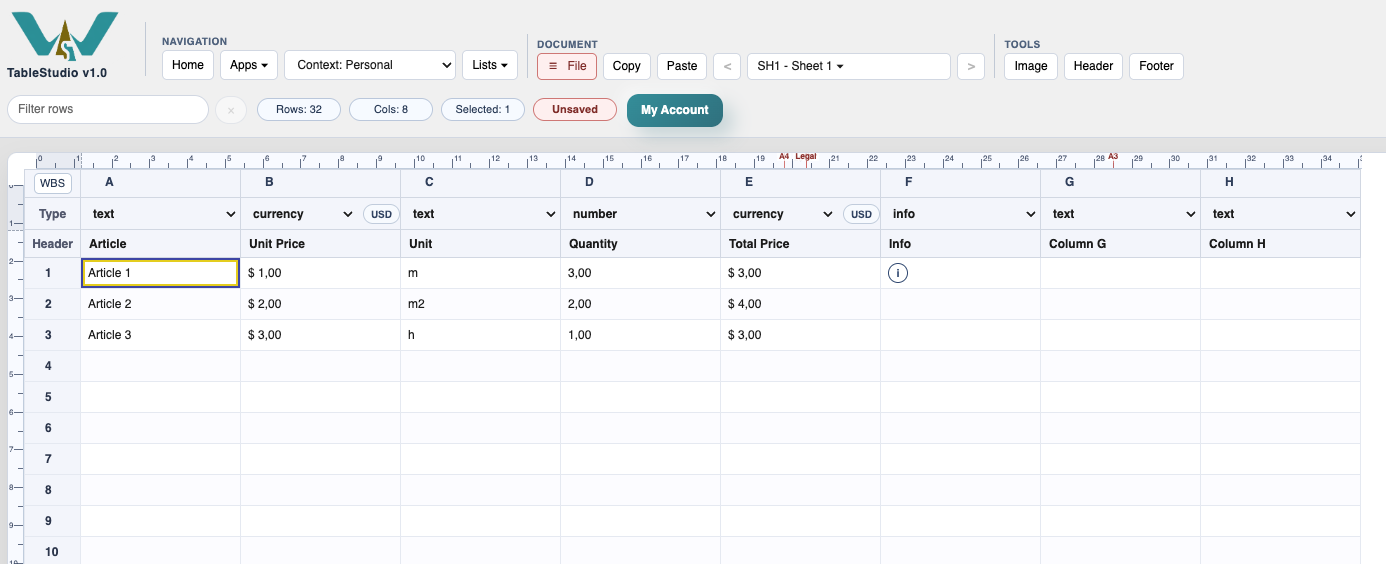
If the work is mainly rows, columns, formulas, and structured calculations, open TableStudio.
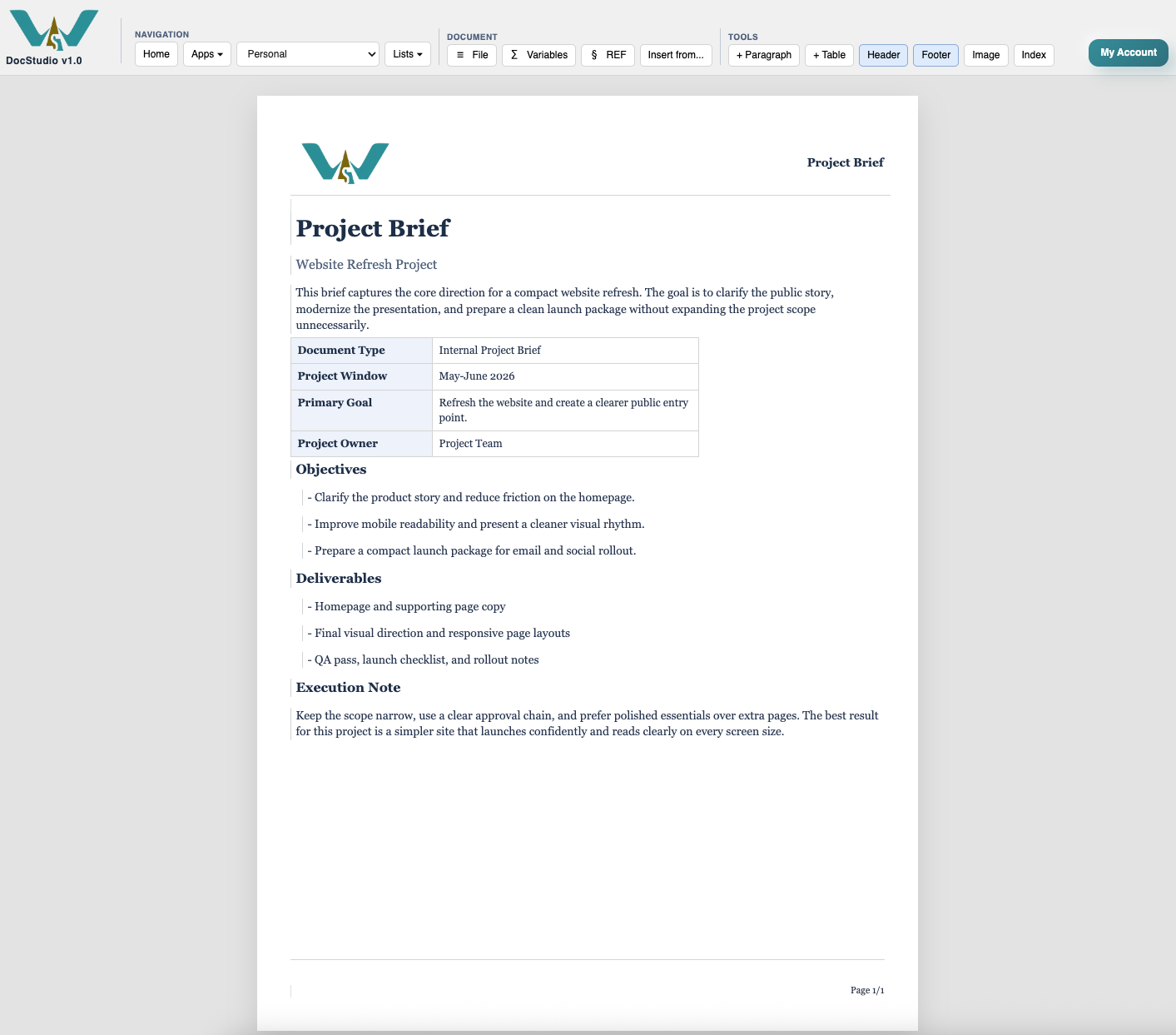
If the result should read like a real document with pages, paragraphs, and print-ready layout, open DocStudio.
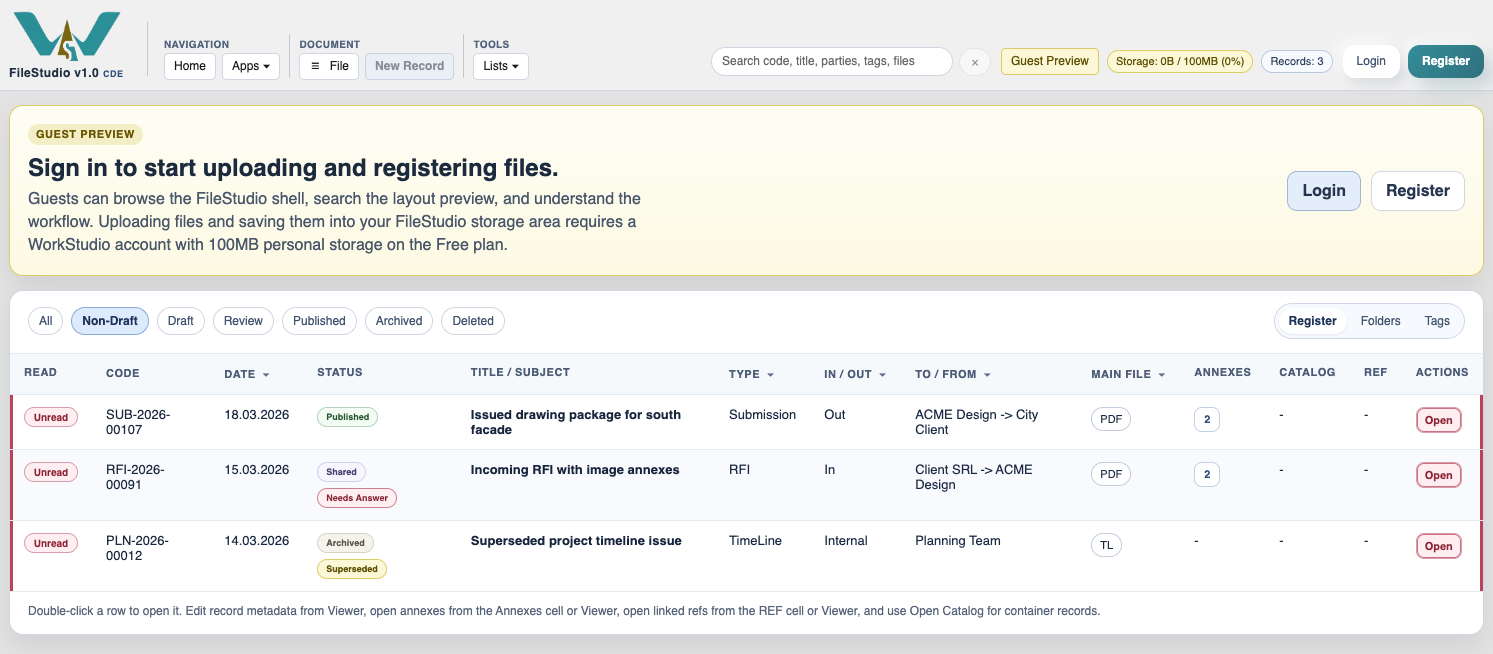
If you need to register, organize, search, and package documents and records, open FileStudio.
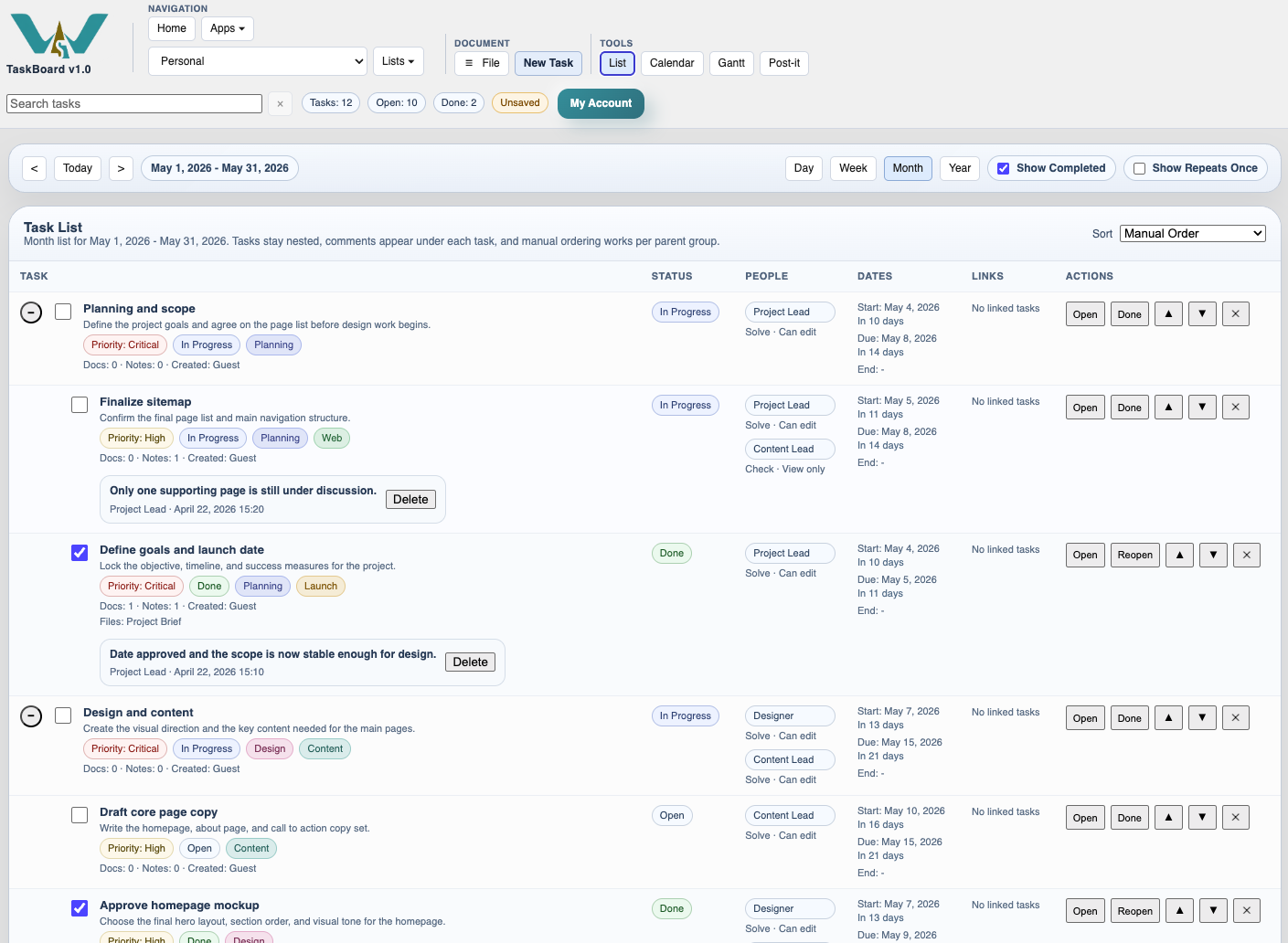
If you want to plan work as tasks in a flexible board, open TaskBoard.
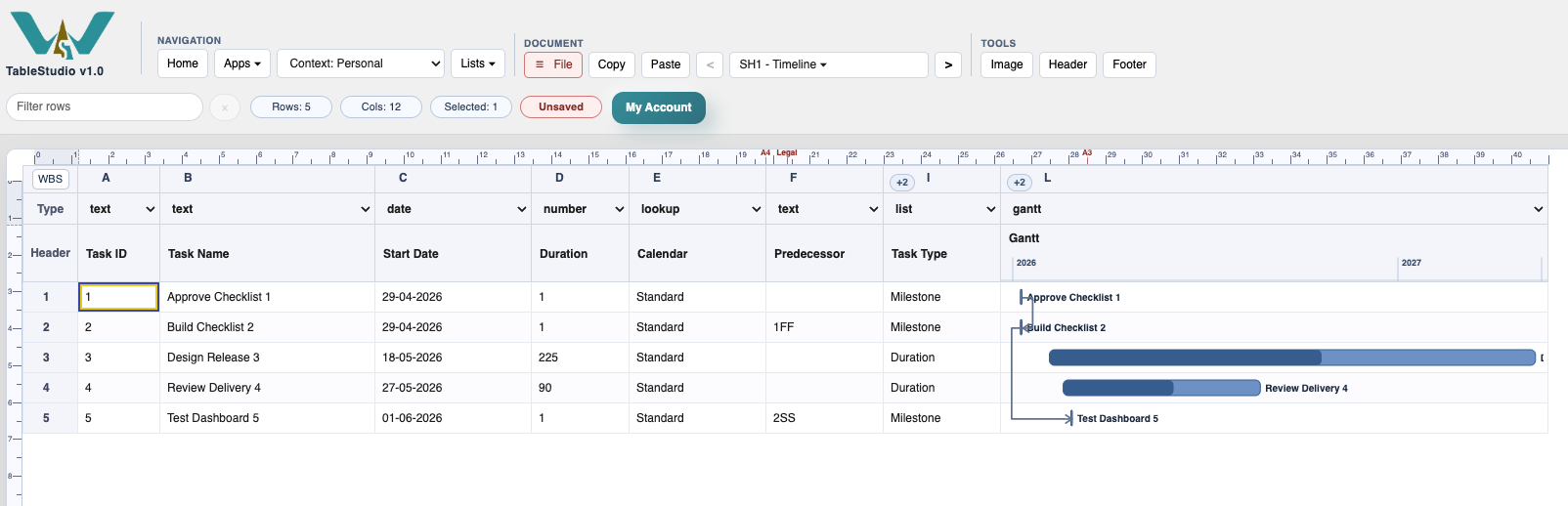
If you need a schedule with dates, durations, links, and a Gantt view, open TimeLine.
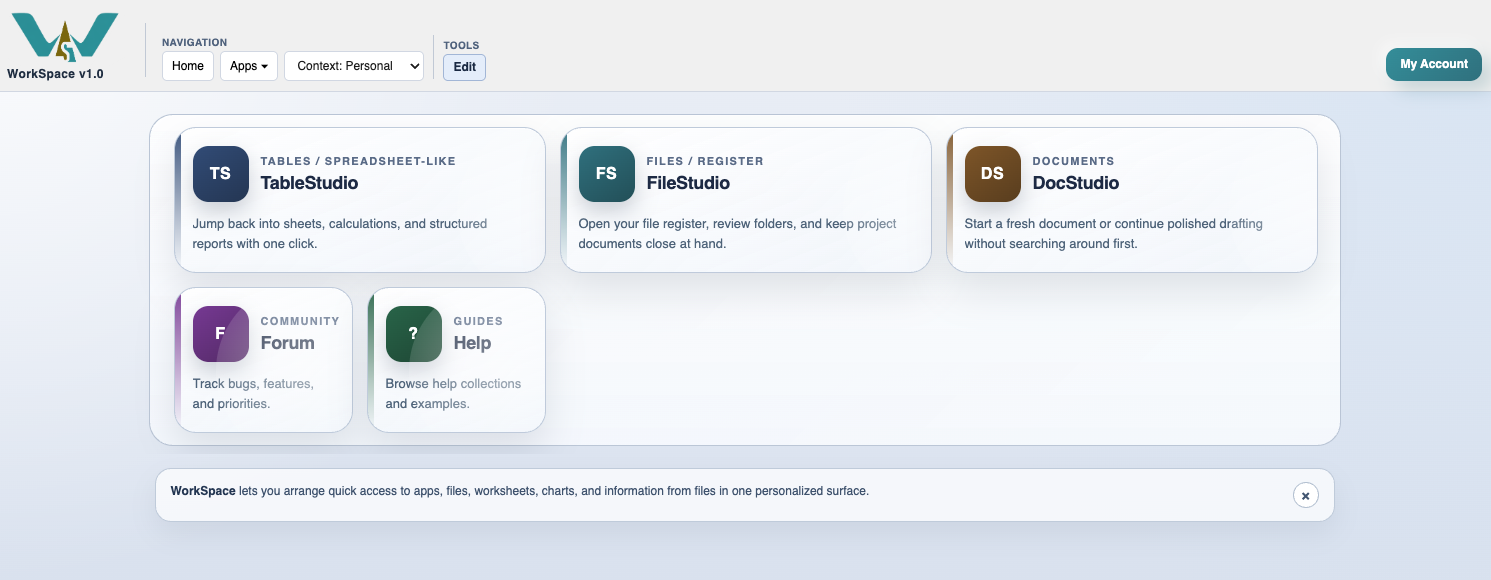
If you want one personal start page with app shortcuts, file views, and quick access panels, open WorkSpace.
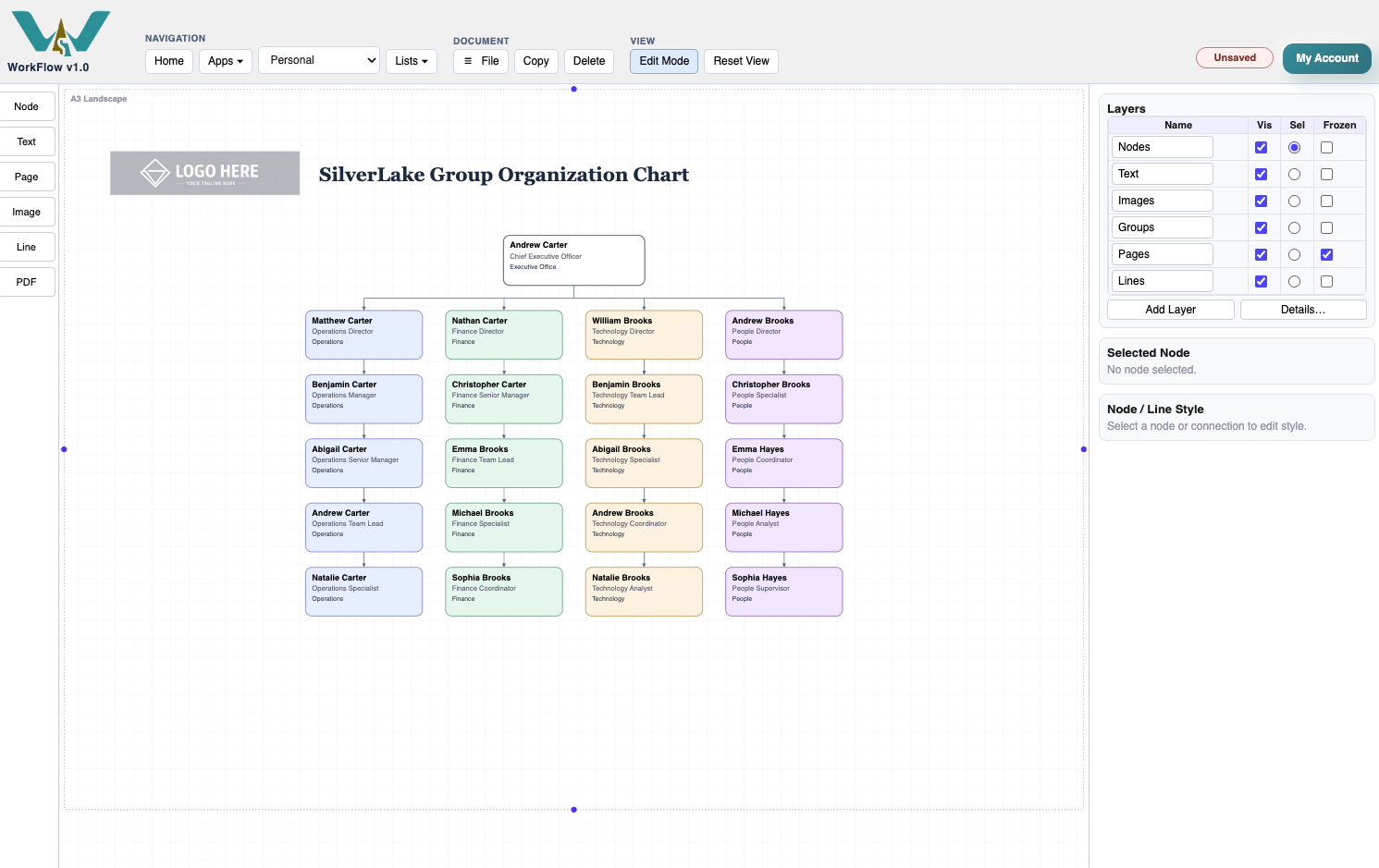
If you need to draw a process, flow, structure, or organizational chart, open WorkFlow.
Records can hold the structured information and connections around your work. Other WorkStudio apps provide focused tools for creating particular outputs.
For example, keep the people, organisations and project information in Records; prepare a document in DocStudio or a calculation in TableStudio; then attach the resulting file to the relevant record. Use the supported file and record actions deliberately—apps do not automatically synchronise every item.
If you are still not sure where to begin, start with the output you want to create first.
Related: Getting Started with WorkStudio, Saving in WorkStudio, WorkStudio Context.
TableStudio for structured sheet work
Use TableStudio for calculations, sheet structure, formulas, and report-style table work.
DocStudio for page-based documents
Use DocStudio when the result should look and print like a real document.
FileStudio for registered records and files
Use FileStudio when the work depends on record fields, search, folders, tags, annexes, and controlled file storage.
TaskBoard for flexible task planning
Use TaskBoard when you want a lighter task view that can switch between list, calendar, Gantt, and post-it layouts.
TimeLine for schedule planning
Use TimeLine when dates, durations, dependencies, and project sequence are the main focus.
WorkSpace for a personal launch surface
Use WorkSpace when you want one organized place to open apps, files, and panes quickly.
WorkFlow for visual process maps
Use WorkFlow when the work is easiest to understand as nodes, lines, and visual structure.
Enable JavaScript to use reading progress and usefulness ratings.