
Getting Started with WorkStudio
Start with Records to capture and connect your information, then explore the WorkStudio tools around it.
WorkStudio brings your information and the tools you use around it into one platform. Start with Records when you want a place to record anything and connect anything: people, documents, ideas, collections, resources and project information.
Each item becomes a record with a useful Type and properties. Connect records through Relations, attach Documents and build a collection that reflects your life or work. A Person can connect to family members and photographs; a company Project can connect to BOQ items, Breakdowns, Resources and supporting price offers. You can extend the ready-made Types and properties for your own information.
Begin with Records: Record Anything, Connect Anything, Create Your First Record, then Connect Your Information.
Use the other WorkStudio apps when you need a focused tool: documents, spreadsheets, task boards, schedules, process diagrams or document registers. Which WorkStudio App Should I Use? helps you choose.
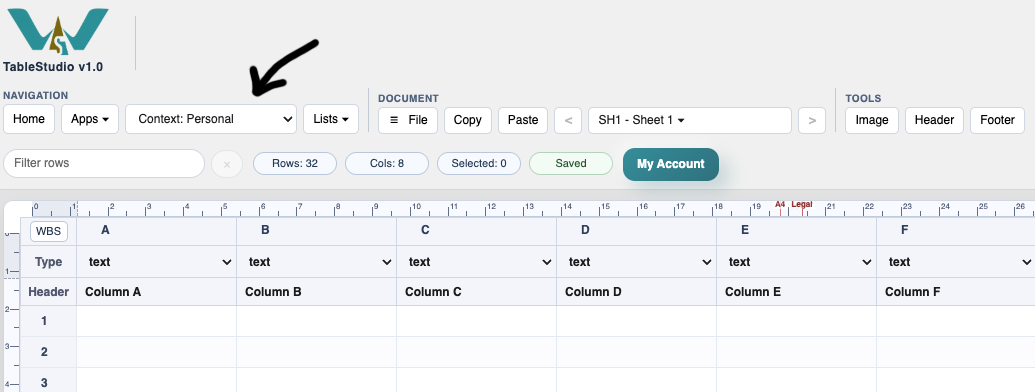
Before loading or saving, check Context. Personal, Company and Project contexts keep the relevant working information and access together. Connections do not automatically move information between contexts or grant access to it.
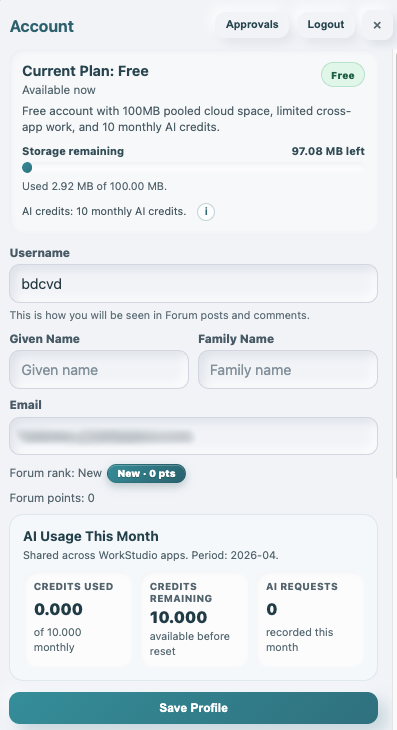
You can start with local files without an account. Sign in when you need your account's online storage or authorised shared work. Use My Account for your plan, profile and security settings.
Continue with Saving in WorkStudio, WorkStudio Context, WorkStudio Account Types, and 2-Step Authentication.
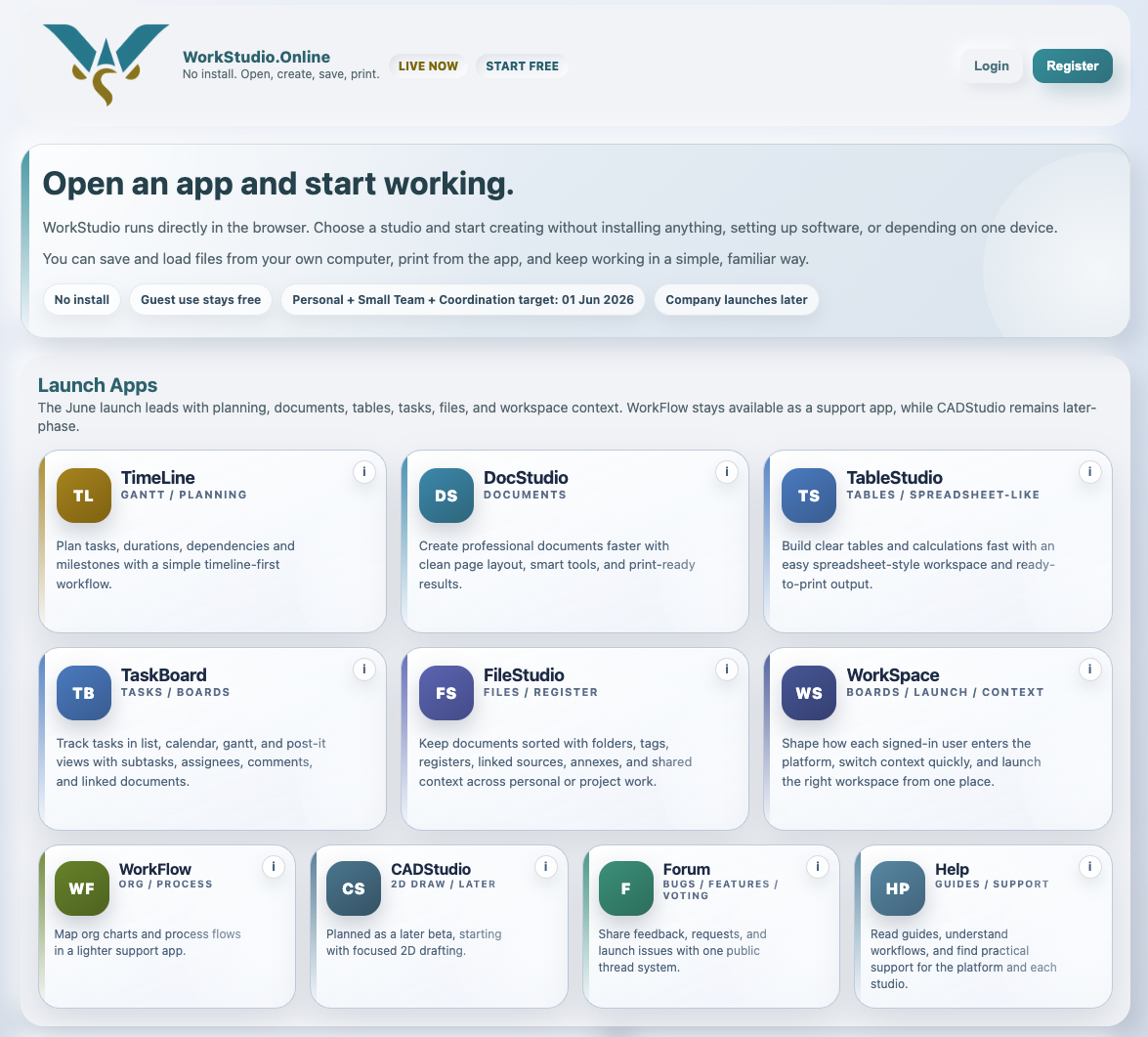
Start from the WorkStudio main page
The main page is the easiest place to understand the platform and choose the first app to open.
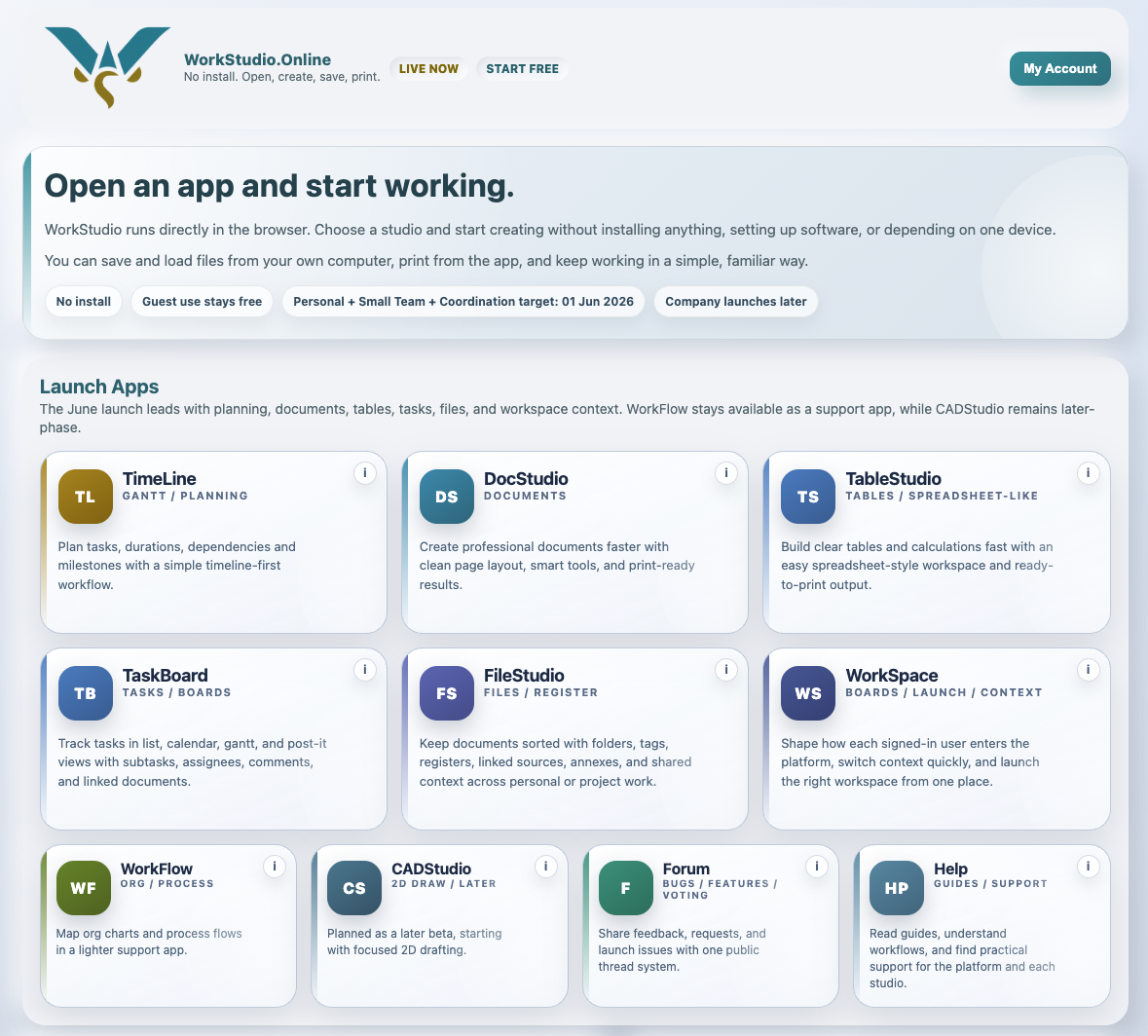
Signed in and ready to work
After sign-in, the same platform becomes your working entry point for apps, plans, and shared space.
Check Context inside an app
Before saving or loading, check the toolbar context so you know whether you are working in personal, company, or project space.
Manage account and plan details
My Account is where you manage plan details, account settings, and security features such as 2-step authentication.
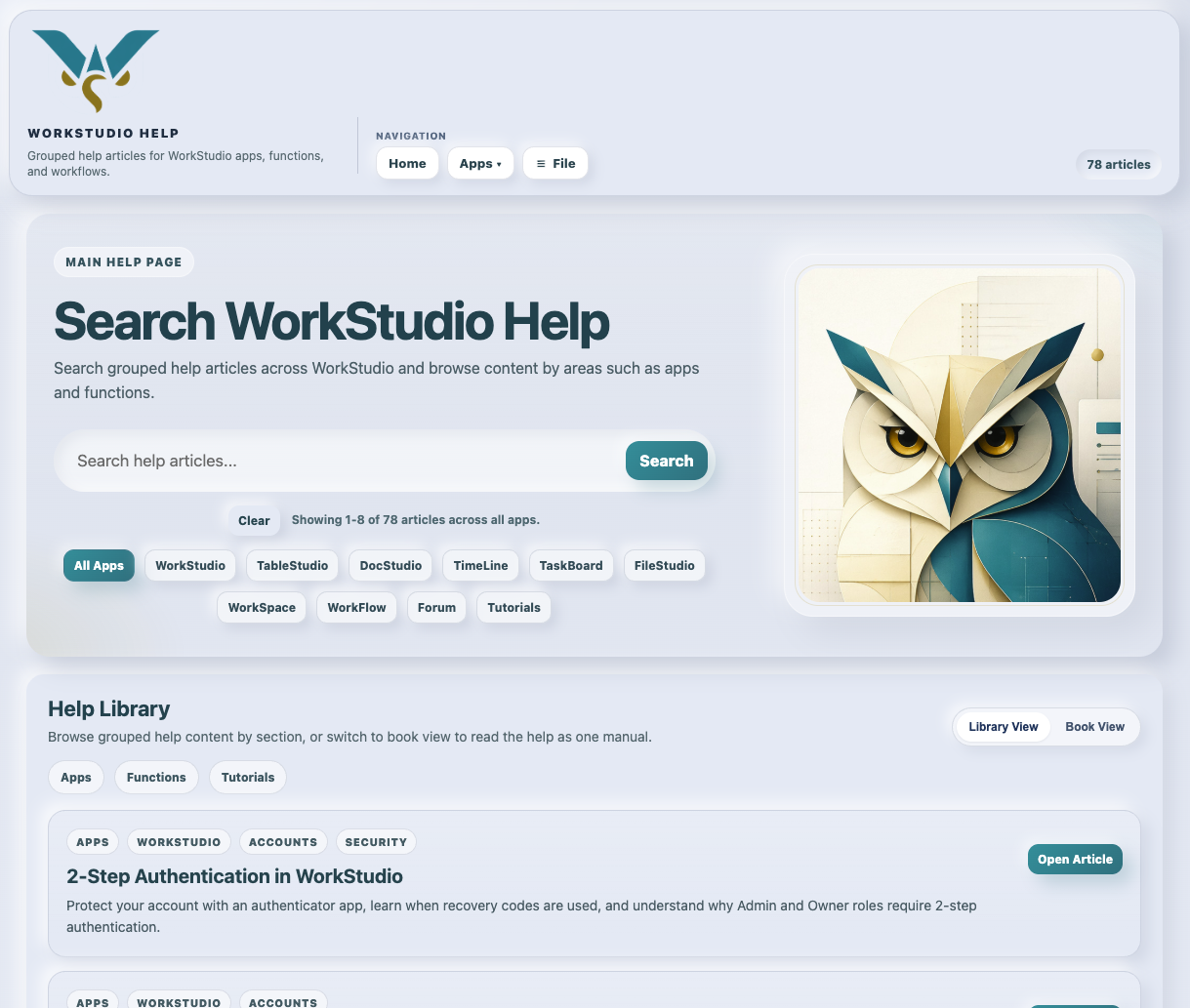
Use Help to search and browse
The Help app lets you search by app or topic, open linked articles, and read the full manual in book view.
Enable JavaScript to use reading progress and usefulness ratings.