
Saving in WorkStudio
Save Records collections and app files locally or in the authorised Personal, Company or Project context.
Saving in WorkStudio depends on the app and the target.
In TableStudio and DocStudio, File > Save opens clear save tabs.
Save to computer downloads the file to your own device.
Save in personal account stores it in your own cloud area.
Save in Company / Project stores it in shared space or as a draft in the selected context.
Before remote save, check Context.
Context tells you where the app is currently working.
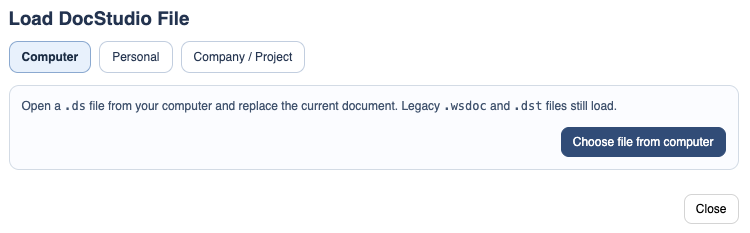
Load follows the same idea. You can open files from your computer, your personal area, or a shared company or project area.
FileStudio works differently.
You do not save one loose sheet or one loose document there.
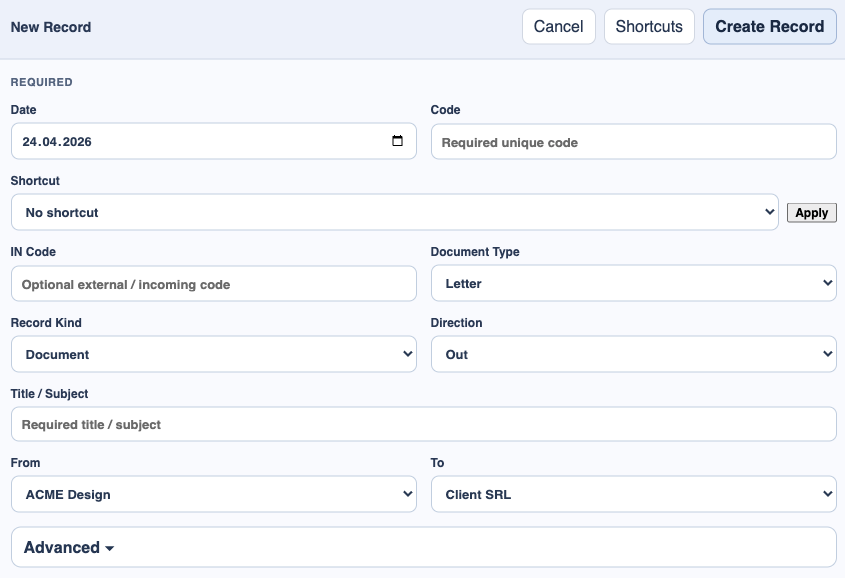
Instead, you save a record with fields, and you can add a main file and annexes to that record.
If you are not signed in, local save is the simple path in TableStudio and DocStudio. FileStudio record storage requires an account.
Related: WorkStudio Context, TableStudio, Saving in TableStudio, DocStudio, Saving in DocStudio, Registering a Record in FileStudio.
In Records, save the collection in the active authorised context, or export a .ca collection to keep a local copy. Opening a downloaded practice collection does not save it into your online collection automatically. Save your current work before switching collections. See Save Records and Control Access for the Records workflow.
Check Context before saving
The toolbar context tells you whether the app is currently working in personal, company, or project space.
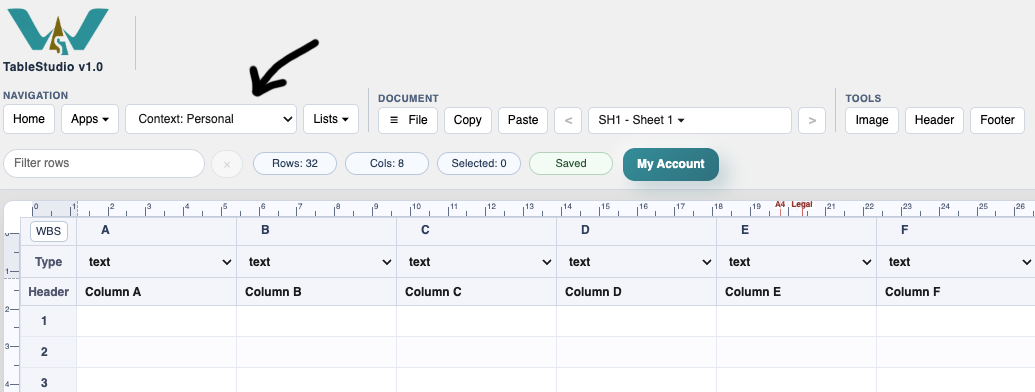
TableStudio: save to computer
Use this tab when you want a local .wstable file on your own device.
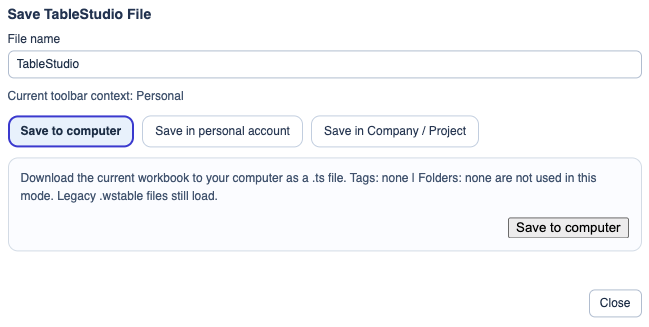
TableStudio: save in personal account
Use this tab when the workbook should stay in your own WorkStudio cloud area.
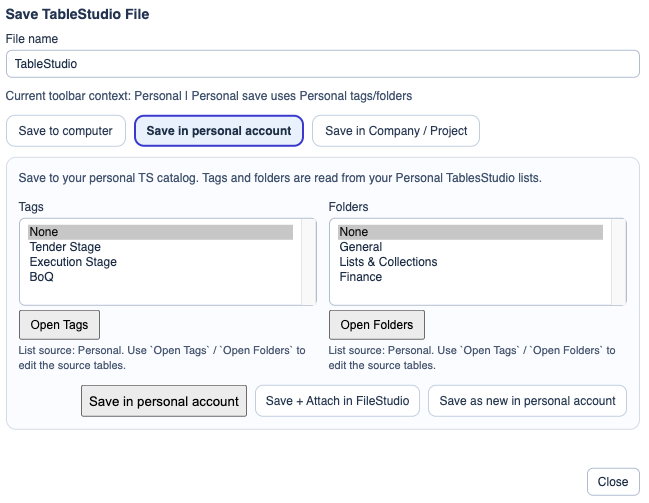
TableStudio: save in Company / Project
Use this tab when the workbook belongs in shared company or project space.
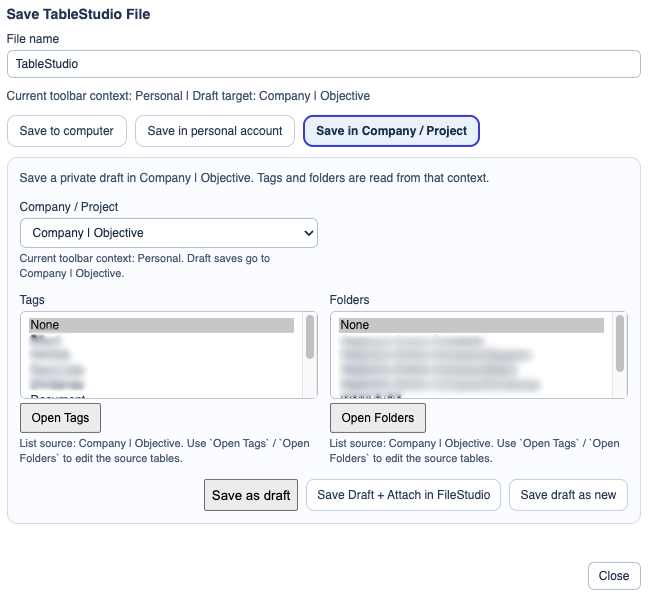
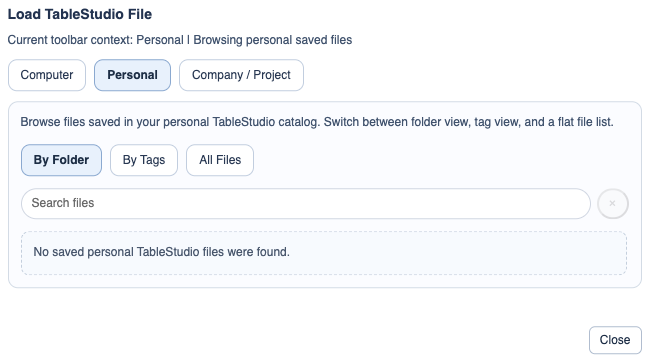
Load a saved TableStudio workbook
Load follows the same structure, so you can reopen local, personal, or shared files.
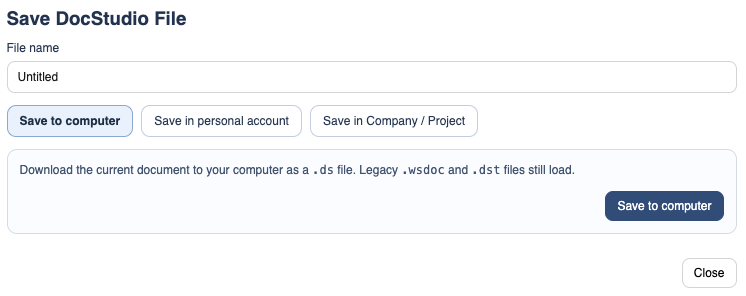
DocStudio: save to computer
Use this tab when you want a local .wsdoc file on your device.
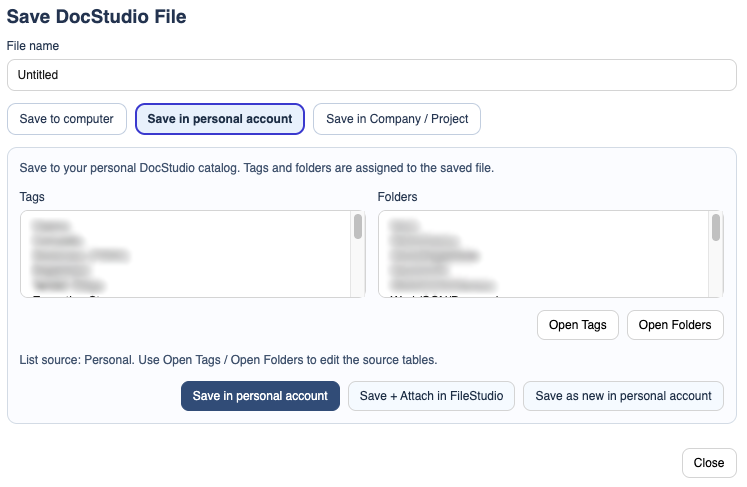
DocStudio: save in personal account
Use this tab when the document should stay in your own DocStudio cloud area.
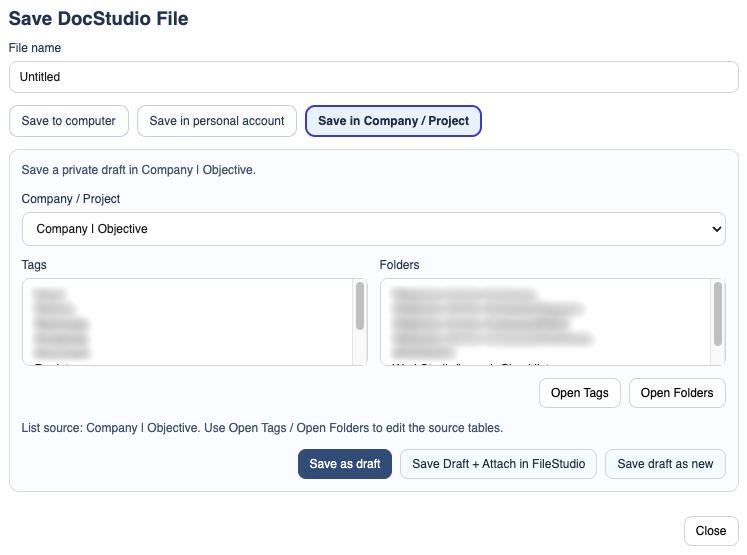
DocStudio: save in Company / Project
Use this tab when the document belongs in shared company or project work.
Load a saved DocStudio file
DocStudio load follows the same target logic as save.
FileStudio saves records, not loose files
In FileStudio you save a record with fields first, then attach the main file and any annexes that belong to it.
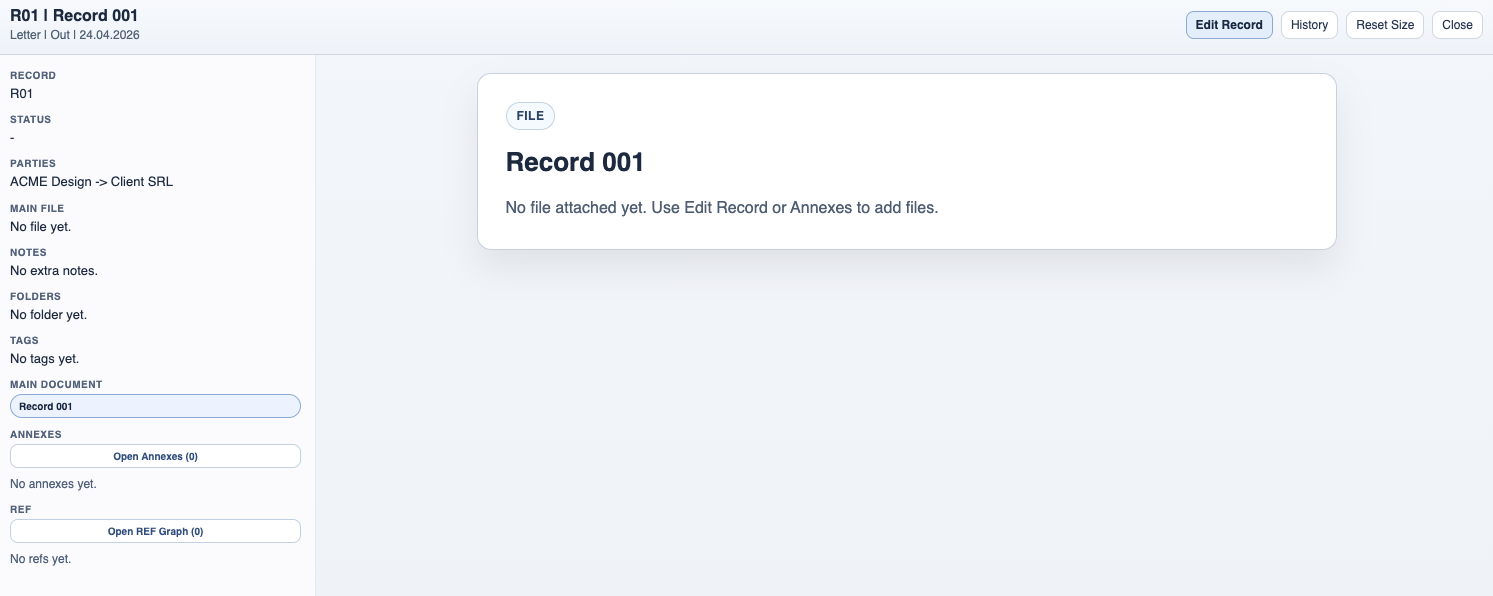
Saved FileStudio records stay searchable
After saving, the record becomes part of the register and can be found again through FileStudio views and filters.
Enable JavaScript to use reading progress and usefulness ratings.