
Connect a Record to People, Documents, and Other Records
Add roles, attach documents, create two-way relations, and review the resulting network without duplicating information.
Connections keep related information reusable. A document should be stored once and a relation should be visible from both records.
Related: How a Record Is Built, People, Companies, and Working Relationships.
Open the record
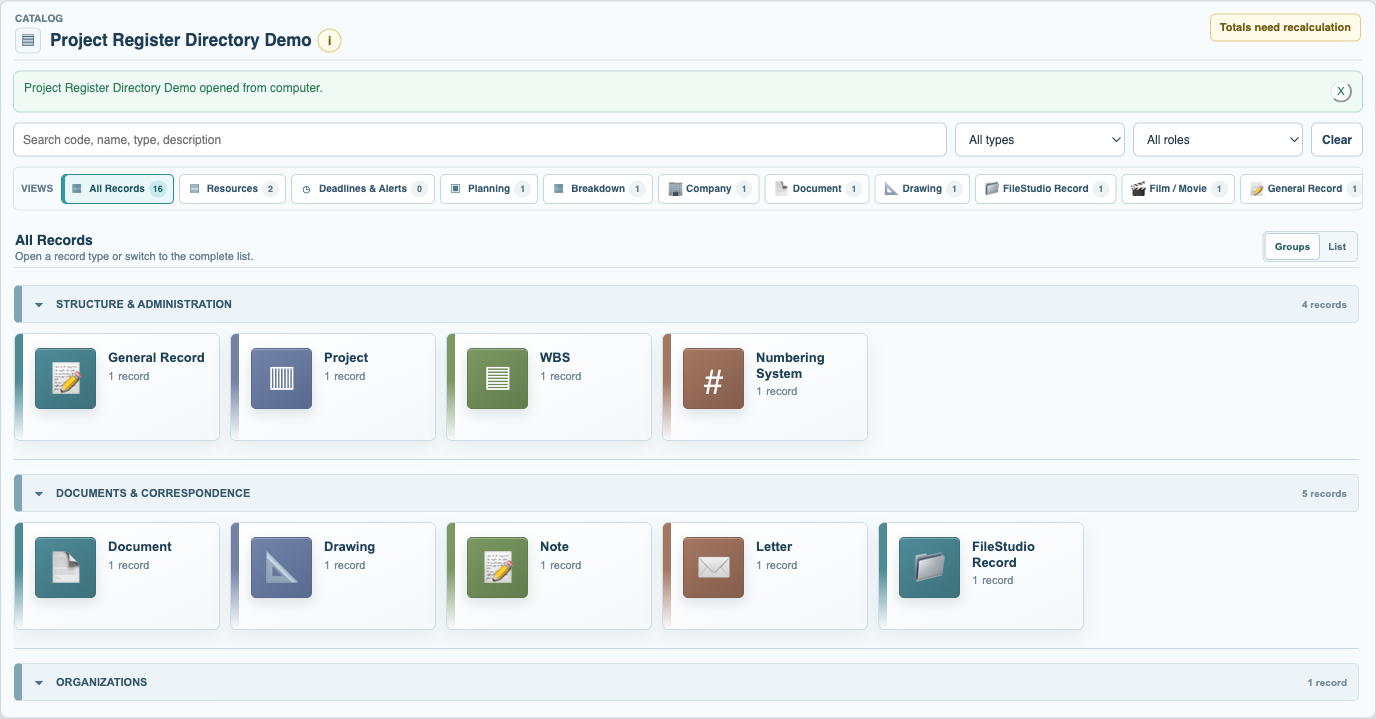
Find the record in its focused Type view and open it. Confirm that you are in the correct context before editing shared information.
Review its current information
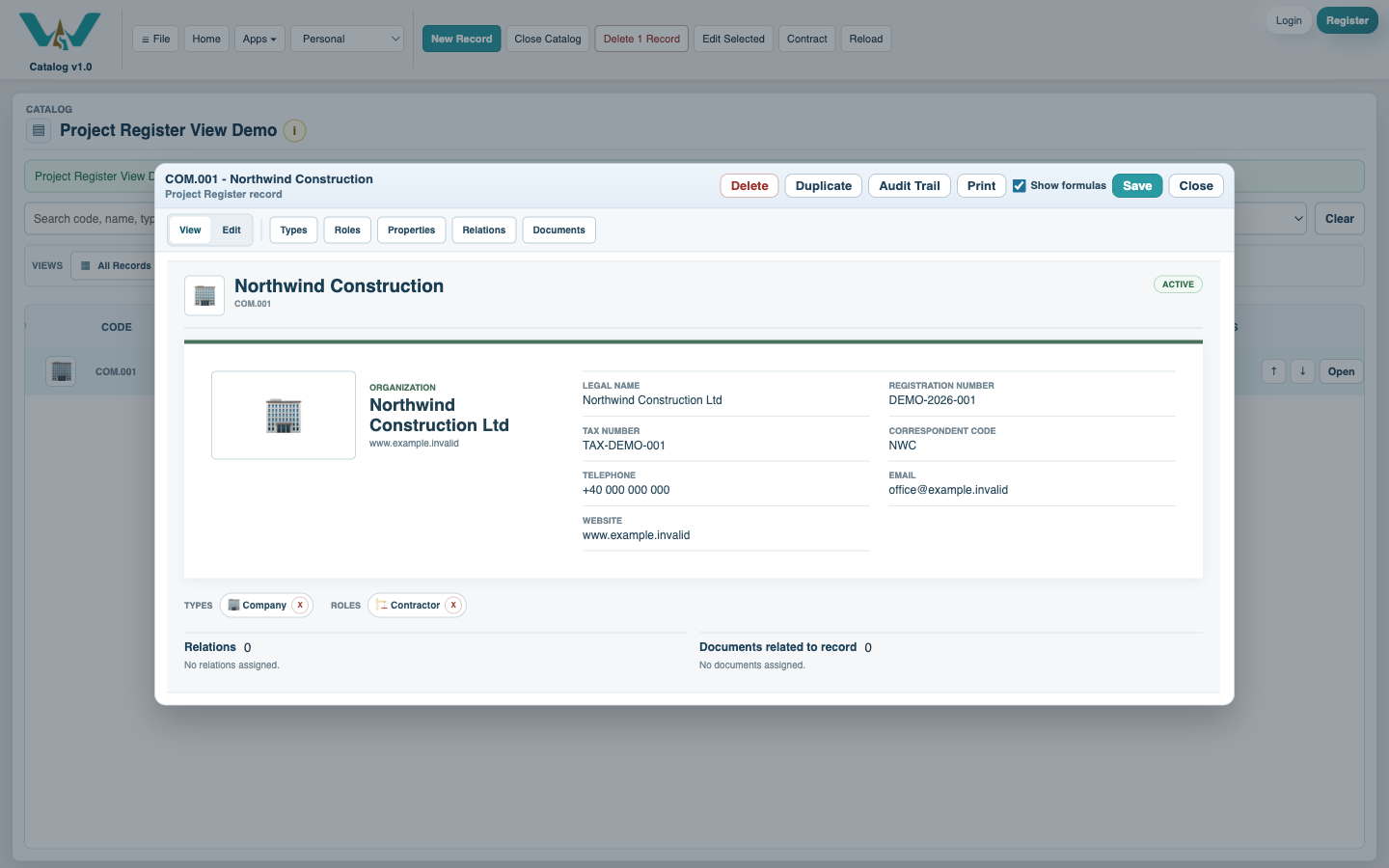
Use View mode to understand the assigned Types, Roles, properties, Documents, and Relations before adding another connection.
Add the related person or organization
Open Relations, choose the relationship, and search for the existing Person or Company. Create the related record only when it does not already exist.
Attach the supporting document
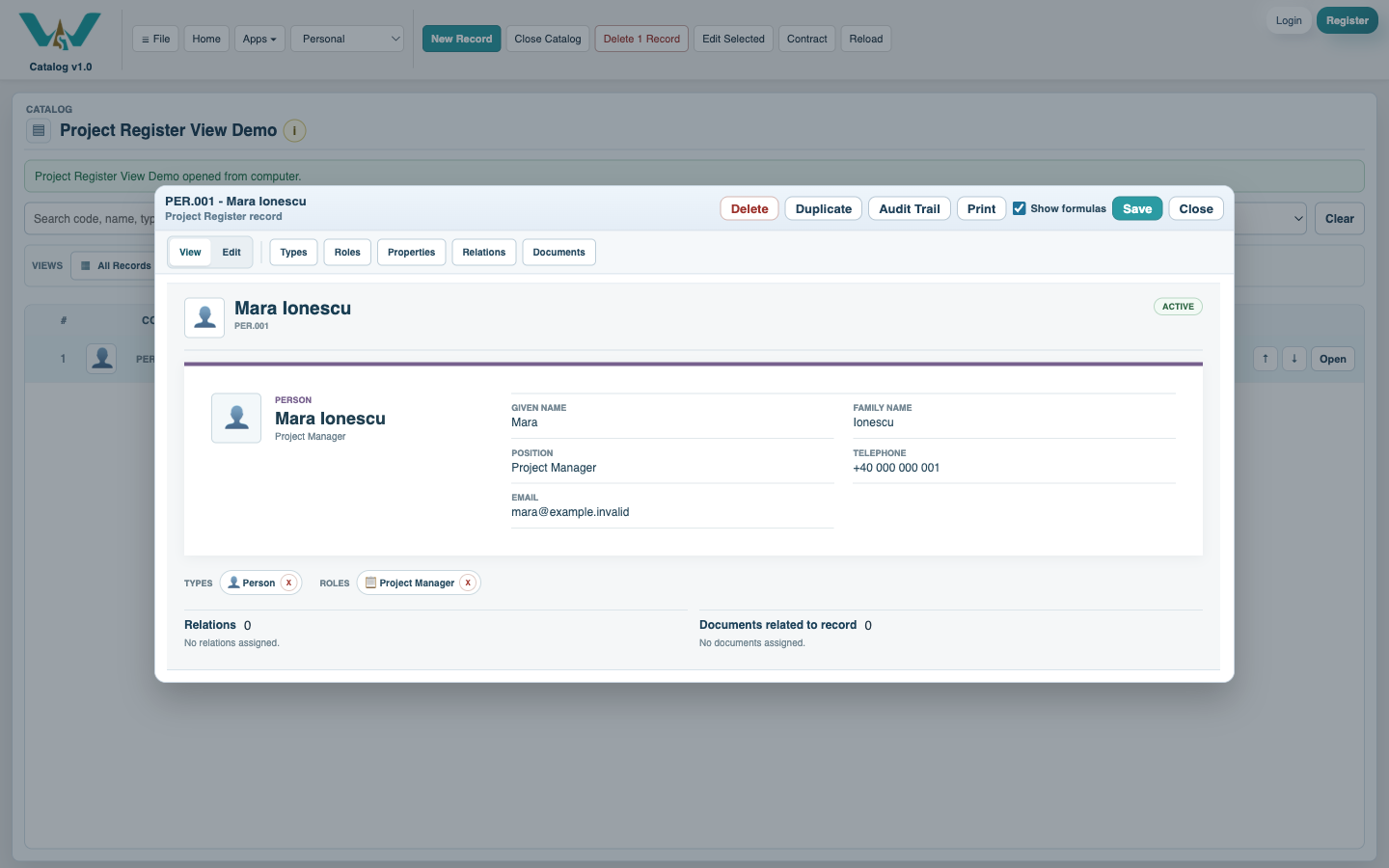
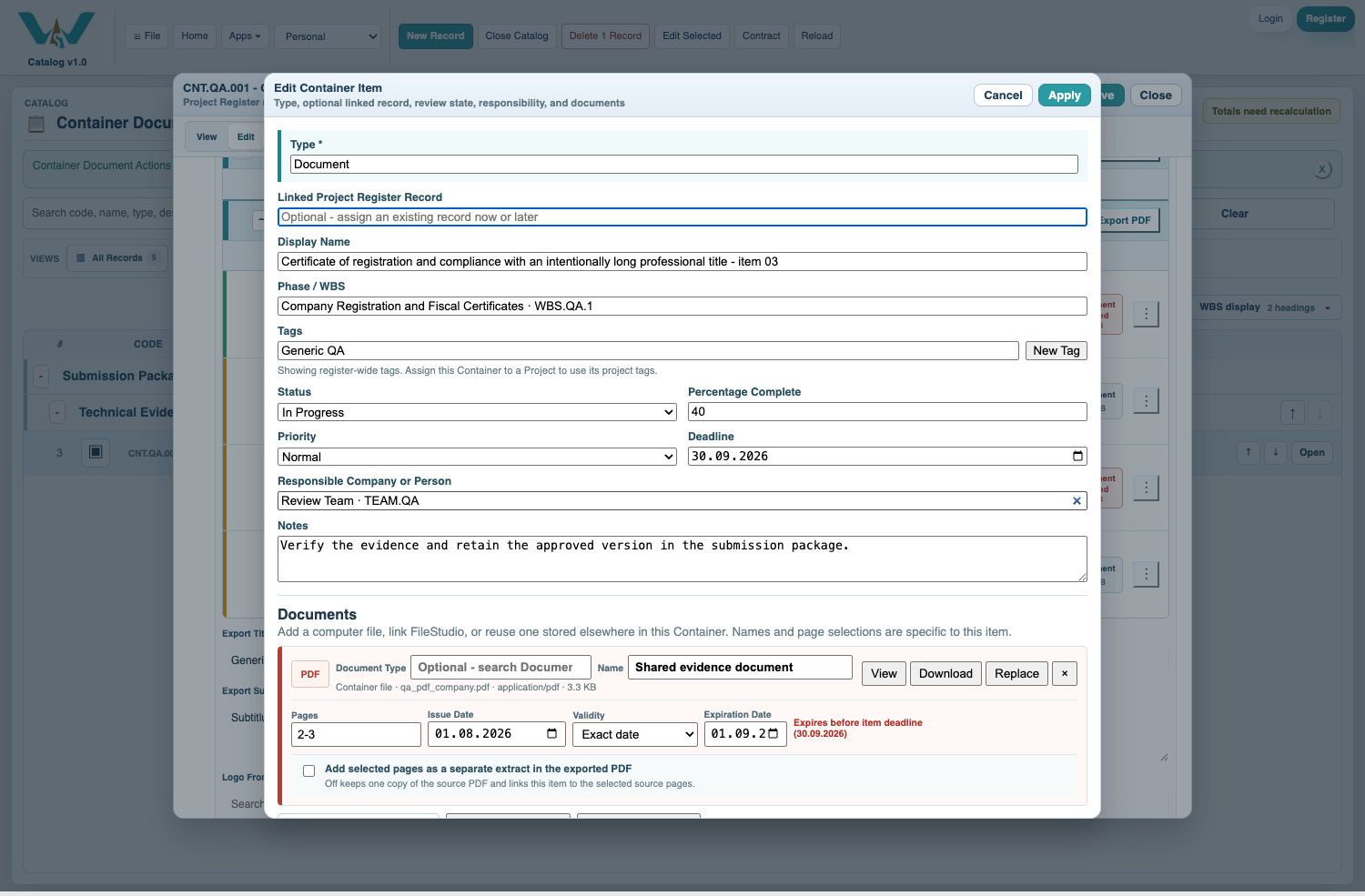
Open Documents and add the file from the computer or FileStudio. Choose the correct owning section so the document appears beside the information it supports.
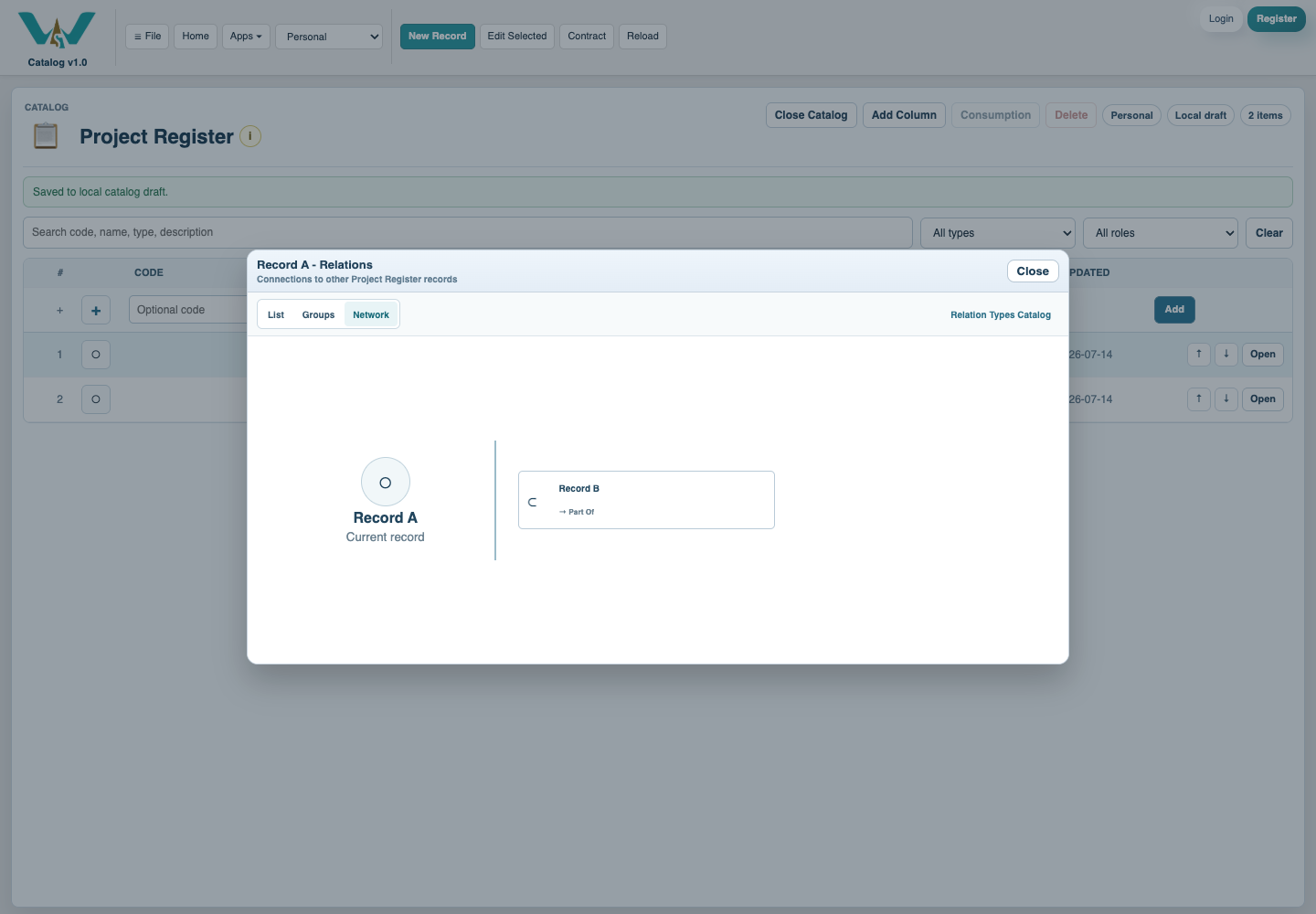
Inspect the relationship network
Open the Relations column or record Relations view and choose the network display when you need to understand how several records connect.
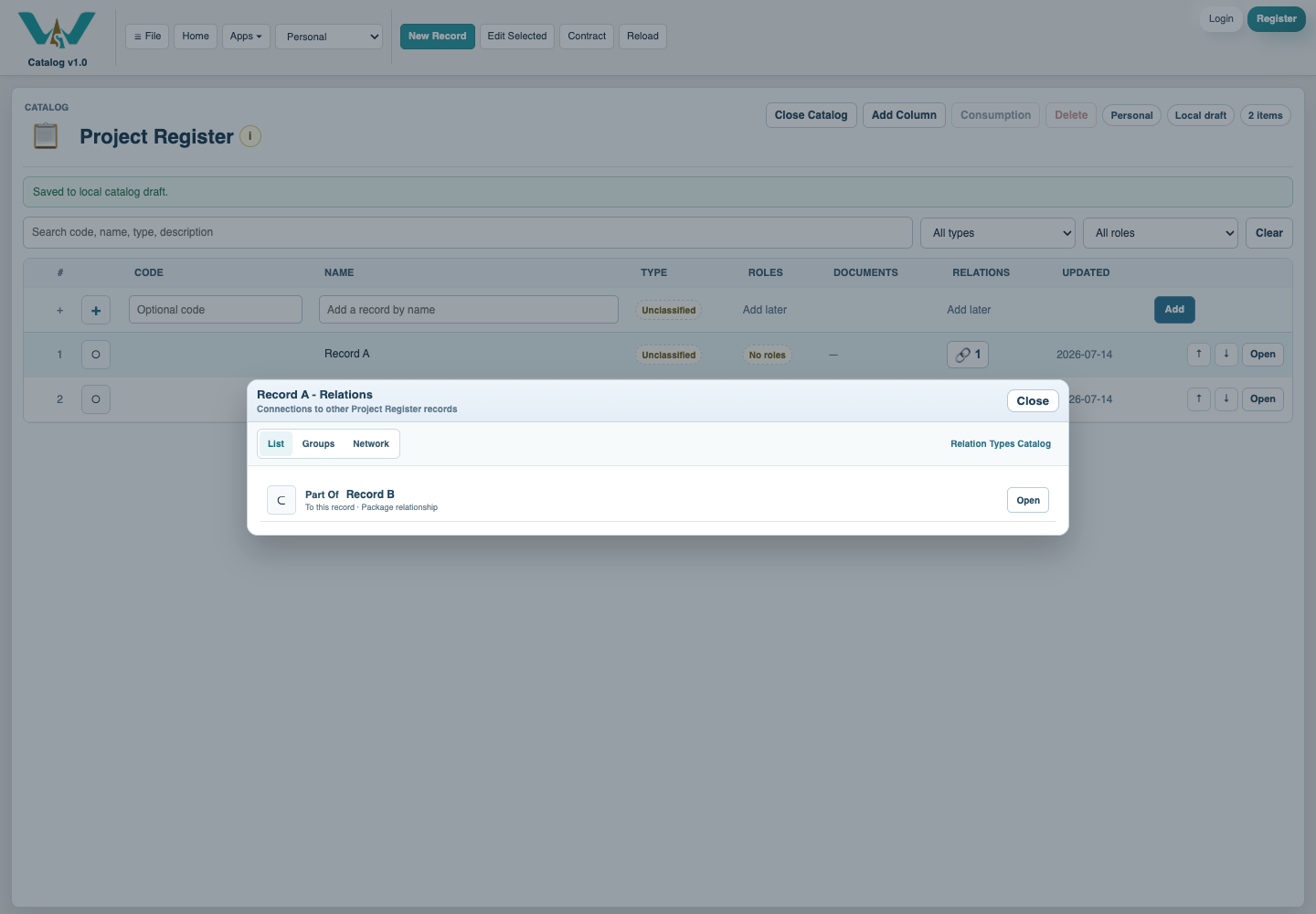
Confirm both directions
Switch to the relationship list, open the other record, and confirm the reverse connection. Save the changed records and then save the collection.
Enable JavaScript to use reading progress and usefulness ratings.