
Create Your First Record
Open Records in the intended context, choose a Type, complete the identity, review its default properties, and save it.
Use this walkthrough for any standard record Type. The exact default properties change with the Type you choose.
Related: Records Overview, How a Record Is Built, Save Records and Control Access.
Open Records in the intended context
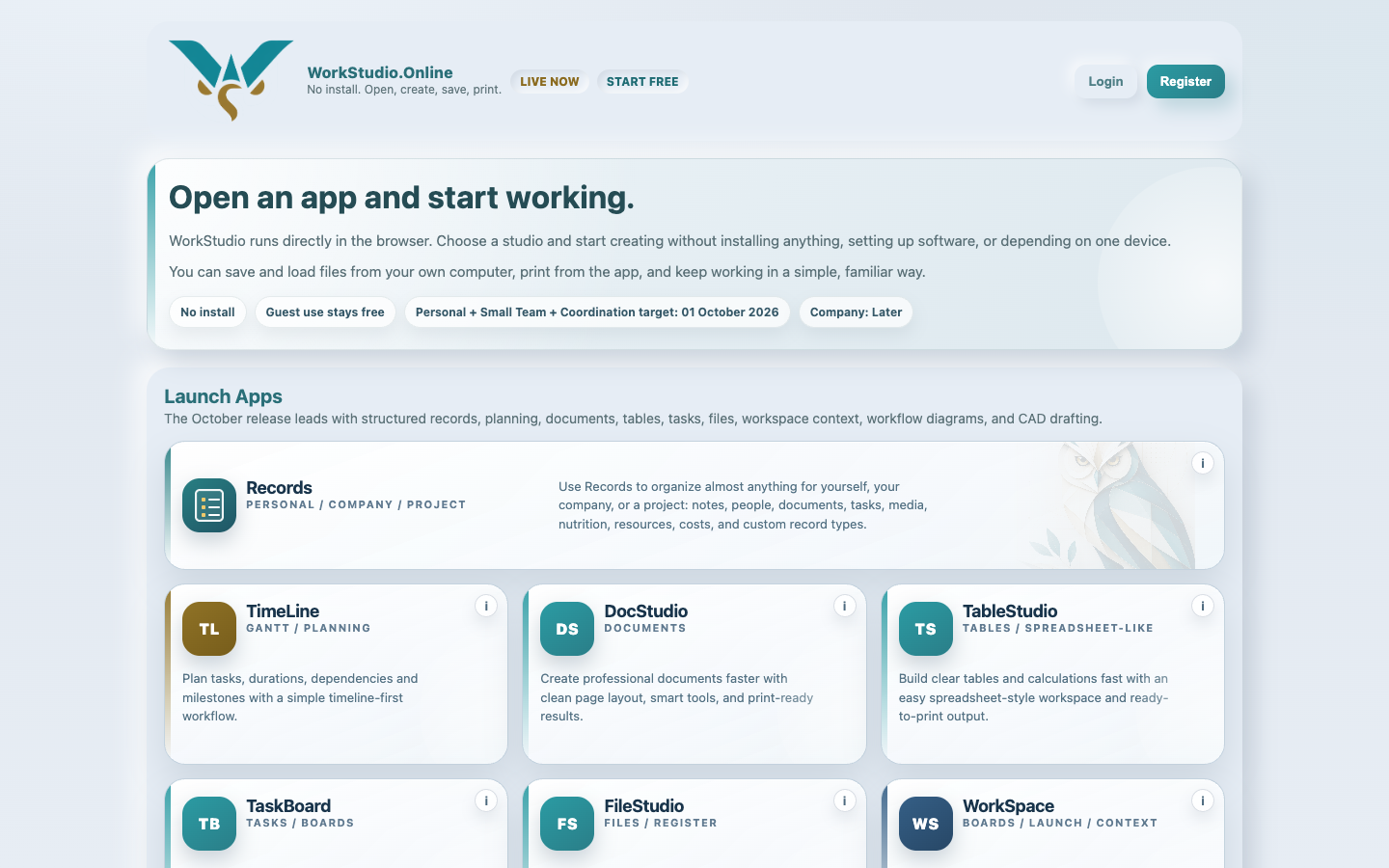
Check Personal, Company, or Project in the WorkStudio context control, then open Records. The app opens that context's main collection.
Choose the relevant view
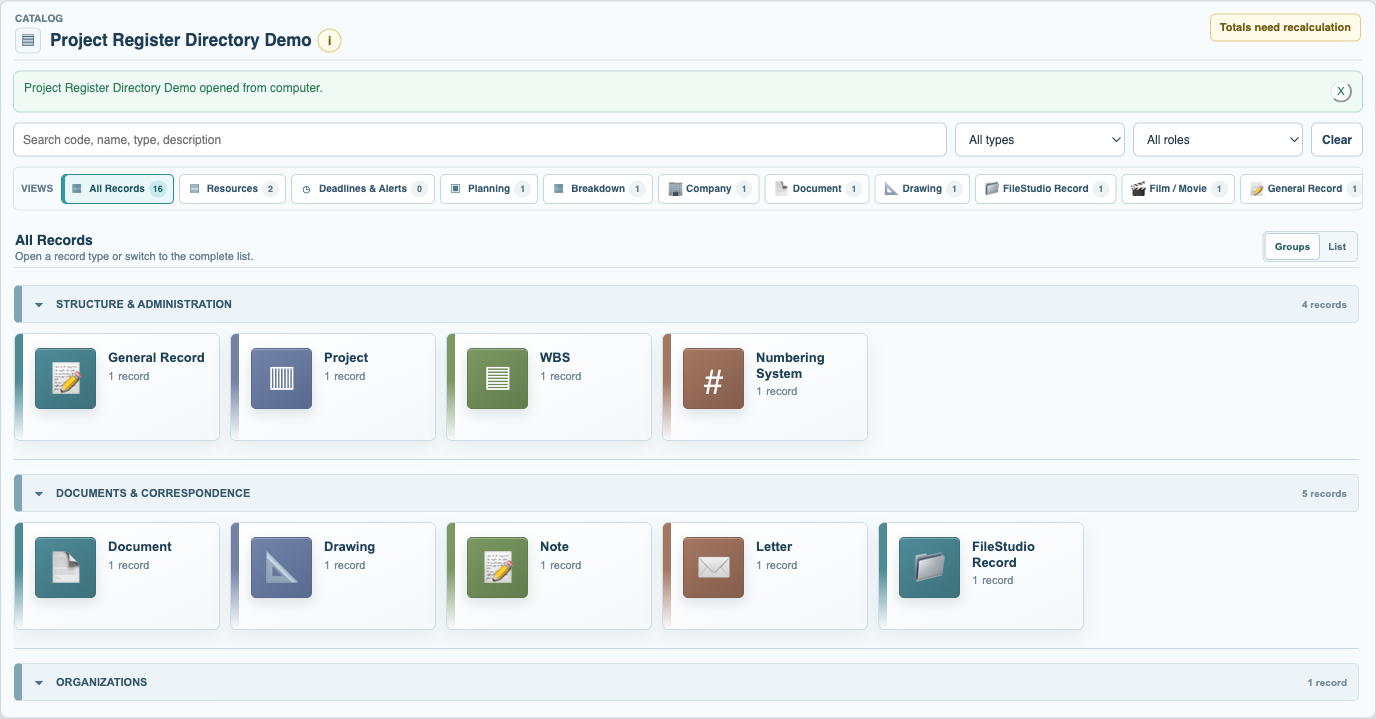
Use the grouped All Records directory or open an existing Type view. Starting from a Type view makes that Type the first suggestion in New Record.
Choose what you are creating
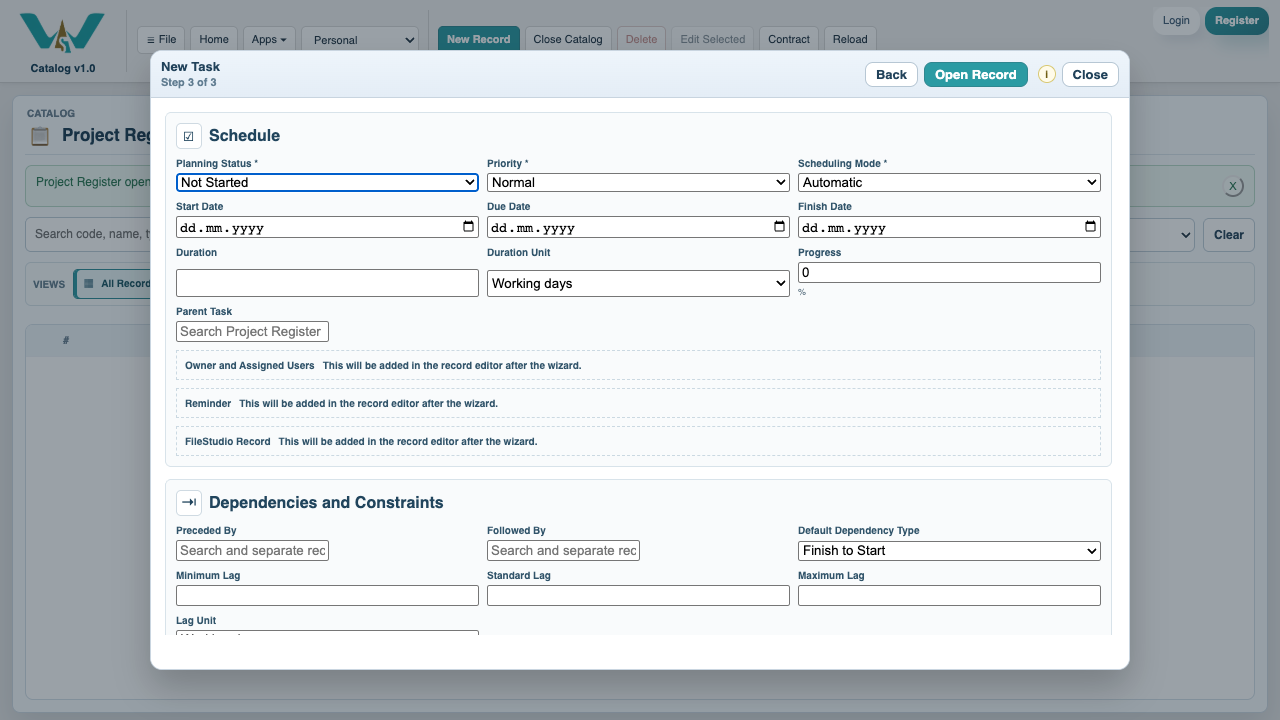
Select New Record, search for a Type, and choose it. The available Types follow your context and rights.
Enter the record identity
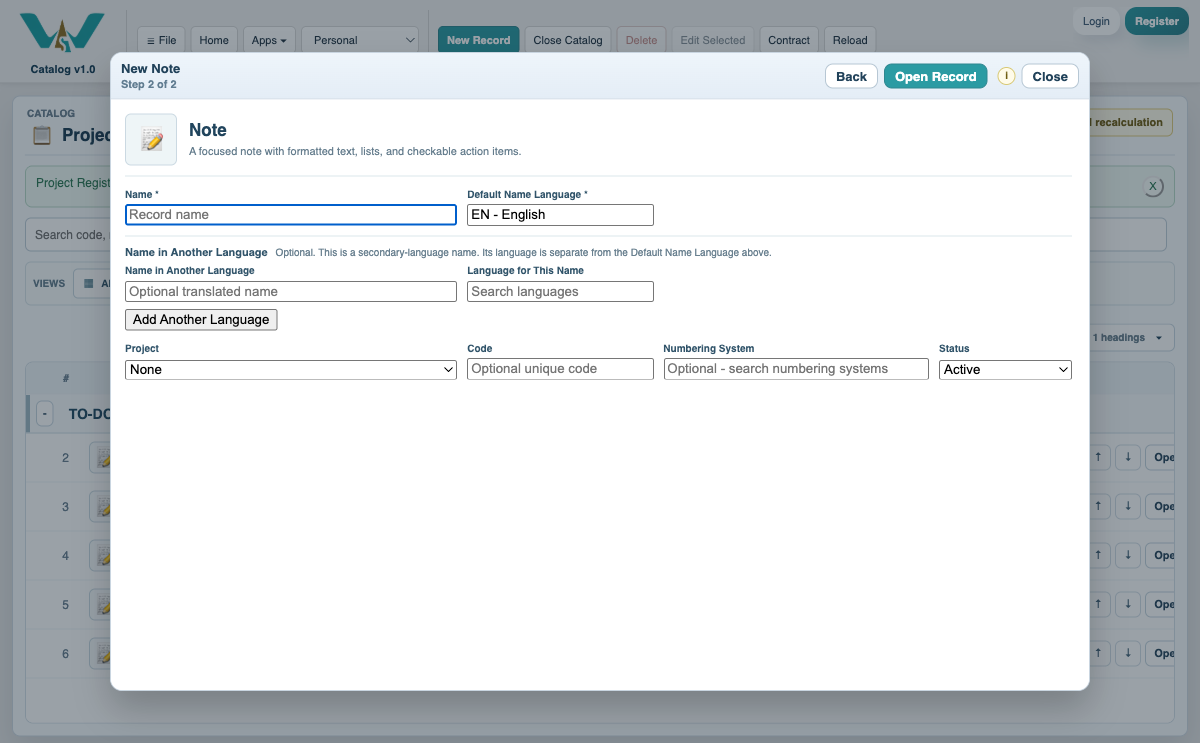
Enter the Name and its language. Add a Code when needed. If you add a name in another language, select that language too.
Complete the useful properties
Review the default properties for the Type. Fill only what is known now; additional properties, documents, roles, and relations can be added later.
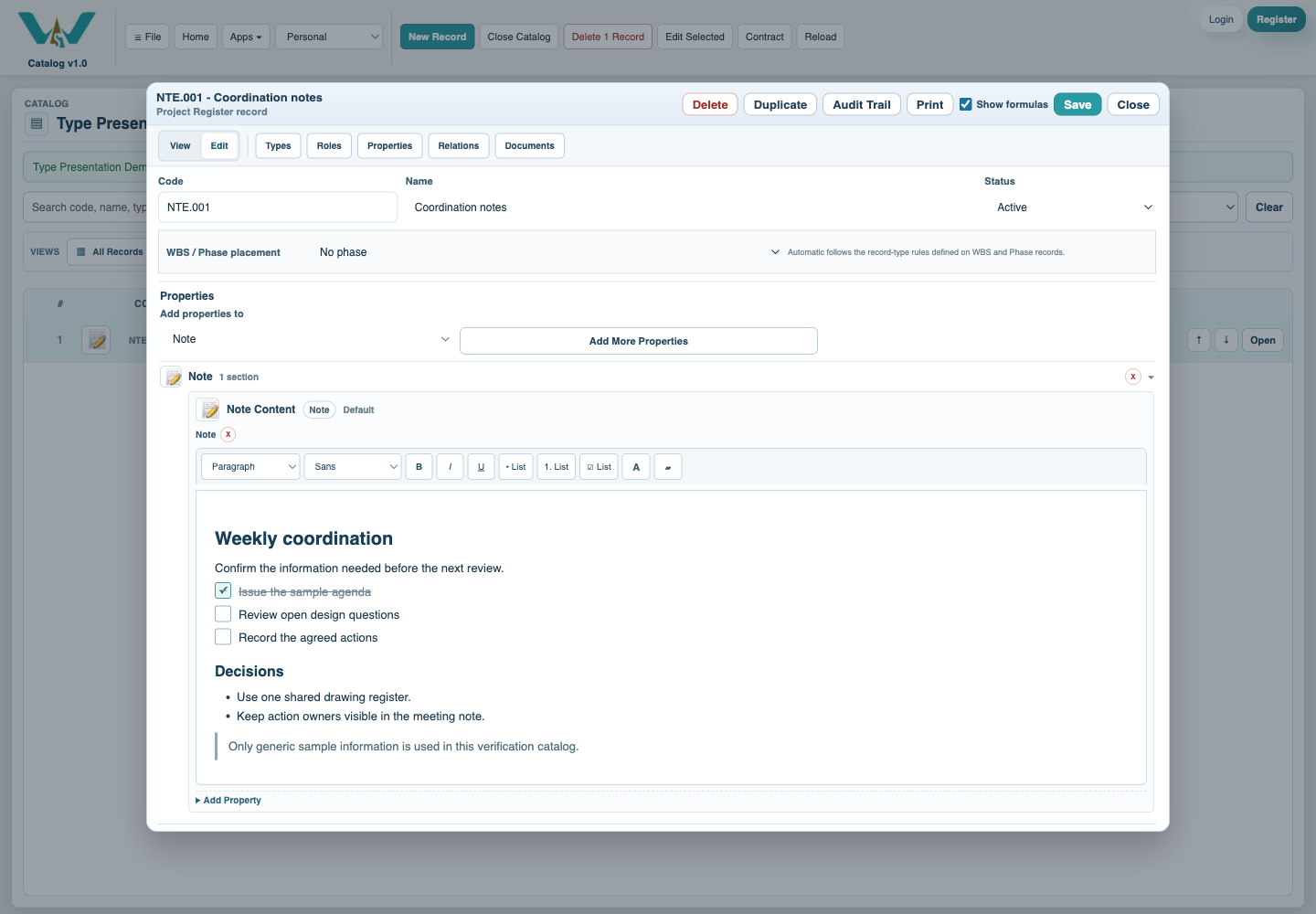
Review and save
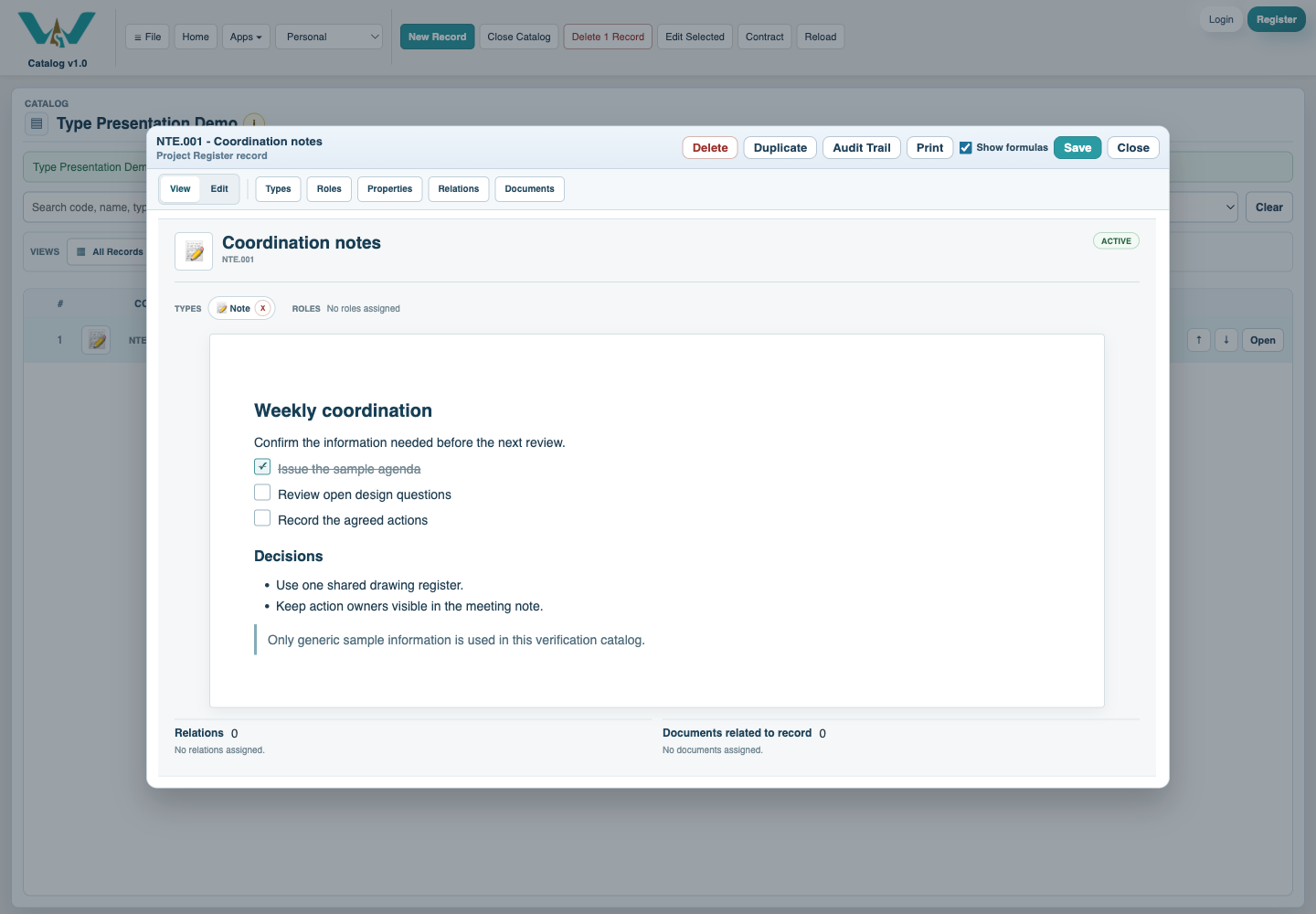
Switch to View to check the result, save the record, then select Save Catalog when the open collection is ready to persist.
Enable JavaScript to use reading progress and usefulness ratings.