
Load, Copy, and File Actions in WorkFlow
Explains the File menu actions available in WorkFlow, including New, Save, Load, File Settings, Print, and Generate WorkFlow.
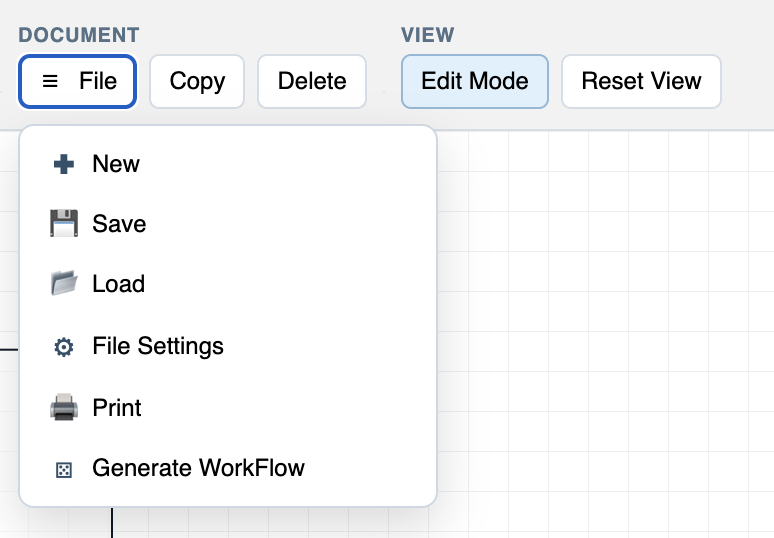
The File menu keeps workflow-level actions in one place.
Use New when you want a clean workflow. Use Save when the current workflow should be stored. Use Load when you want to open an existing .wf file or a saved WorkStudio workflow.
File Settings opens metadata and attachments. Print opens print setup. Generate WorkFlow creates a starter organigram or family tree layout.
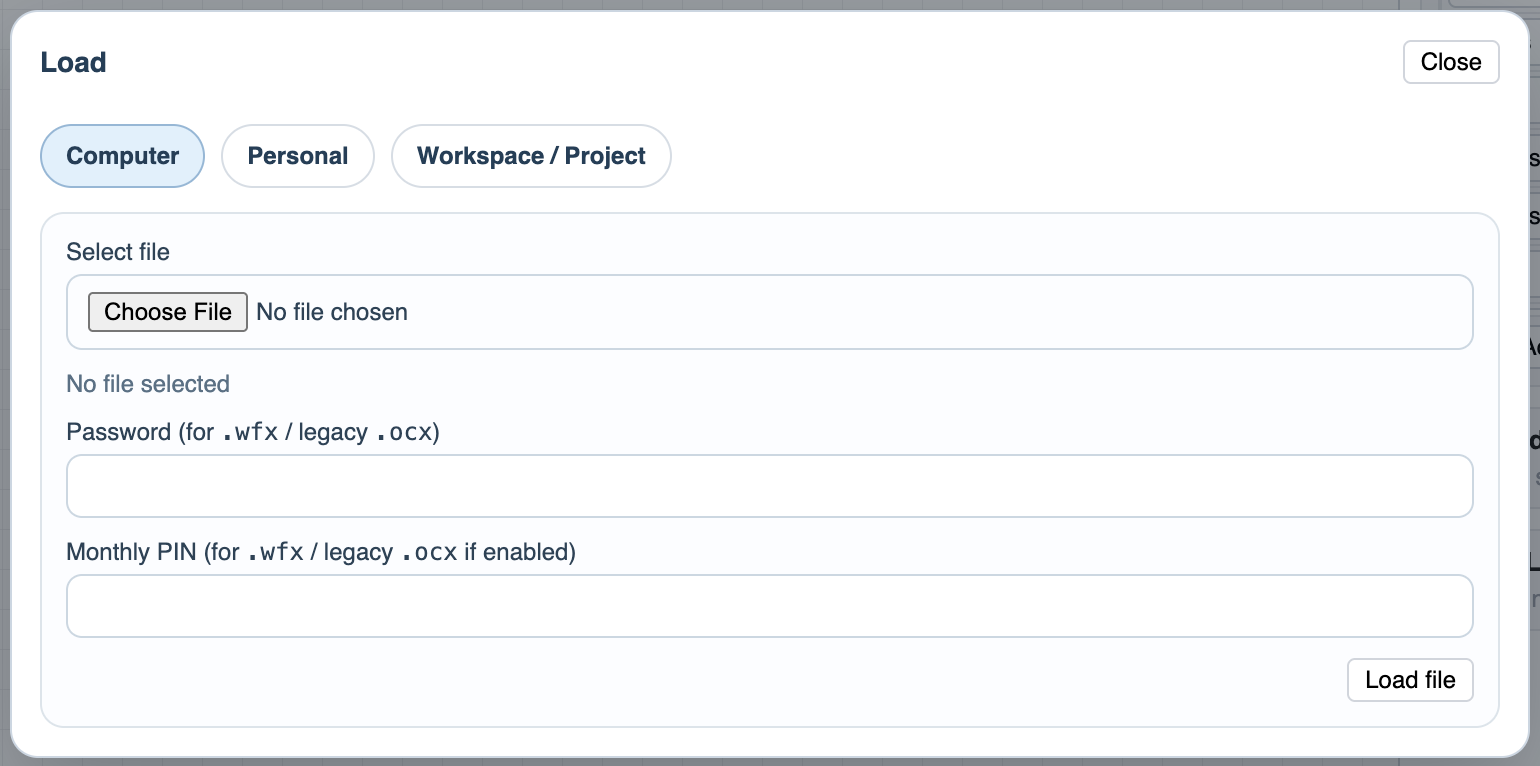
The load screen follows the same WorkStudio idea as the other apps: files can come from the computer or from a WorkStudio context when that storage option is available.
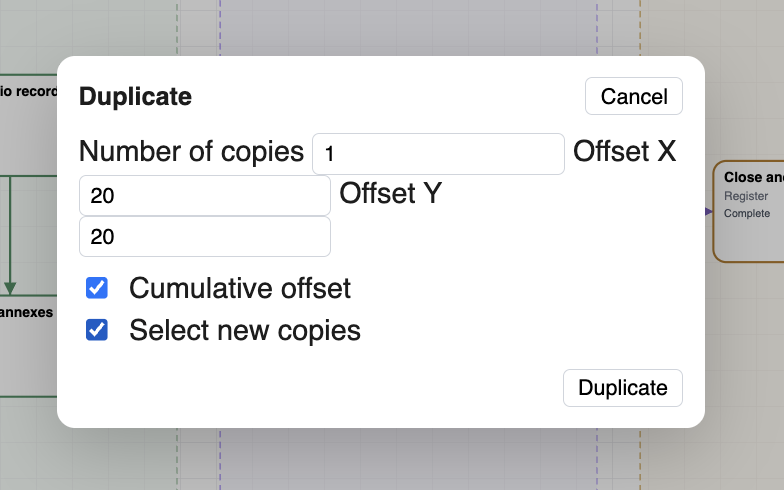
Copy is useful when you want to duplicate or reuse workflow content without rebuilding it from scratch.
Related: Saving in WorkFlow, File Settings in WorkFlow, Generate WorkFlow, Print Setup in WorkFlow, WorkStudio Context.
File menu
The WorkFlow File menu groups the main file actions: New, Save, Load, File Settings, Print, and Generate WorkFlow.
Load workflow
The load screen lets users open WorkFlow files from available locations.
Copy workflow
Copy creates a reusable duplicate path for workflow content.
Enable JavaScript to use reading progress and usefulness ratings.