
Print Setup in WorkFlow
Explains how WorkFlow print setup controls page size, orientation, borders, grid, and chart padding.
Print Setup prepares a workflow for paper or PDF output.
Use it when the canvas needs to become a clean deliverable.
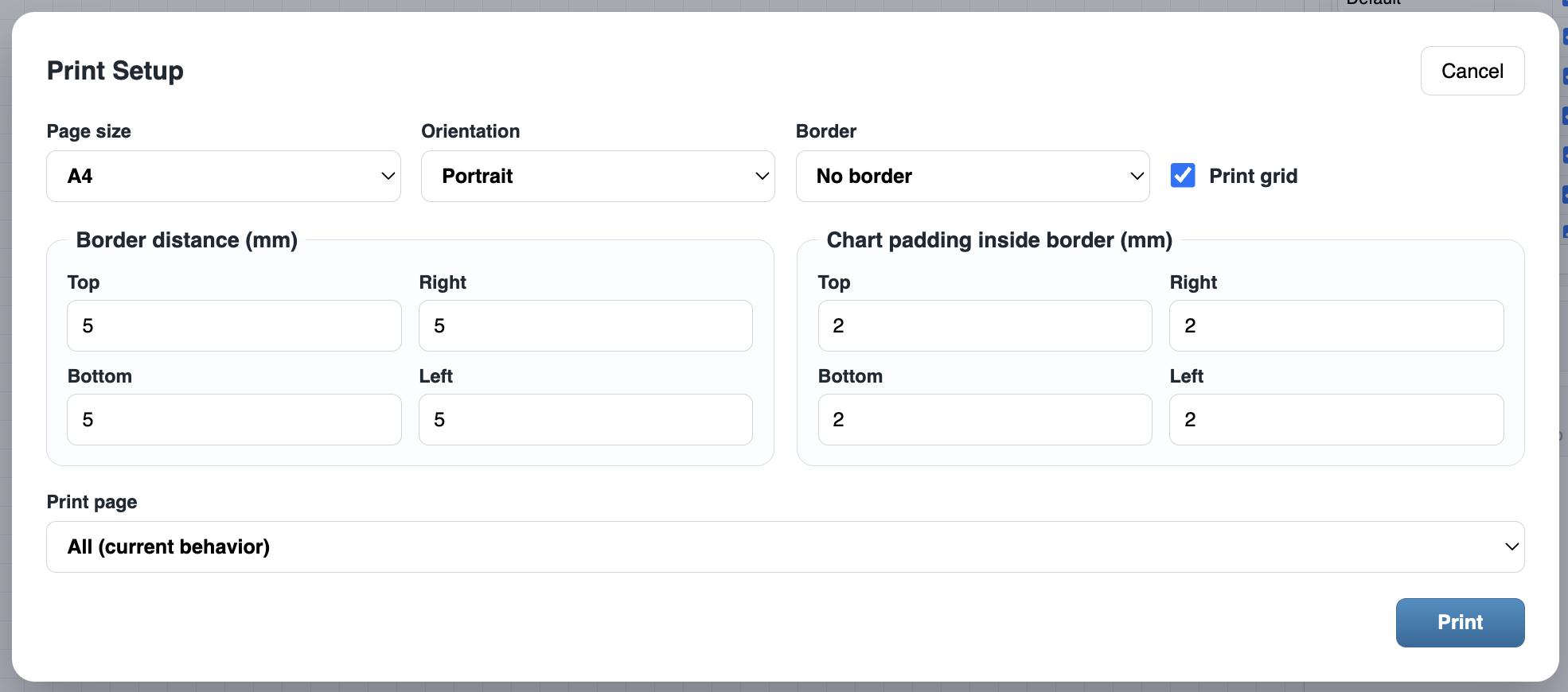
The print dialog lets you choose page size, orientation, border behavior, whether to print the grid, border distances, and chart padding inside the border.
For large workflows, choose a larger page size or landscape orientation. For formal documents, use a border and clear padding. For internal working diagrams, printing the grid can help people discuss positions and layout.
Before printing, reset or adjust the view so the workflow reads well at the target page size.
Related: WorkFlow Canvas and Tools, Layers in WorkFlow, File Settings in WorkFlow.
Print Setup dialog
Print Setup controls page format, borders, grid visibility, and spacing before output.
Enable JavaScript to use reading progress and usefulness ratings.