
File Settings in WorkFlow
Explains the WorkFlow File Settings dialog, metadata, tags, folders, attachments, and document-related file data.
File Settings stores information about the workflow file itself.
Use it to keep the workflow identifiable and easier to find later. Metadata such as title, tags, folders, and file-level information helps when the workflow is saved, loaded, shared, or registered.
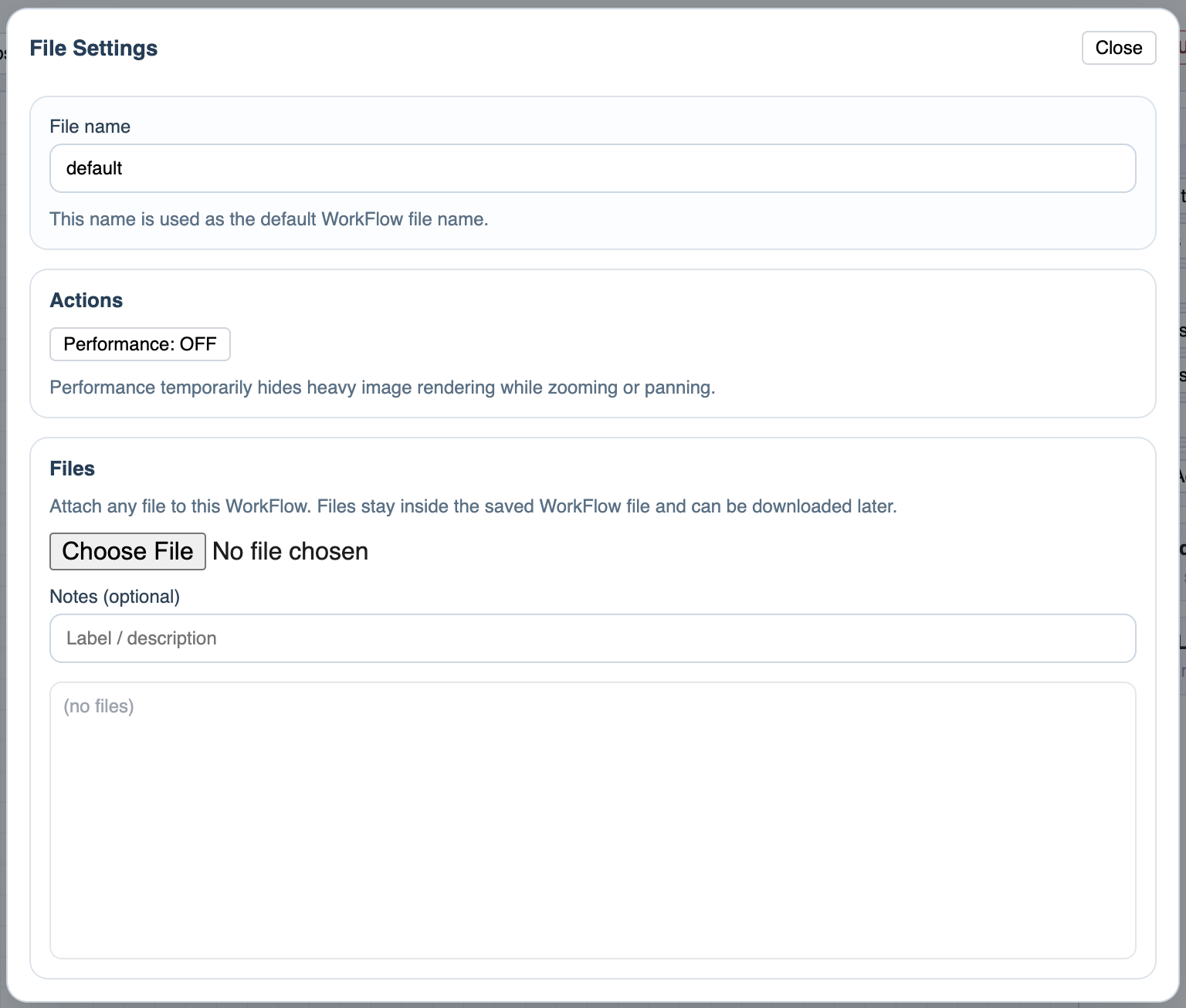
The dialog also supports attachments. Attachments can travel with a computer-saved .wf file, while server saves can store larger file data separately and rebuild it when the file is downloaded.
Use attachments when the workflow needs supporting files, such as a policy, a source form, a signed document, a checklist, or a reference PDF.
Treat File Settings as the cover sheet of the workflow. The diagram explains the process; the settings explain what file this is, how it should be classified, and what supporting material belongs to it.
Related: Saving in WorkFlow, Saving in WorkStudio, Load, Copy, and File Actions, FileStudio.
File Settings dialog
File Settings brings workflow metadata and attachments into one file-level dialog.
Enable JavaScript to use reading progress and usefulness ratings.