
Use WorkStudio Without an Account
Start locally with Records practice collections and app files, then retain your changes on your own computer.
You can start using WorkStudio without signing in.
This is the simplest way to try the apps.
In this mode, the apps open in the browser and you save files on your own computer.
Cloud save, shared storage, account identity, and AI credits are not available.
In TableStudio and DocStudio, local save is the normal path while guest.
In FileStudio, you can explore the app, but you must sign in to upload files or save records.
This is a good path for quick trials, demos, and local-only work.
If you later want cloud save, shared work, or AI features, you can move to an account plan.
Related: Getting Started with WorkStudio, WorkStudio Account Types, Saving in WorkStudio, Personal (Free).
You can also explore Records with a local .ca practice collection. Record information, connect the example records and export a local copy to retain your changes. Online and shared saving depend on your account and access. Start with Create Your First Record and Save Records and Control Access.
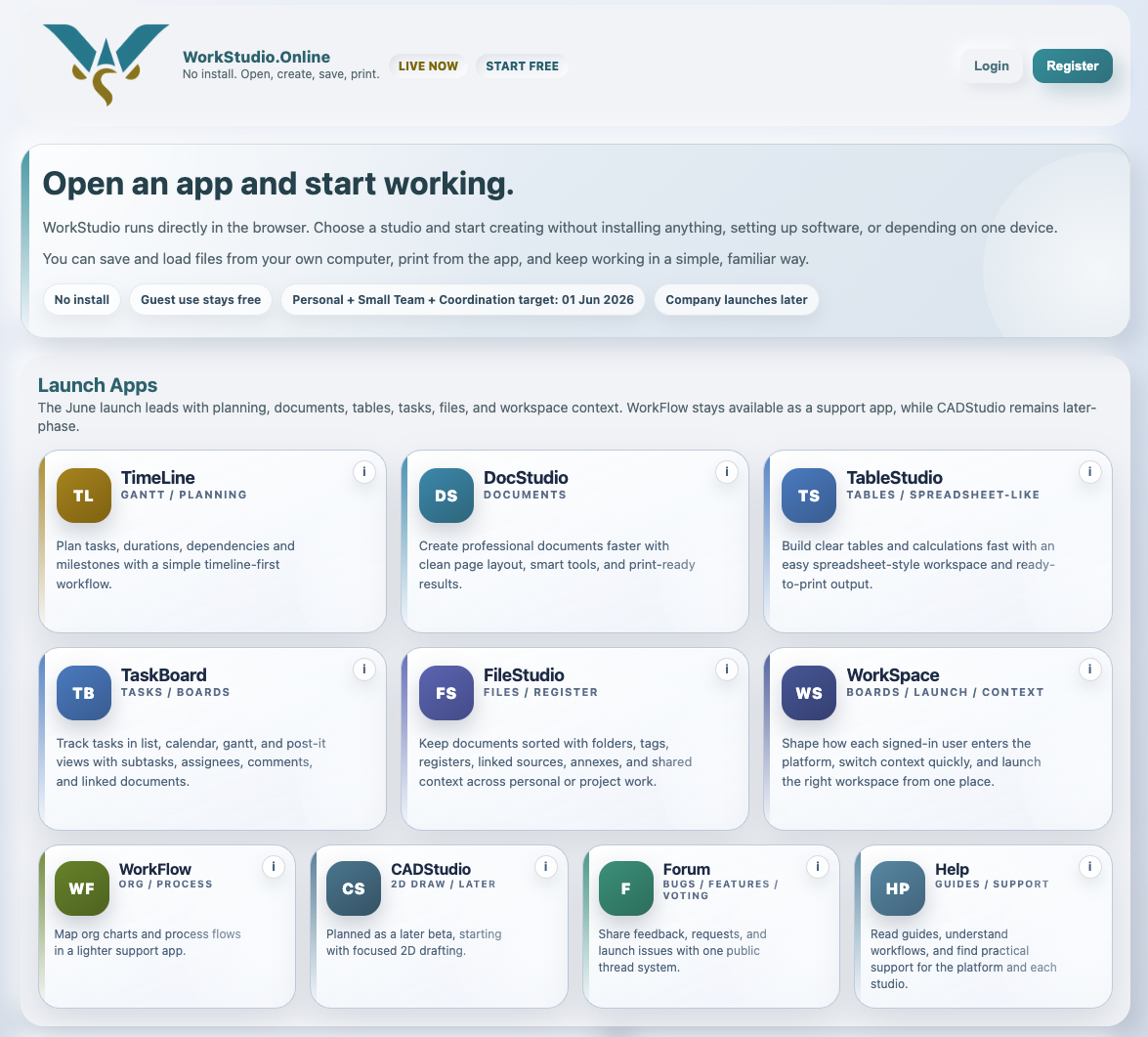
Start directly from the main page
You can open WorkStudio apps right away without creating an account first.
Enable JavaScript to use reading progress and usefulness ratings.