
Create a Simple 5-Task Gantt in TimeLine
Create a starter five-task Gantt in TimeLine and save it.
Use the steps below to build a small starter schedule in TimeLine.
This walkthrough lists the exact task names, durations, and the first typed predecessor used in the example.
If you prefer to continue dependencies with the chart handles instead of typing predecessor text, open Create Links with the Mouse in TimeLine.
Related: TimeLine, Saving in TableStudio, WorkStudio Context.
Create a Gantt in Less Than a Minute
A quick HD film showing the same beginner Gantt workflow before the written steps.
Start on Main Page
Start on Main Page and choose the TimeLine card from the launch apps.
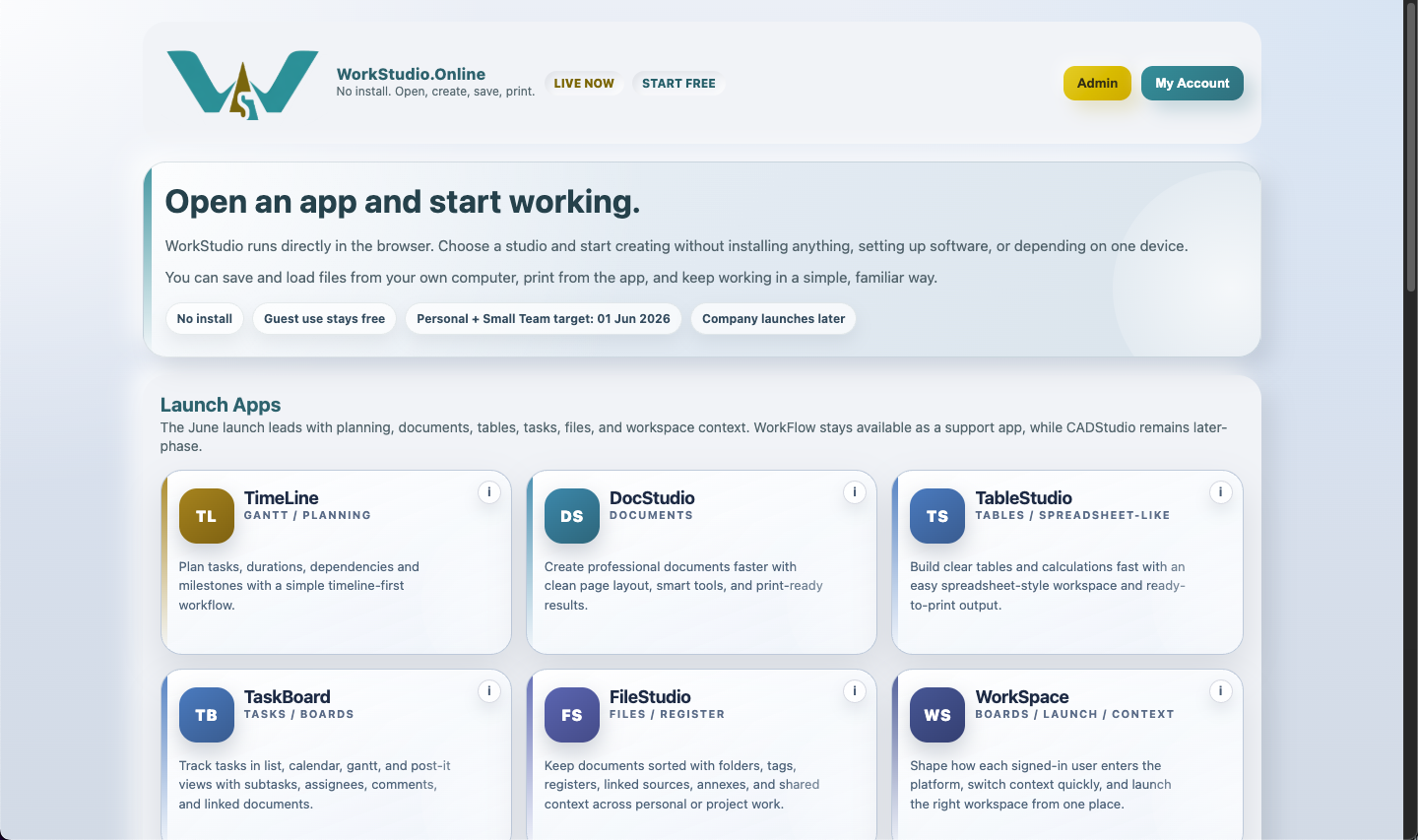
Open TimeLine
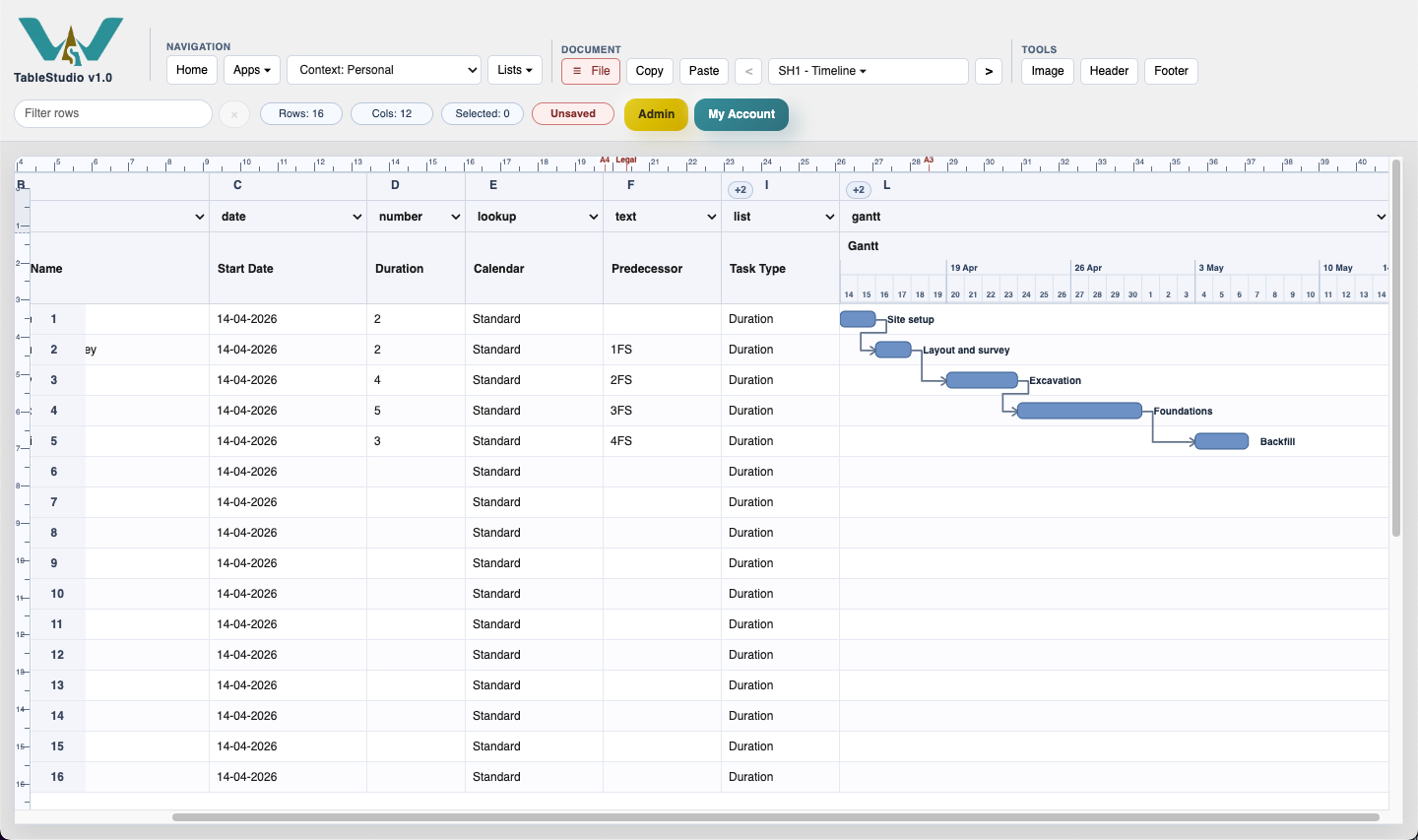
Open TimeLine so the planning grid is visible on the left and the Gantt chart is visible on the right.
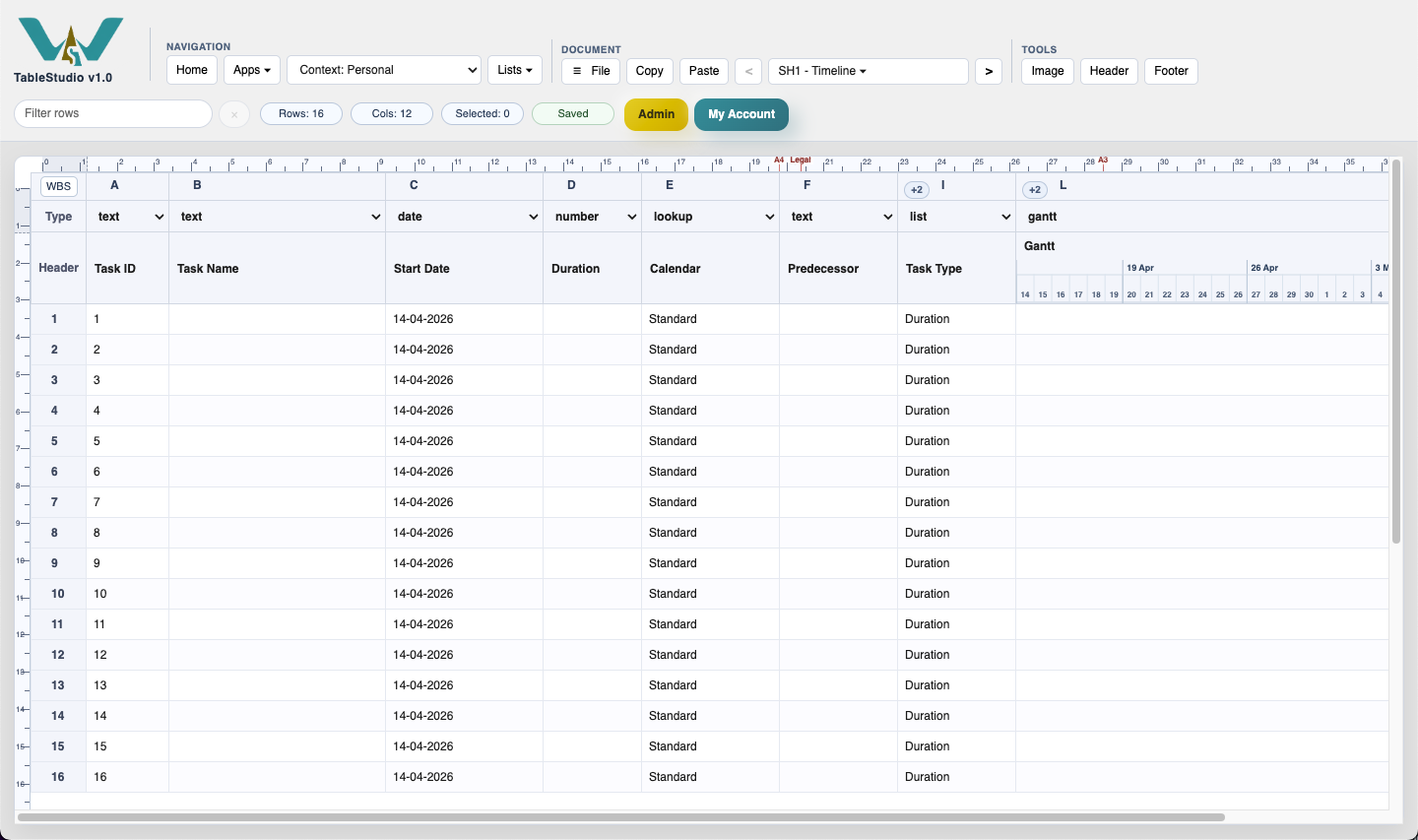
Name the five tasks
Name the first five rows: Site setup, Layout and survey, Excavation, Foundations, and Backfill.
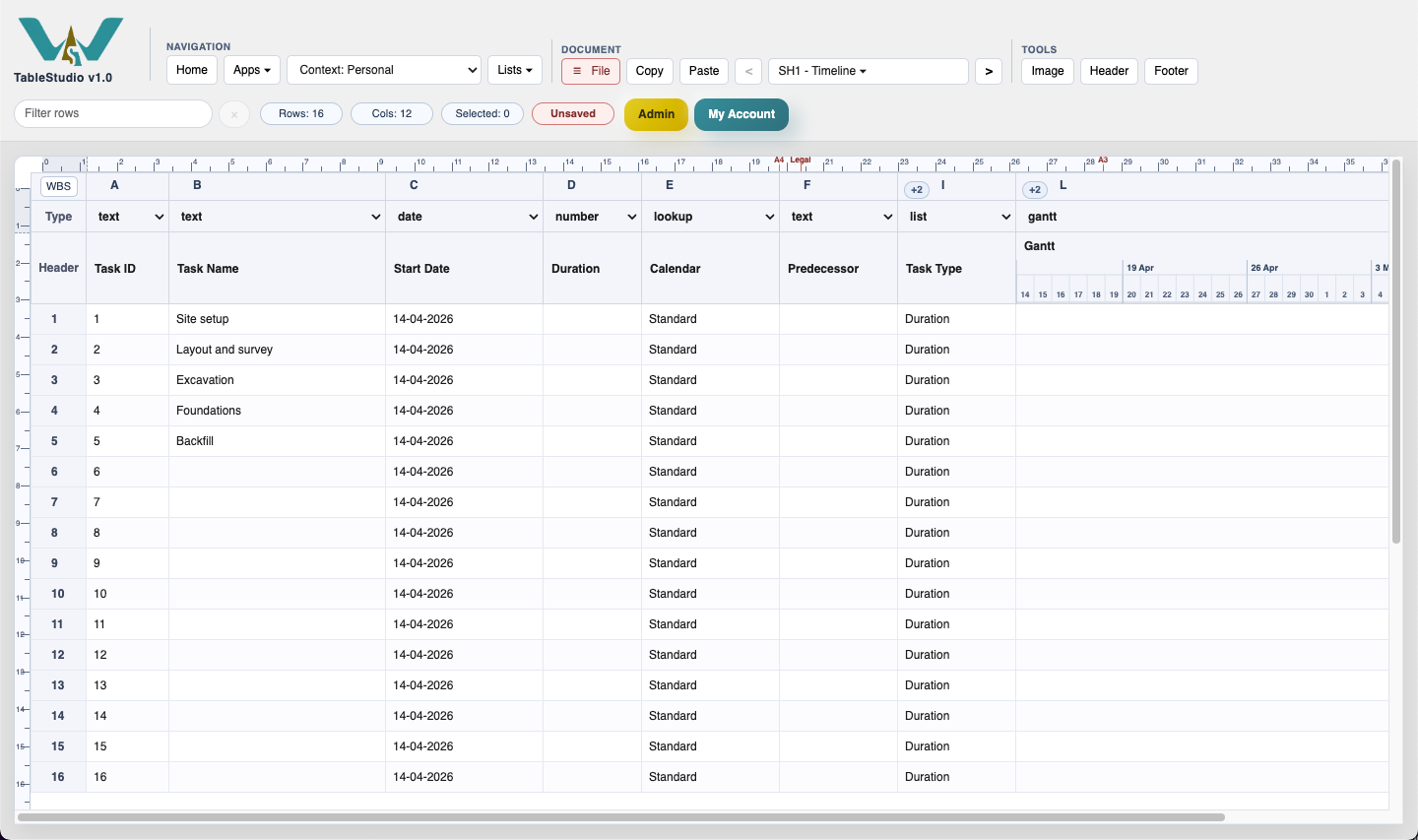
Add durations
Add these durations: Site setup 2, Layout and survey 2, Excavation 4, Foundations 5, and Backfill 3.
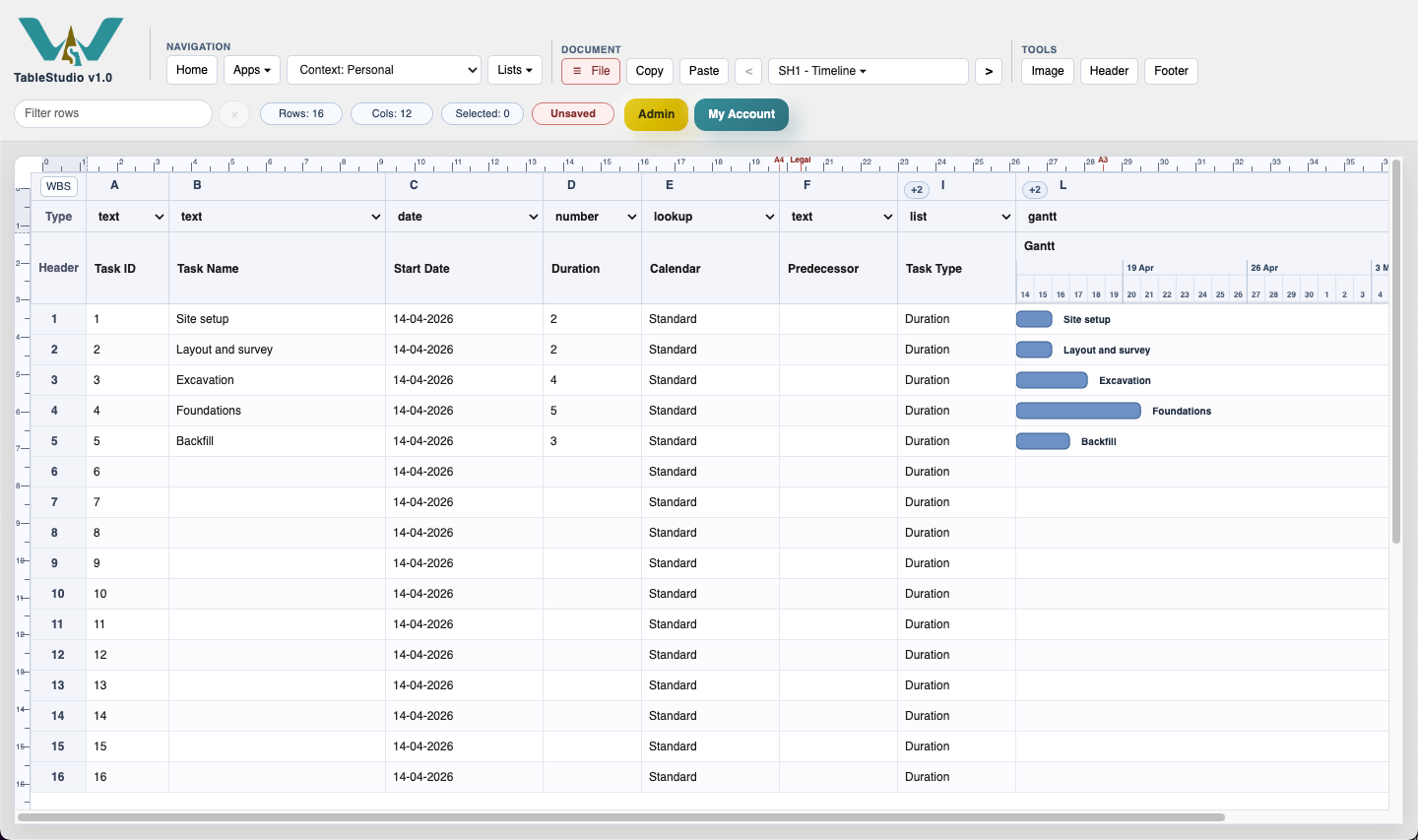
Add the links
Add 1FS to Layout and survey. Leave the other predecessor cells empty for now and create the remaining links with the mouse as needed. TimeLine supports FS, SS, and FF links from the chart.
Save
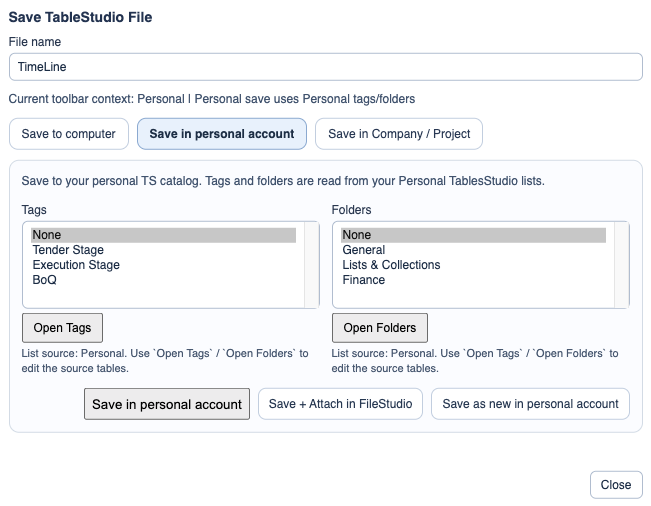
Open File > Save and keep the starter schedule ready for local download or for a personal account save.
Enable JavaScript to use reading progress and usefulness ratings.