
Text and Annotations in WorkFlow
Explains how text objects add titles, labels, notes, legends, and visual guidance to a workflow.
Text objects make the workflow easier to read.
Use text for headings, short notes, section labels, legends, warnings, and explanation blocks that do not need to behave like process steps.
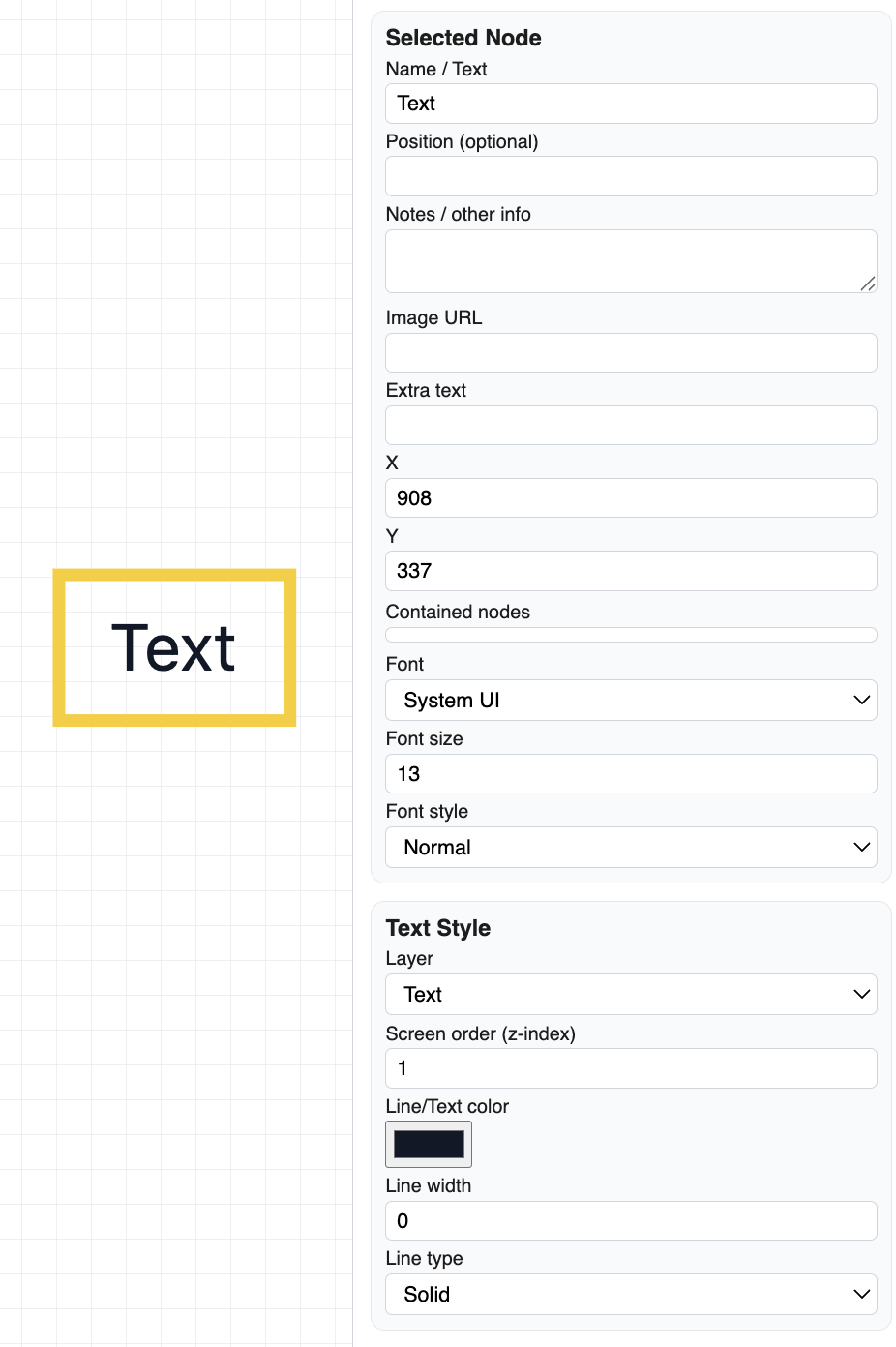
A selected text object can be edited from the right sidebar. Text can have a font, font size, style, color, layer, screen order, and placement.
Keep annotations short. If a note becomes long, consider using a normal node with notes or linking the workflow to a supporting document.
Text is also helpful in print-ready workflows because it can explain page sections without adding extra process boxes.
Related: WorkFlow Canvas and Tools, Layers in WorkFlow, Print Setup in WorkFlow.
Text settings
Text objects use the selected-node fields plus text-specific font and style controls.
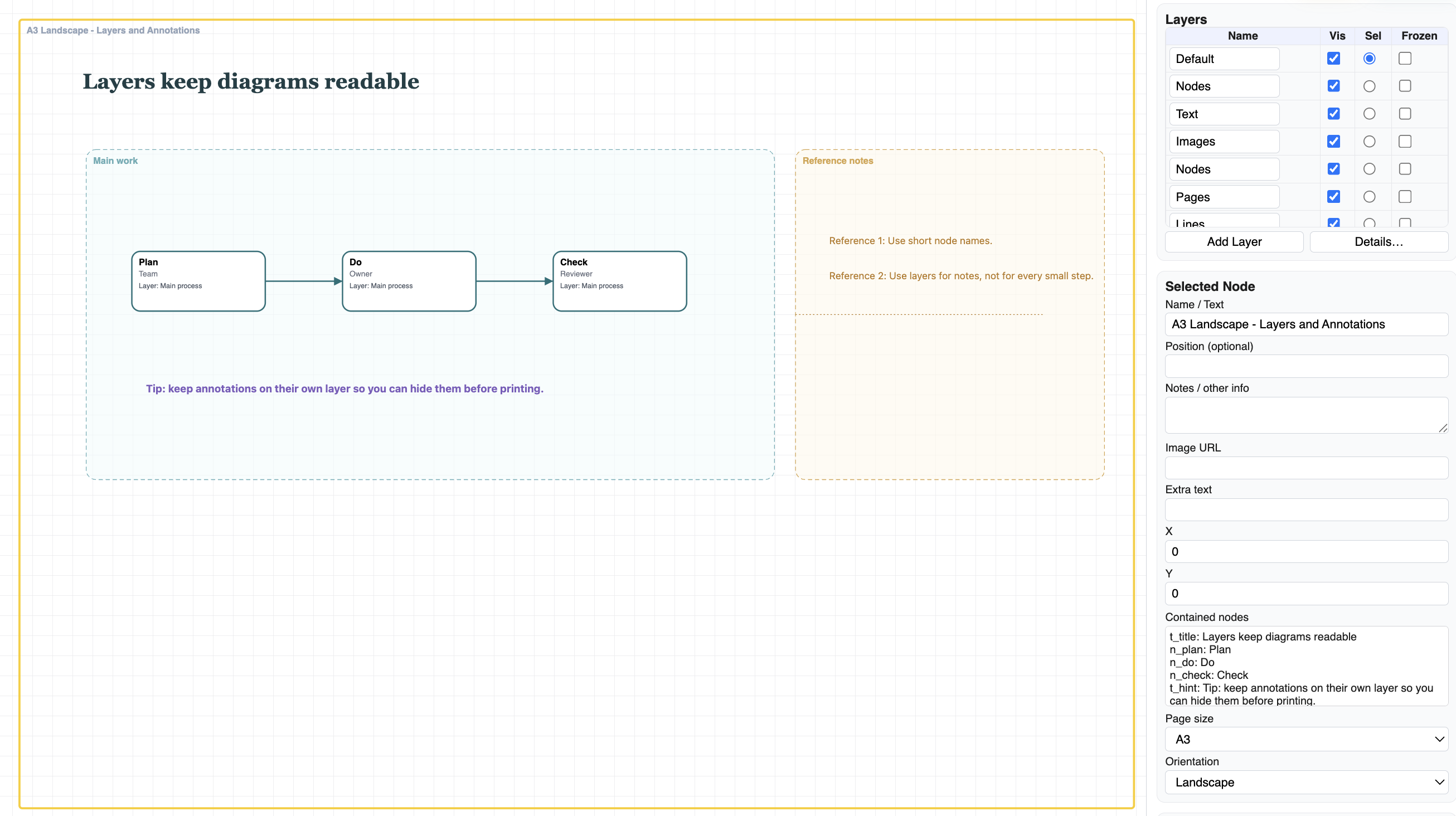
Annotations in context
Annotations can make grouped or layered workflows easier to understand at a glance.
Enable JavaScript to use reading progress and usefulness ratings.