
Nodes in WorkFlow
Explains what nodes are, how they represent workflow steps, and how selected-node fields and style settings work.
A node is a visible step in the workflow.
Use nodes for actions, checks, approvals, milestones, departments, roles, or any box that needs to be connected to other boxes.
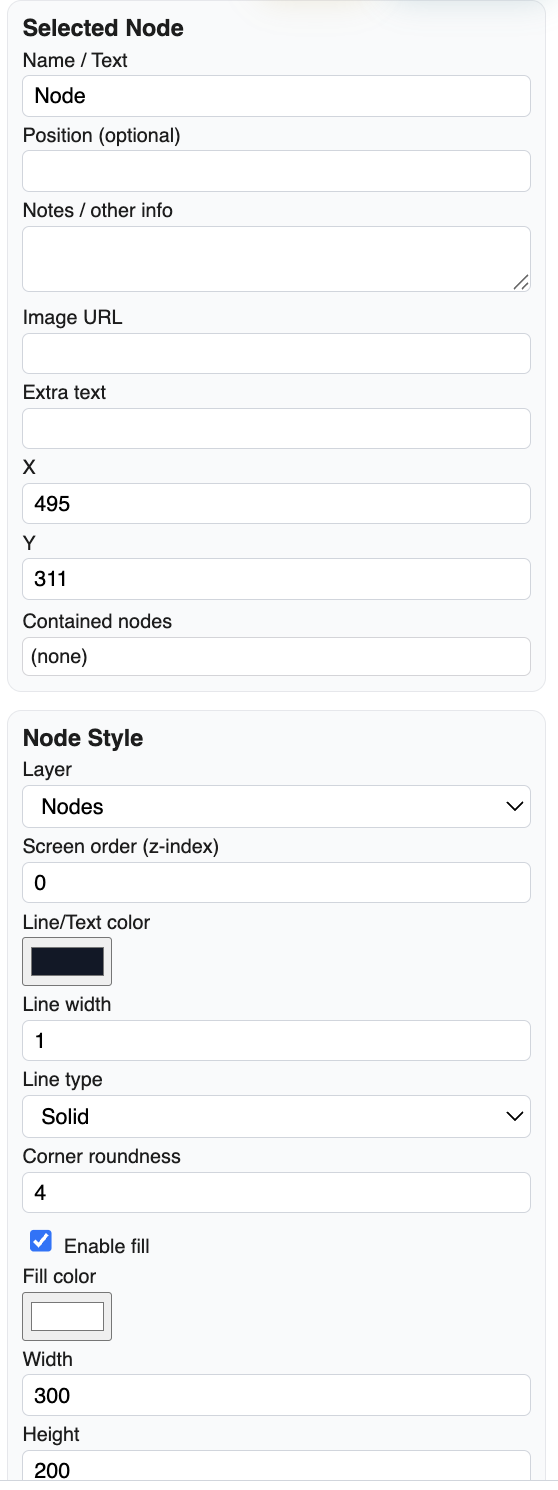
After you select a node, the right sidebar shows its details. The common fields include Name / Text, Position (optional), Notes / other info, coordinates, layer, screen order, line color, line width, corner roundness, fill color, width, and height.
Keep node names short. Put longer explanation in notes or nearby text. This keeps the diagram readable while still preserving detail in the file.
Nodes can inherit useful visual style from their layer. This helps you make approvals, reviews, files, risks, or departments look consistent across the whole workflow.
Related: Links and Flow Direction, Layers in WorkFlow, WorkFlow Patterns and Good Practice.
Selected node details
When a node is selected, the sidebar exposes the fields and style controls used to tune it.
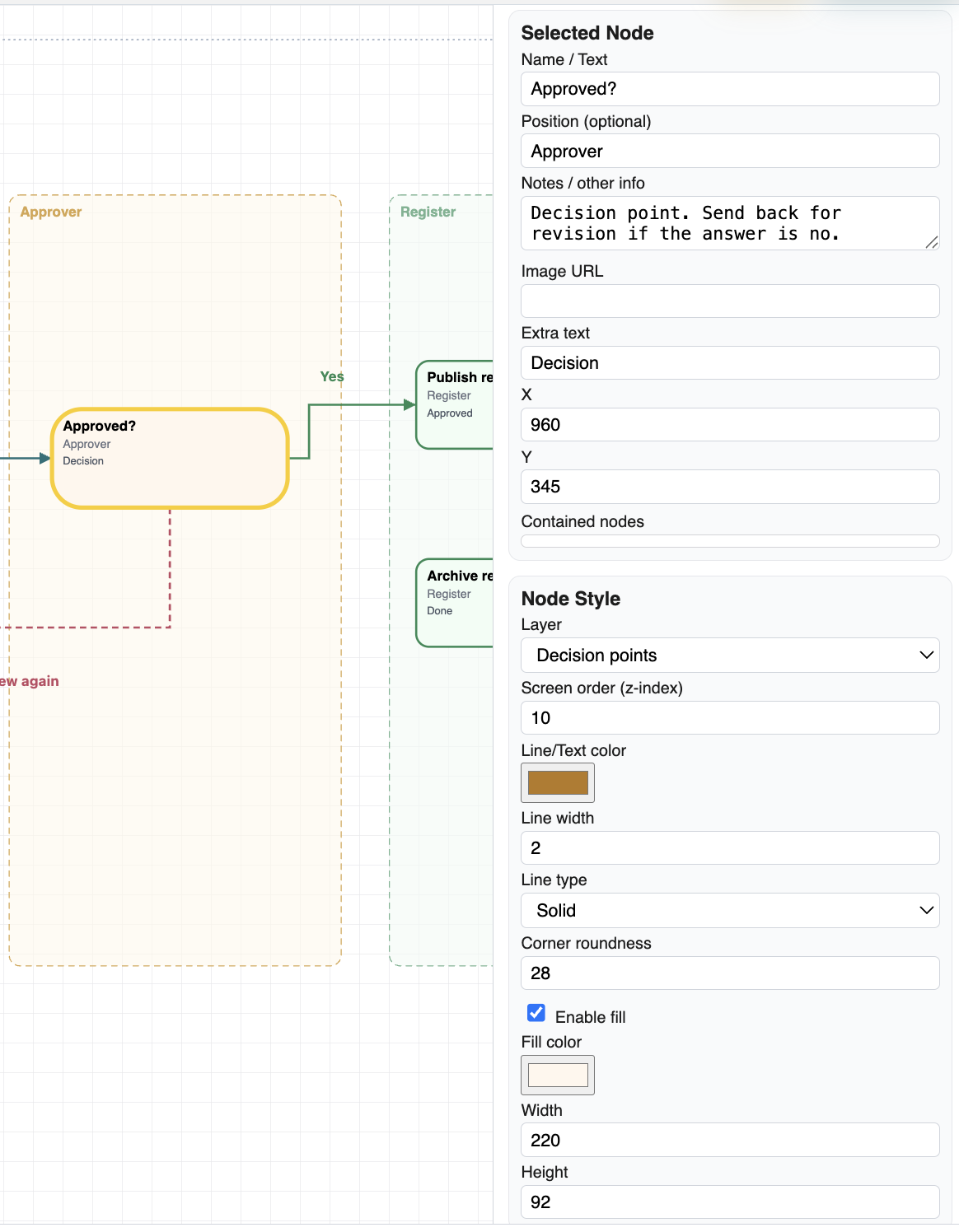
Node inside a real approval process
The selected Approved node belongs to a larger process, while its settings remain editable on the right.
Enable JavaScript to use reading progress and usefulness ratings.