
WBS and Summary Rows
Explains WBS levels, summary phase rows, rolled-up bars, and how child tasks control summary dates.
WBS gives the schedule a hierarchy. A parent row can represent a phase, package, location, discipline, or any other planning branch.
Rows underneath a WBS phase become child rows. TimeLine draws the parent as a summary row and rolls up its dates from the children.
A summary row normally starts at the earliest child start date and finishes at the latest child finish date. The summary duration is therefore a span across the child tasks, not a separately typed work activity.
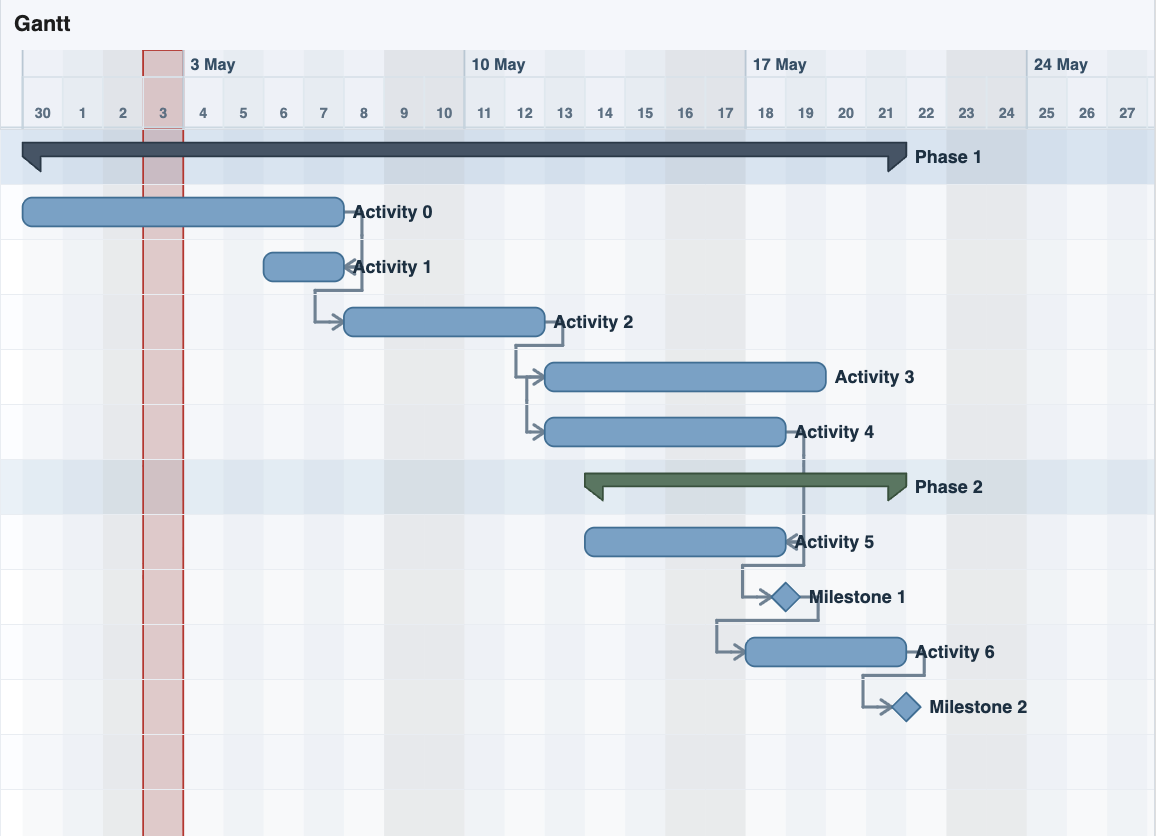
Summary rows are drawn differently from normal task bars so the structure is visible on the chart. Higher-level WBS phases can use a different visual style from lower-level phases.
Links involving summary rows can be shown, but the calculation should be understood carefully. A phase link usually means the phase as a whole is connected to another task, while the child tasks still drive the actual dates.
Use WBS rows to keep large schedules readable and to make phase-level review easier.
Related: Focus Phase View, Calculation Engine, Link Display.
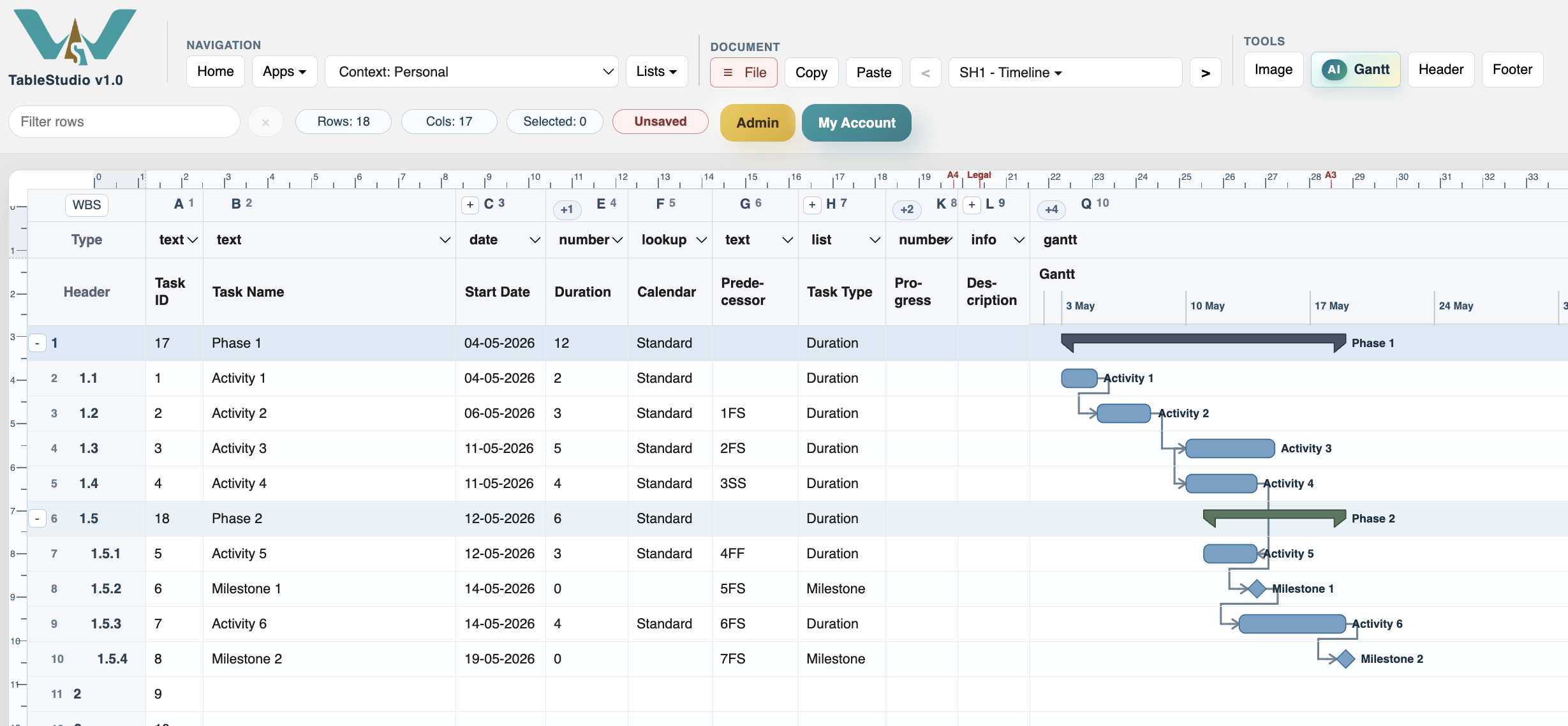
Summary rows on the chart
The chart can draw phase bars above the child tasks so the WBS structure is visible in the schedule.
Enable JavaScript to use reading progress and usefulness ratings.