
Generate Sample Rows
Explains the sample row generator, replacement warning, random task data, and why it is useful for testing.
The Gantt column settings include a sample row generator.
Enter the number of sample rows and choose Generate Sample Rows. TimeLine replaces the current table rows with randomized sample tasks. Because this replaces the current schedule, the app should warn before it continues.
Sample rows are useful for testing chart rendering, link display, calculation speed, scrolling, large file behavior, calendars, exceptions, milestones, productivity tasks, and progress display.
When TimeLine support sheets are present, sample calendars and calendar exceptions can be refreshed too. This gives test files more realistic combinations of working calendars, holidays, short days, durations, progress, and dependency logic.
Use sample data for testing only. Do not mix generated sample rows into a real project schedule unless you intentionally want to replace the current rows.
Related: Gantt Column Settings, Audit Large Schedules, Calculation Engine.

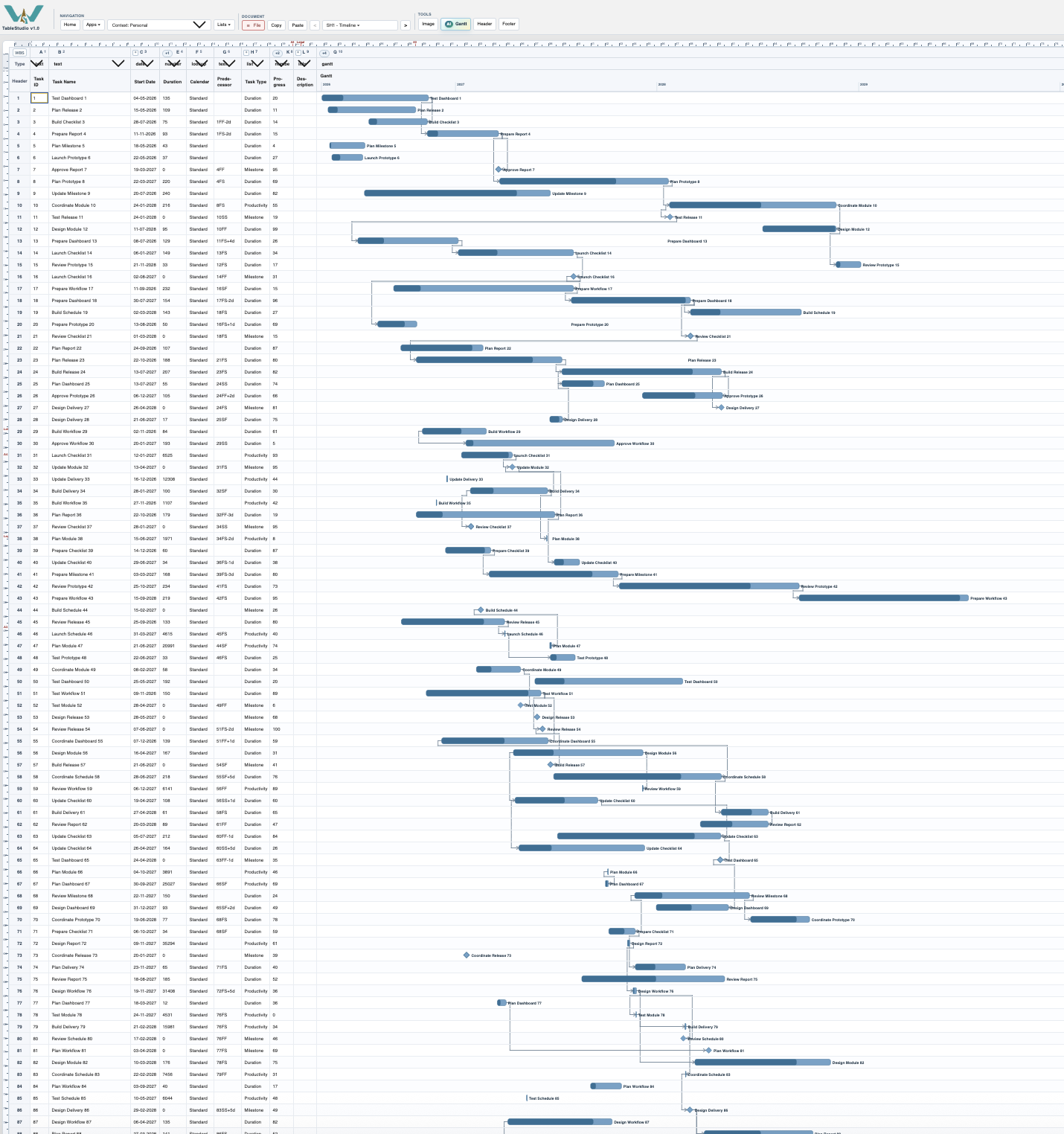
Large generated schedule
Generated schedules can be used to test display density, scrolling, links, progress, and calculation behavior.
Enable JavaScript to use reading progress and usefulness ratings.