
Audit Large Schedules
Explains how to review generated or imported schedules using calculated dates, links, calendars, and visual density checks.
Large schedules need a review workflow. A chart can look impressive and still contain bad logic.
Start by checking the basics:
- every real task has a Task ID and Task Name
- task types are correct
- duration and productivity values are realistic
- calendar names exist in the Calendars sheet
- predecessors point to valid Task IDs
- there are no accidental self-links or circular dependencies
- milestones use duration zero
- WBS summary rows roll up the expected child tasks
Then review the visual chart:
- bars should appear on the correct rows
- links should not cover the task shapes
- weekend and day bands should line up with the timeline header
- summary bars should span their children
- very long tasks should match their duration and calendar
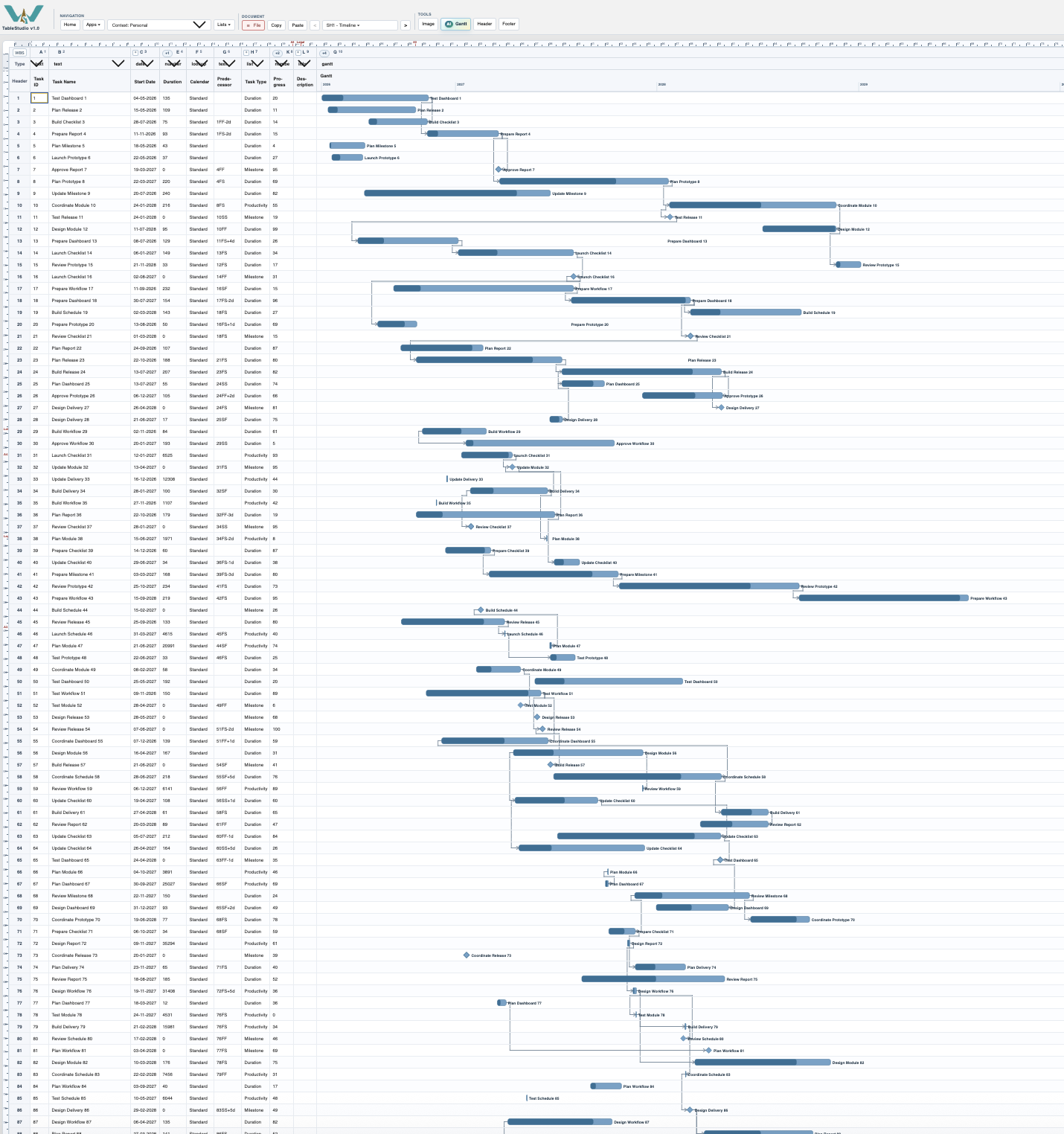
For generated sample schedules, use large row counts to test speed and density. For real schedules, review smaller WBS branches with Focus Phase view so errors are easier to see.
Related: Calculation Engine, Focus Phase View, Generate Sample Rows.
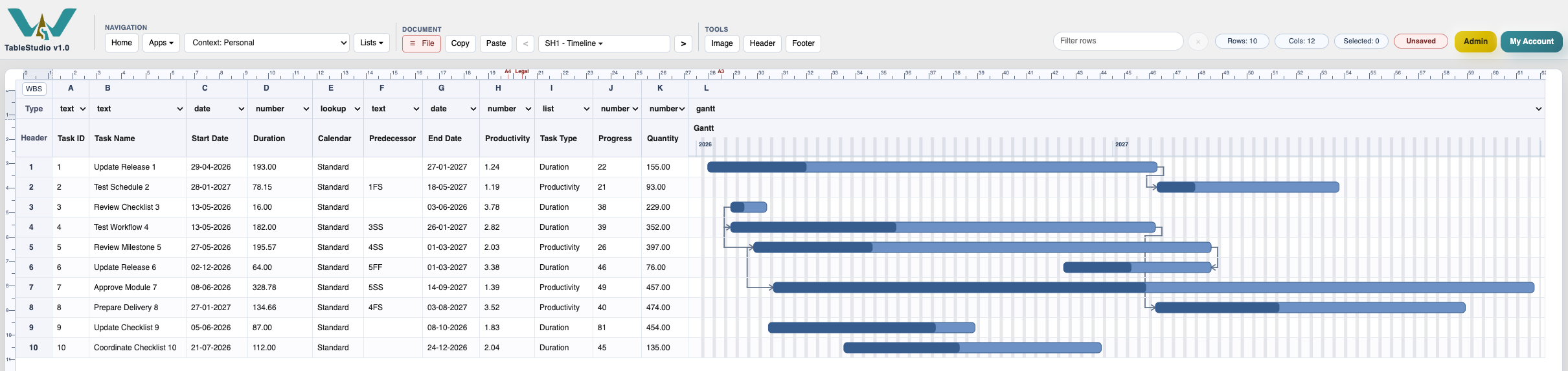
Compact schedule example
A smaller example is easier to audit before checking dense generated schedules.
Enable JavaScript to use reading progress and usefulness ratings.