
Print and Export TimeLine
Explains how TimeLine files can be saved, shared, printed, and kept compatible with TableStudio workbooks.
TimeLine files use the same workbook foundation as TableStudio, so the normal save, load, and export behavior remains available.
A TimeLine file can contain the main schedule sheet, calendar support sheets, exception support sheets, and any additional TableStudio sheets needed for quantities, cost, resources, notes, or export helpers.
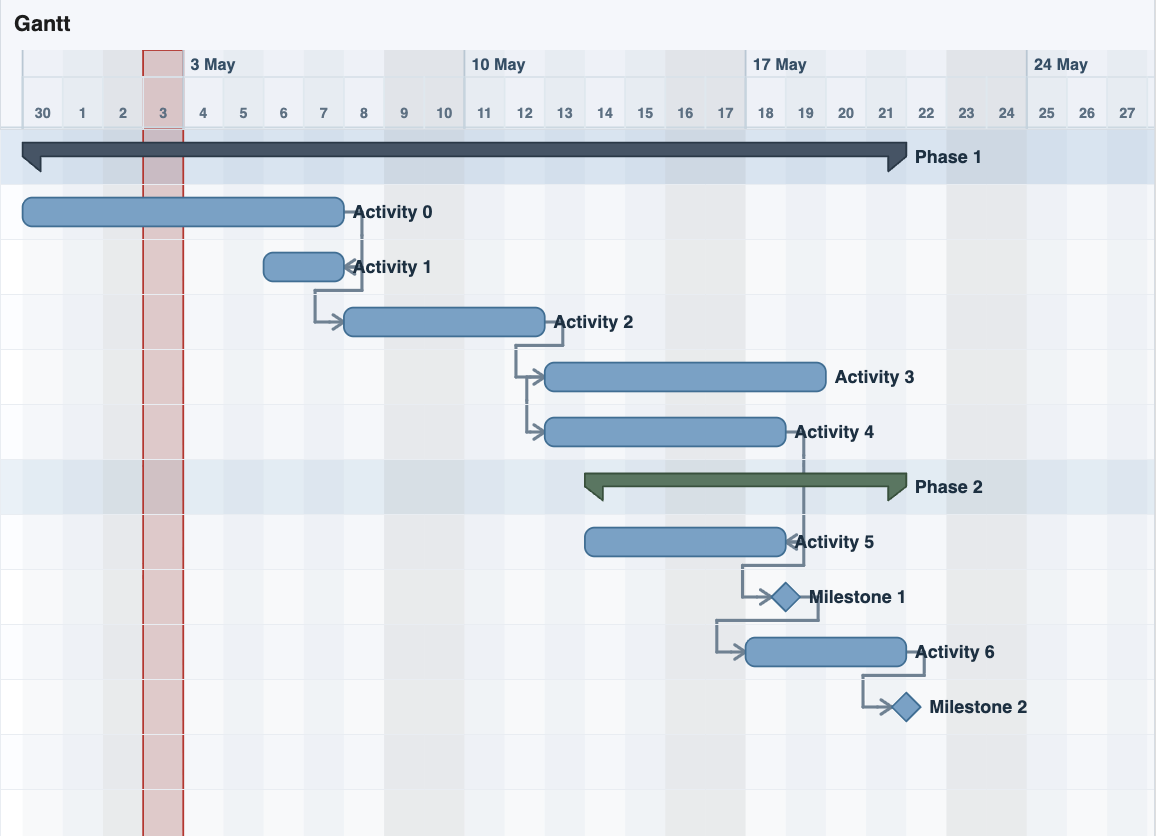
Before printing or exporting, check the visible chart range, timeline scale, row height, collapsed column groups, day and weekend bands, task labels, and link visibility. Large Gantt charts often need a different view setup from normal table printing.
When sharing a .tl or compatible .ts file, keep the support sheets with the file. Calendars and exceptions are part of the calculation input, not optional decoration.
If a file is sent for schedule audit, include the calculated fields and support sheets so the dates, durations, and exceptions can be checked against the same data used by TimeLine.
Related: TimeLine, Saving in TableStudio, Audit Large Schedules.
Review the chart before export
Display settings such as scale, labels, and day bands affect how readable the exported or printed chart will be.
Enable JavaScript to use reading progress and usefulness ratings.