
List View
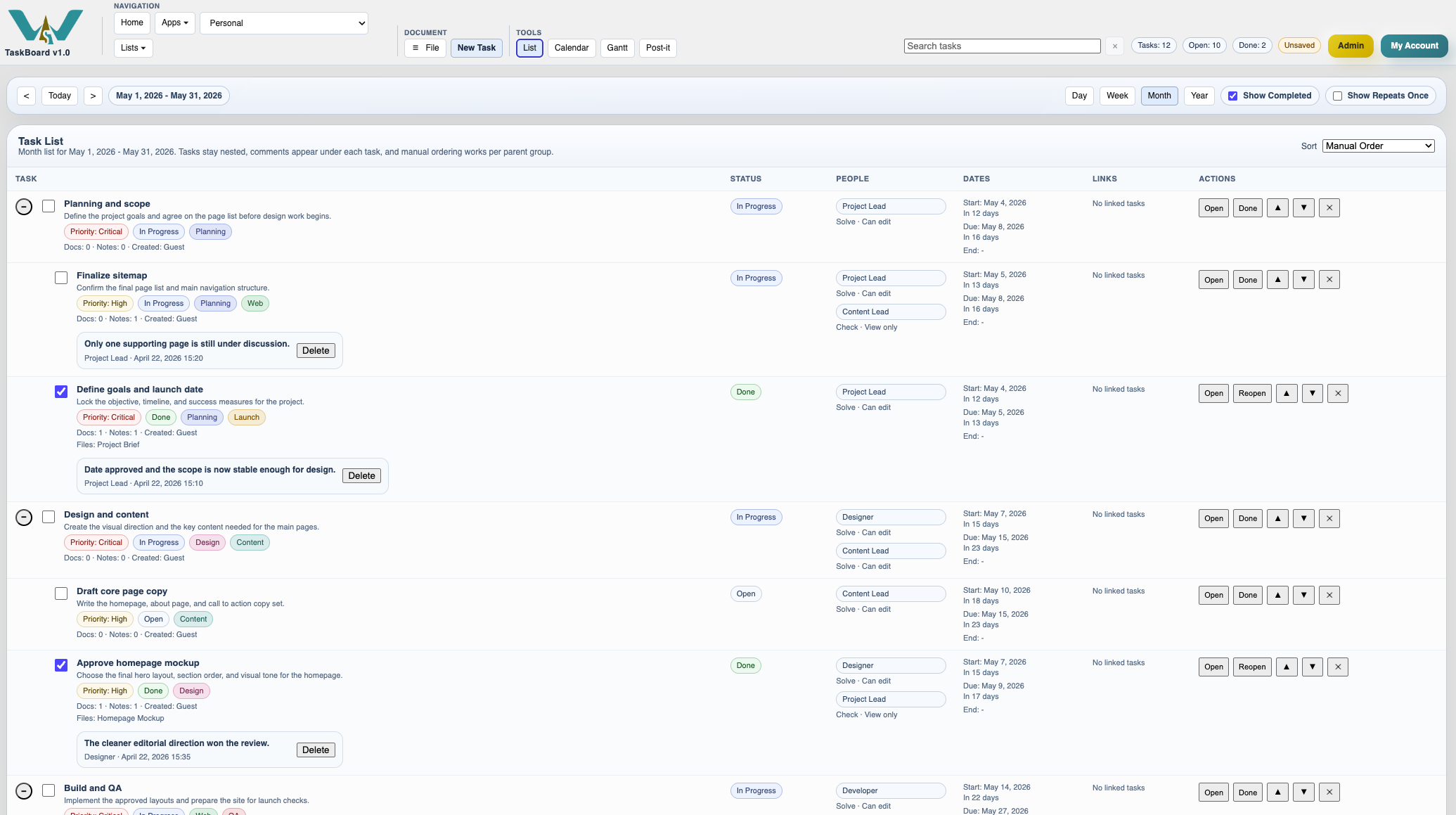
The most detailed TaskBoard layout, with nested tasks, comments, people, dates, links, and row actions in one table.
List View is the most detailed TaskBoard layout.
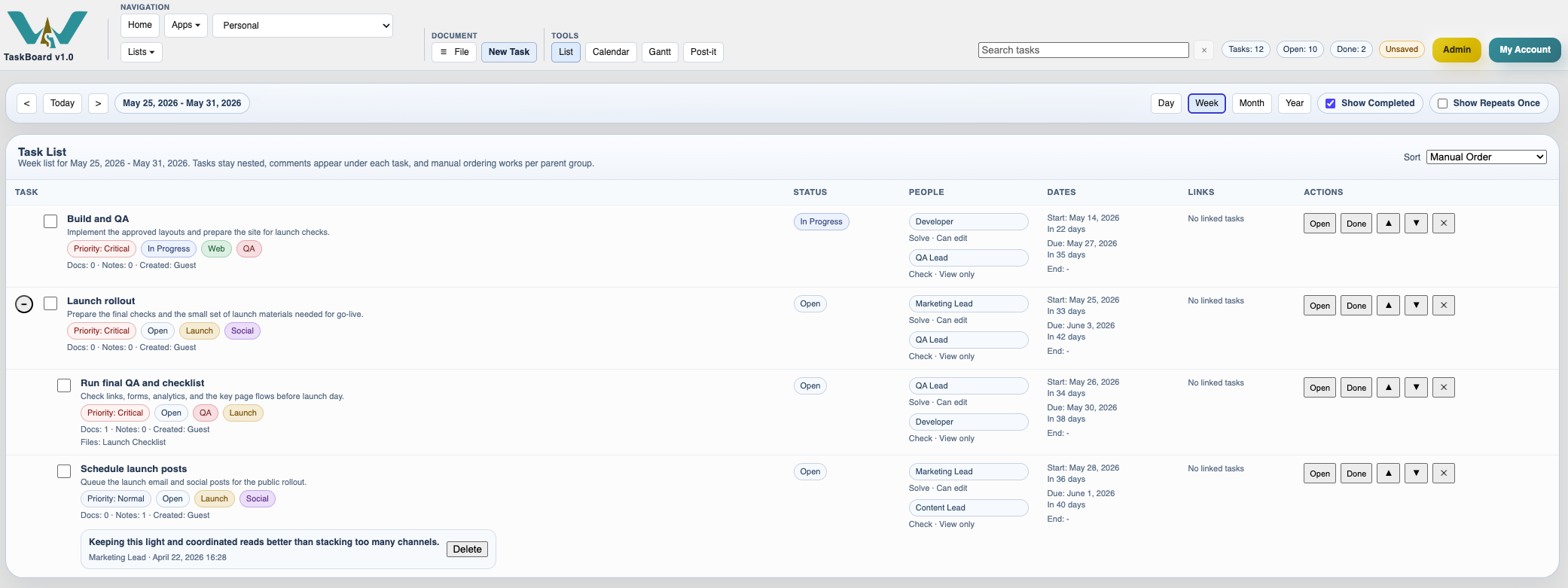
It shows tasks in a table with columns for task, status, people, dates, links, and actions.
Parent and child tasks stay nested. If a parent is collapsed, its child rows are hidden.
Comments appear under each task. Quick actions such as Open, Done, Reopen, move up, move down, and delete stay on the row.
Recurring tasks can also appear as occurrences in the visible period. In list view, Show Repeats Once can reduce repeated rows to the first visible occurrence.
Use list view when you need to read the board closely, review comments, or reorder tasks manually inside a parent group.
Related: TaskBoard Views, Calendar View, Plan a Small Project in TaskBoard.
Month list view
The list keeps the richest task detail visible, including hierarchy, dates, notes, and row actions.
Week list view
The same board can also be narrowed to a shorter period while keeping the same nested task structure.
Enable JavaScript to use reading progress and usefulness ratings.