
Gantt View
Timeline view for checking overlap, rough sequence, duration, and milestones across the selected period.
Gantt View turns the current board period into a simple timeline.
Tasks stay nested on the left and their bars or milestone diamonds appear on the right.
If a parent is collapsed, child bars are hidden.
Repeating tasks can show several bars when several occurrences fall inside the visible range.
In Week and Month, the timeline is day-based. In Year, it becomes month-based.
Use Gantt View when you want to check overlap, rough sequence, duration, and milestone placement without leaving TaskBoard.
Related: TaskBoard Views, Calendar View, Plan a Small Project in TaskBoard.
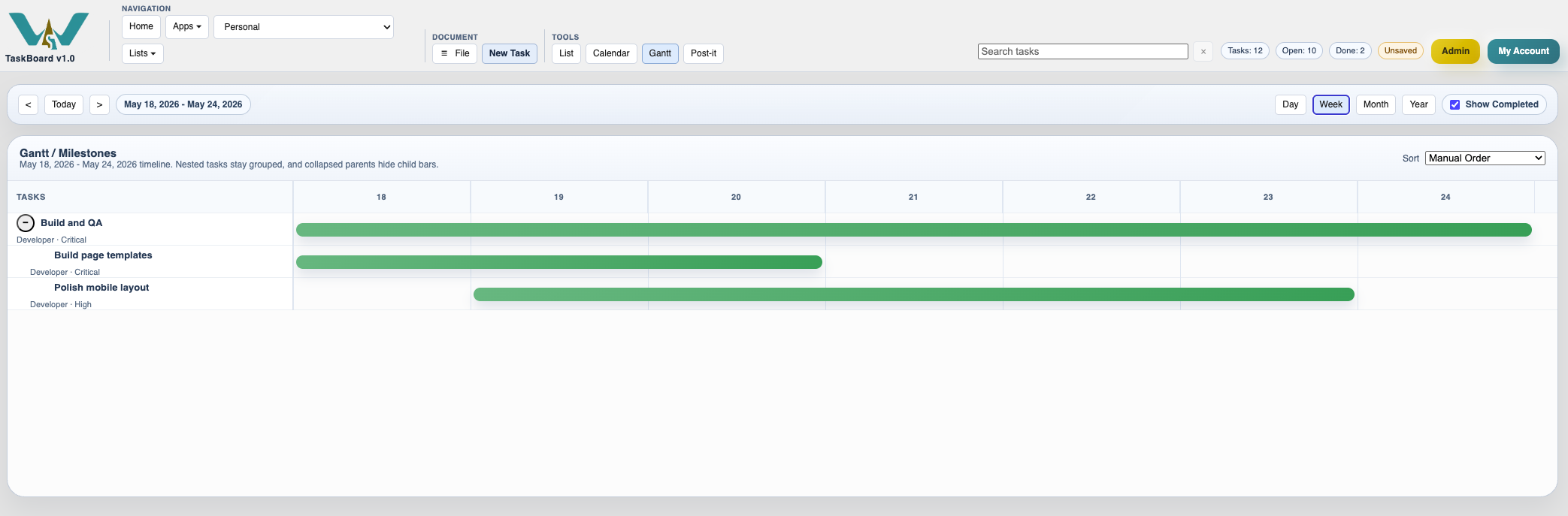
Week gantt
Week mode is useful when you want to read the active bars with more detail.
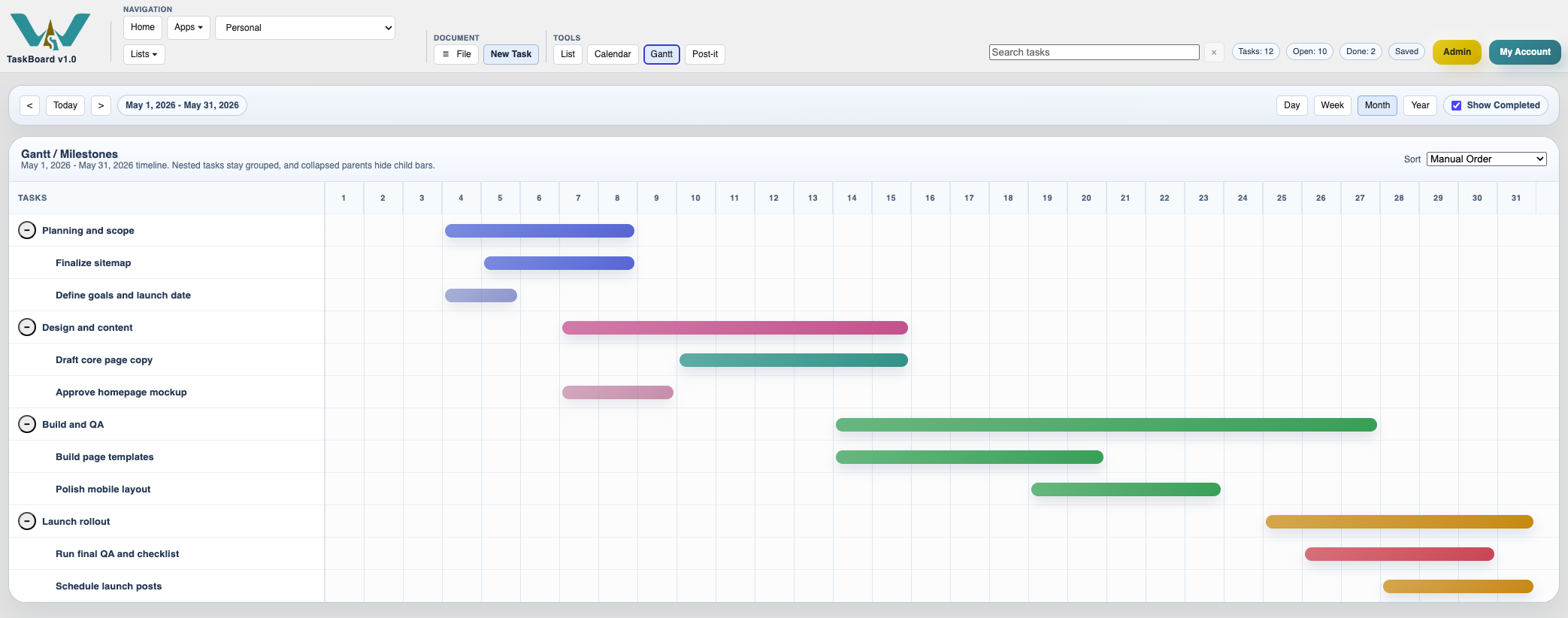
Month gantt
Month mode gives a broader sequence view across several weeks of work.
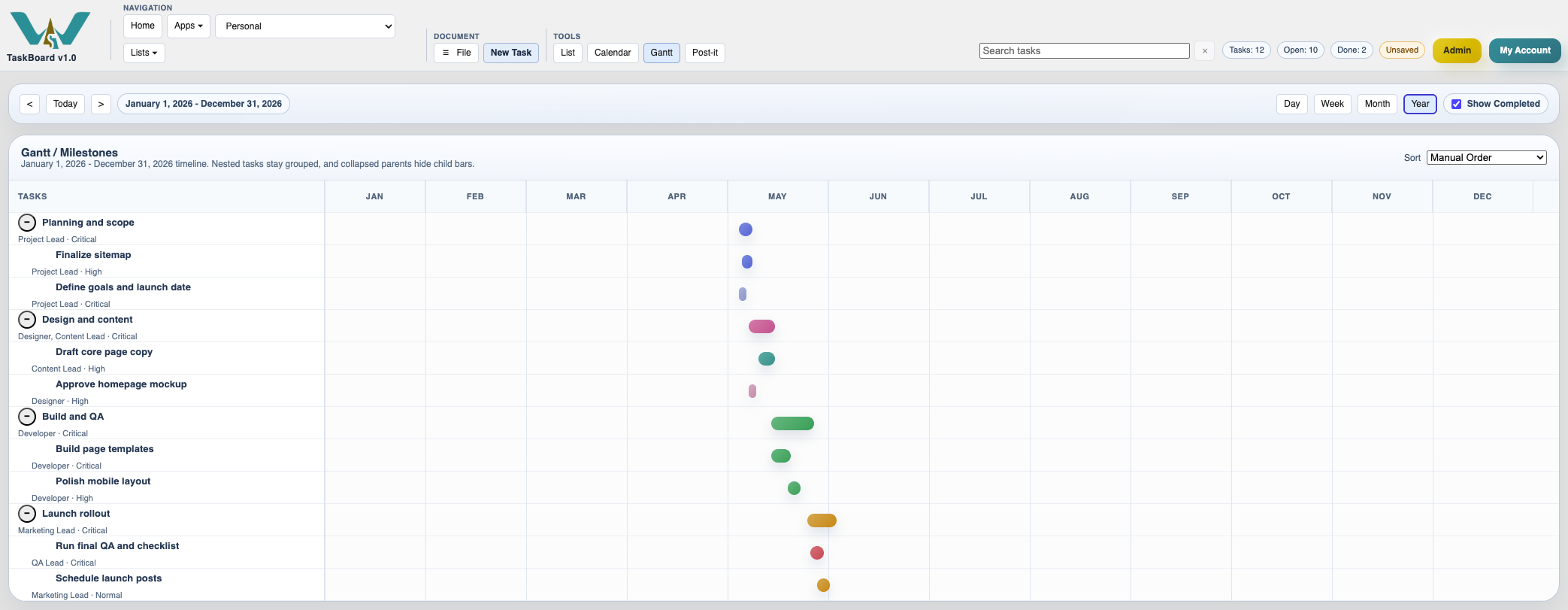
Year gantt
Year mode compresses the board into a longer planning horizon with month-scale timing.
Enable JavaScript to use reading progress and usefulness ratings.