
Open Records in the Right Context
Understand what opens from the main page, how personal, company, and project contexts stay separate, and where setup catalogs live.
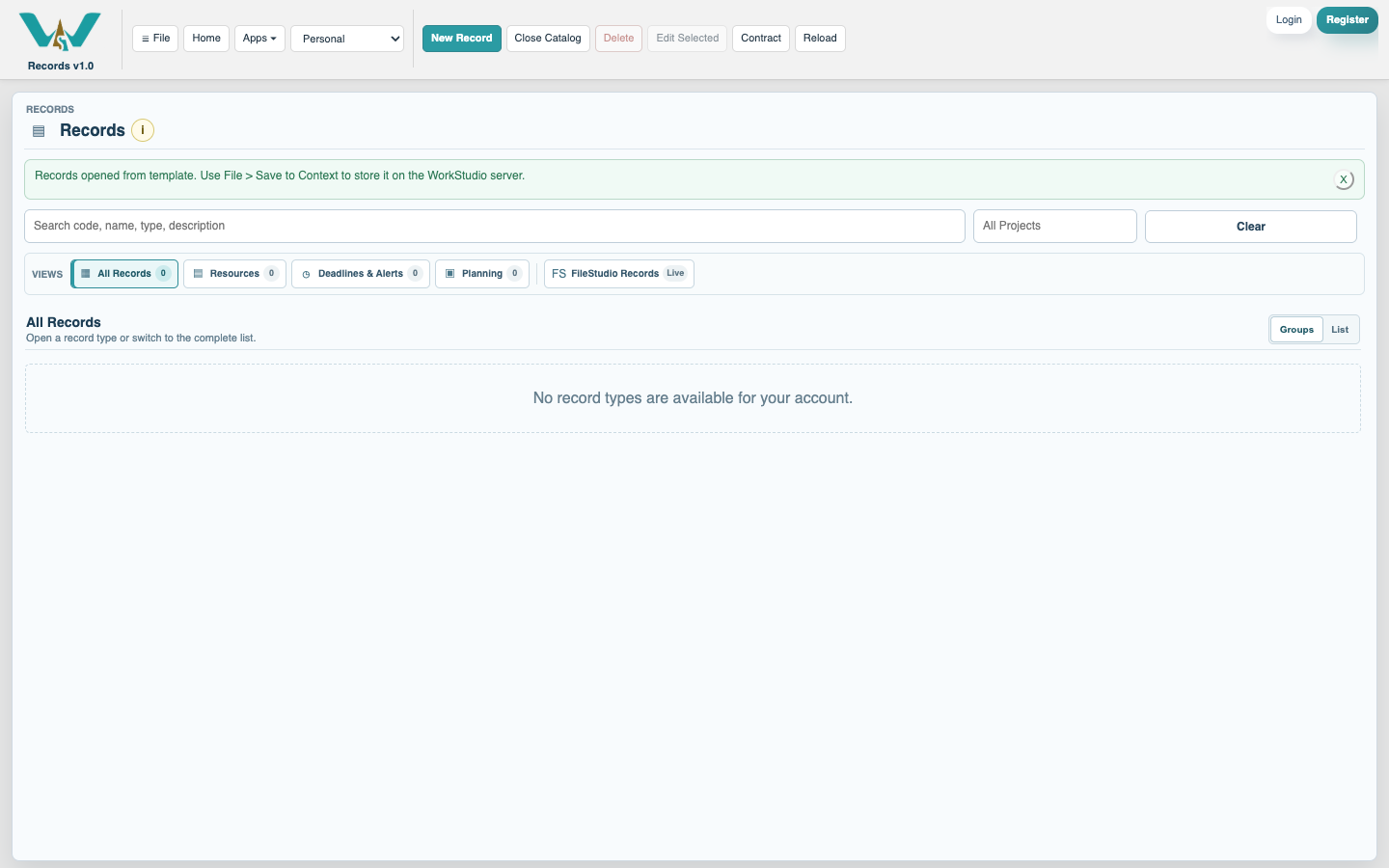
Select Records on the WorkStudio main page to open the main Records collection for the active context. Before adding or changing information, check the context control in the WorkStudio toolbar.
Personal is for information owned by your account. A Company context is shared according to Company rights. A Project context is for the people and information assigned to that Project. Saving does not copy records between these contexts.
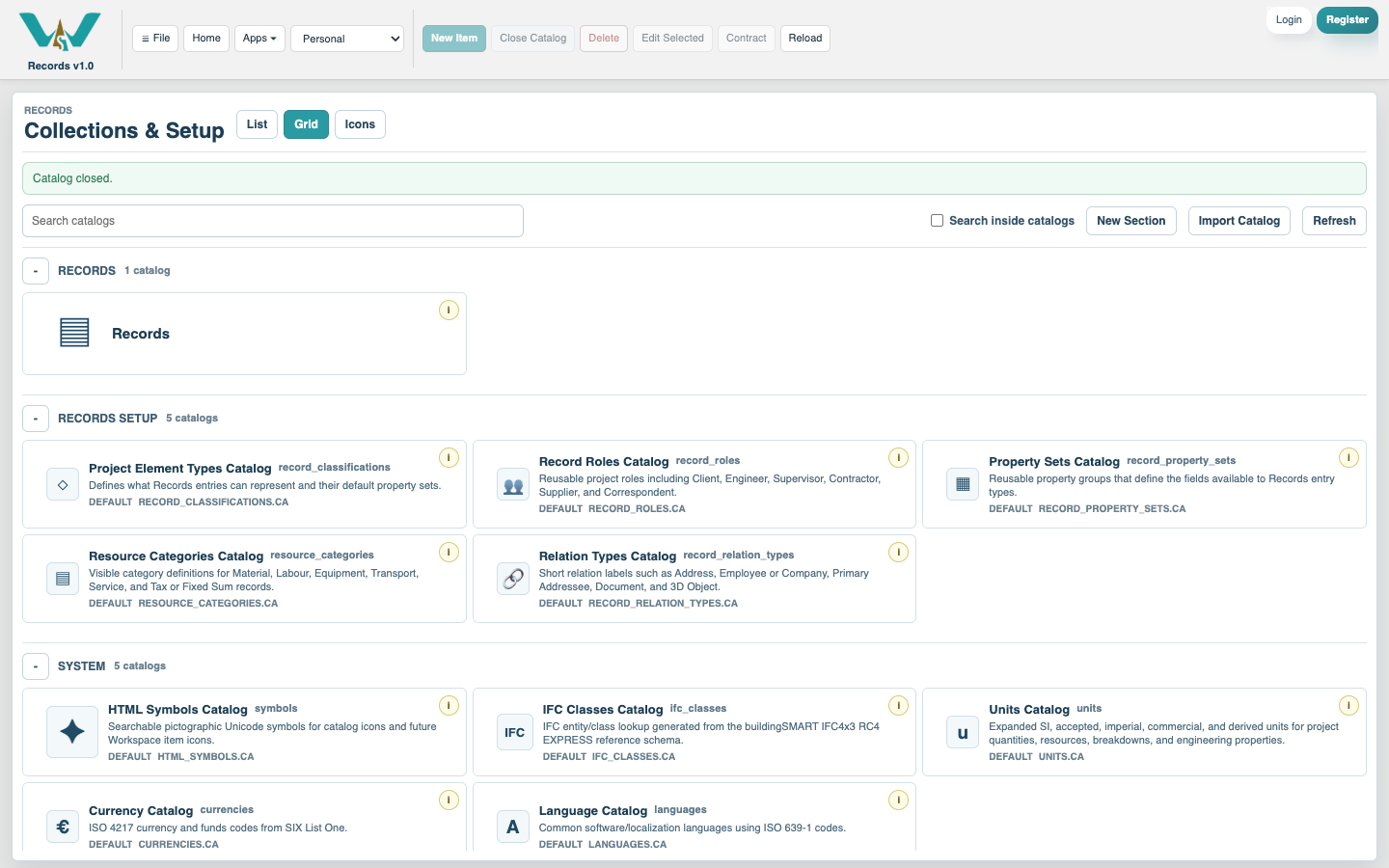
Inside Records, select Close Catalog to reach Collections & Setup. The first section contains the main Records collection and any personal shortcuts you enabled. Records Setup contains supporting definitions such as Types, Roles, Property Sets, Relations and Resource Categories. System contains maintained reference catalogs such as Units, Currencies and Languages.
Open the main collection again to return to your records. Opening a shortcut such as People, Notes, Resources or Drawings opens the same collection with that view already selected.
Related: Records Overview, Views, Search, and Project Filters, Records Rights and Personal Shortcuts.
The main Records collection
Opening the app goes directly to the principal collection for the selected context.
Collections & Setup
Close the collection when you need Records Setup or maintained System catalogs.
Enable JavaScript to use reading progress and usefulness ratings.