
Put a bill in the right Calendar
Choose where the dated reminder belongs while keeping its price in the linked cost element.
These guides use fictional practice data and generic EUR amounts. Costs, tasks & dates is the second learning series; start with Costs & budgets if you are new to cost elements. The screenshots show the October 2026 interface. Adapt example dates and planning periods if practicing later. Recording bills and payments does not transfer money.
Start with A monthly phone bill: expected, billed, paid and checked or Review unfinished work.
Next: Use Countdowns for renewals.
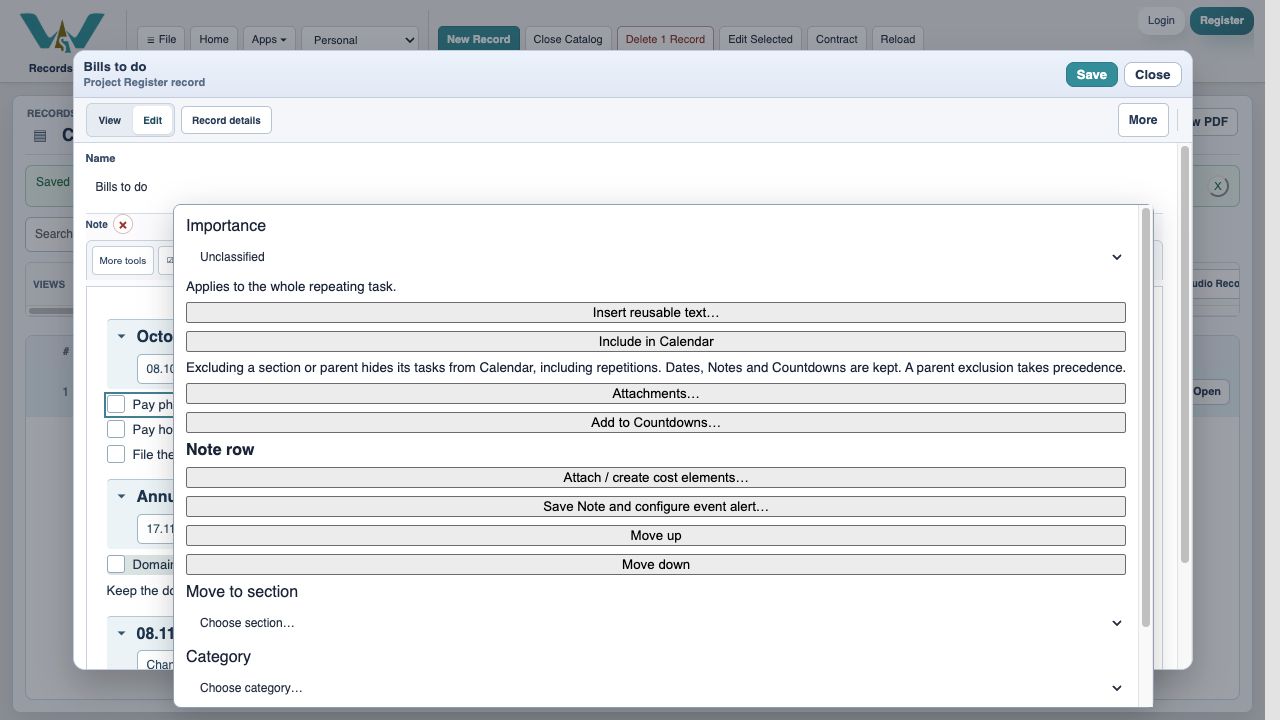
Enable the Calendar view deliberately
A normal Notes row is not a Countdown or Calendar event by default. Use its row context menu to include it, or configure the linked event through Dates · Calendar · Countdown. A Countdown record has visibility controls for Notes and Calendar. Enable only the views you want, rather than creating several unrelated copies.
Choose the destination
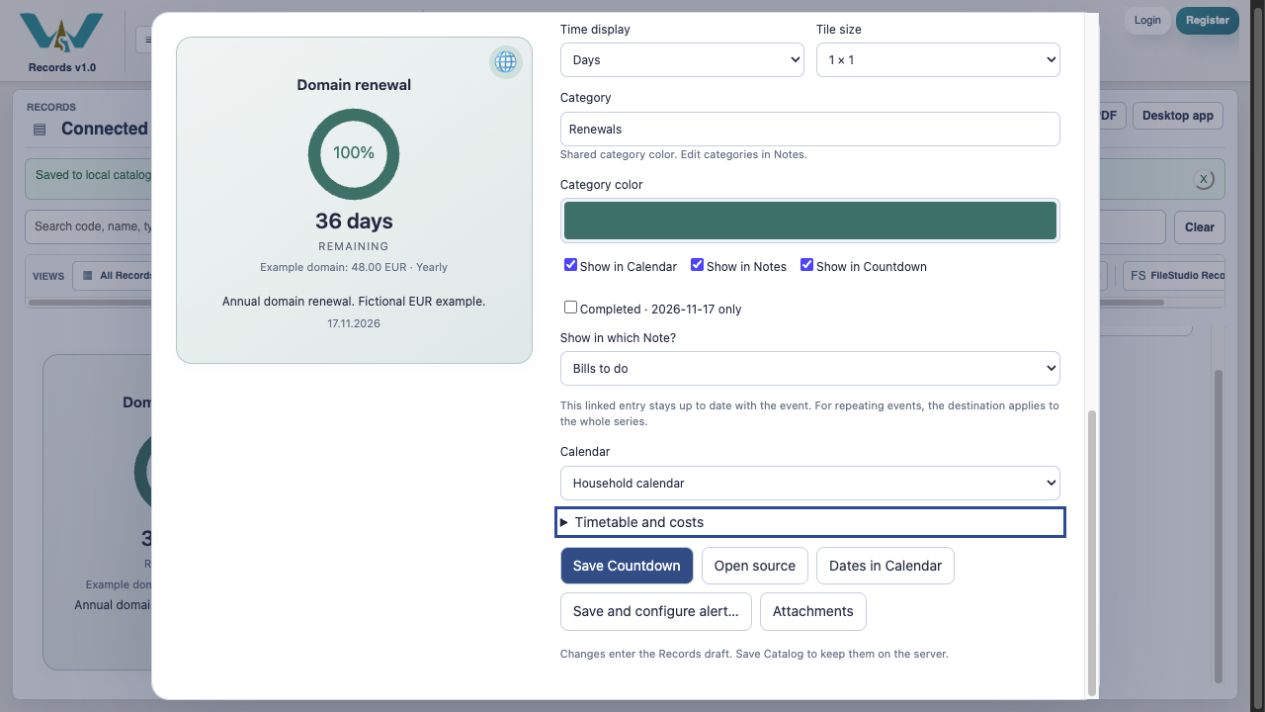
In Countdown settings enable Show in Calendar, then choose Household calendar. You can also choose Create a new calendar. The destination selects the calendar collection; the category groups related events within it. Here Renewals provides the shared category color. Show in Notes lets you choose the existing Bills to do Note or create a new Note.
Verify the deadline in the calendar
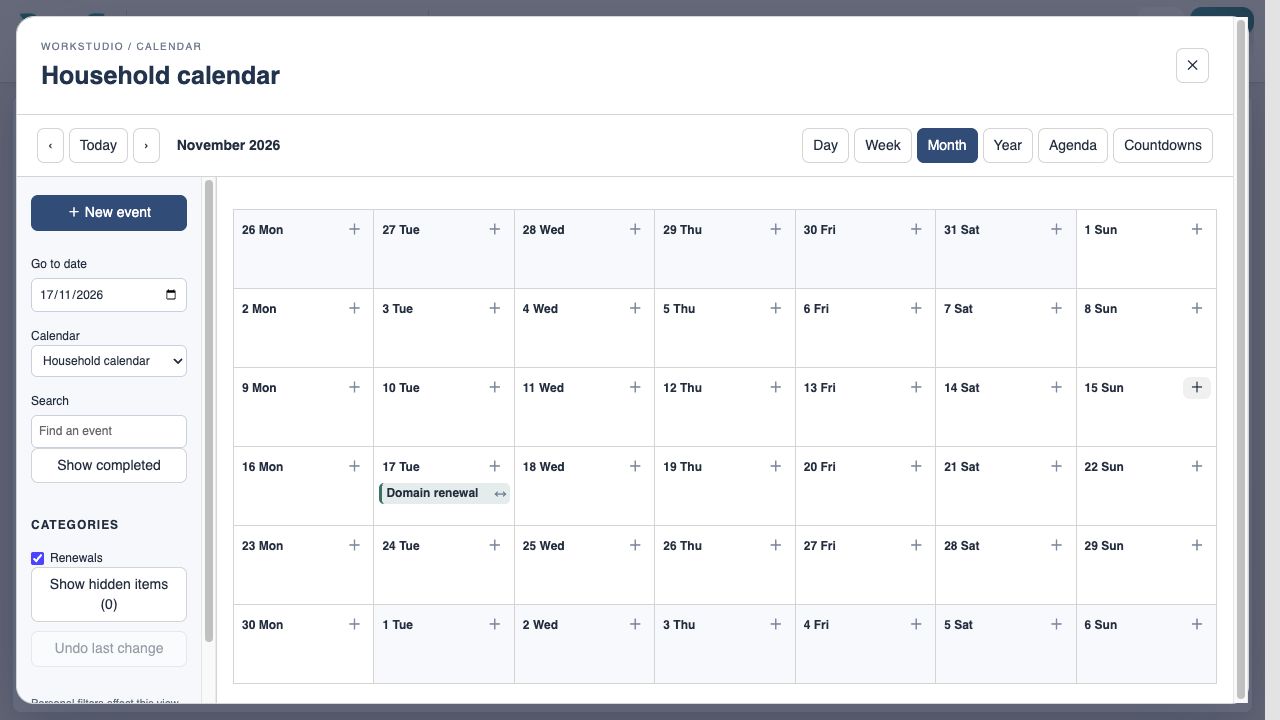
Open the selected Calendar, go to 17 November 2026, and confirm Domain renewal. The reminder is on the deadline, not on the day you recorded a payment. A countdown between start and end belongs on its target deadline; a continuous multi-day activity is a different event shape.
Use the right recurrence scope
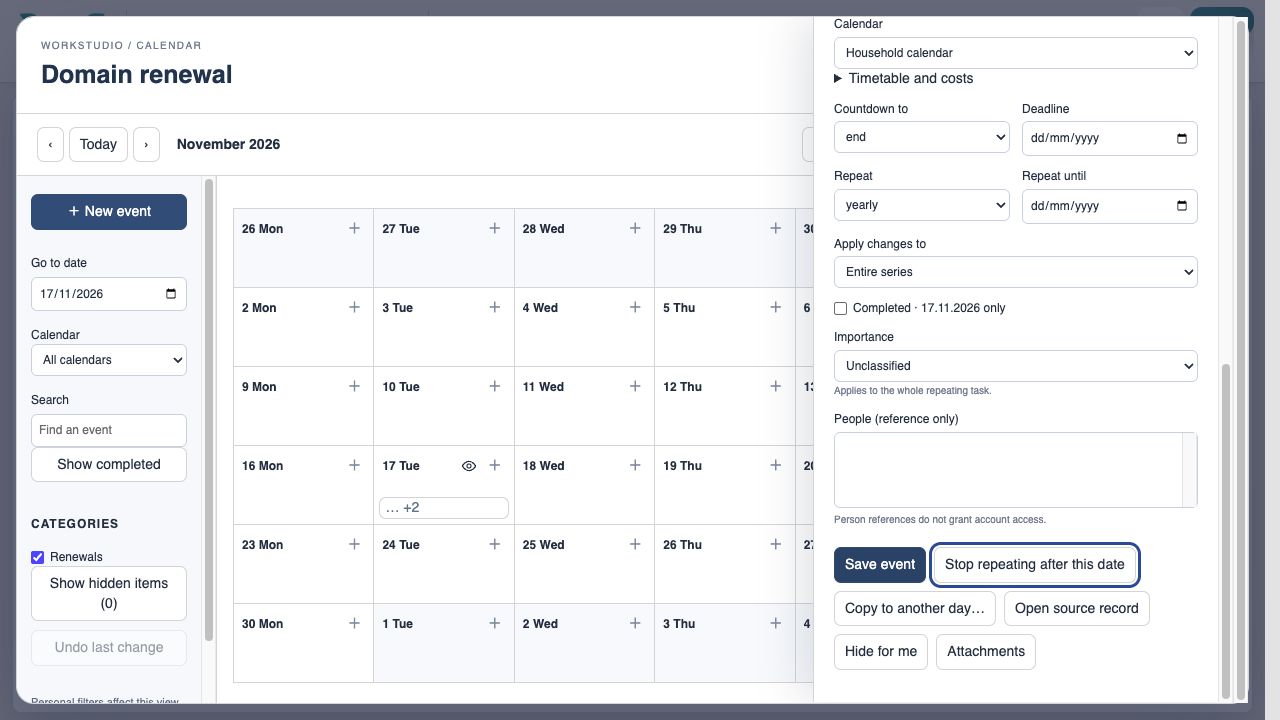
Open the event to inspect Repeat and Apply changes to. Use Entire series for a lasting destination or yearly-recurrence change. Use This occurrence when only one renewal differs. Save event, then Save Catalog. Existing names alone do not prevent duplicate independent reminders: check which source record the event belongs to.
Enable JavaScript to use reading progress and usefulness ratings.