
One bill, connected views
Keep the amount in one cost element, then connect it to the places where you plan, act and review.
These guides use fictional practice data and generic EUR amounts. Costs, tasks & dates is the second learning series; start with Costs & budgets if you are new to cost elements. The screenshots show the October 2026 interface. Adapt example dates and planning periods if practicing later. Recording bills and payments does not transfer money.
Start with A monthly phone bill: expected, billed, paid and checked or Review unfinished work.
One reusable cost, connected views
- Cost element: price, invoices and payments.
- Budget / Estimate: totals and outstanding bills.
- Dated Notes task: cost links and completion.
- Calendar: the chosen date and collection.
- Countdown: time left to the same target.
Settlement → matching task date → all linked costs settled → editable task checked.
One bill, five connected views
A silent, paced screen presentation using real Catalog captures and fictional EUR examples. Outlines and Click / Type / Look here arrows identify the action. The decorative title artwork is AI-generated. Open the full guide for the illustrated transcript.
Five views, five useful jobs
A Cost element holds the price, currency, billing cycle and bill/payment history. Budget / Estimate groups those costs and calculates totals. Notes supplies dated tasks and checkboxes. Calendar places an event on a date. Countdown shows the time until its target. Reuse the existing cost record when linking these views; a matching name alone does not create a connection.
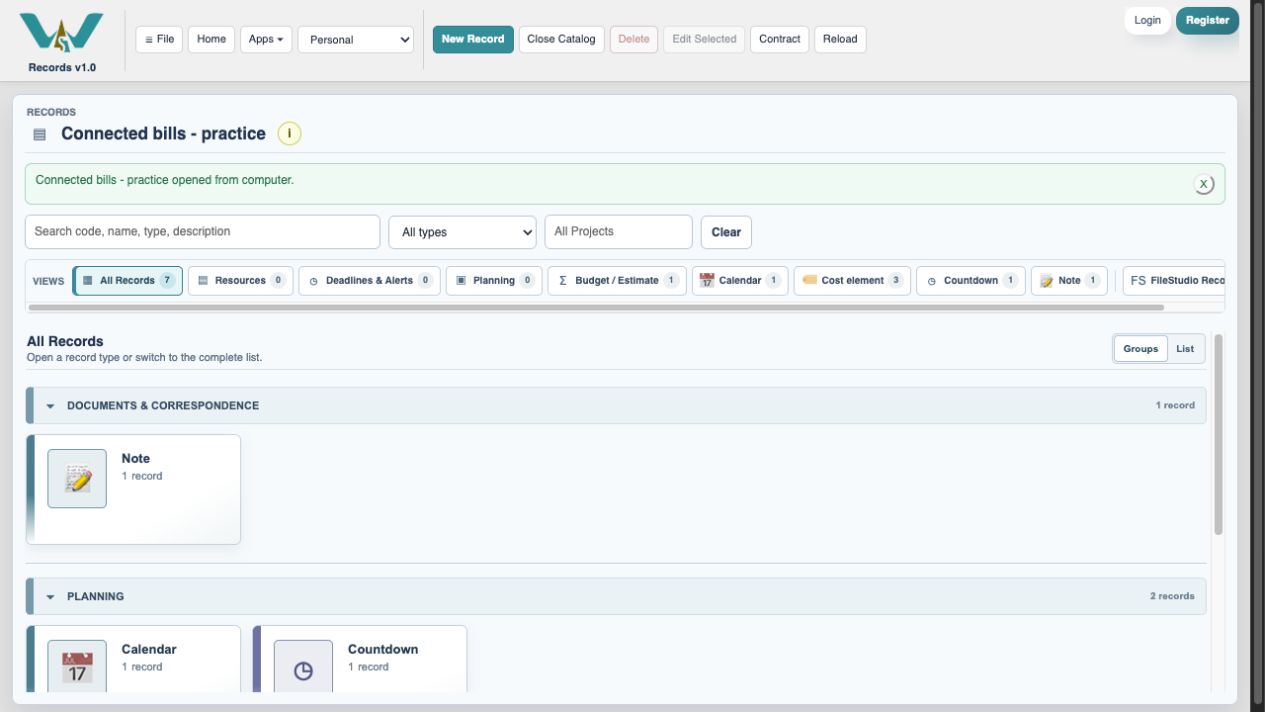
Expected, billed and paid answer different questions
Phone service is expected to cost EUR 20 each month. Its October invoice is EUR 24. Paying EUR 10 leaves EUR 14 on that bill. Expected is your planning figure; billed is the confirmed obligation; paid is what you recorded as actually paid. The difference between expected and billed is a budget variance, not a discount.
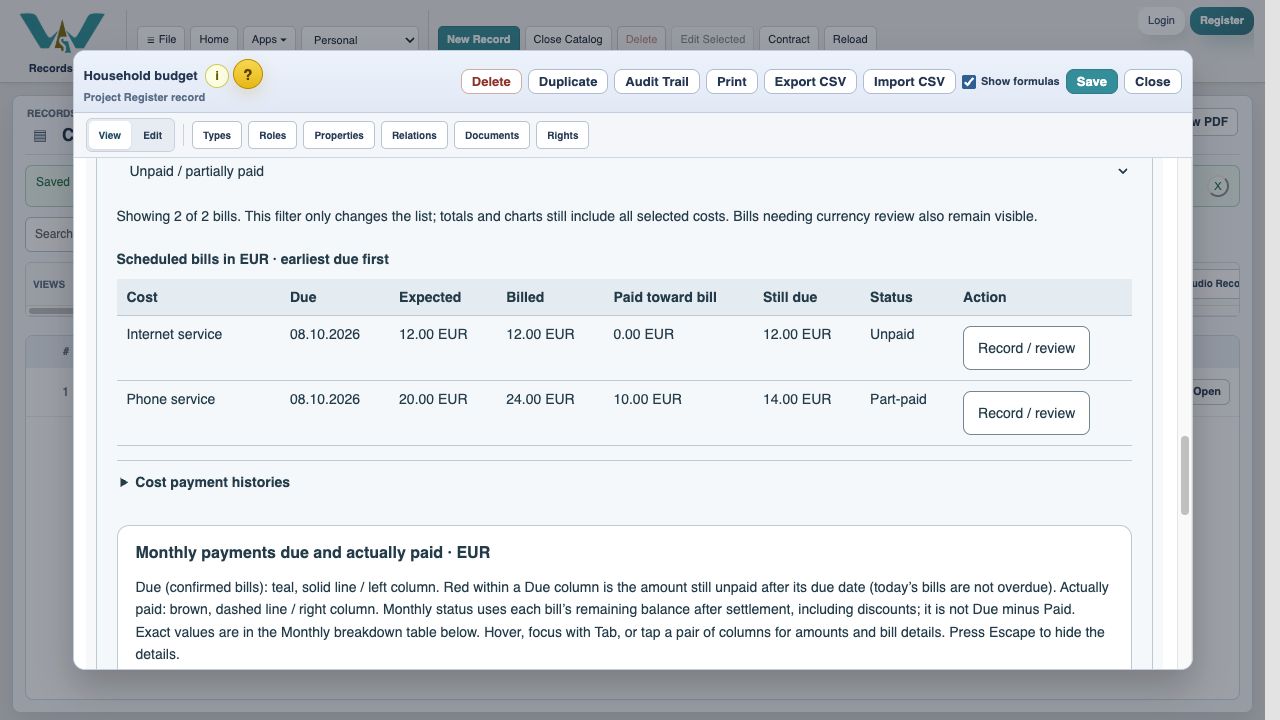
A checkbox follows a particular bill
Settling the October phone bill checks the matching dated task. It does not check November. If a task has two cost elements, both bills for its date must be settled. Filing the receipt remains separate work. Recording a payment in WorkStudio records history; it does not transfer money.
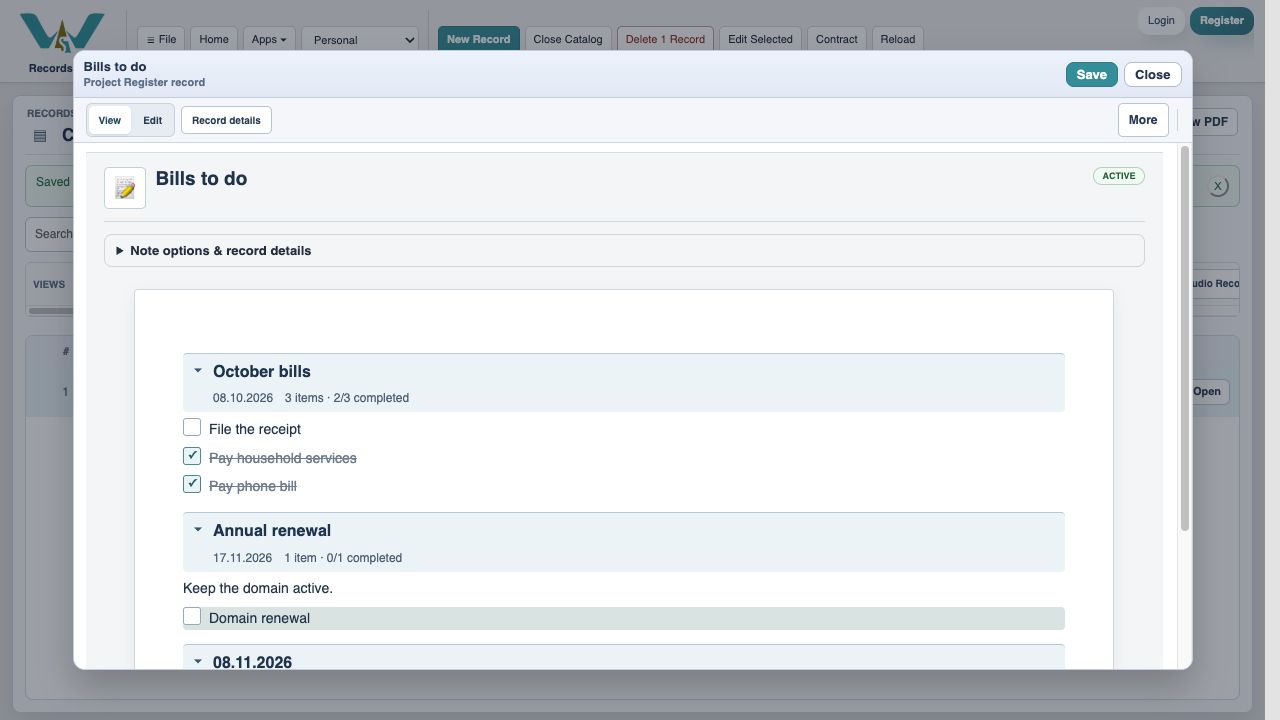
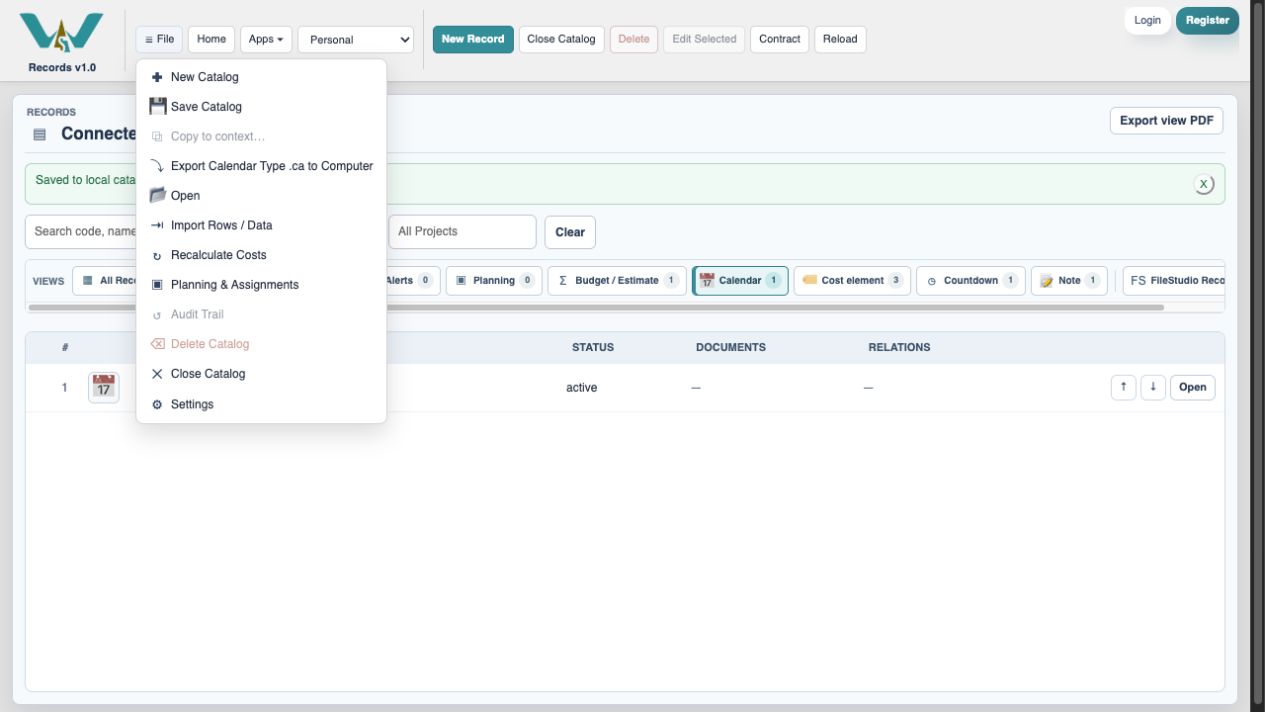
Save the record, then keep the Catalog
Save in a record places changes in the Catalog draft. For an online Catalog, finish with File → Save Catalog. In a computer-only practice Catalog, select All Records and export the complete .ca file. Dates, styles and other Countdown settings are managed online in WorkStudio Catalog when using the connected desktop app.
Enable JavaScript to use reading progress and usefulness ratings.