
Import Your First Invoices in Invoice Manager
Start from an empty register, import example invoice files, and review the grouped result.
Use this walkthrough when you want to test Invoice Manager with the provided sample invoices.
The screenshots use Personal context, but the same steps work in Company or Project context after you switch the Context picker.
Related: Invoice Manager, Invoice Manager: Import, Register, and Filters, WorkStudio Context.
Open Invoice Manager
Open Invoice Manager from WorkSpace and confirm you are in the context where you want the test import to land.
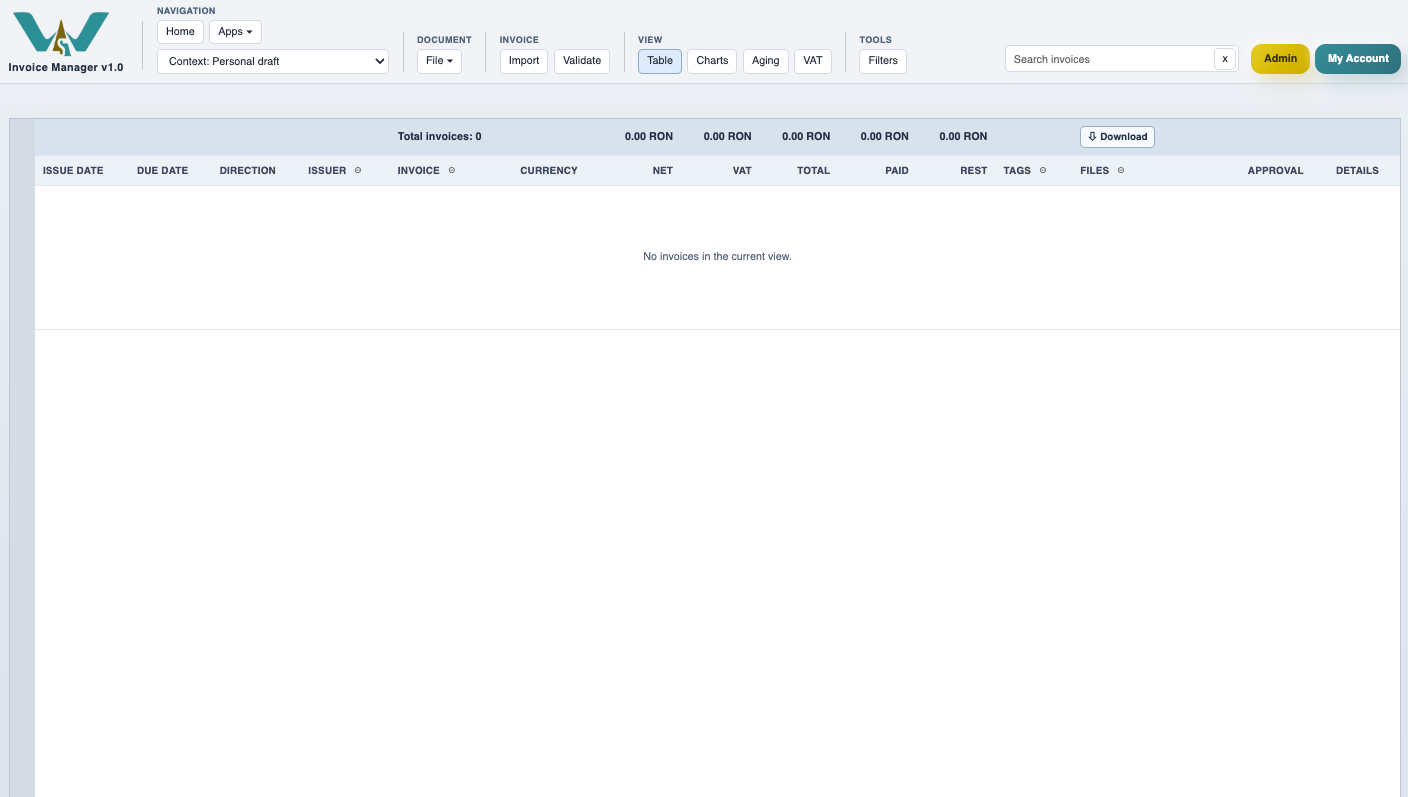
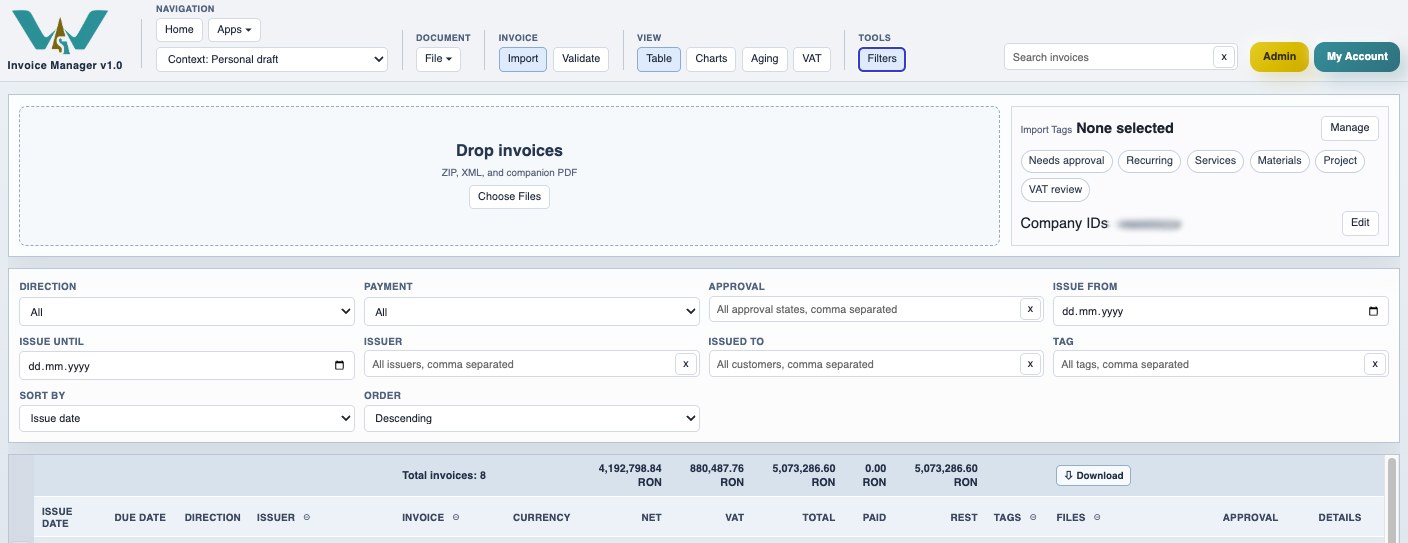
Turn on Import
Use Import so the drop area opens. Invoice Manager accepts ZIP, XML, and companion PDF files.
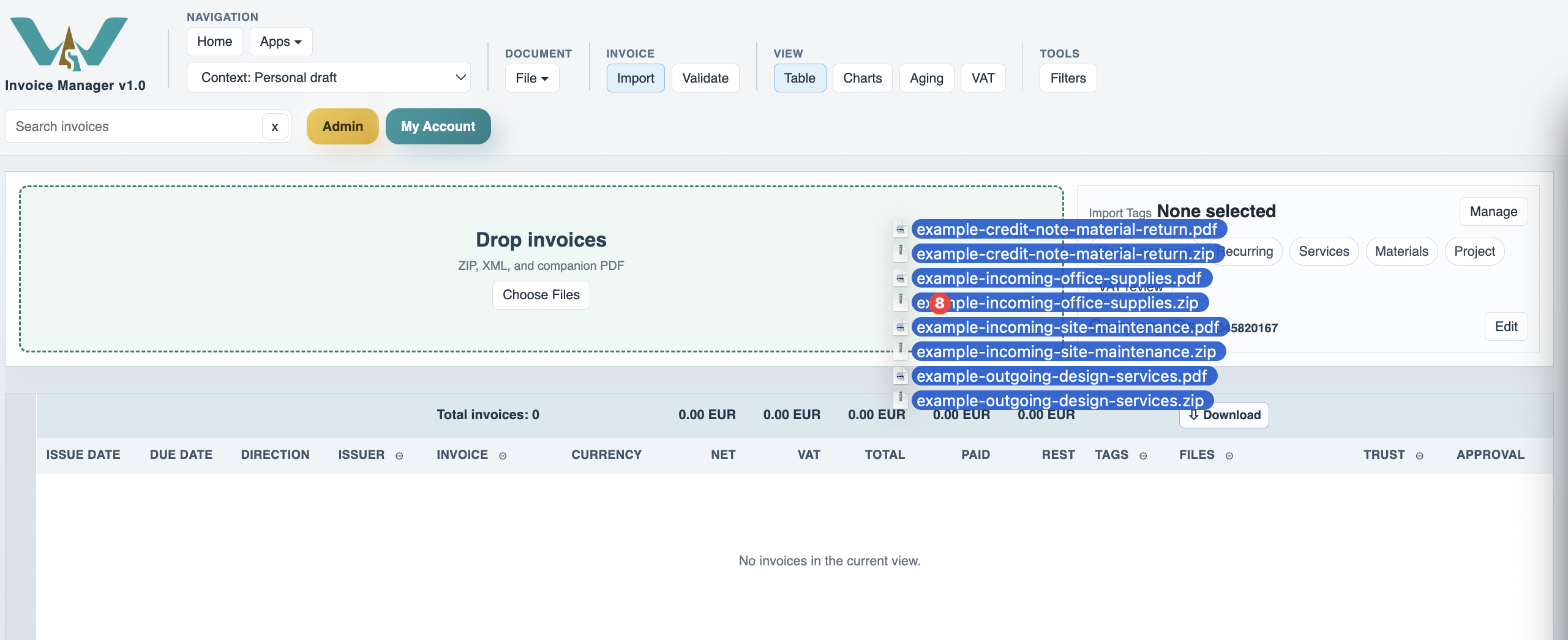
Drop the example invoice files
Drop one or several invoice packages. If the ZIP or XML is valid, the app reads the invoice and links the related PDF when present.
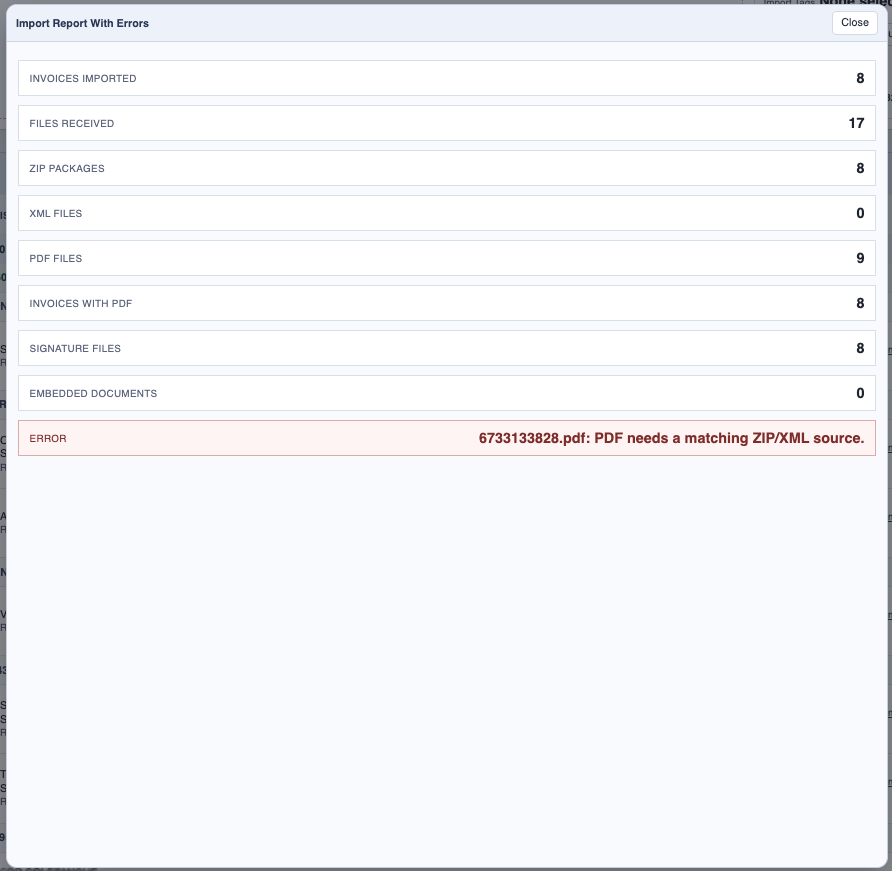
Review the import report
Check the import report first. This is where you see how many invoices and PDFs were accepted and whether any file needs attention.
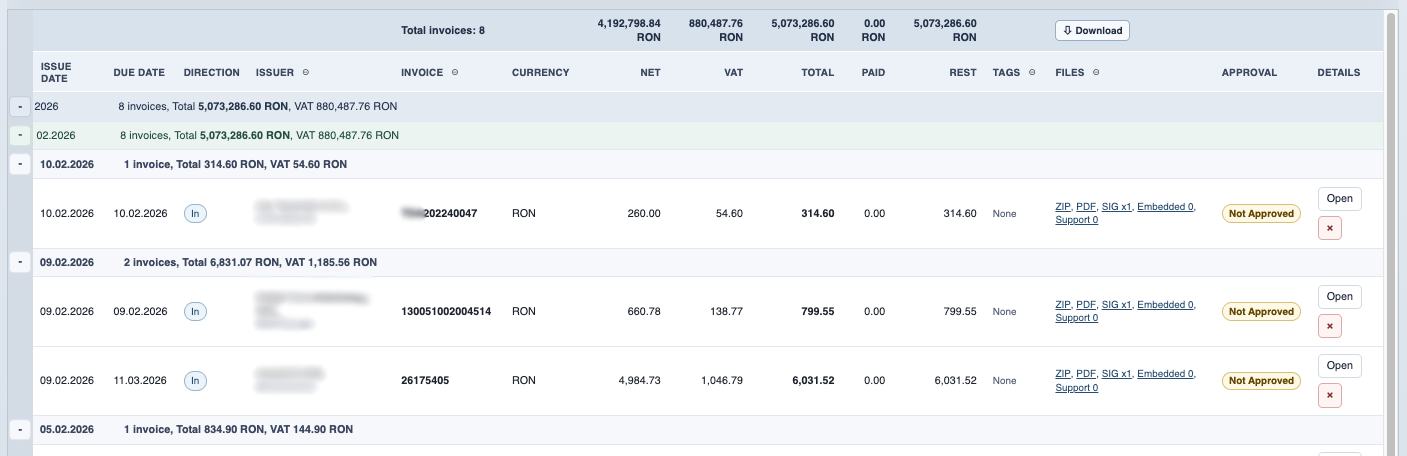
Read the grouped register
After import, return to the register and review the grouped totals by date separators.
Use filters when the list grows
Open Filters to narrow the working set by issuer, issued-to, tags, approval state, trust state, and search text.
Enable JavaScript to use reading progress and usefulness ratings.