
Snap, Grid, Zoom, and UCS in CADStudio
The first reference for CADStudio drawing aids: snap, circle intersection snap points, ortho, grid opacity, zoom speed, pan, zoom, and UCS.
Drawing aids are in the bottom bar and top toolbar.
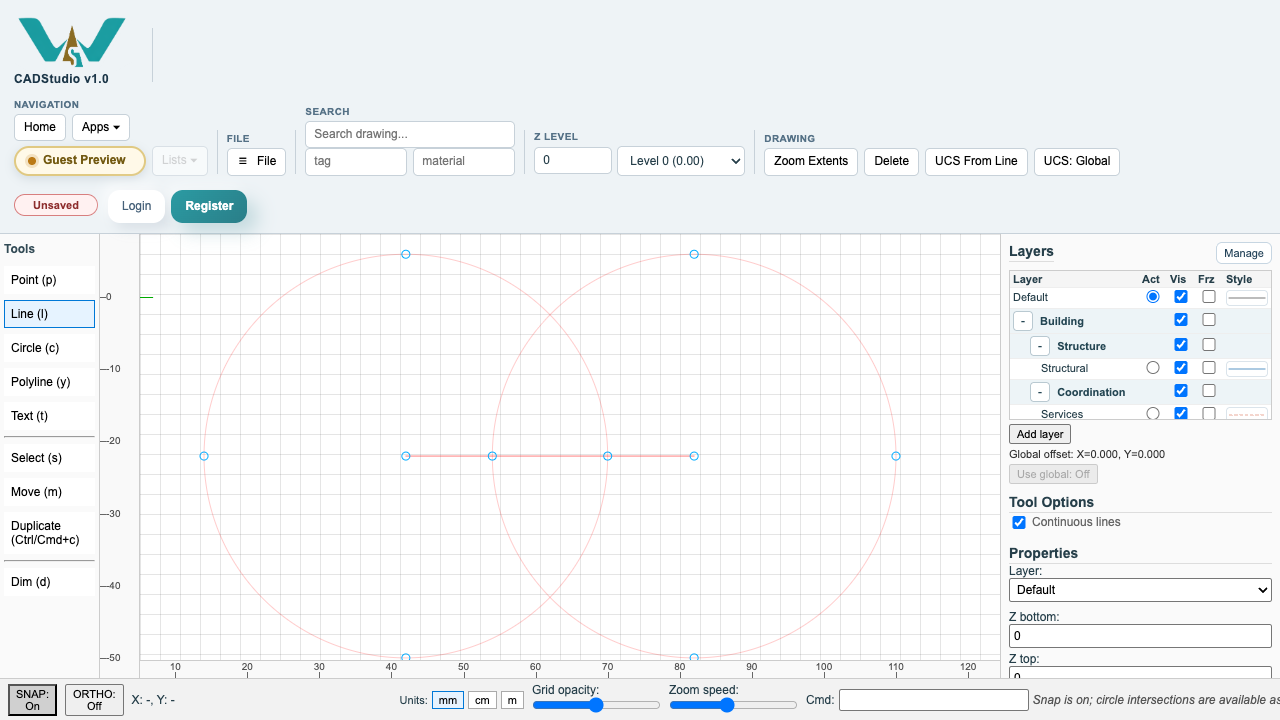
SNAP helps picked points land on available drawing points. When snap is on, CADStudio also considers circle intersections as snap points.
ORTHO constrains line and dimension work to horizontal or vertical movement when that is the intended drafting mode.
Grid opacity changes the visual strength of the drafting grid. Zoom speed changes how quickly the mouse wheel zooms in and out.
Use pan and zoom to move around the drawing. Zoom Extents returns the view to the visible drawing contents.
Use UCS From Line when you want a local axis from an existing line. UCS: Global toggles between the local UCS and the global coordinate system.
Related: CADStudio Interface and Controls, CADStudio Drawing Tools, Z Levels and Selection Reports in CADStudio.
Circle intersection snap reference
When snap is on, circle intersections are available as precise snap points for new geometry.
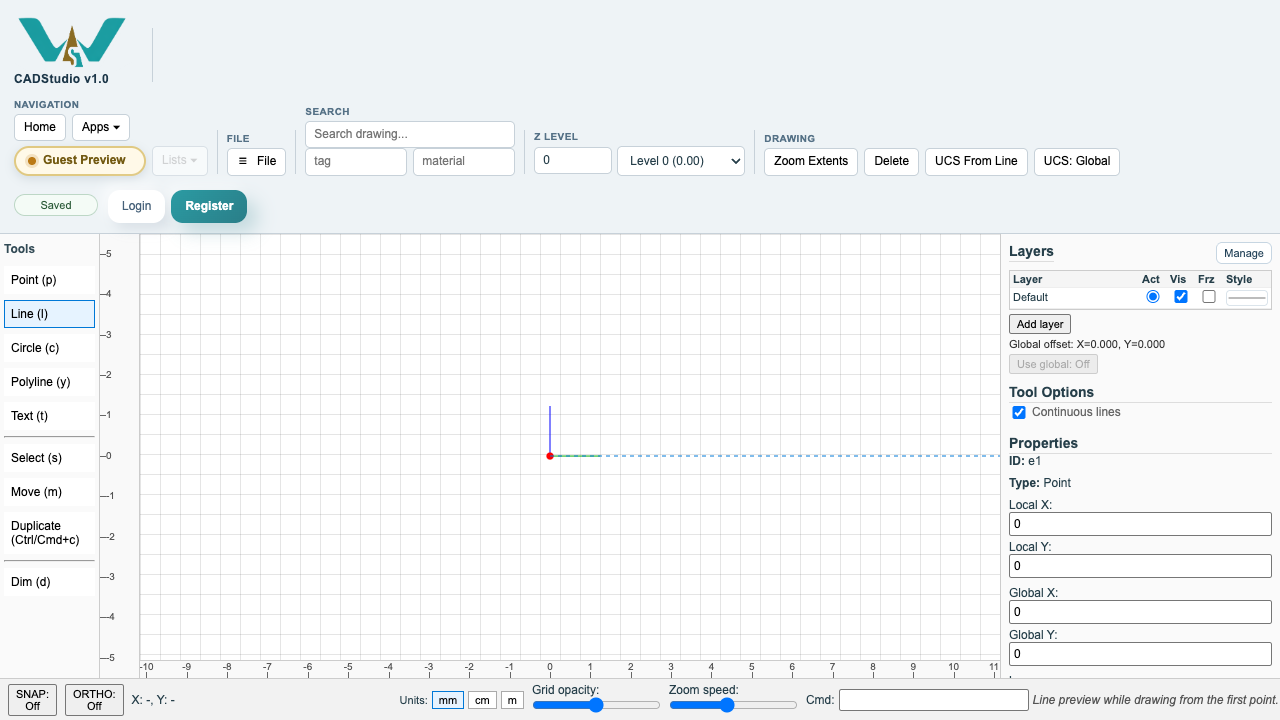
Preview while drawing
Drawing aids work with live previews so you can see the intended geometry before committing it.
Enable JavaScript to use reading progress and usefulness ratings.