
CADStudio File Settings
A focused reference for CADStudio File Settings: drawing name, decimals, named Z levels, defined tags, materials, and save format notes.
Use File > File Settings for drawing-level setup.
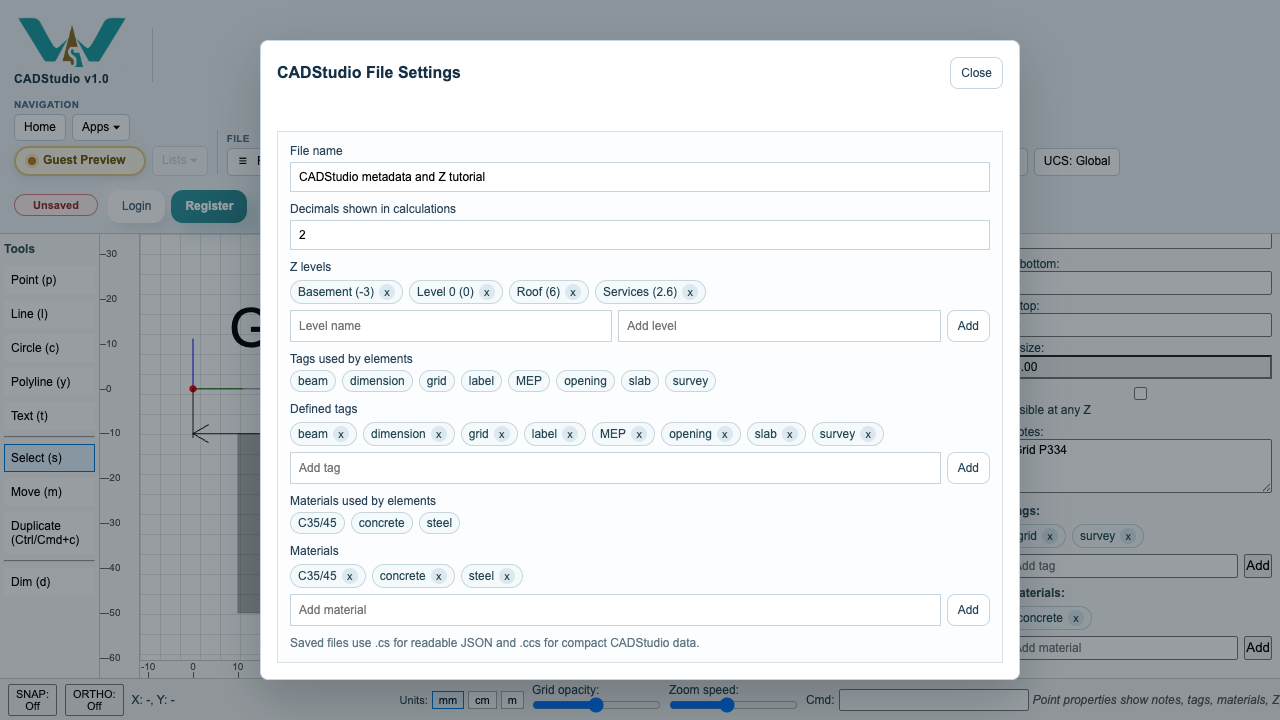
Set the file name used by local save and by account save.
Set how many decimals CADStudio shows in calculated values such as lengths, areas, volumes, and line widths. The default is 2.
Define named Z levels so the top toolbar can show meaningful level names instead of only numeric Z values.
Define tags and materials that should be available as suggestions when editing object metadata.
File Settings also shows the tags and materials currently used by elements, so you can see which classifications are already present in the drawing.
Saved files use .cs for readable JSON and .ccs for compact CADStudio drawing data.
Related: Saving and Loading in CADStudio, Search and Filters in CADStudio, Z Levels and Selection Reports in CADStudio.
Defined lists and levels
File Settings keeps decimals, named Z levels, defined tags, materials, and used element metadata in one place.
Save CADStudio files
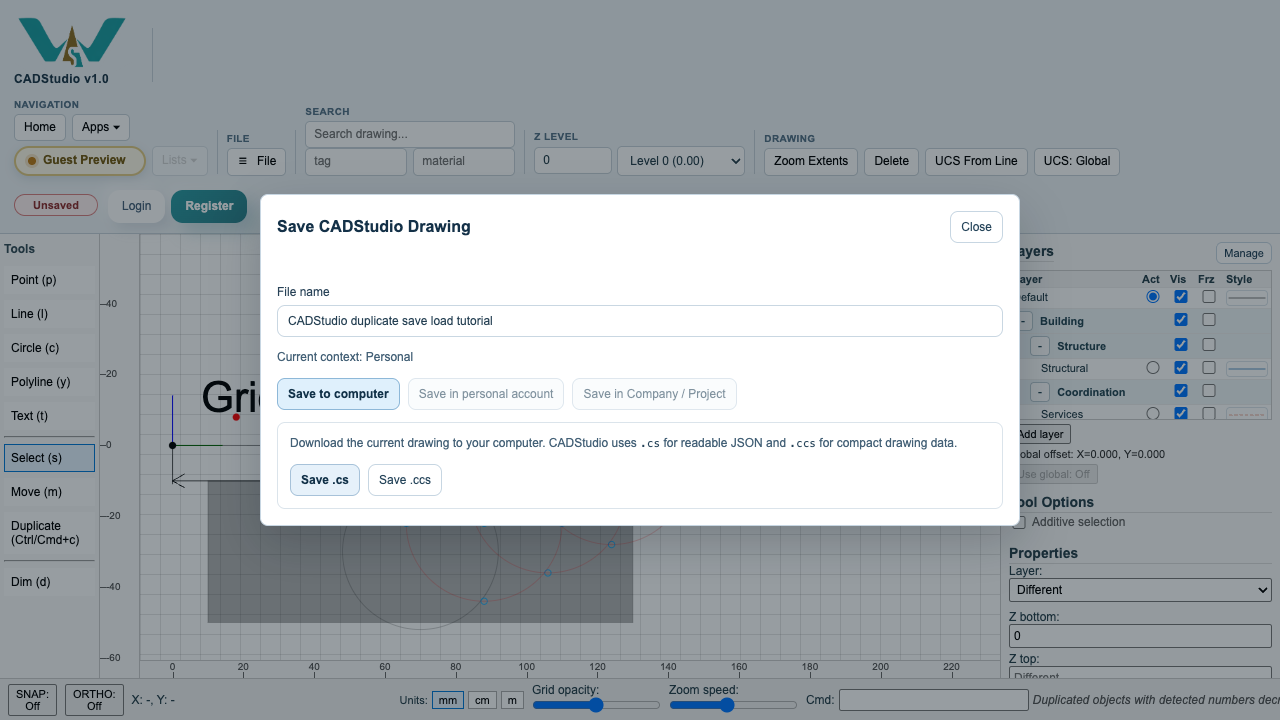
The Save dialog offers .cs and .ccs local save options and account save tabs when signed in.
Enable JavaScript to use reading progress and usefulness ratings.