
Timetable Records and Calendar Exceptions
Use one Timetable record for school lessons, shifts, meetings, work segments, or a presentation timeline.
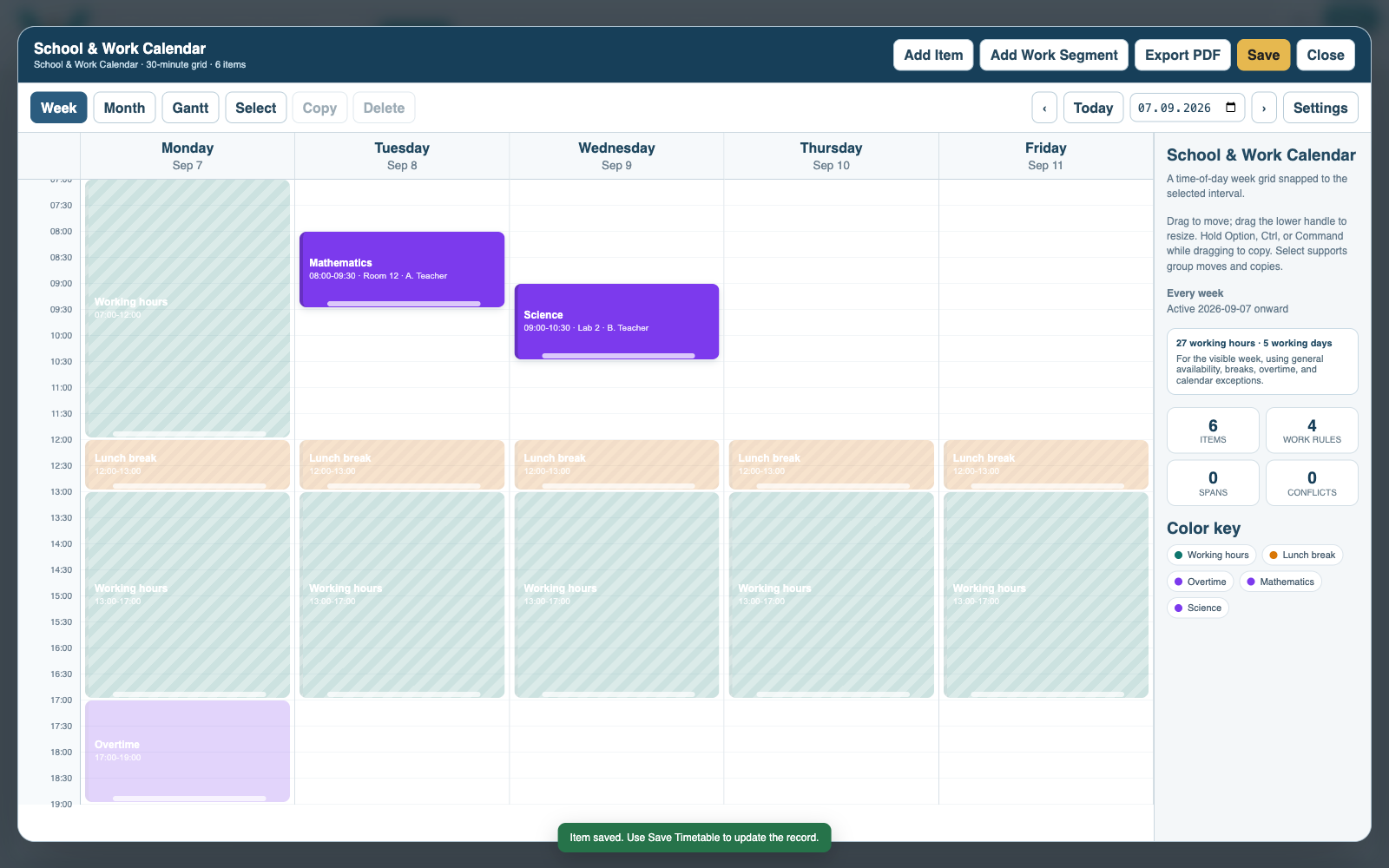
A Timetable is a reusable schedule record with Week, Month, and Gantt views. Its entries can represent repeating timed events, working-time segments, or presentation timeline items such as phases and milestones.
School timetables can store subjects, teachers, rooms, groups, recurrence, attendance, capacity, and colors. A Calendar Exception Set can hold terms, holidays, closures, or one-off date changes and be reused by several Timetables.
Timetable Edit mode supports adding, moving, resizing, and reviewing entries. Save keeps the timetable in the open Records draft; Save Catalog writes that draft to the active context. Export options include PDF, styled Excel, standard CSV, and the complete .tt format.
Tutorials: Create a School Timetable and Show Project Milestones on a Timetable.
A weekly Timetable
Recurring lessons and work segments remain readable in a reusable Week view.
Enable JavaScript to use reading progress and usefulness ratings.