
Control Resources and Project Costs
Create reusable Resources, select project prices, combine them in Breakdowns and BOQ Items, and review the result in cost reports.
This walkthrough describes the connected cost flow. Exact project totals depend on valid assignments, units, dates, currencies, and released versions.
Related: Resources, Breakdowns, BOQ, and Cost Reports, Build a Project, WBS, and Phase Structure.
Continue with the new company examples: Open the practical tutorial and film.
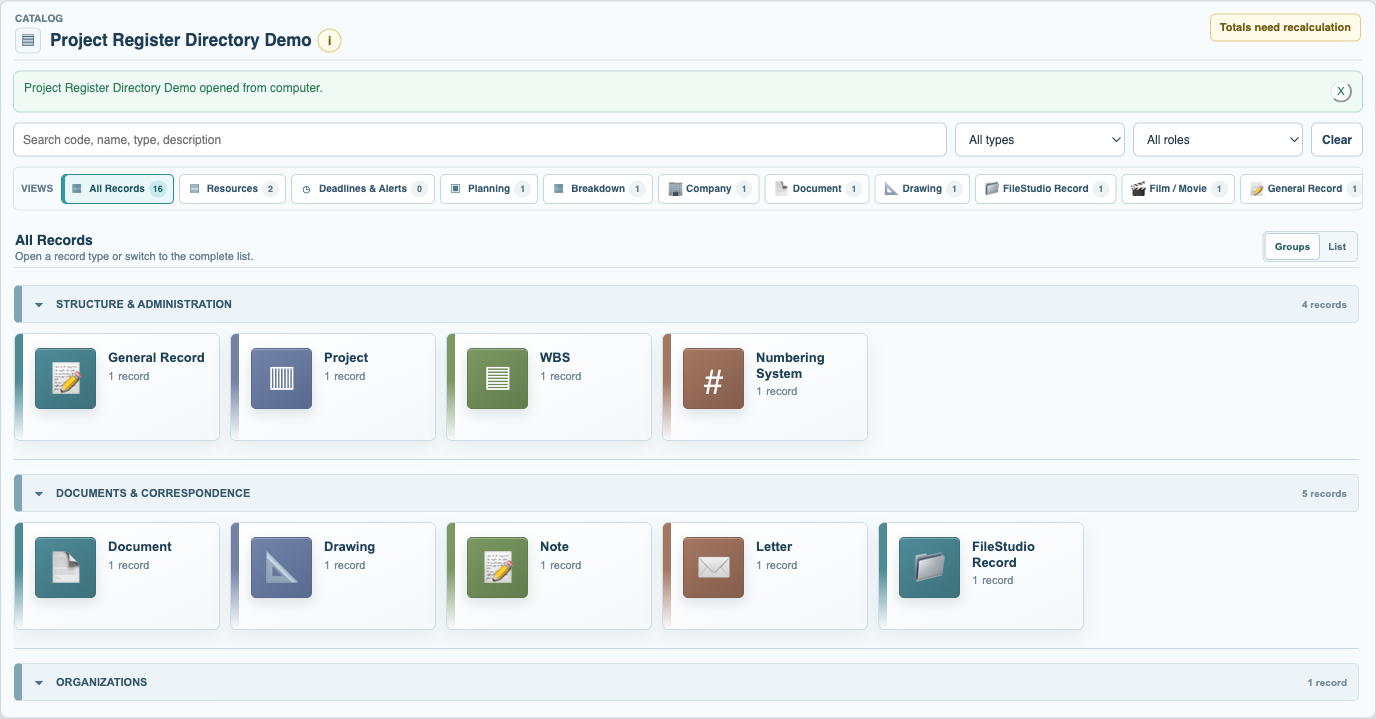
Open a Resource view
Choose Resources or a focused Material, Labour, Equipment, Transport, or Service view. Create or open the resource you need.
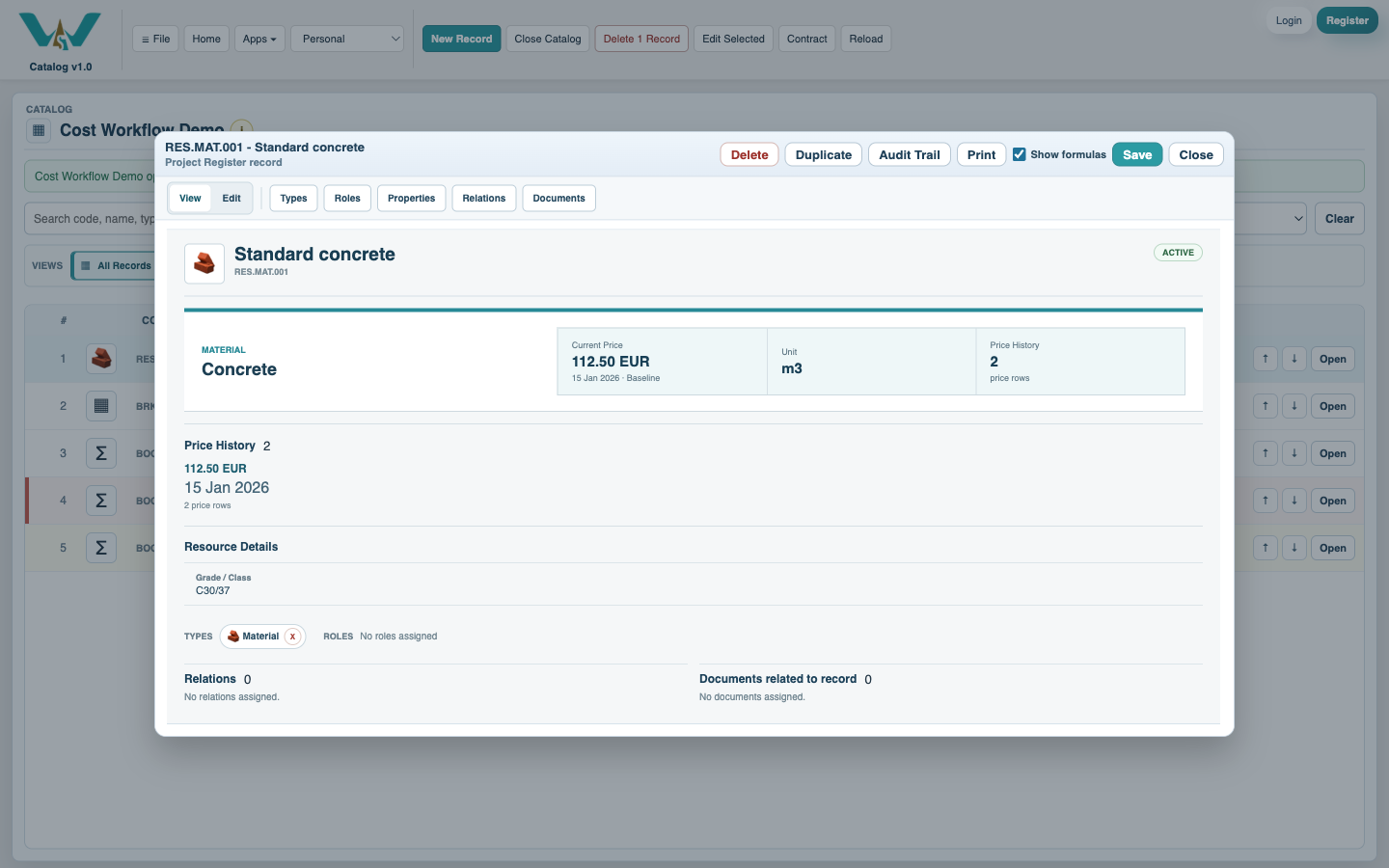
Set the Resource details and price
Choose the Unit and Category, then add dated Price History with currency, supplier, location, Price Set / Code, and supporting document where available.
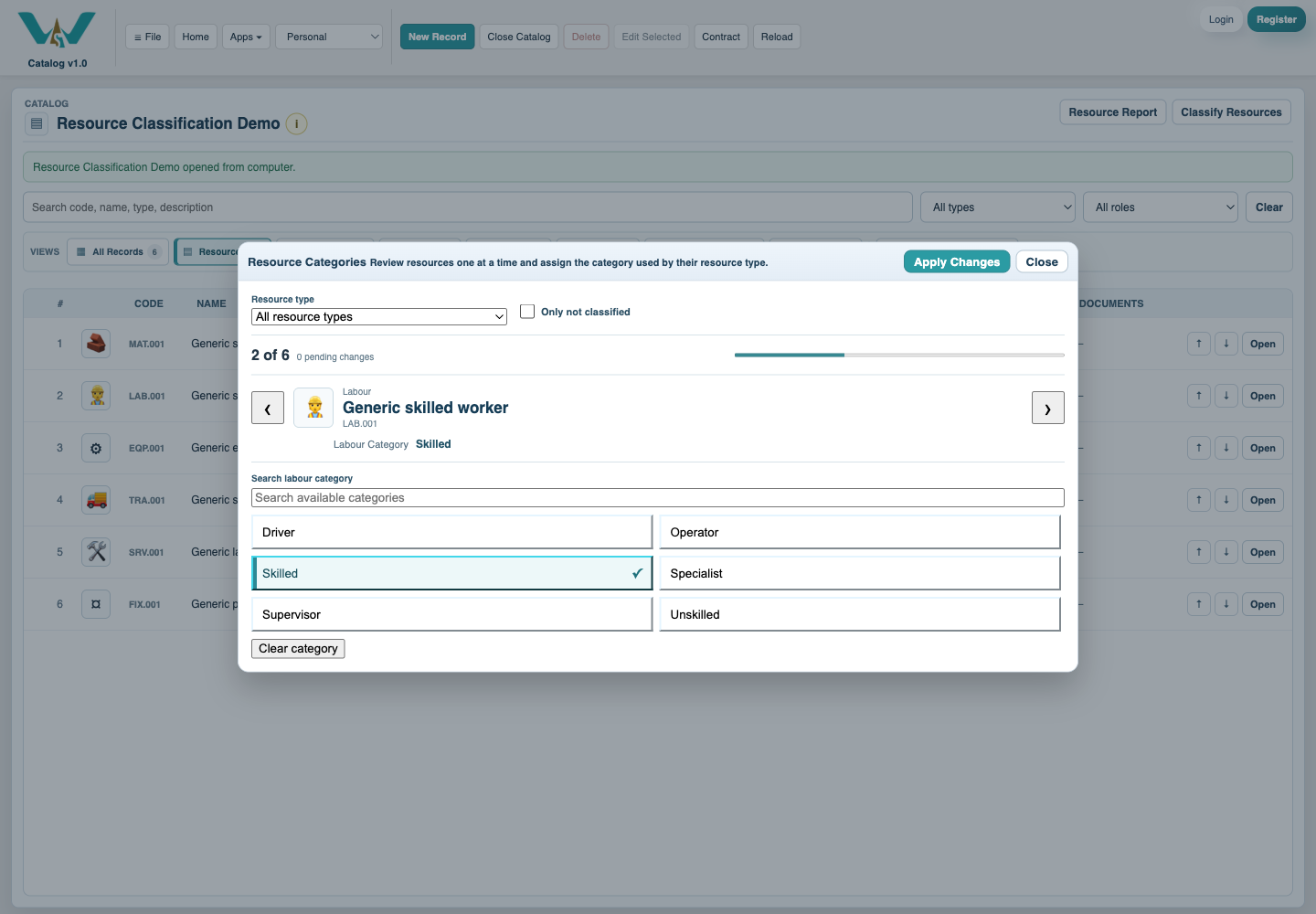
Classify Resources consistently
Use Resource Categories to review one Resource at a time, filter unclassified records, and select the controlled category used in views and reports.
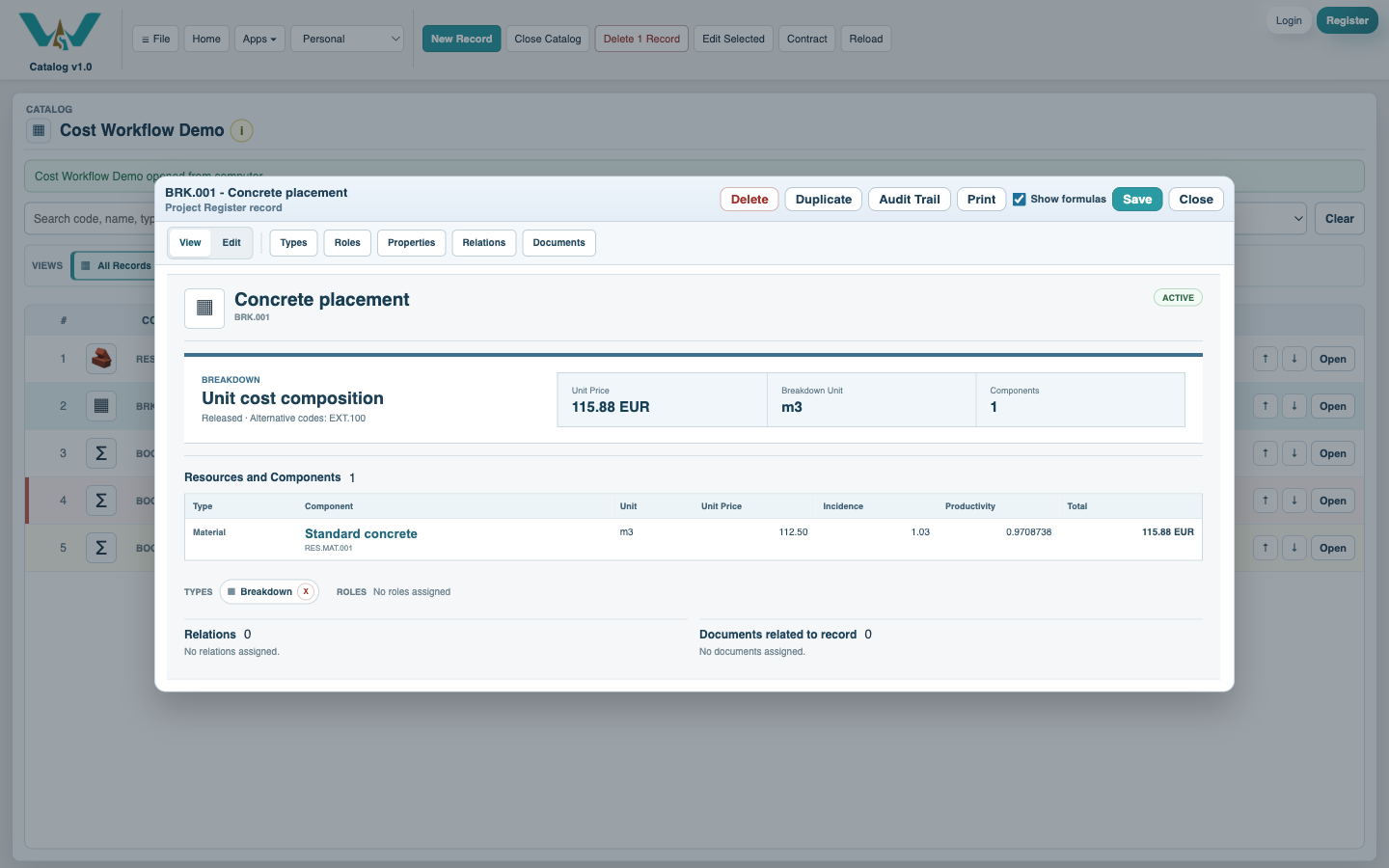
Build or version the Breakdown
Add live Resource or nested Breakdown components, set incidence or productivity, review units and formulas, and select the correct Project / Price Set Code and revision.
Assign the Breakdown to BOQ
Open the BOQ Item, confirm its quantity and unit, and assign one or more appropriate Breakdown versions and effective dates. Resolve unit or missing-value warnings.
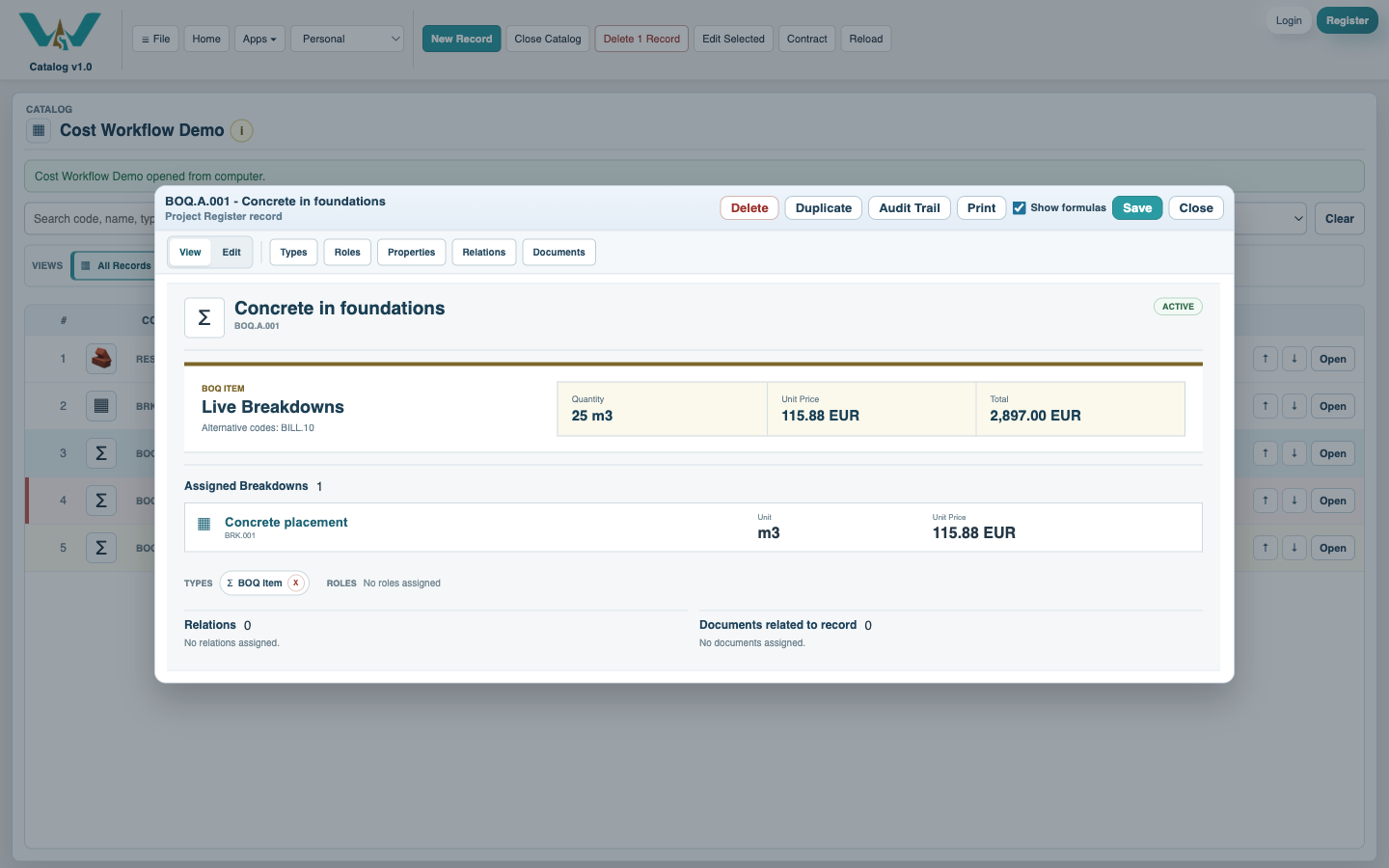
Review and export the report
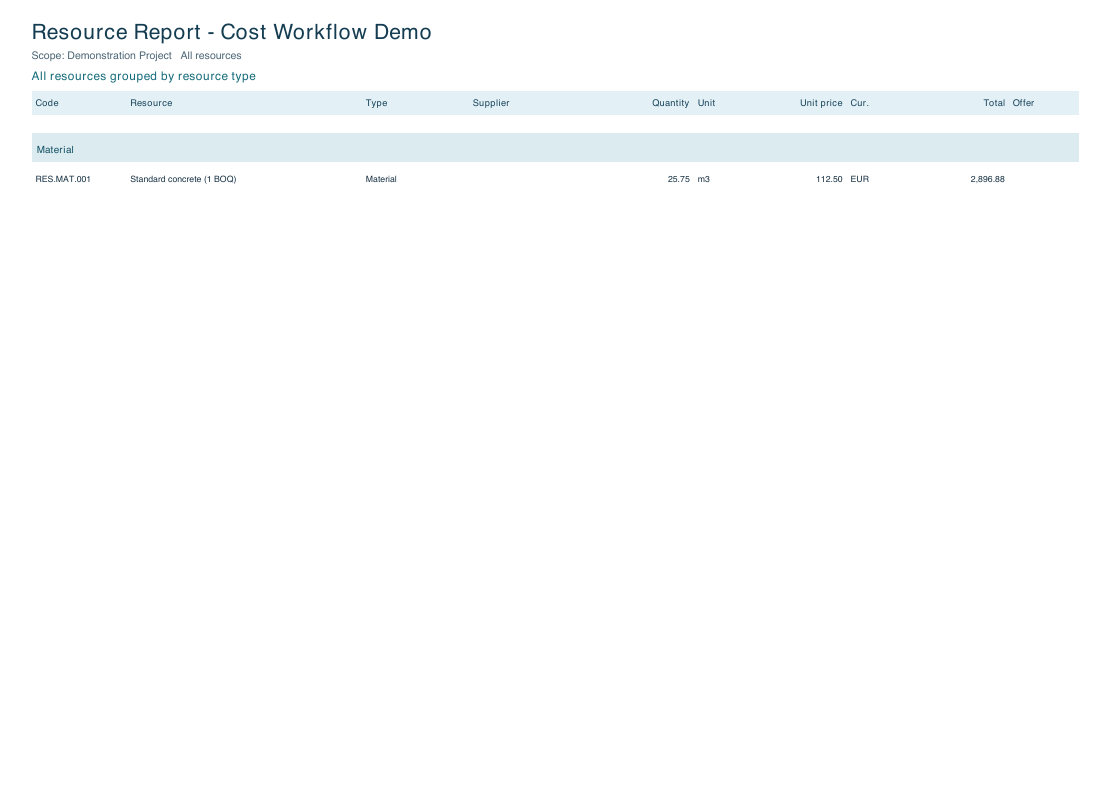
Calculate the selected Project scope, open Resource Report, choose grouping and order, inspect totals and supporting prices, then export the reviewed result.
Enable JavaScript to use reading progress and usefulness ratings.