
Build a Project, WBS, and Phase Structure
Create a Project, nest WBS or Phase headings, place records below them, and use automatic Type routing where it saves work.
Projects, WBS headings, and Phases organize records without turning them into separate copies. Levels are calculated from the parent hierarchy and are not limited to a fixed number.
Related: Views, Search, and Project Filters, How a Record Is Built.
Open the correct Project context
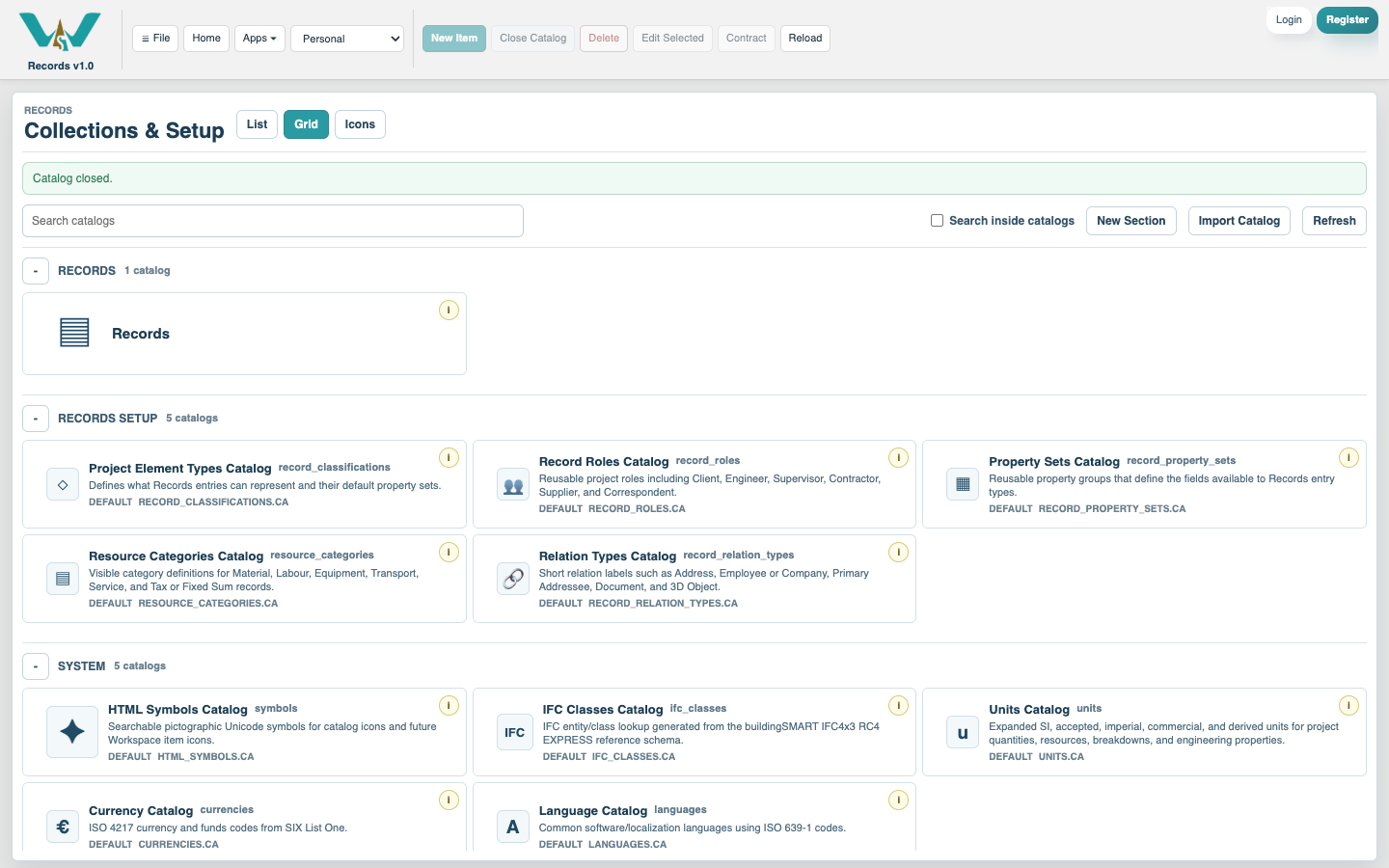
Open Records in the context that will own the structure. Review Collections & Setup only when you need supporting definitions.
Create the Project record
Select New Record, choose Project, enter its name, code, and start date where known, then create the record. A Project remains a root heading.
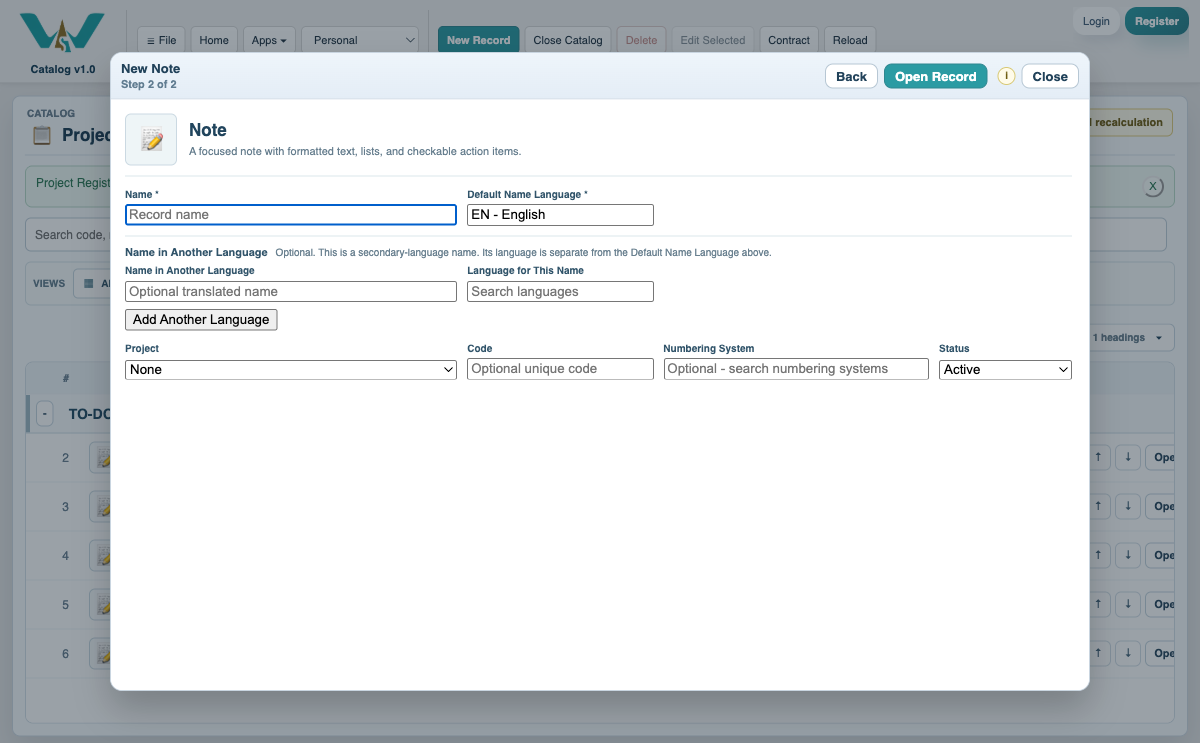
Create the first WBS or Phase
Create a WBS or Phase. In Parent Project / WBS / Phase, search for the Project and select it as the parent.
Place existing records
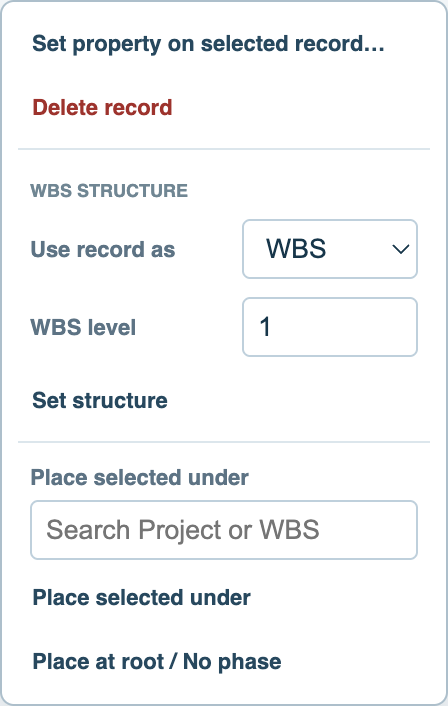
Select one or several rows, right-click, choose Place selected under, search for the destination Project, WBS, or Phase, and confirm.
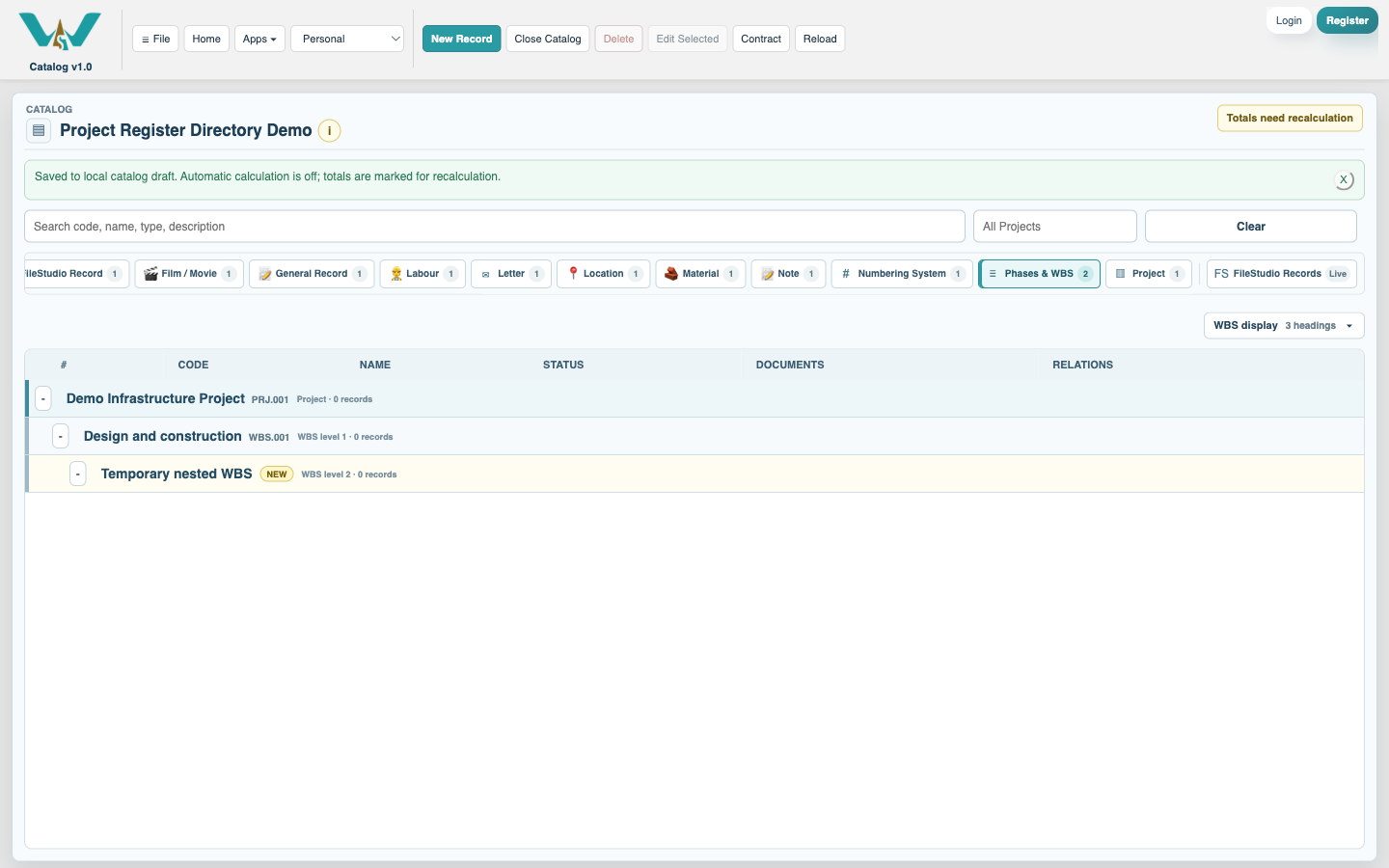
Review the nested structure
Create deeper headings by selecting the preceding WBS or Phase as parent. Expand and collapse the hierarchy to confirm that each child is in the intended branch.
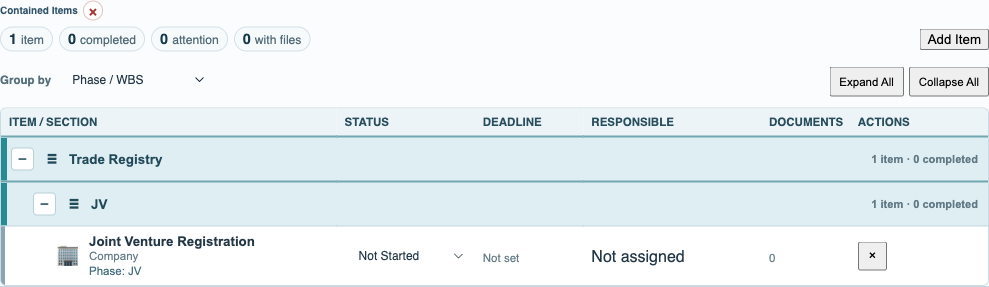
Use focused views and save
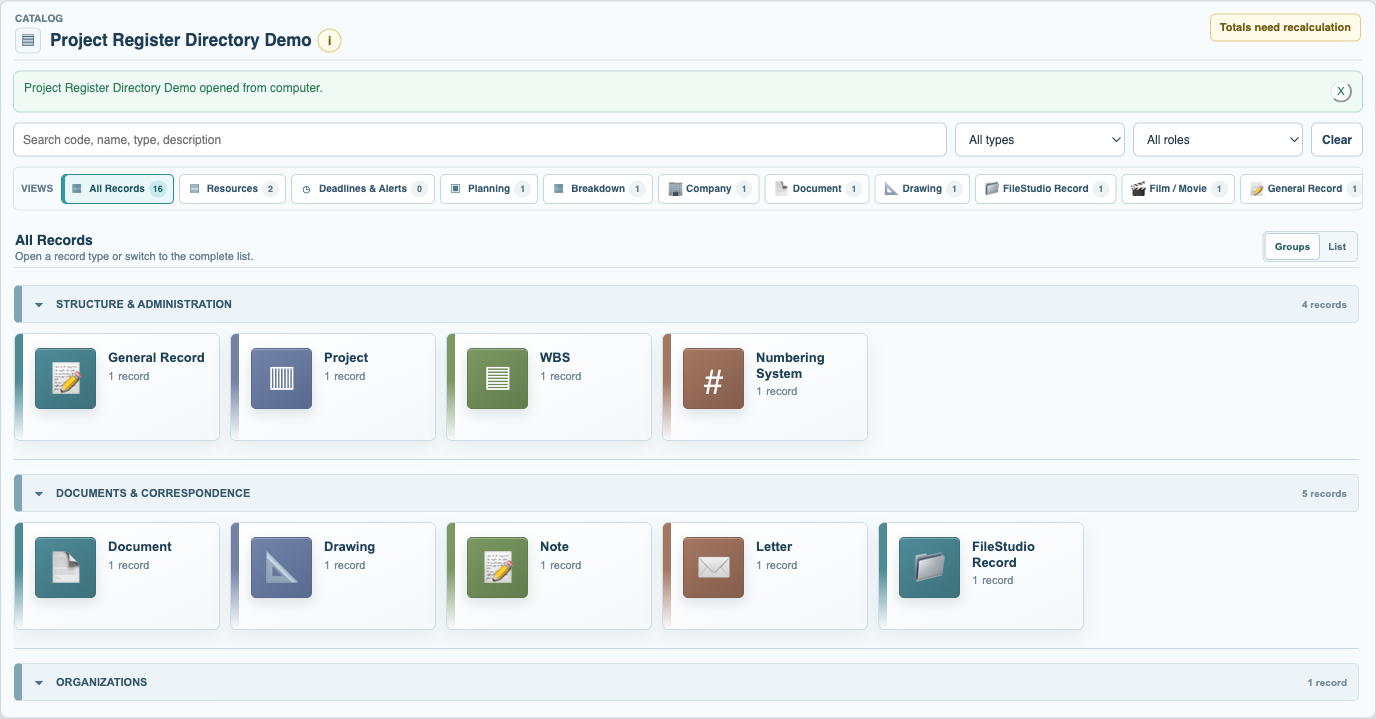
Optionally set Contained Record Types for predictable automatic routing. Check the relevant Type views, adjust sibling order, and select Save Catalog.
Enable JavaScript to use reading progress and usefulness ratings.