
How to organize daily work in Notes
Use sections, checkboxes and nested tasks to keep a day’s work readable.
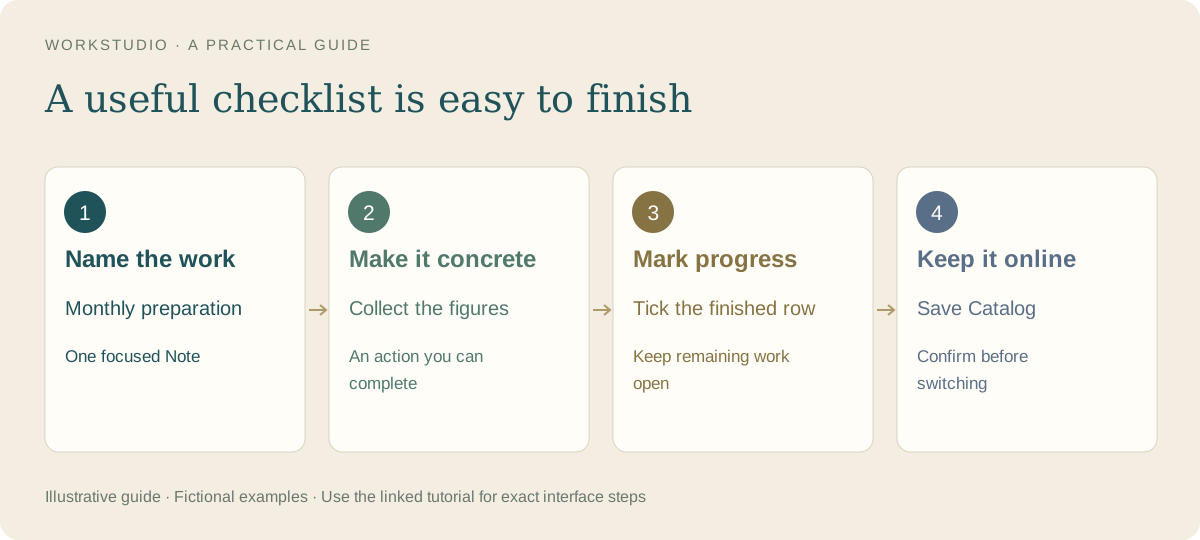
A useful daily Note has enough structure to find the next action, without turning every sentence into a separate record. Begin with one Note and a short list.
Give the Note a clear purpose
Create a Note from New Record. Name it Office preparation — fictional example. In its content, use a short heading, a dated section for today and three checkboxes: Collect department updates, Check missing information and Prepare the summary.
Use nesting when an action has parts
Add Sales and Operations beneath Collect department updates. Use Tab to indent a checklist item and Shift+Tab to move it out. Keep the hierarchy shallow enough to scan.
A parent and its children share completion behavior: checking the parent checks its descendants; an incomplete child leaves the parent incomplete. Use independent top-level rows for actions that should not complete together.
Keep undated work separate
Create an undated section named Later ideas for work without a commitment date. With date ordering, undated sections appear after dated ones. Moving sections manually changes the ordering mode, so check the order control after rearranging them.
Focus the view
- Use categories to recognize kinds of work by color.
- Use importance for priority: Low has a grey arrow, Important a gold flag, and Critical a red lightning symbol.
- Use the unfinished-checkbox filter to find open work across sections.
- Show future events still matters: future tasks remain hidden when that option is off.
Save the Note, then Save Catalog. Display preferences and shared Note content serve different purposes; changing a filter does not remove a task.
In the example Catalog
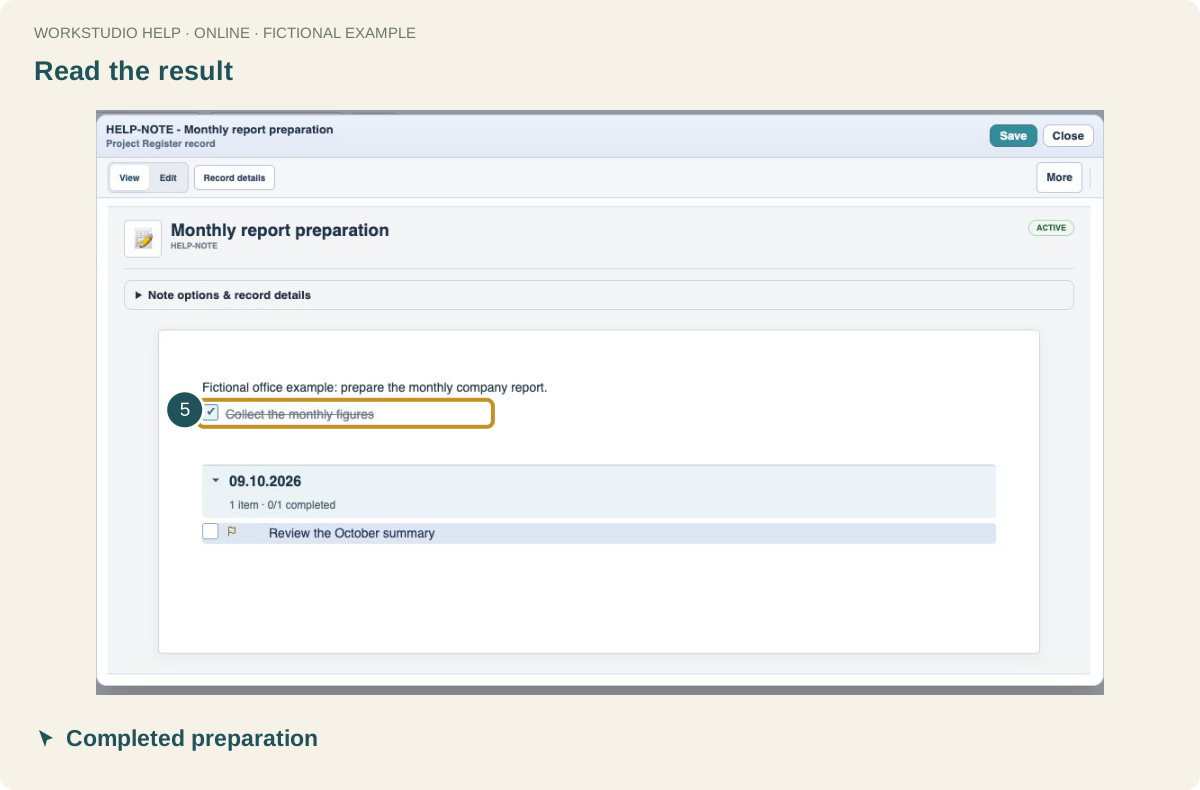
Fictional example used to explain the workflow.
Enable JavaScript to use reading progress and usefulness ratings.