
Keep Personal Notes and Checklists
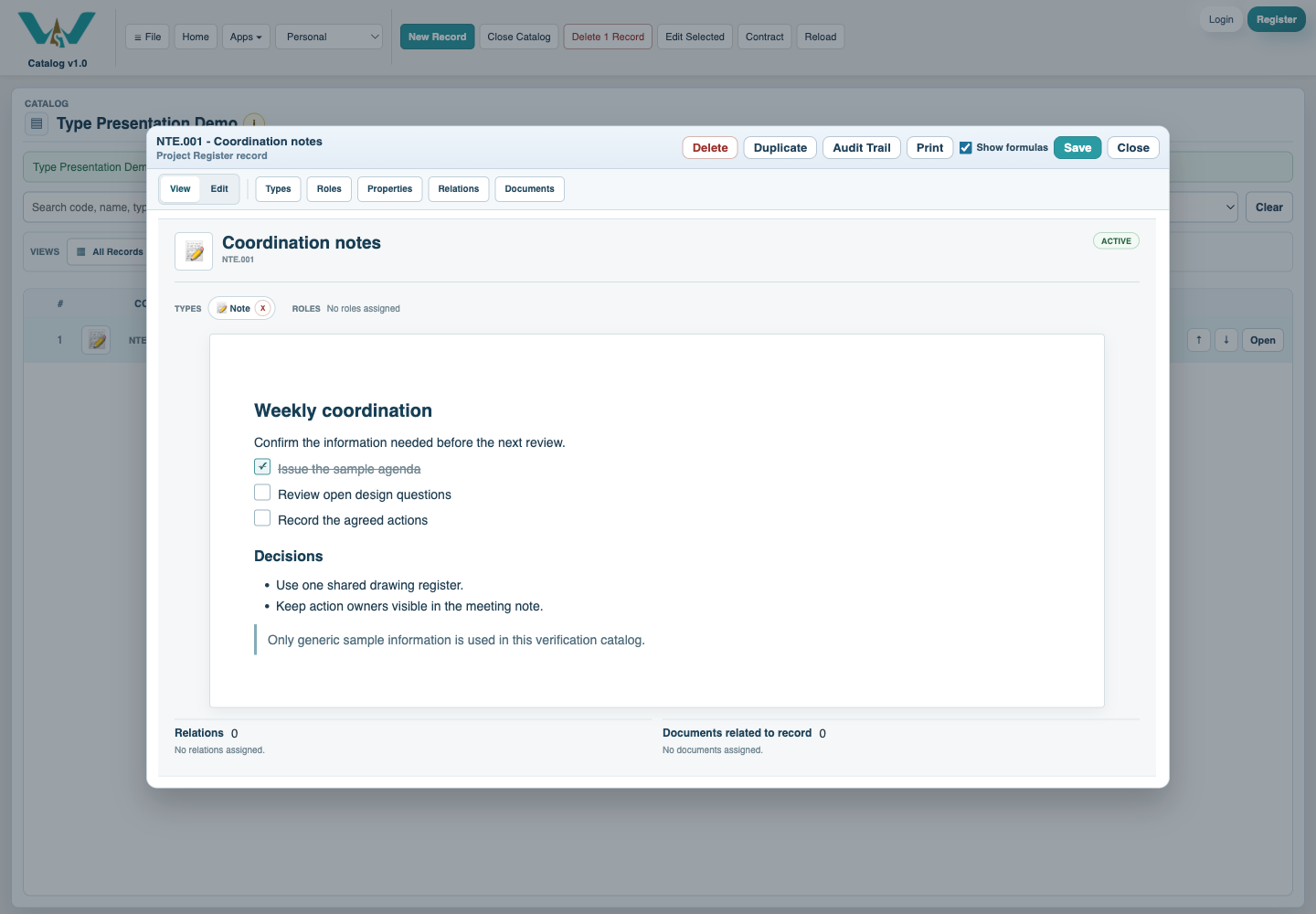
Create a Note, structure it for quick reading, and use checkbox lines for actions that should remain with the record.
A Note can be a private thought, meeting record, research summary, decision log, or practical checklist.
Related: Notes and Checklists, Create Your First Record.
Open Notes
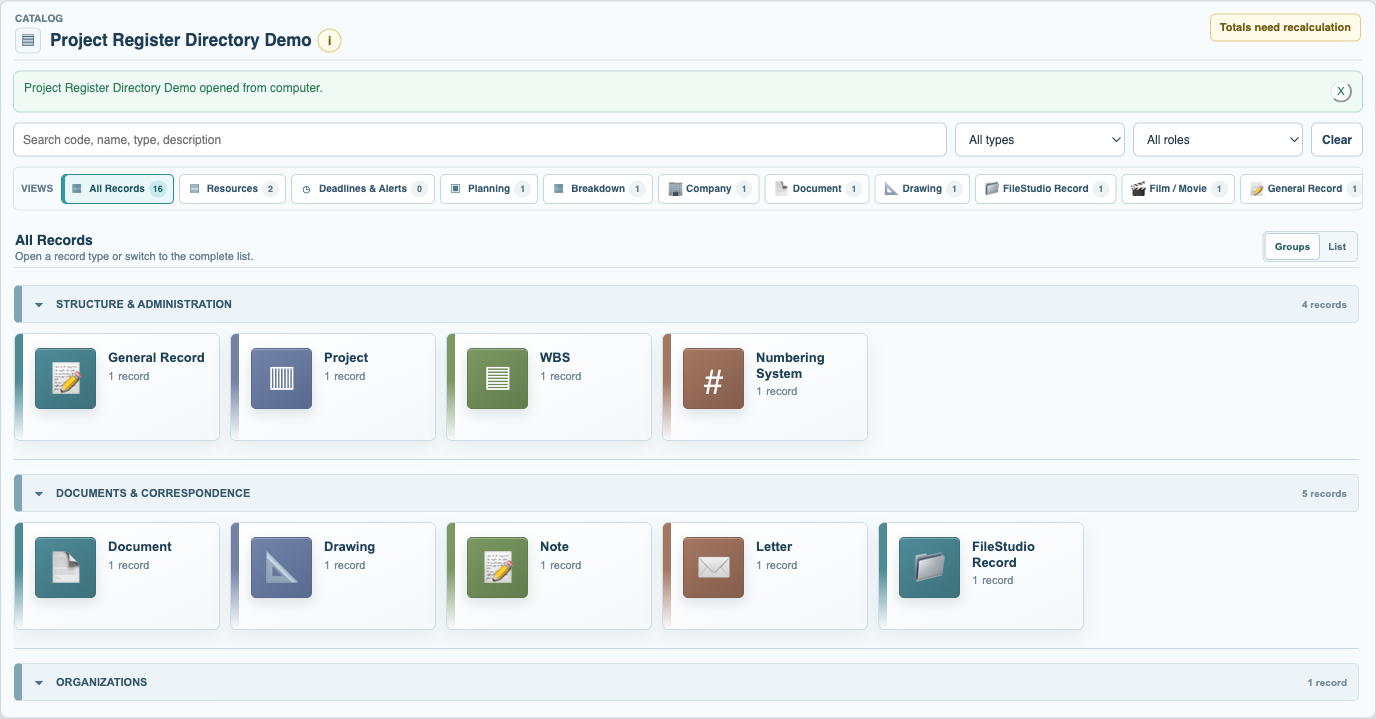
Open Records in Personal or the intended shared context, then choose Notes from the grouped All Records directory.
Create the Note
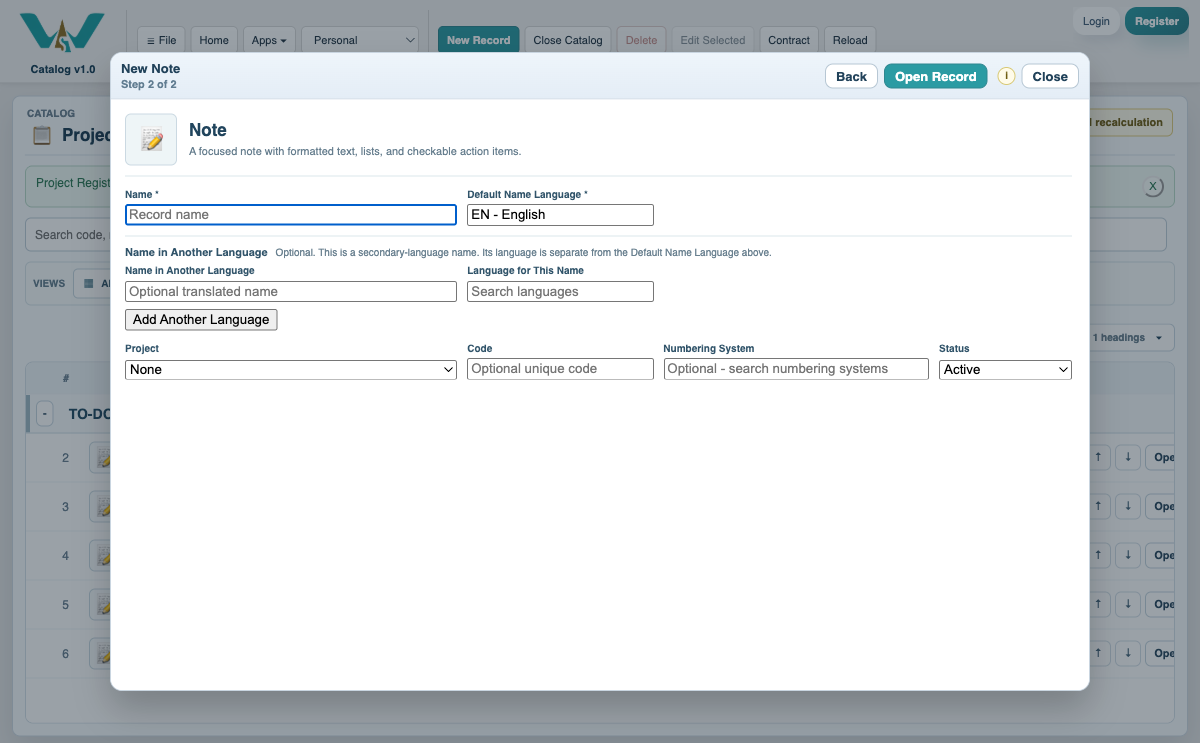
Select New Record, choose Note, enter a concise Name and its language, and create the record.
Write and structure the content
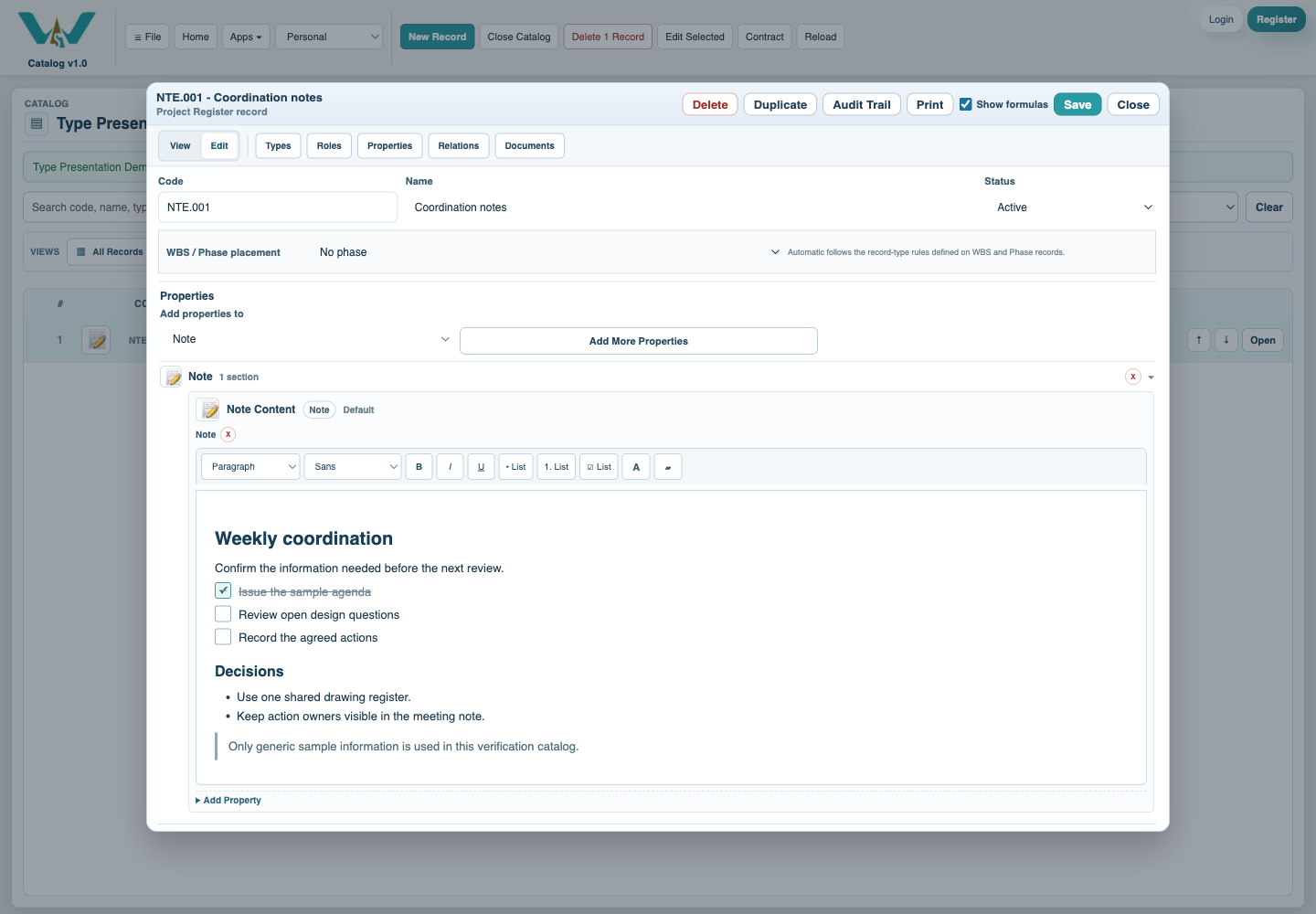
Use headings, paragraphs, emphasis, links, numbered or bulleted lists, and color only where it improves reading.
Add checklist lines
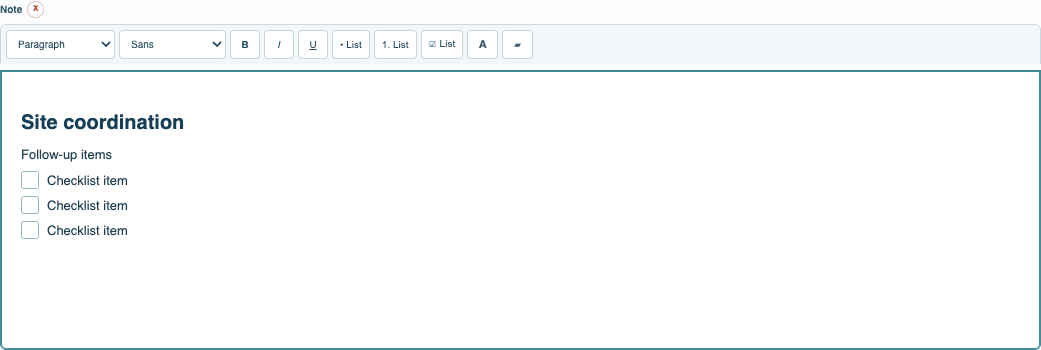
Use the checkbox list control for actions. Indent child actions where needed and check them as the work is completed.
Review and save
Switch to View to check spacing and readability. Add tags, documents, or relations only when useful, then save the record and collection.
Enable JavaScript to use reading progress and usefulness ratings.