
Create and Organize a Movie Collection
Create Film / Movie records manually or with AI from a title or cover, verify the metadata, record storage details, and browse the collection visually.
This walkthrough creates a personal movie collection without requiring a separate catalog design. Each movie remains a normal extensible record. AI Assist is optional: identify a film from its name or from front and back cover images, review the estimated credits and data transfer, then verify every suggestion before creating the record.
Related: Film and Movie Records, How a Record Is Built.
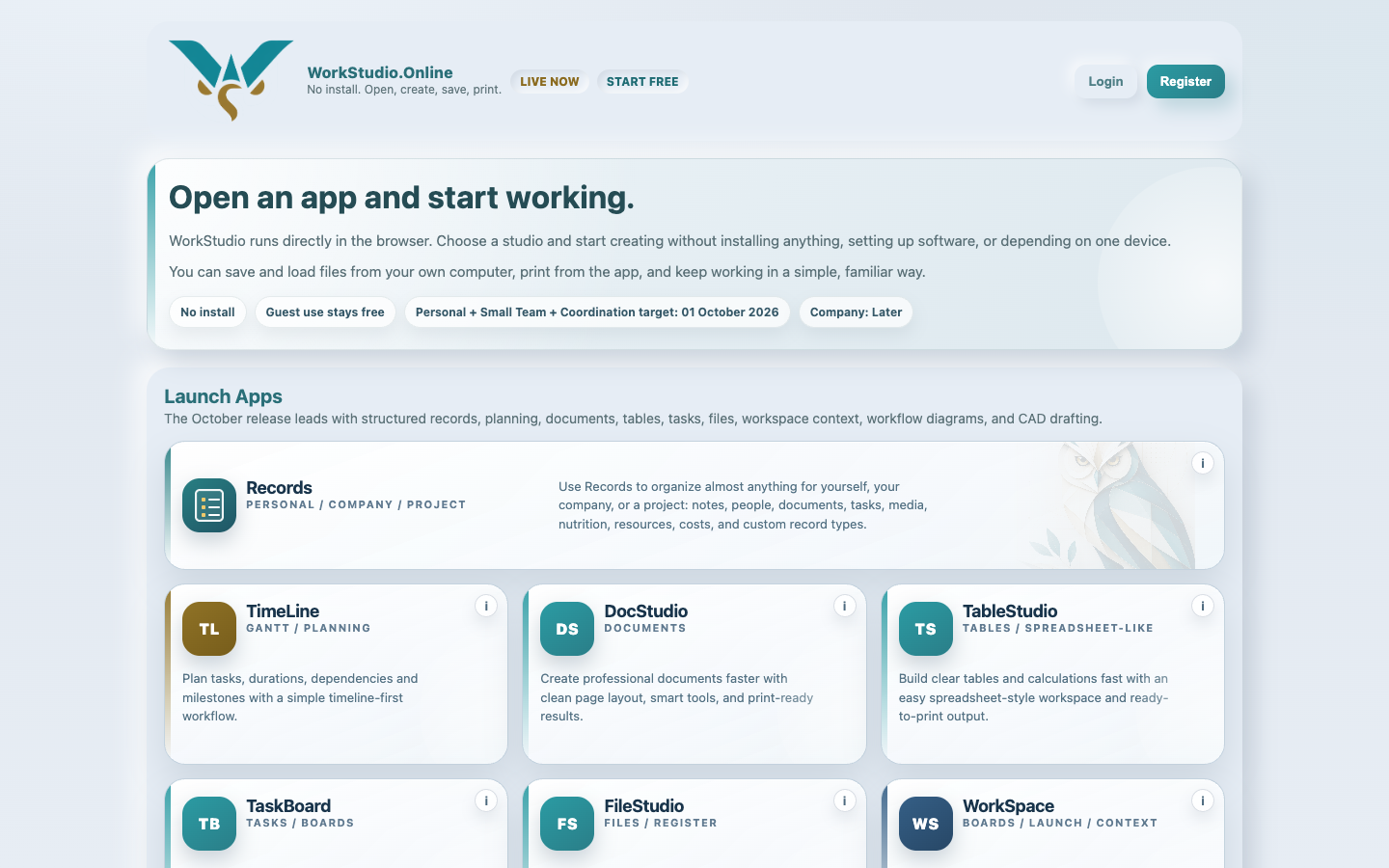
Open your collection
Choose Personal context for a private collection, or a shared context when the library belongs to a team. Open Records.
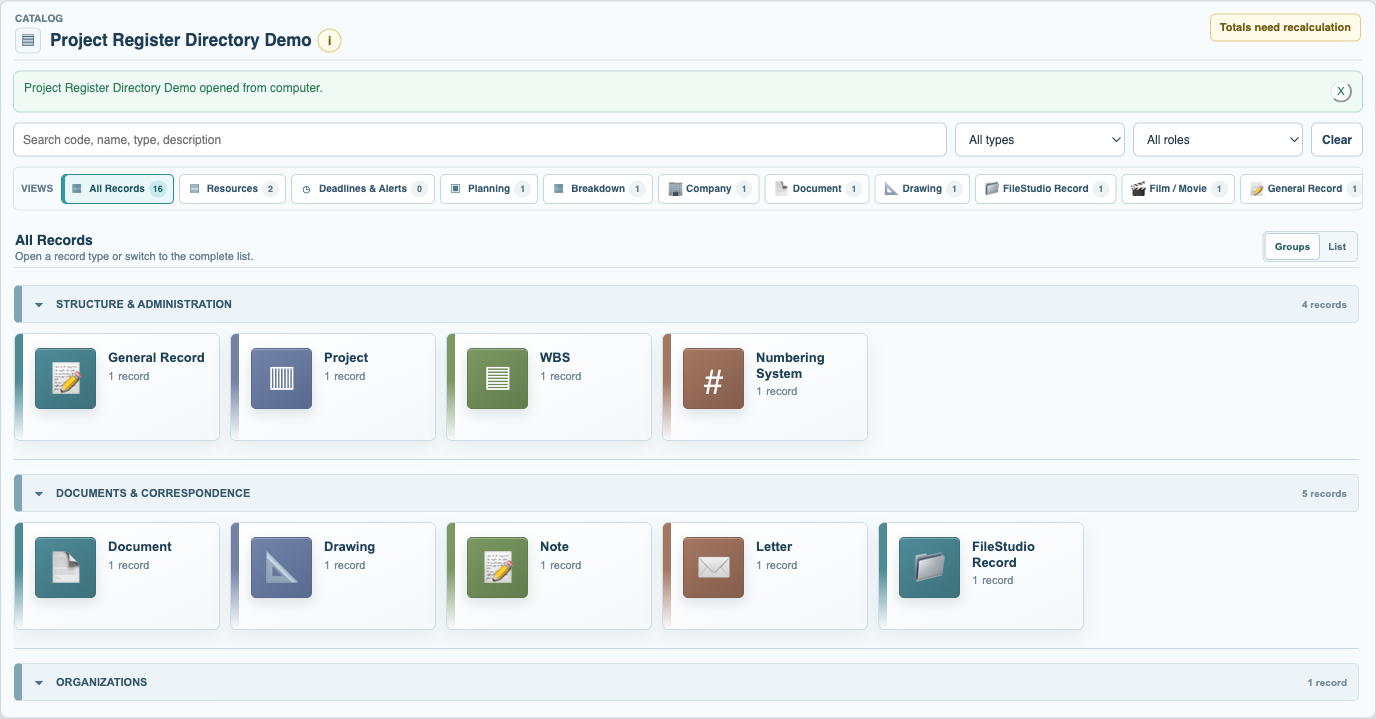
Open the Film view
Select Film / Movie in the grouped directory. Empty Types remain available through New Record even before the collection contains a film.
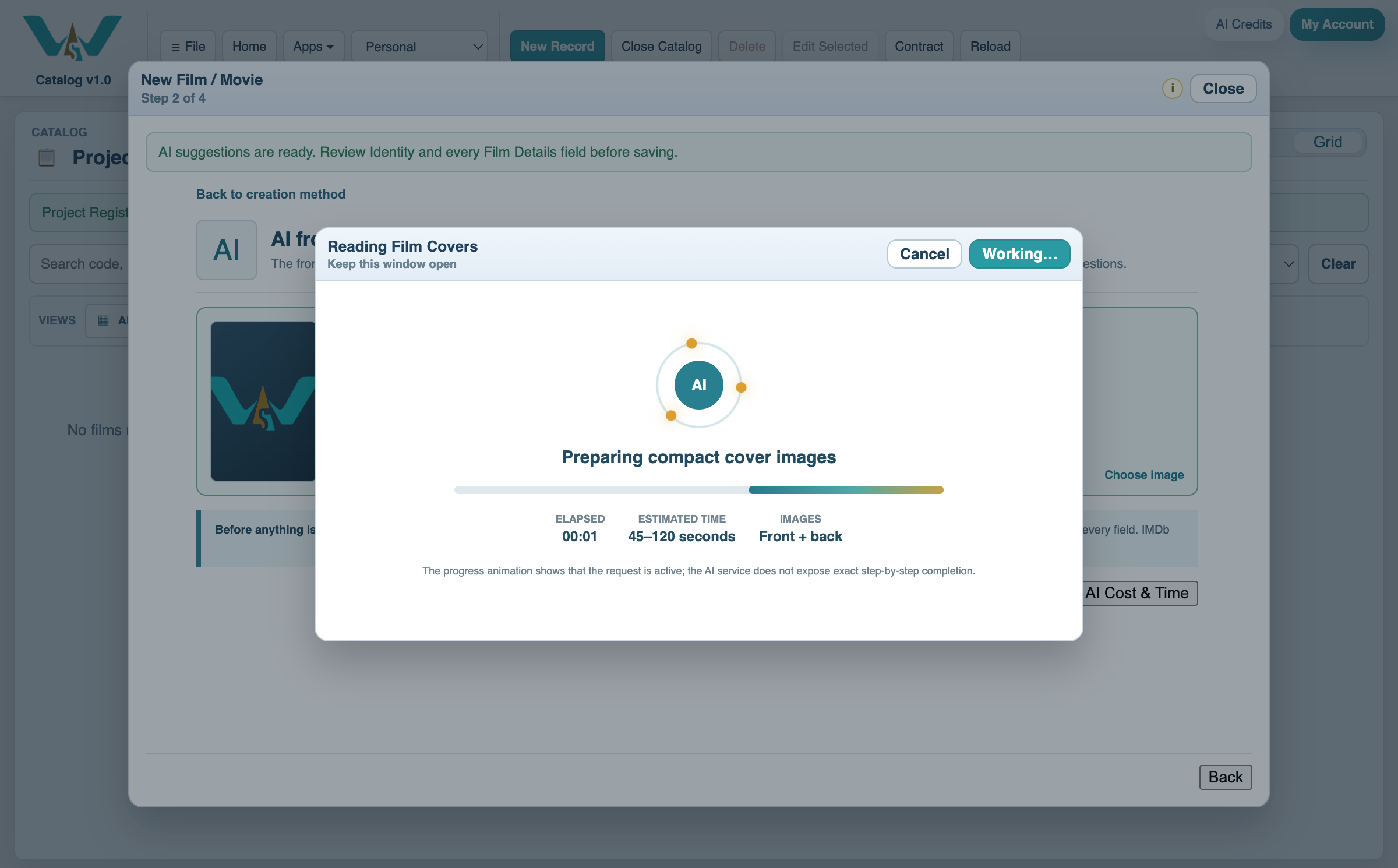
Choose manual or AI-assisted identification
Select New Record and Film / Movie. Create it manually, or choose AI Assist and identify the film from its typed name or from selected front and back cover images. Review the credit estimate and data-transfer warning before starting AI.
Review the Film identity
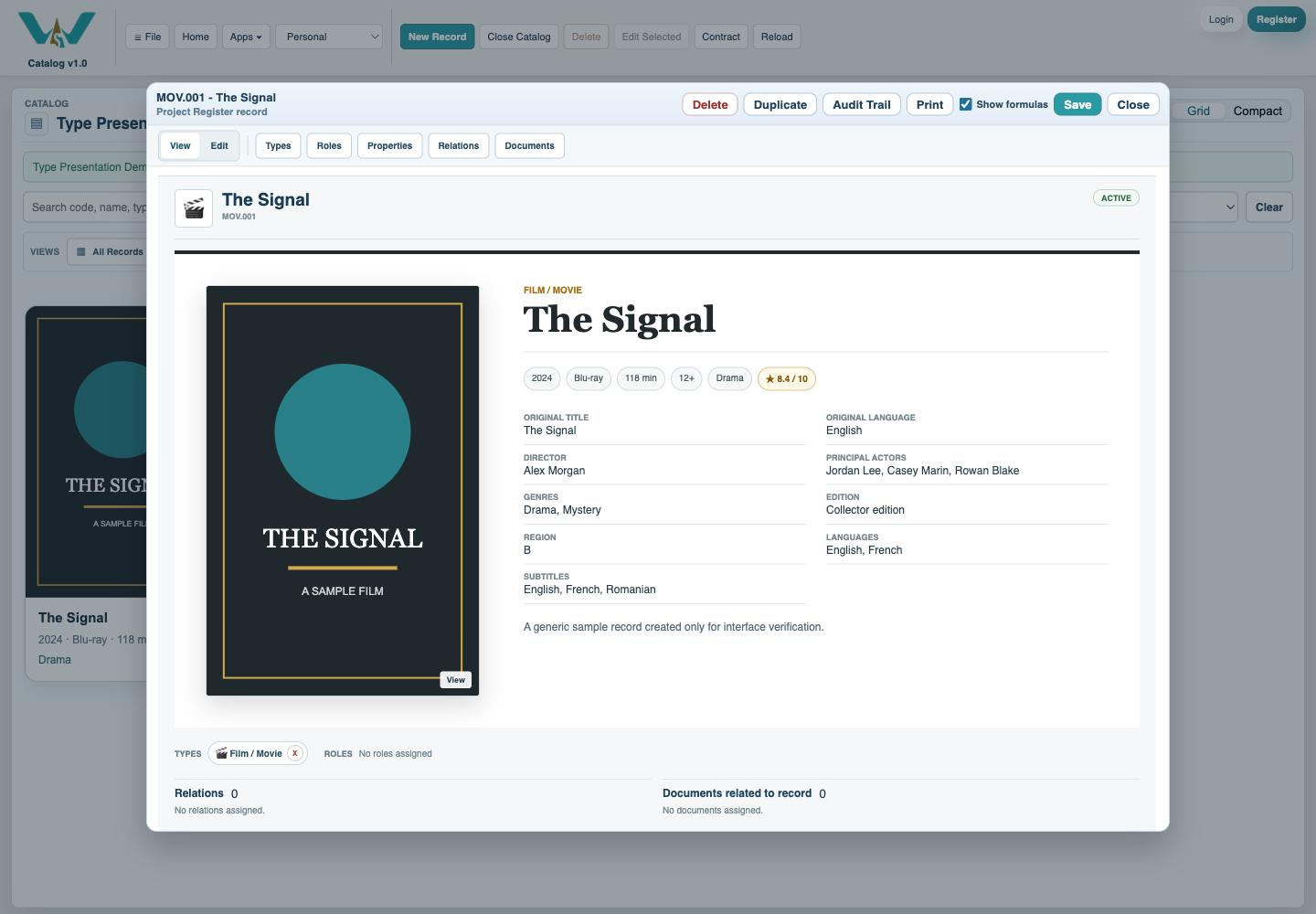
AI results are suggestions, not a finished record. Confirm the original title and language, release year, director, actors, genre, and covers; correct anything uncertain. Without AI, enter the same identity fields directly.
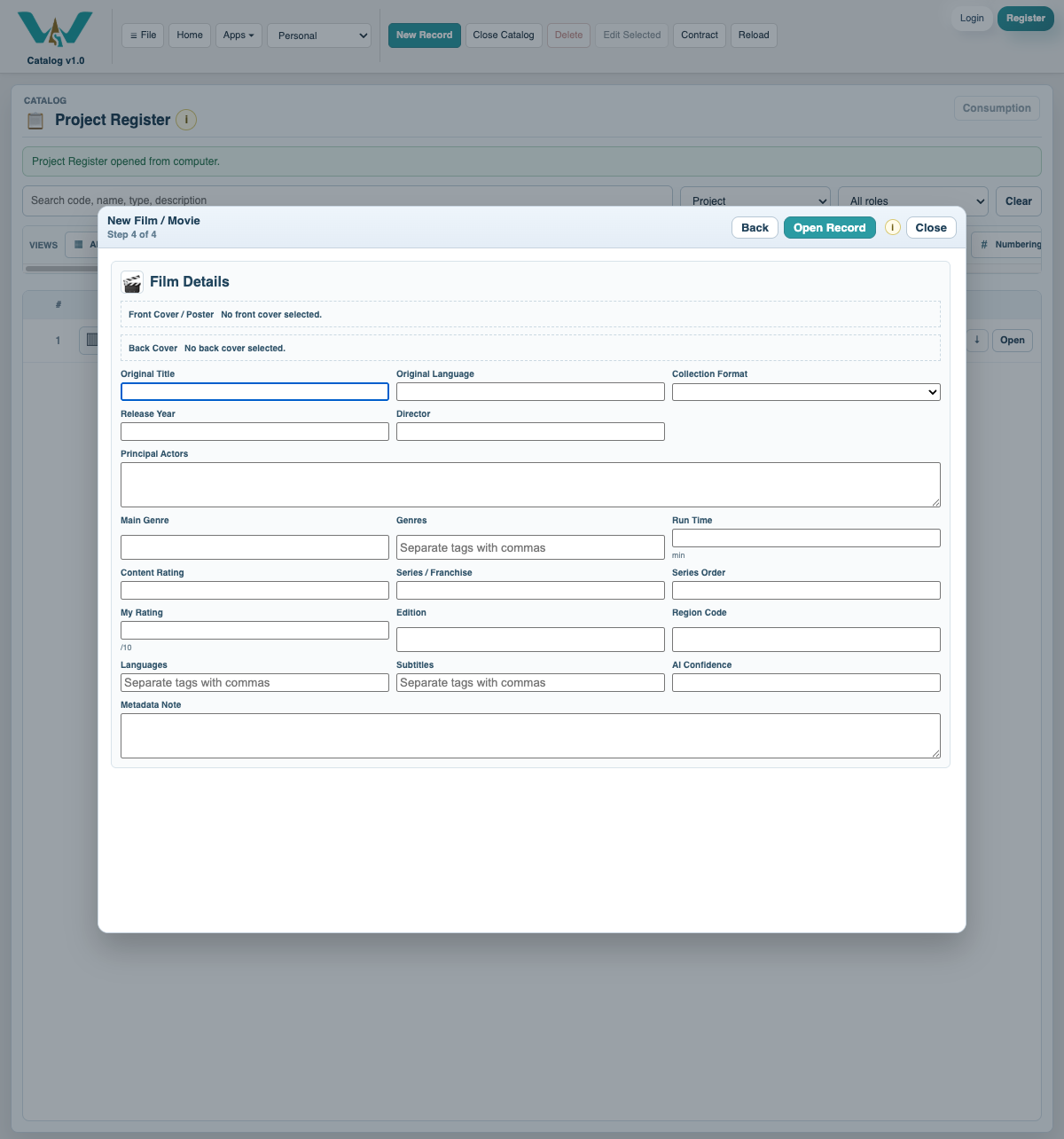
Add collection details and covers
Enter release year, format, run time, genres, people, languages, edition, rating, and storage Location. Attach the front and optional back cover.
Save and browse visually
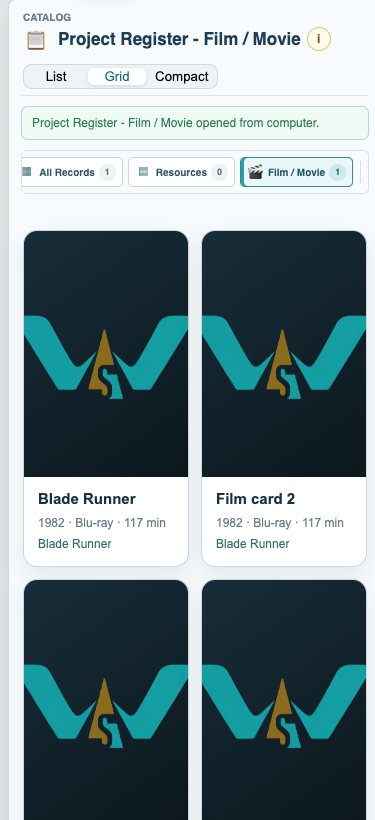
Save the record and the collection, then open the Film grid and choose the density that makes covers and titles easiest to scan.
Enable JavaScript to use reading progress and usefulness ratings.