
Currencies and troubleshooting differences
Resolve missing data and mismatched dates before changing a payment.
These guides use fictional practice data and generic EUR amounts. The screenshots show the October 2026 interface. Adapt example dates and planning periods if practicing later. Recording bills and payments does not transfer money.
Start with Create a cost and your first Budget or Handle a variable bill.
Use the main currency consistently
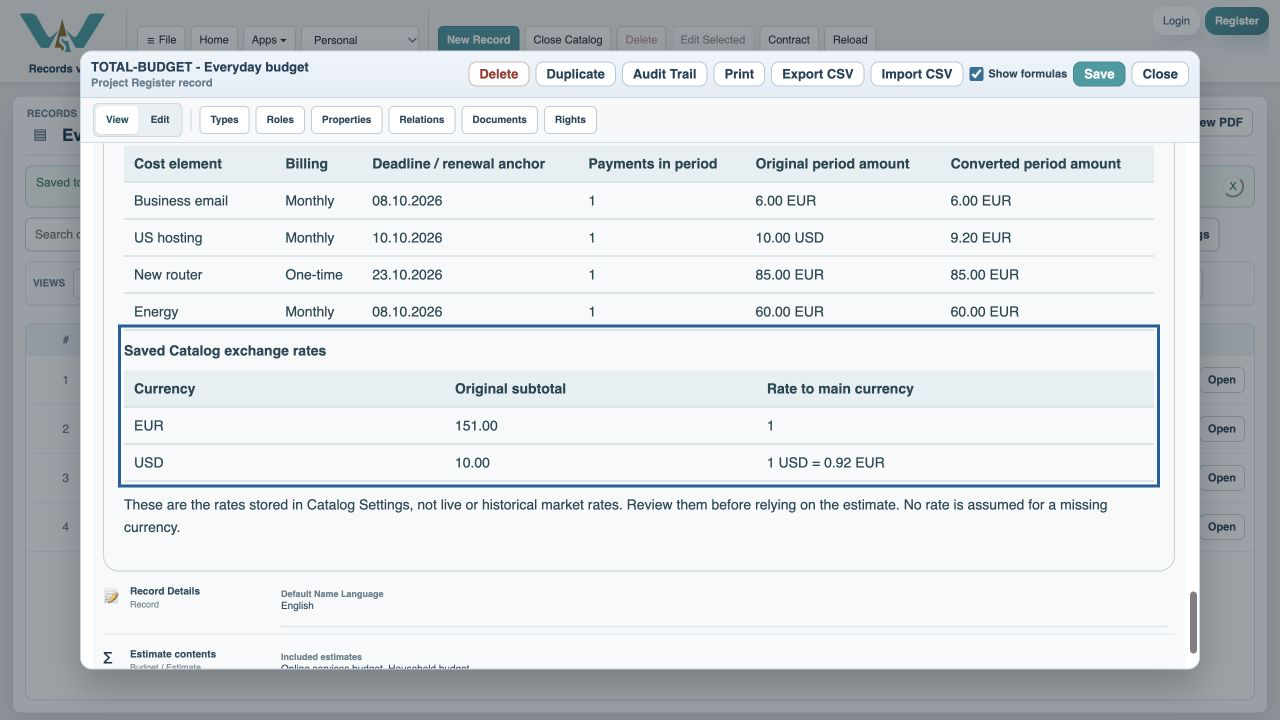
Each cost keeps its own currency. The estimate converts amounts into the main Catalog currency using saved Catalog exchange rates. These are not live market quotes or historical bank rates. Review the main currency and rates in Catalog Settings → Exchange rates. If a rate is missing, the report marks its converted total incomplete rather than assuming a rate.
Why does paid differ from due?
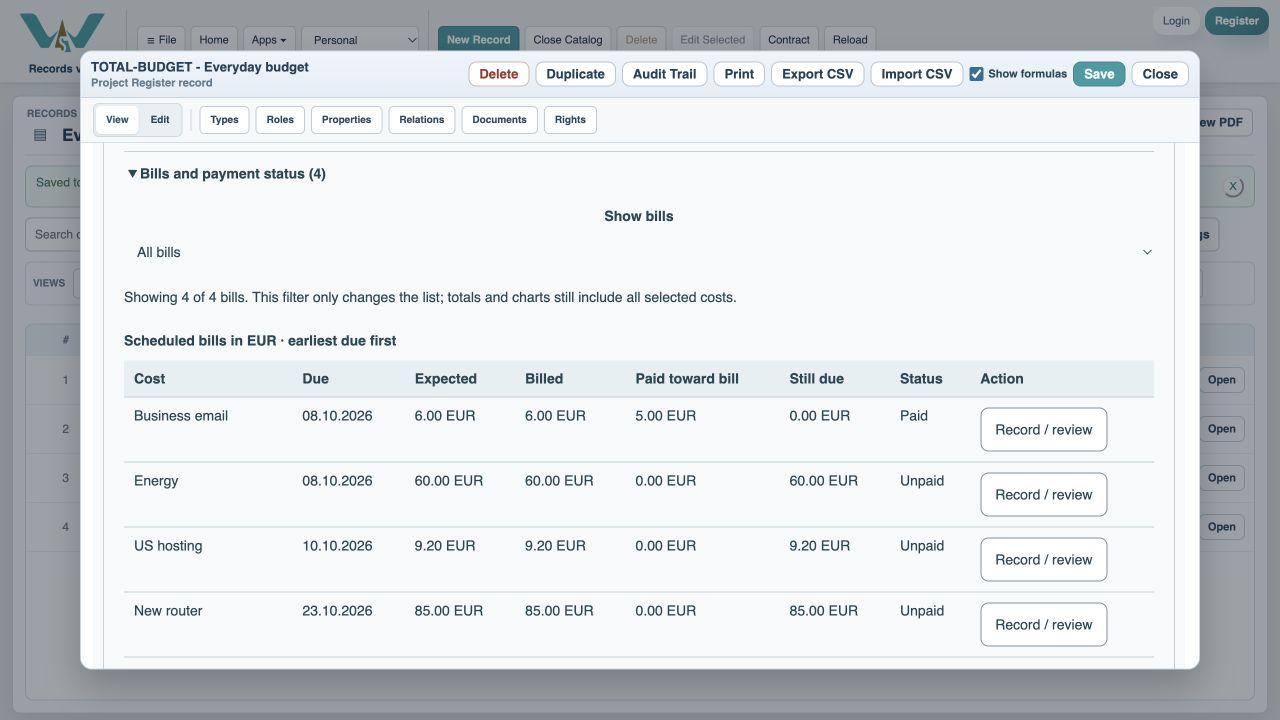
First check whether the payment happened in a different month. Next check whether a bill is only partly paid, was explicitly settled with a discount or has a variable amount different from the expected budget. A payment belongs to one occurrence; it never settles every future month. An overpayment on one bill does not erase another bill’s unpaid balance.
Why is a cost missing?
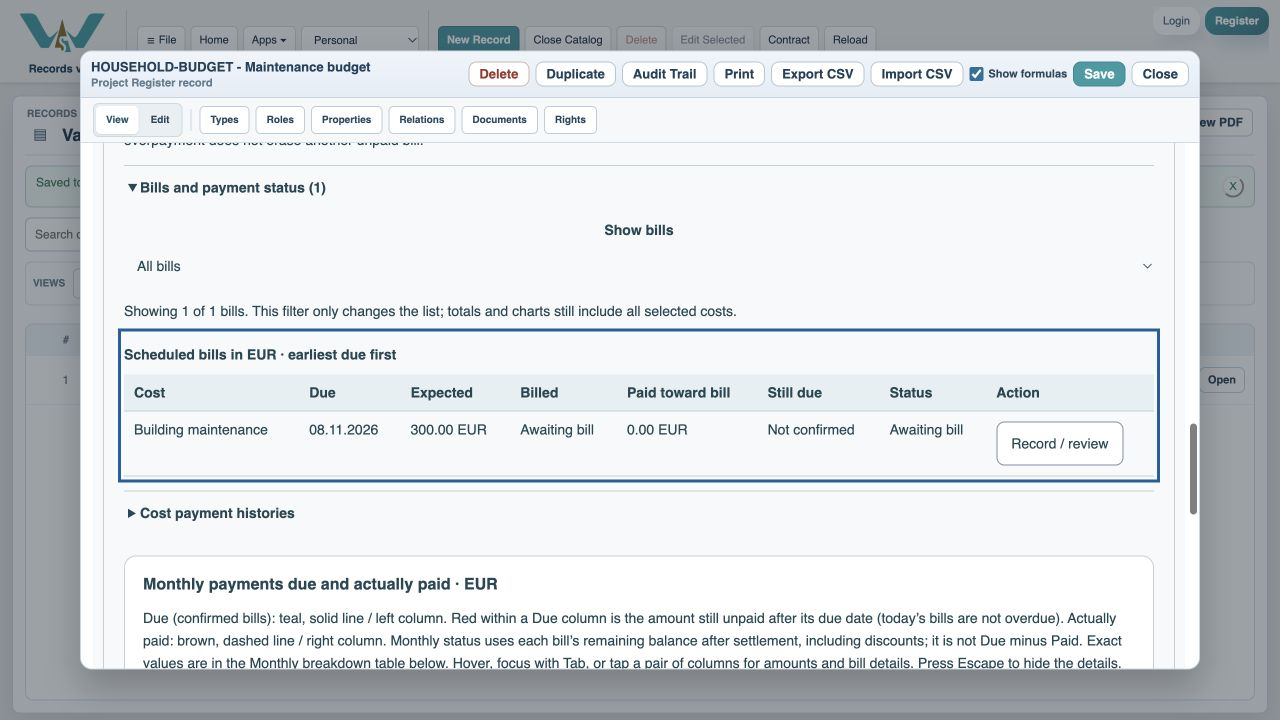
Check the selected period, deadline, folder and tag filters, the estimate’s selected costs and any access or rate warning. Including this month starts on day one. A payment date does not create a different due date. For variable costs, the actual bill due date can move that occurrence into another month. Avoid changing the whole recurrence merely to move one invoice.
Keep a recoverable record
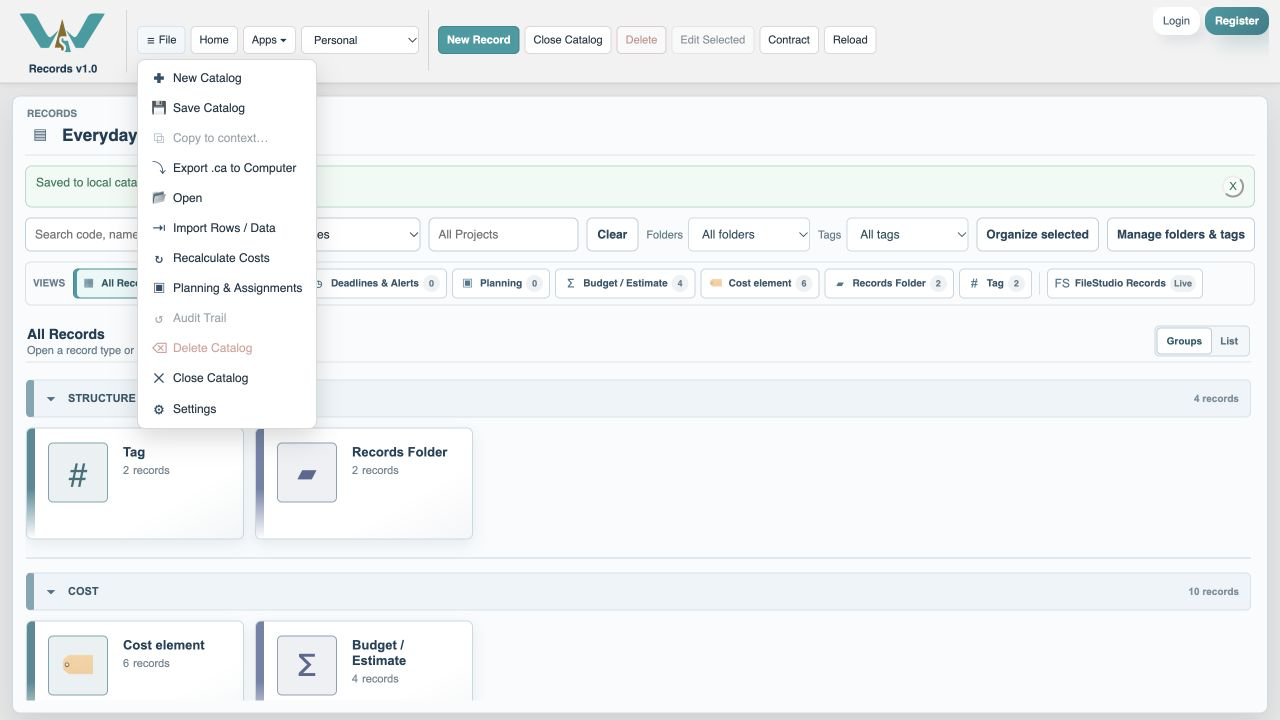
Use bill revision history and payment void/restore rather than overwriting evidence. If you change a cost currency or schedule after recording history, review the warnings before using the total. Save the record, then save the Catalog. Export a complete .ca copy from All Records for your own backup; exporting while a type filter is active may export only that type.
Enable JavaScript to use reading progress and usefulness ratings.