
Use a Template in DocStudio
Shows how to open a template, choose a language, fill Template Values, and continue editing the generated document.
Using a template is the fastest path when the structure is already prepared.
The normal flow is:
- Open DocStudio.
- Choose
Templates.
- Select the language button you want on the template card.
- Fill the
Template Values.
- Click
Apply.
- Review the generated document, then continue editing, save, or print.
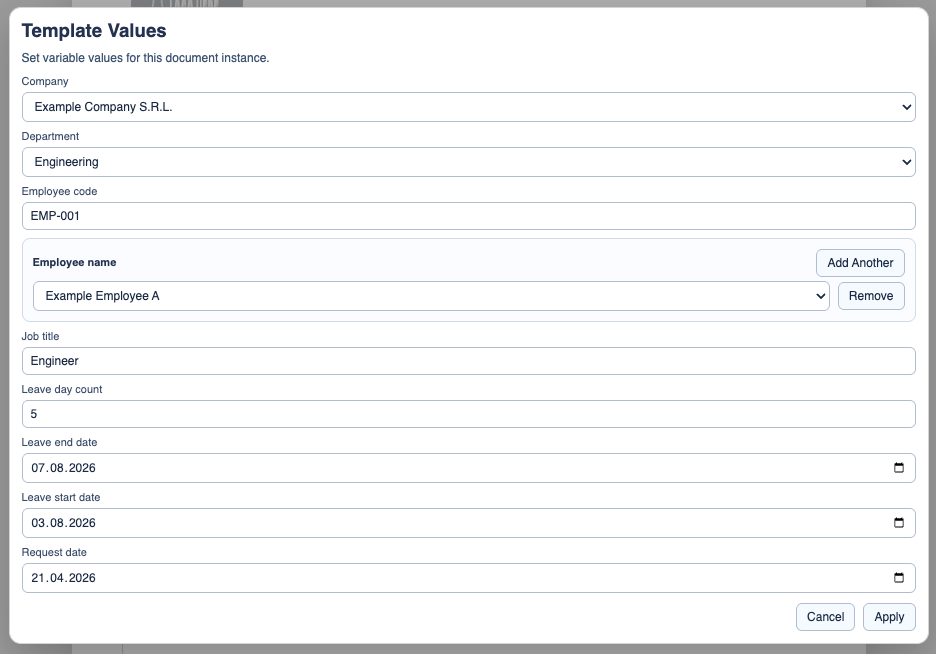
Template Values can mix free fields, dropdowns, source-driven values, and repeatable entries.
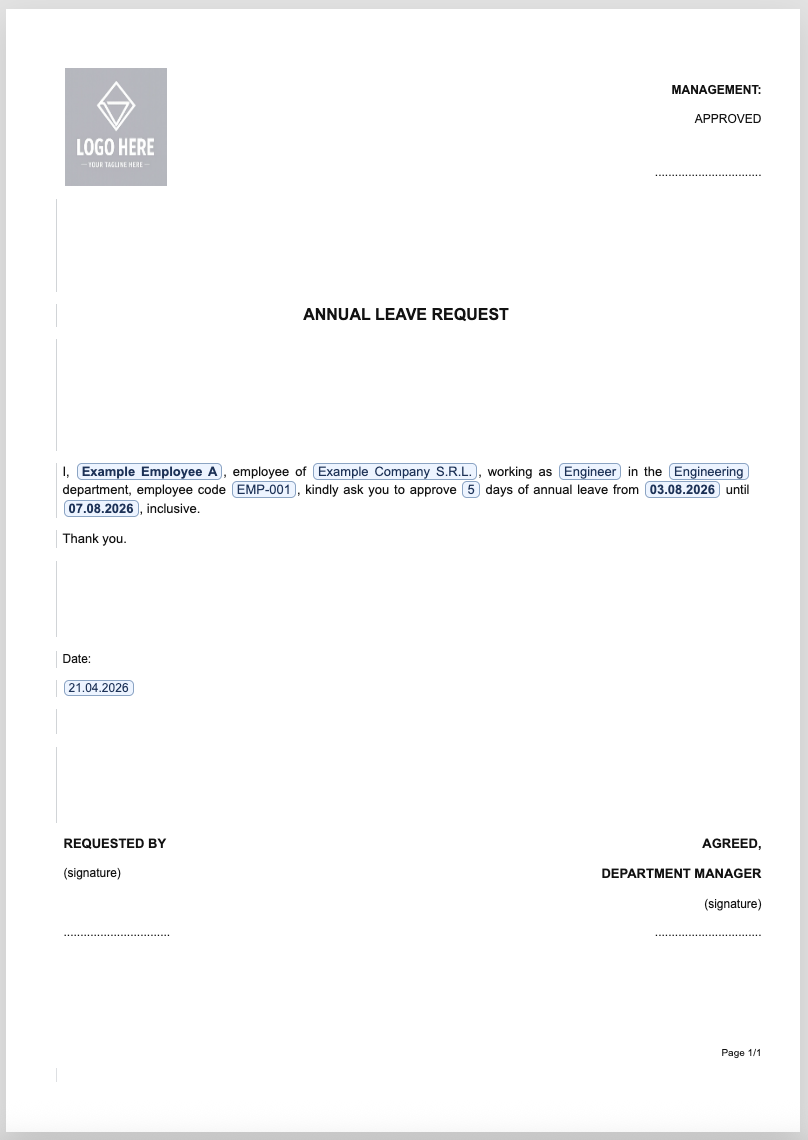
After Apply, the result is a normal DocStudio document instance. You can still edit the generated text and finish the document like any other .ds.
For the field meaning in the built-in leave request, open Holiday Request Template.
If you want the full guided walkthrough, open Generate a Holiday Request from a DocStudio Template.
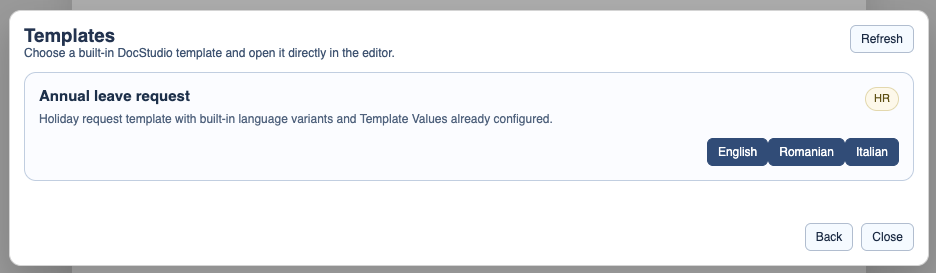
Pick the template language
Choose the template card and the language you want before opening the document.
Fill Template Values
Template Values collects the fields that should change in this document instance.
Continue editing after Apply
Once the template is applied, the result behaves like a normal document and can still be refined before issue.
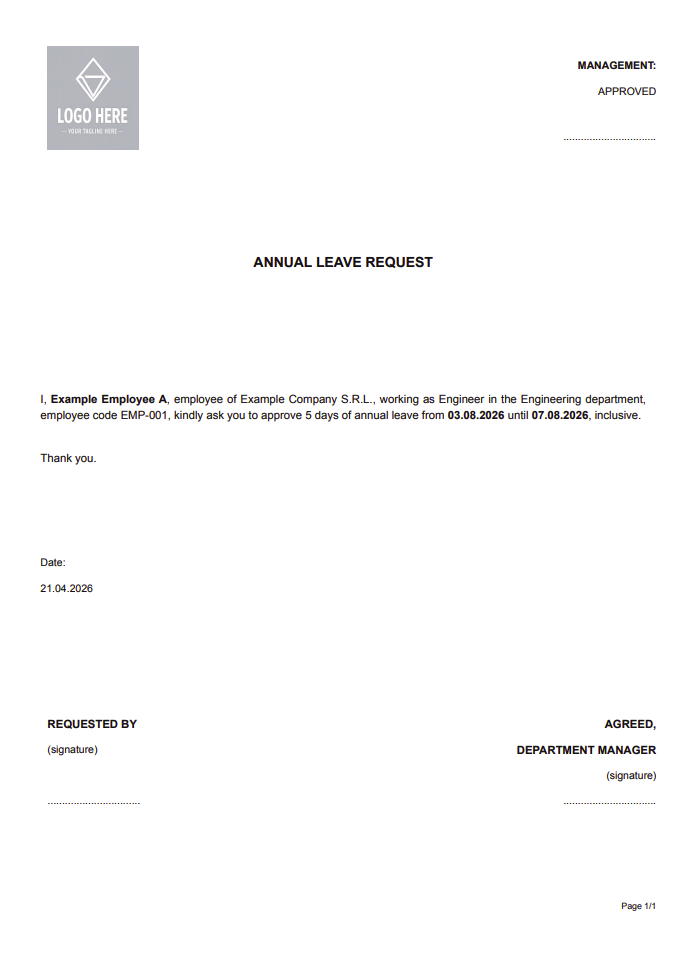
Finish by printing or saving
After review, the document can be printed or saved like any other DocStudio file.
Enable JavaScript to use reading progress and usefulness ratings.