Illustrated transcript
One-time, recurring or variable?
Choose the right kind of amount and schedule
Silent walkthrough · fictional EUR examples · October 2026. Every action is described below.
0:00 · One-time, recurring or variable?
Choose the right kind of amount and schedule
A budget-themed illustration accompanies the WorkStudio film title. The ending adds “Thank you for watching.”
0:06 · Describe each cost once
Subscriptions, purchases and utilities can share a budget.
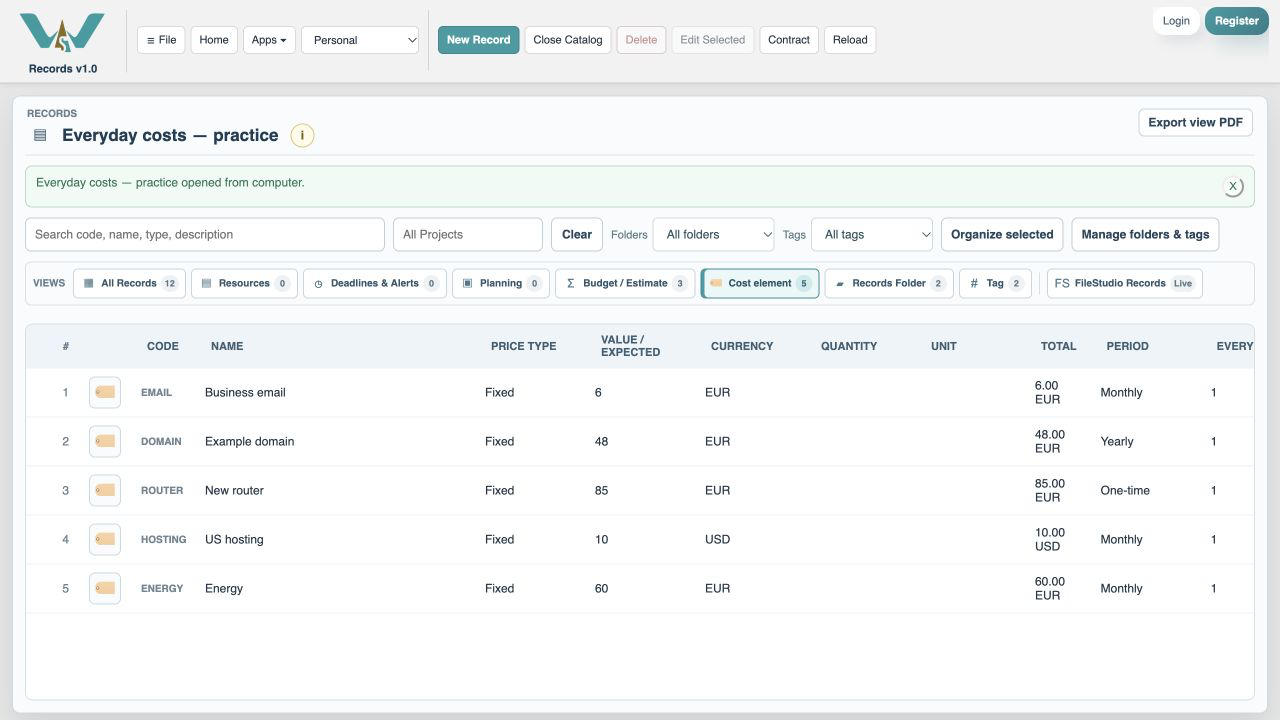
0:16 · Set the frequency
Monthly, Quarterly and Yearly describe how often you pay.
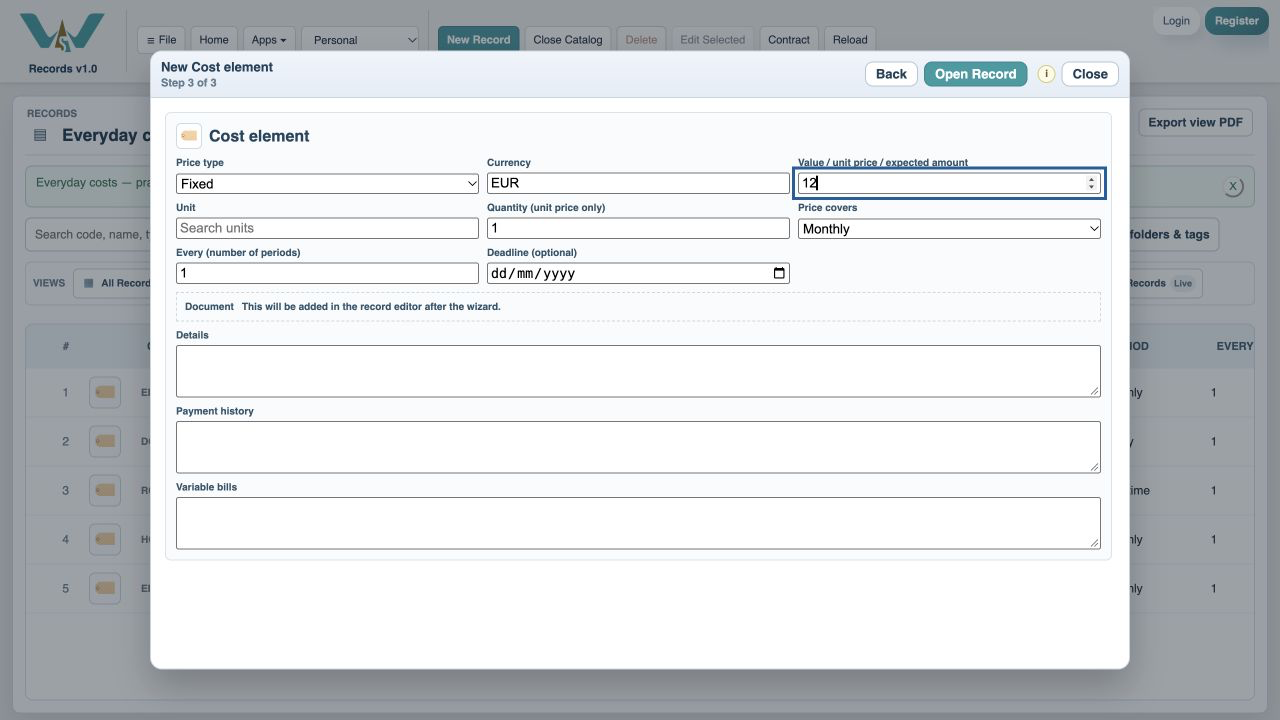
0:26 · Anchor the schedule
A deadline places a fixed recurring charge on the timeline.
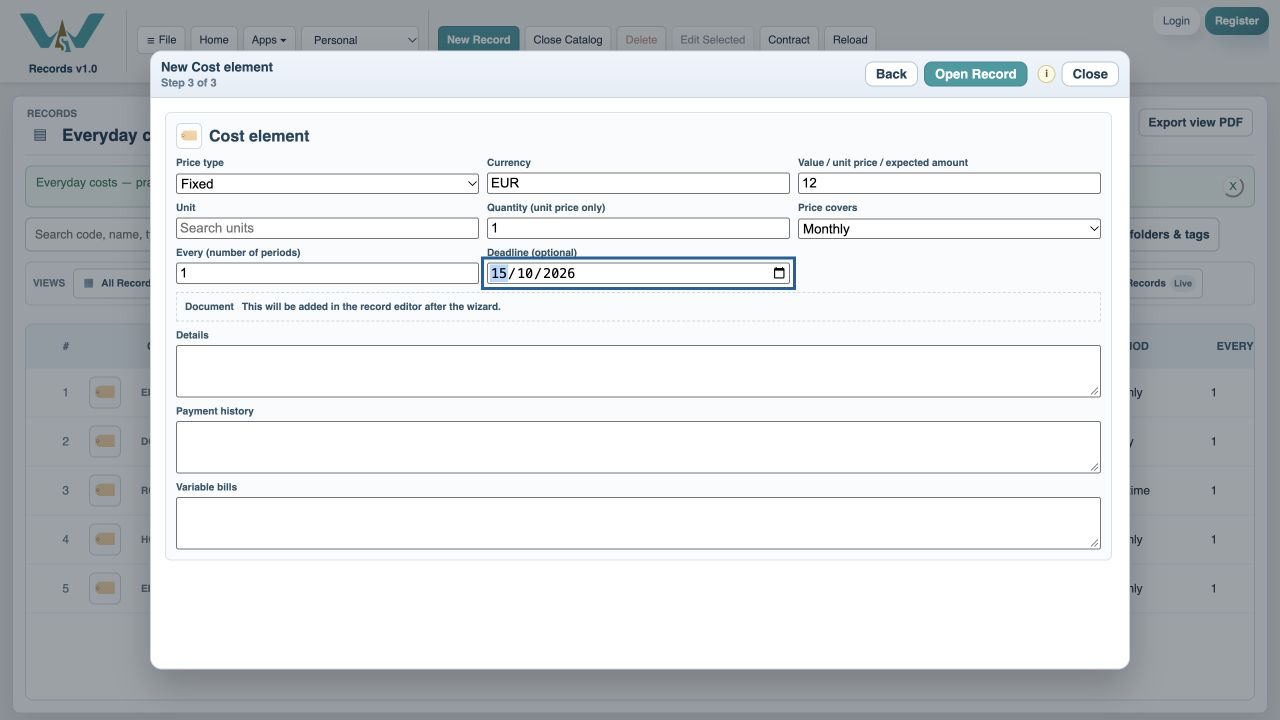
0:36 · Keep purchases one-time
The router appears once, rather than repeating every month.
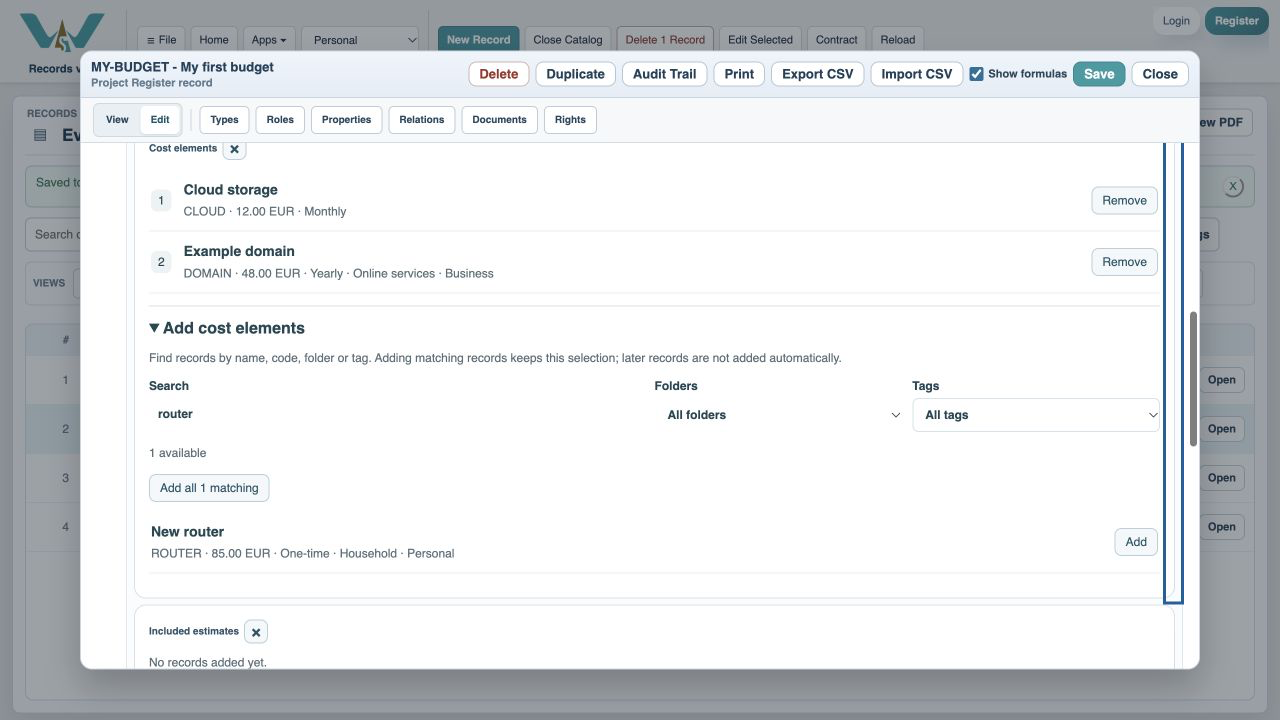
0:46 · Use Variable amount
For maintenance or a phone bill, enter an expected amount.
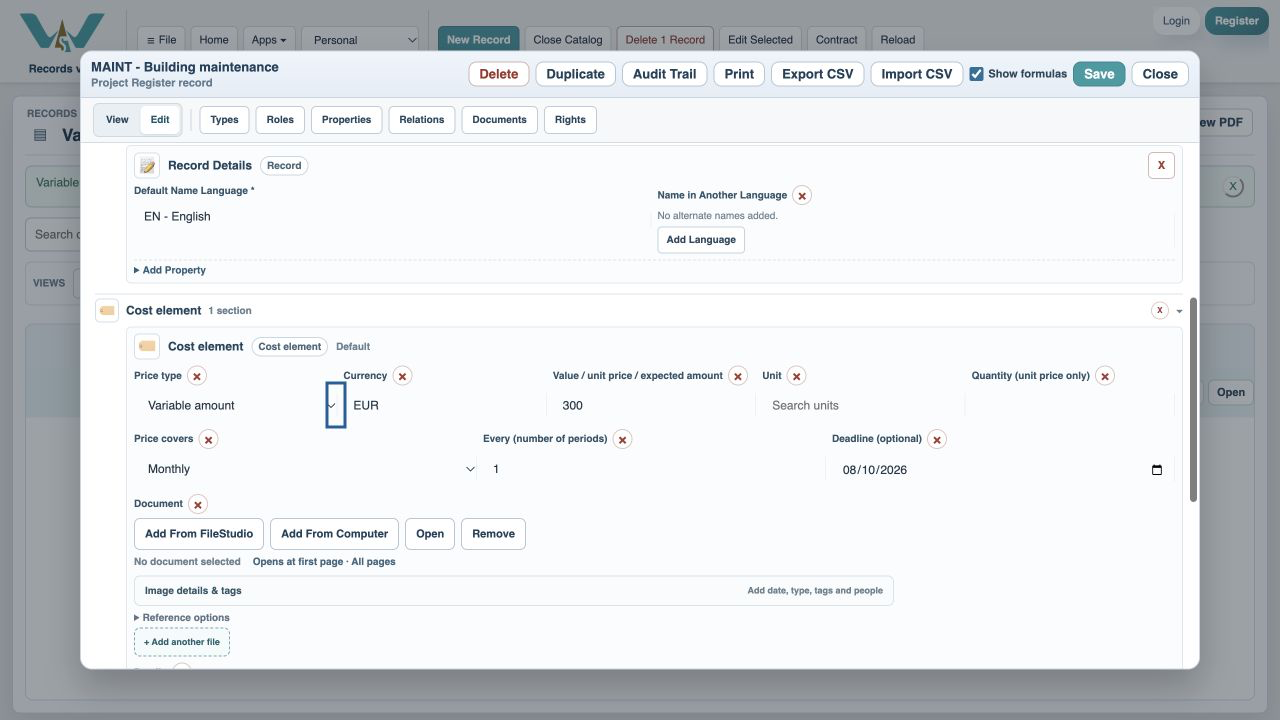
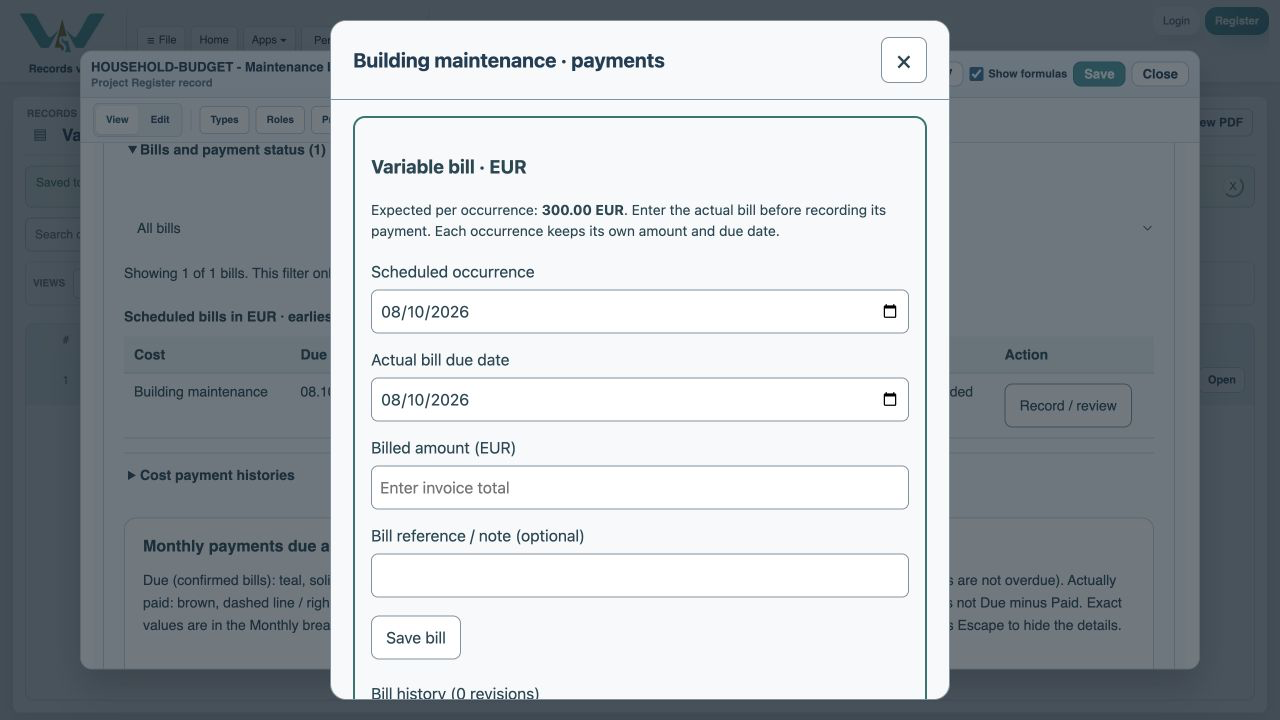
0:56 · Wait for the invoice
Record the actual bill separately when it arrives.
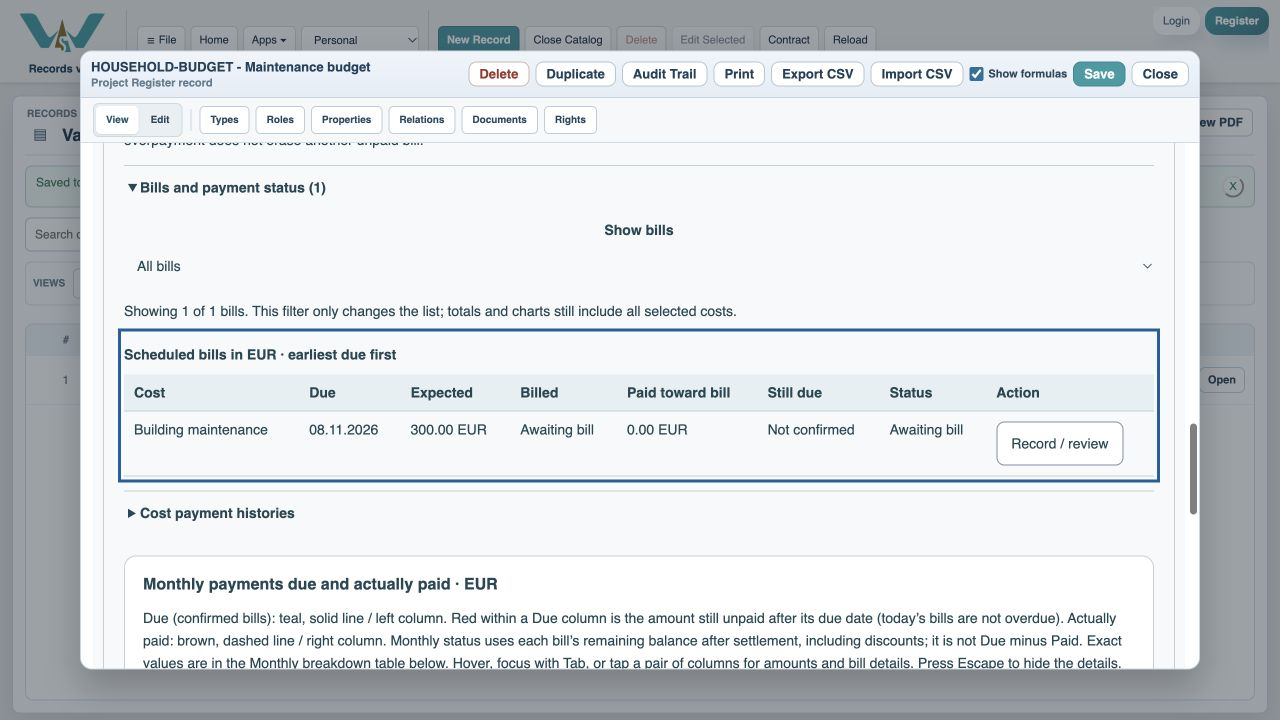
1:06 · Keep future months independent
Next month retains its expected amount until its own bill is entered.
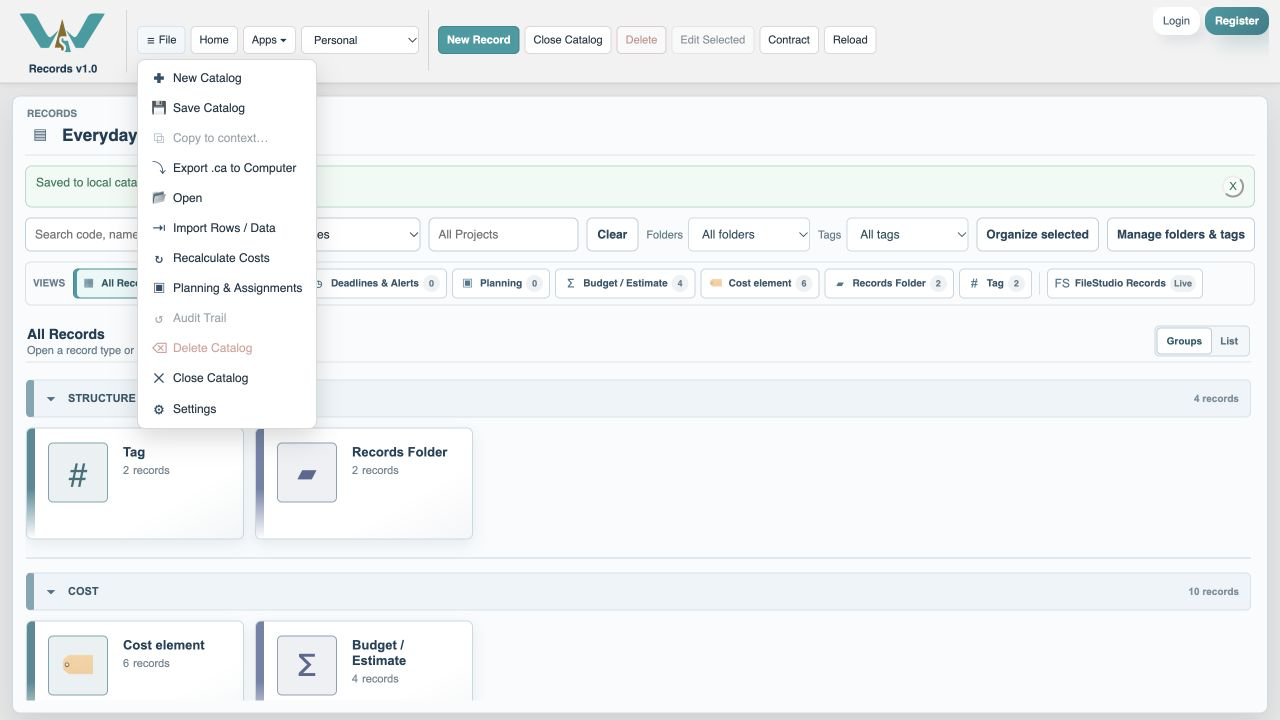
1:16 · Save your changes
Export .ca to Computer keeps the practice file; use Save Catalog when online.
1:26 · One-time, recurring or variable?
Thank you for watching. Keep building a clearer picture of your costs.
A budget-themed illustration accompanies the WorkStudio film title. The ending adds “Thank you for watching.”