Illustrated transcript
Add a renewal to Calendar and Countdowns
Connect the deadline, destination Note and annual cost.
Silent walkthrough · fictional EUR examples · October 2026. Every action is described below.
0:00 · Add a renewal to Calendar and Countdowns
Connect the deadline, destination Note and annual cost.
A budget-themed illustration accompanies the WorkStudio film title. The ending adds “Thank you for watching.”
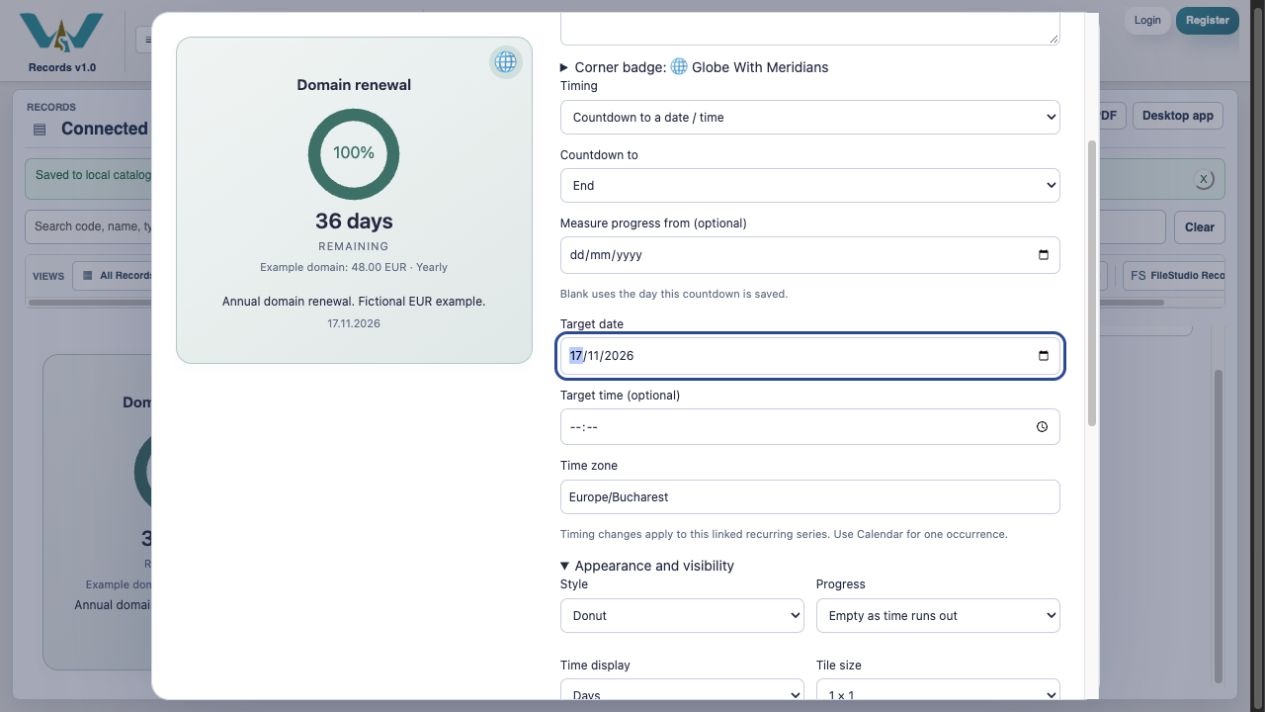
0:06 · Set the target date
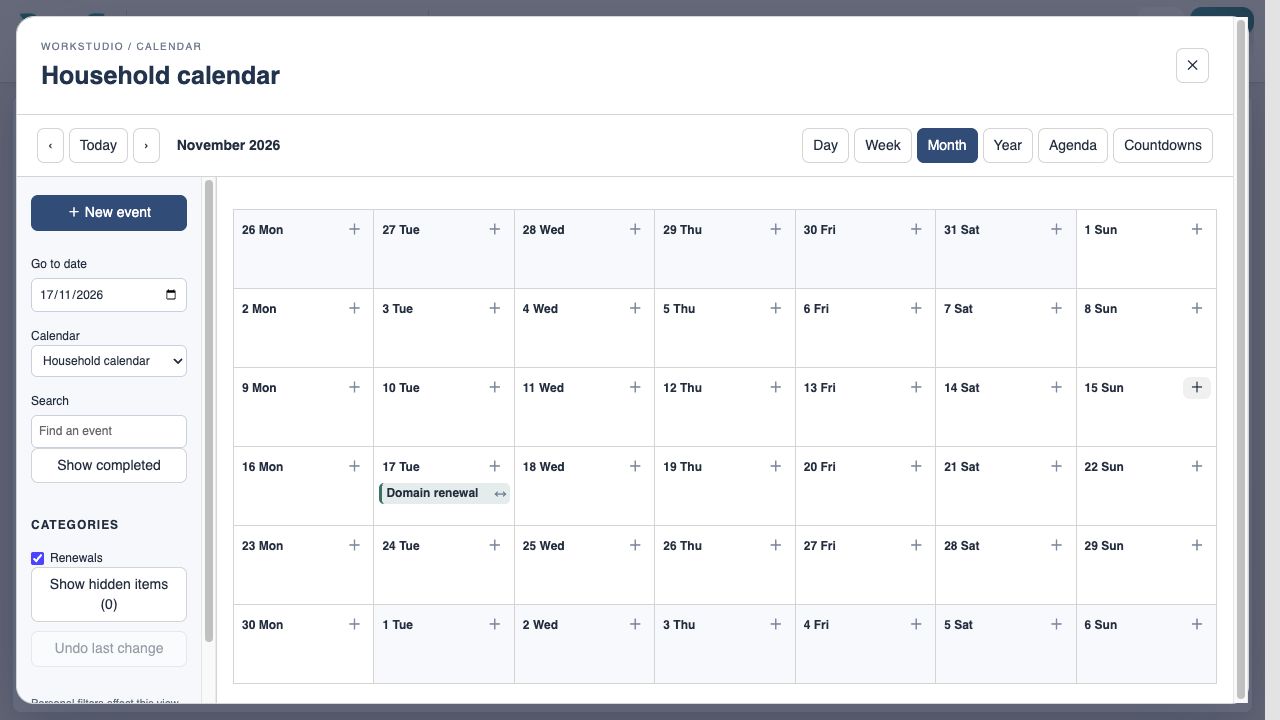
Use 17 November 2026 as the renewal deadline.
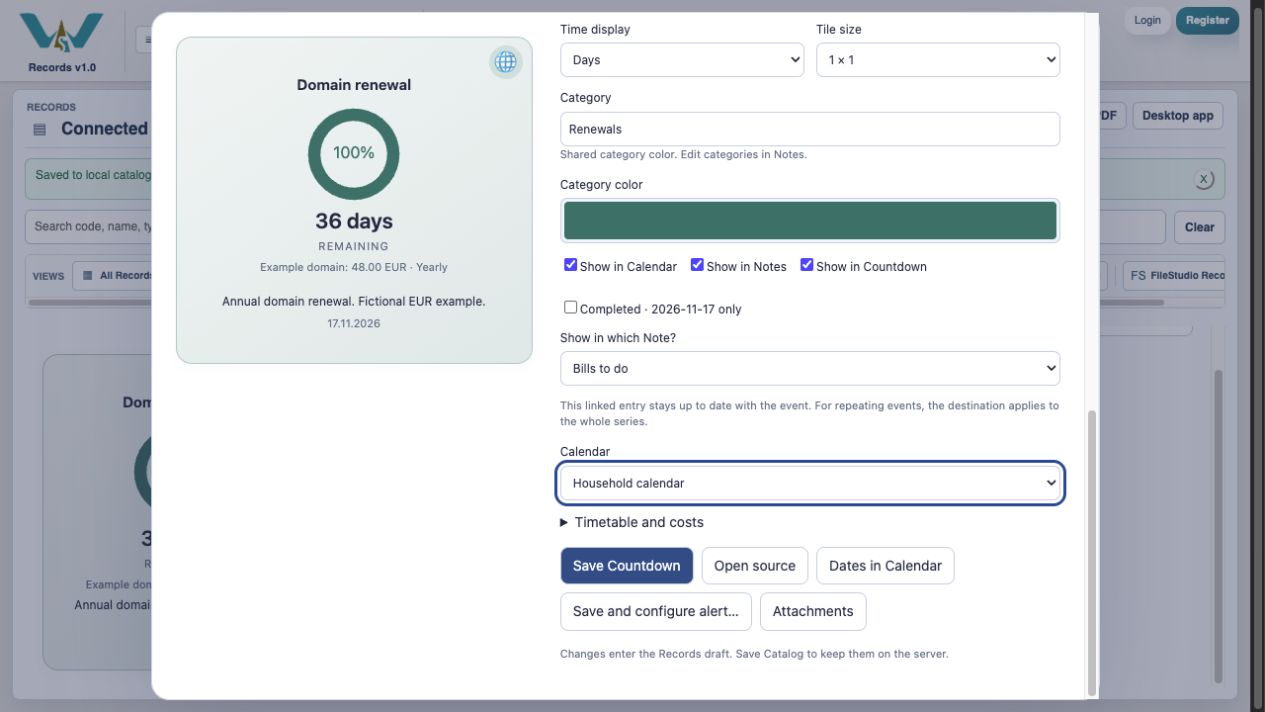
0:16 · Choose the Note
Show in Notes → Bills to do.
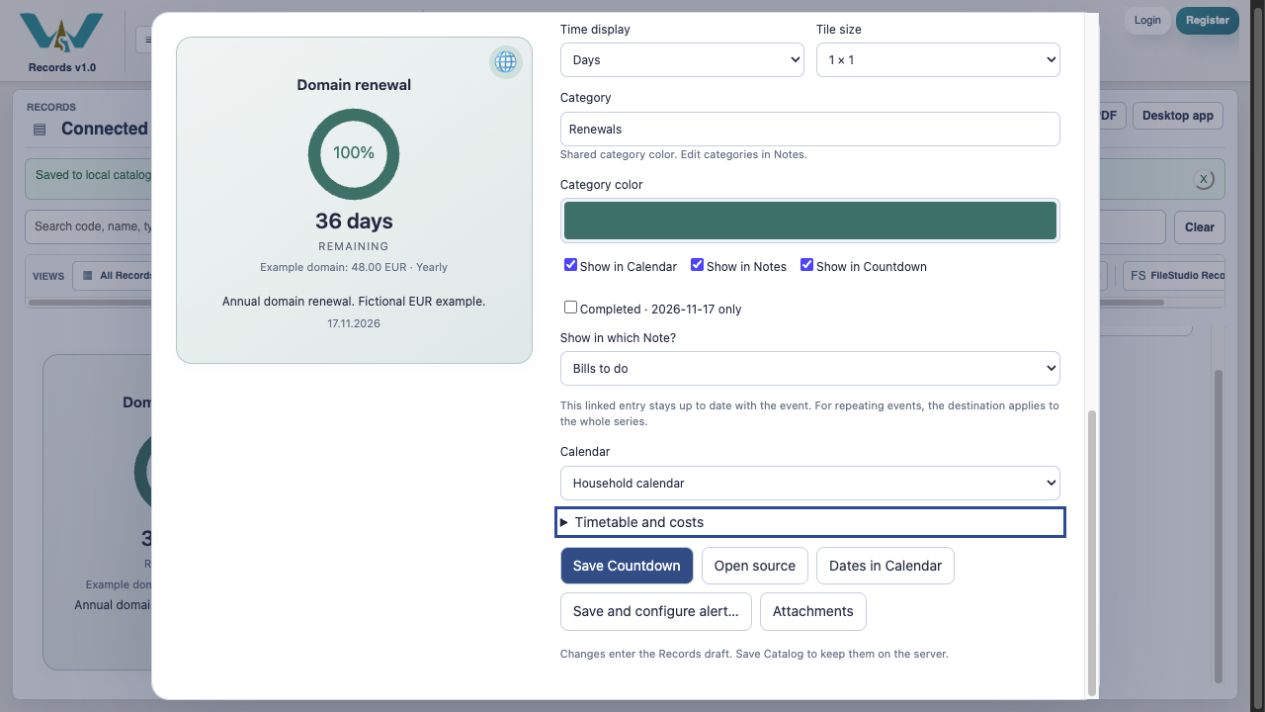
0:26 · Choose the Calendar
Show in Calendar → Household calendar.
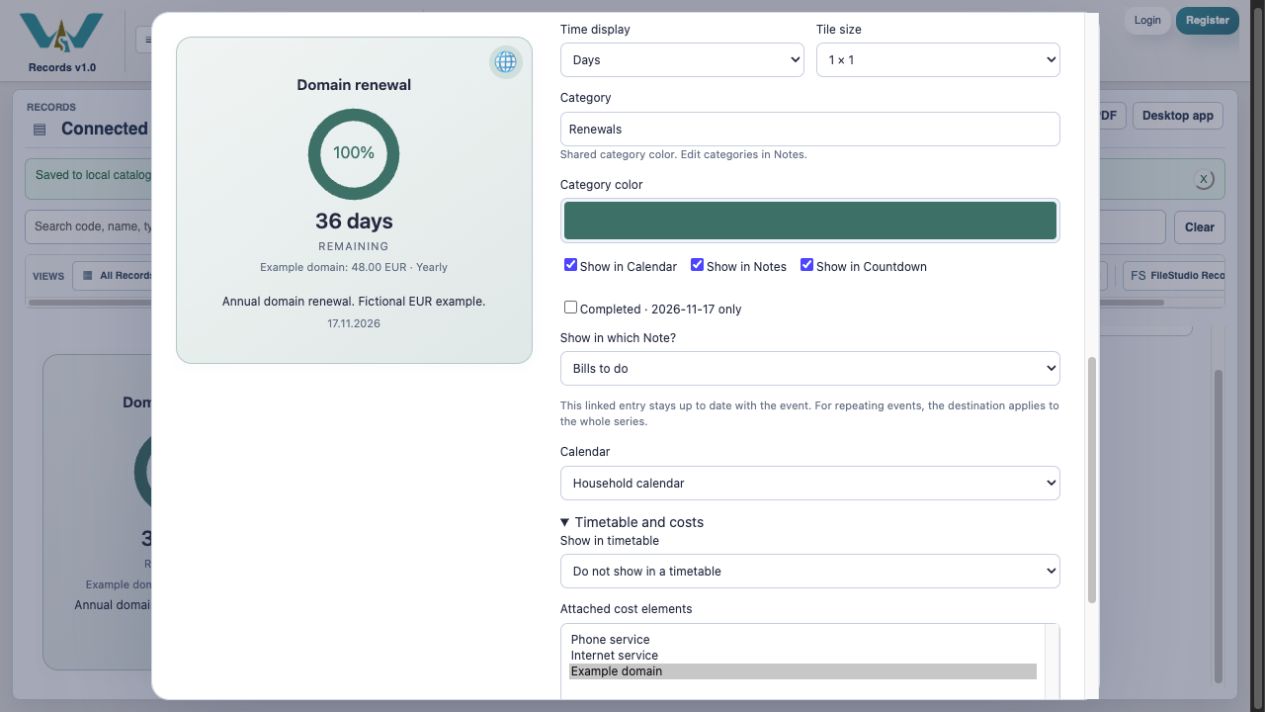
0:36 · Attach its cost
Select Example domain: EUR 48 yearly.
0:46 · Save Countdown
Save the linked setup to the Catalog draft.
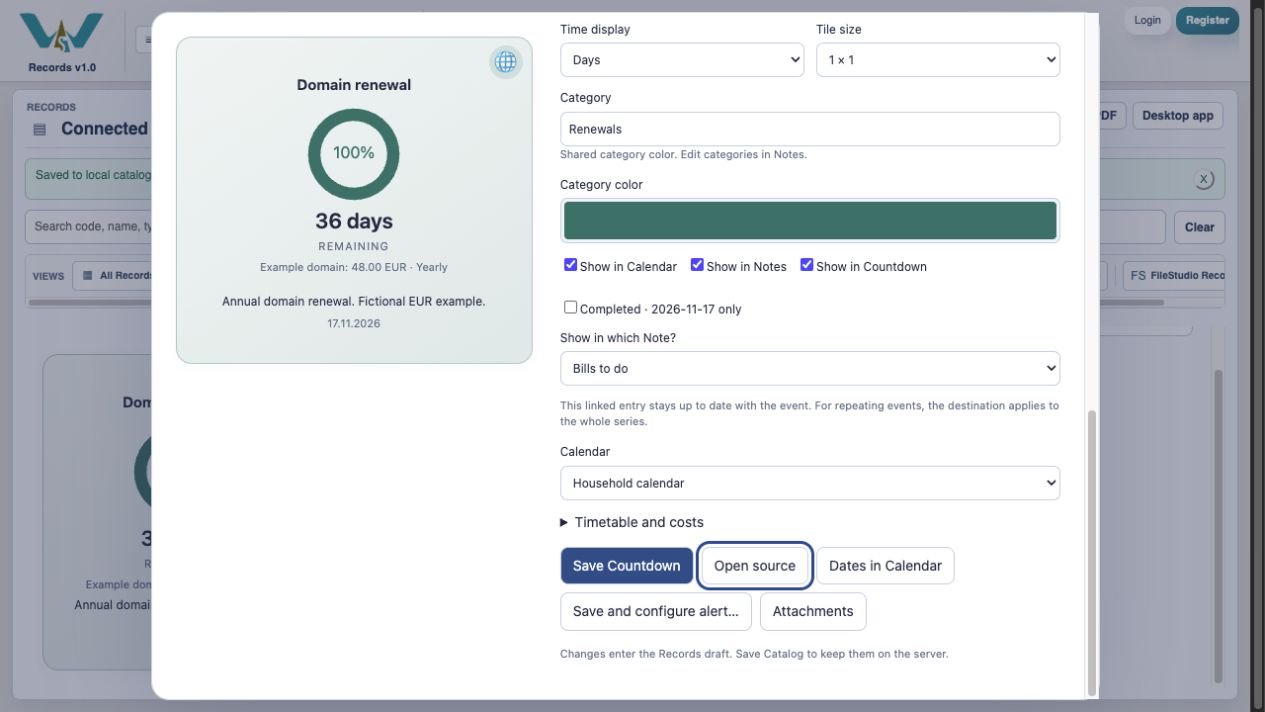
0:56 · Verify the date
Confirm the renewal on 17 November, then Save Catalog.
1:06 · Add a renewal to Calendar and Countdowns
Thank you for watching. Keep building a clearer picture of your costs.
A budget-themed illustration accompanies the WorkStudio film title. The ending adds “Thank you for watching.”