Illustrated transcript
Settle a bill and check its task
Expected, billed and paid amounts have different jobs.
Silent walkthrough · fictional EUR examples · October 2026. Every action is described below.
0:00 · Settle a bill and check its task
Expected, billed and paid amounts have different jobs.
A budget-themed illustration accompanies the WorkStudio film title. The ending adds “Thank you for watching.”
0:06 · Review the bill
Open Record / review for the correct phone bill date.
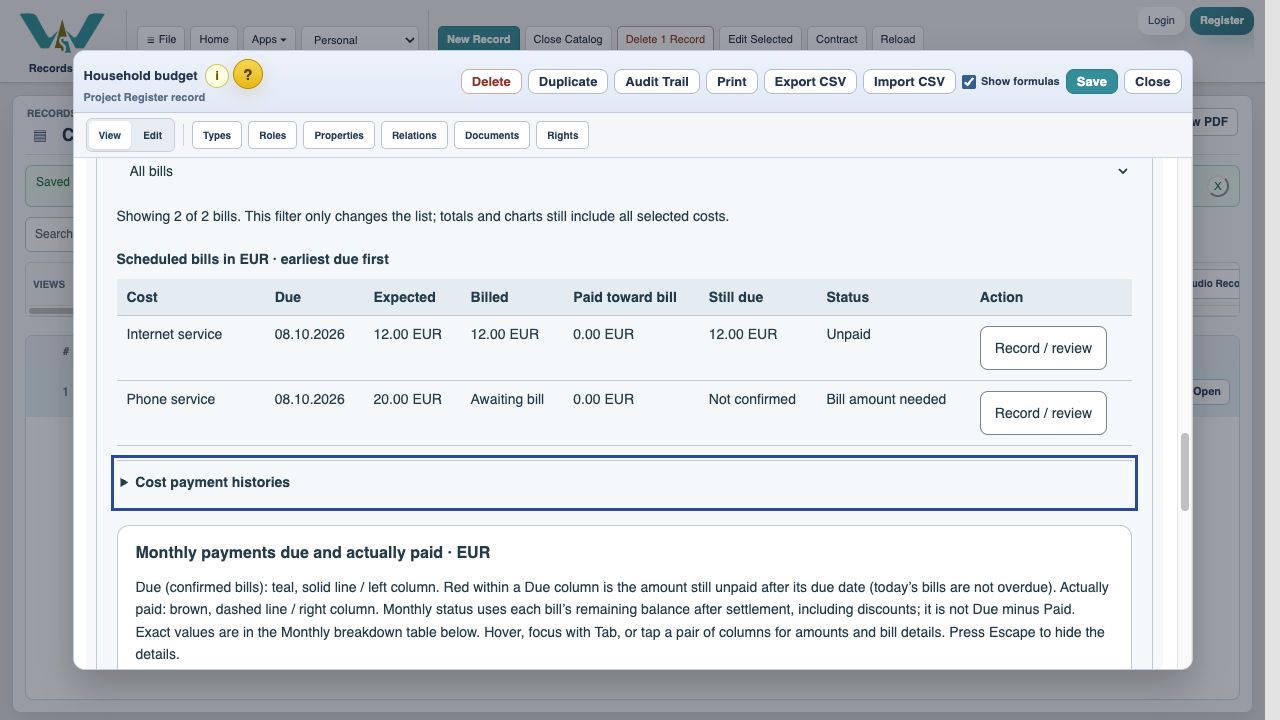
0:16 · Enter the invoice
Enter EUR 24. The expected amount remains EUR 20.
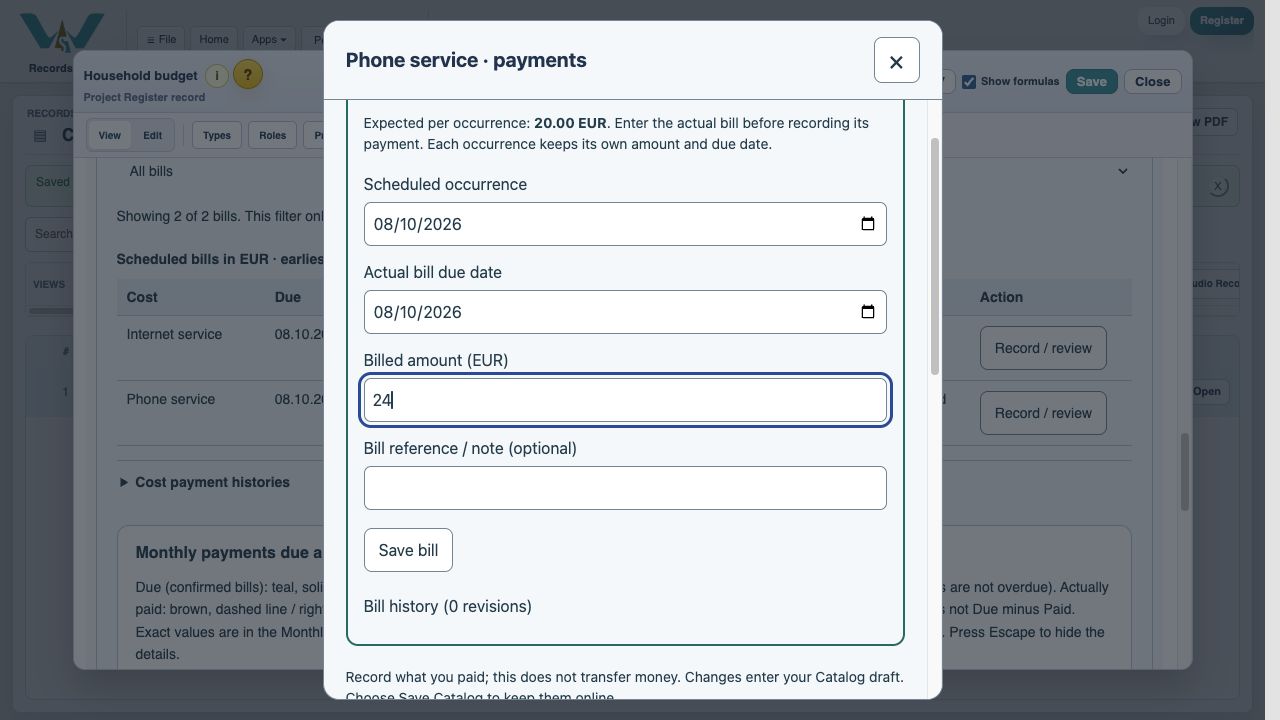
0:26 · Save the bill
Save bill confirms this occurrence’s invoice amount.
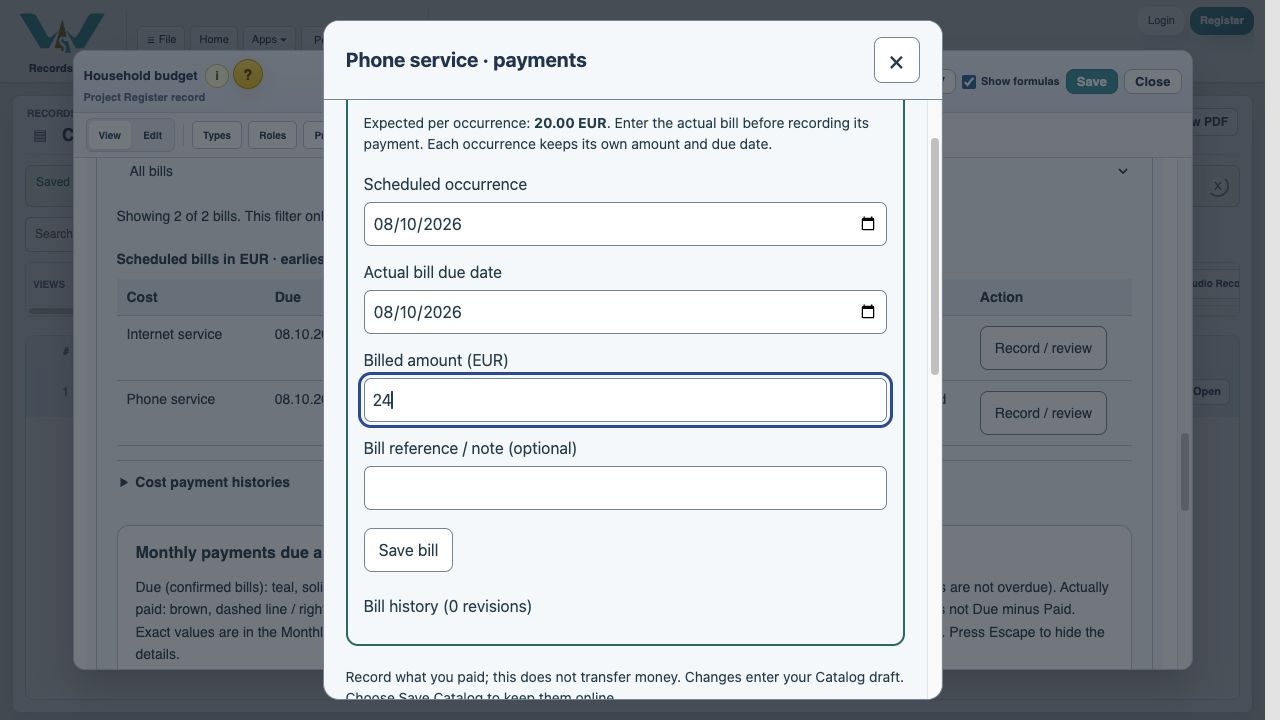
0:36 · Record a part payment
Enter EUR 10. Leave settlement unchecked, then record.
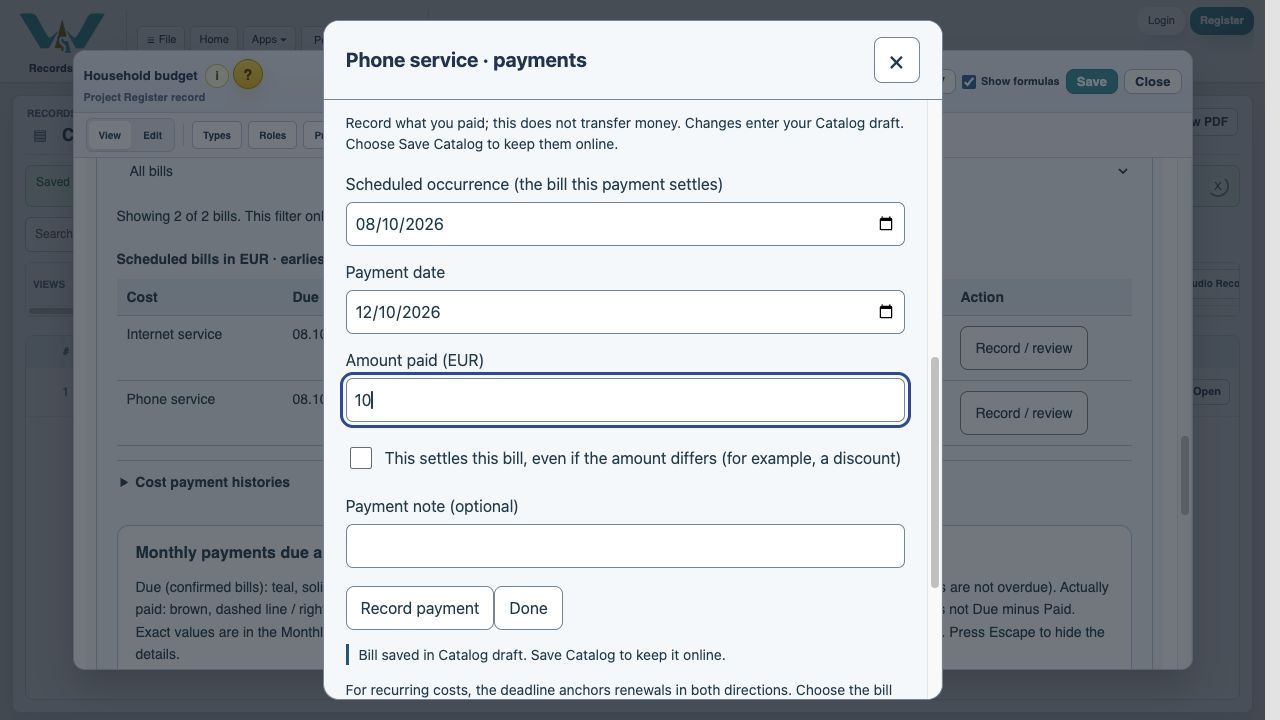
0:46 · Settle the remainder
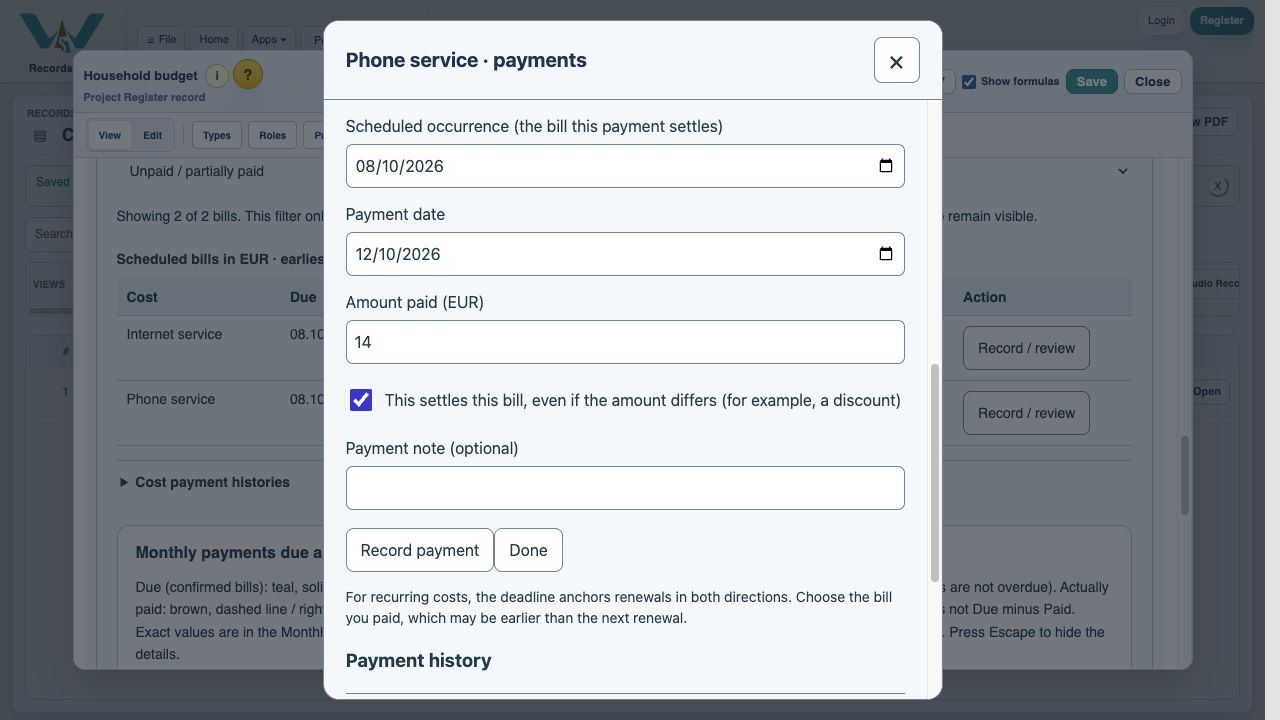
Enter EUR 14, select settlement, then Record payment.
0:56 · Read the result
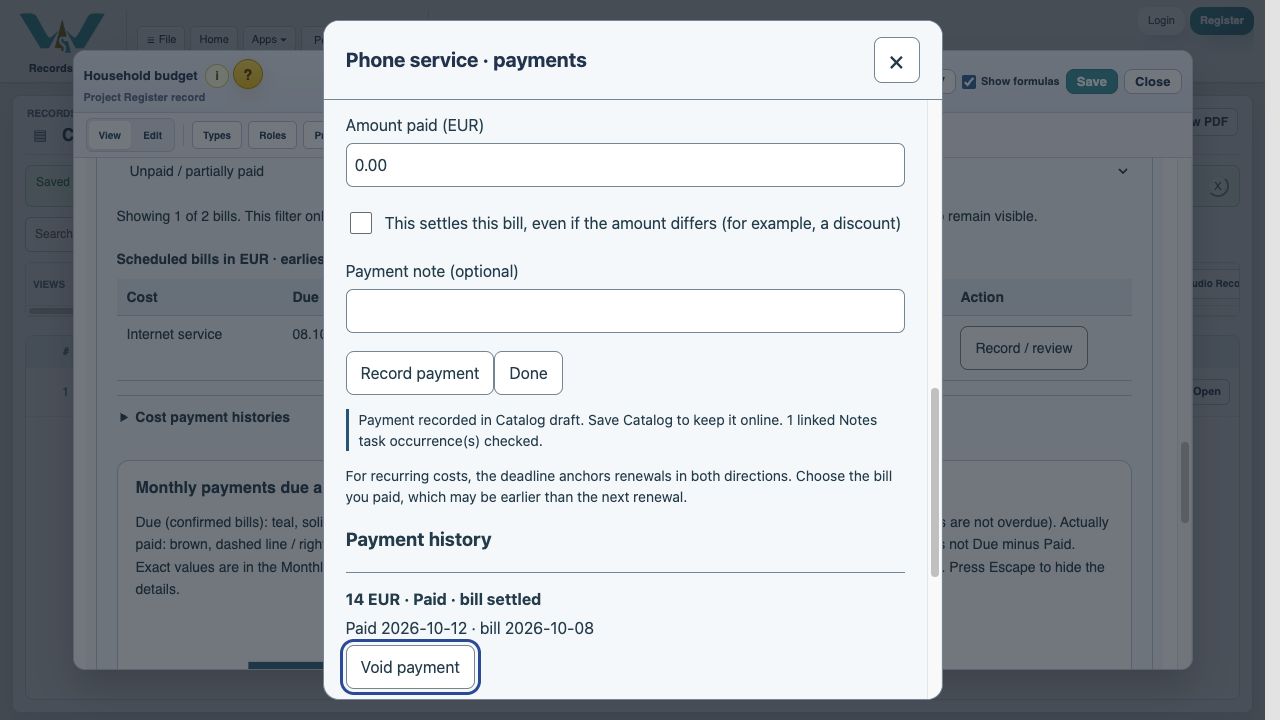
One matching Notes task occurrence has been checked.
1:06 · Check the Note
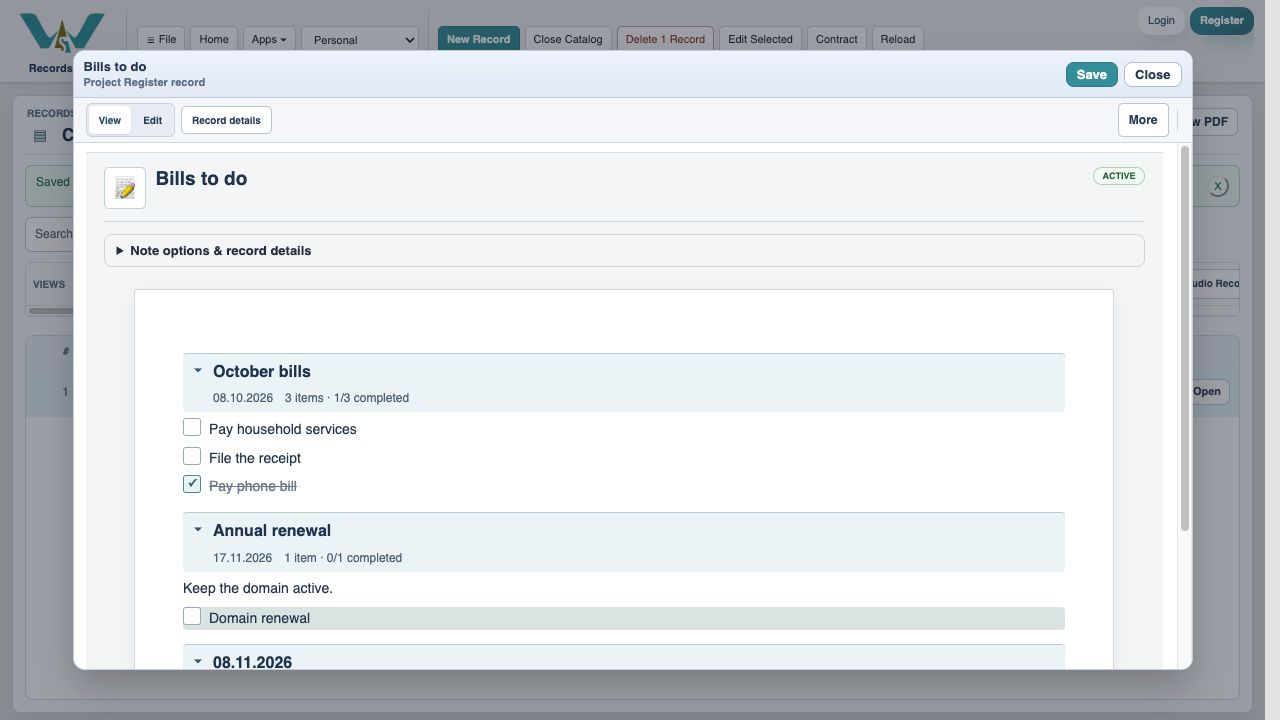
The phone task is done. The two-cost task stays open.
1:16 · Settle a bill and check its task
Thank you for watching. Keep building a clearer picture of your costs.
A budget-themed illustration accompanies the WorkStudio film title. The ending adds “Thank you for watching.”