
A monthly reporting cycle, from preparation to completion
Combine a preparation Note, recurring deadline, Calendar and Countdown in one practical example.
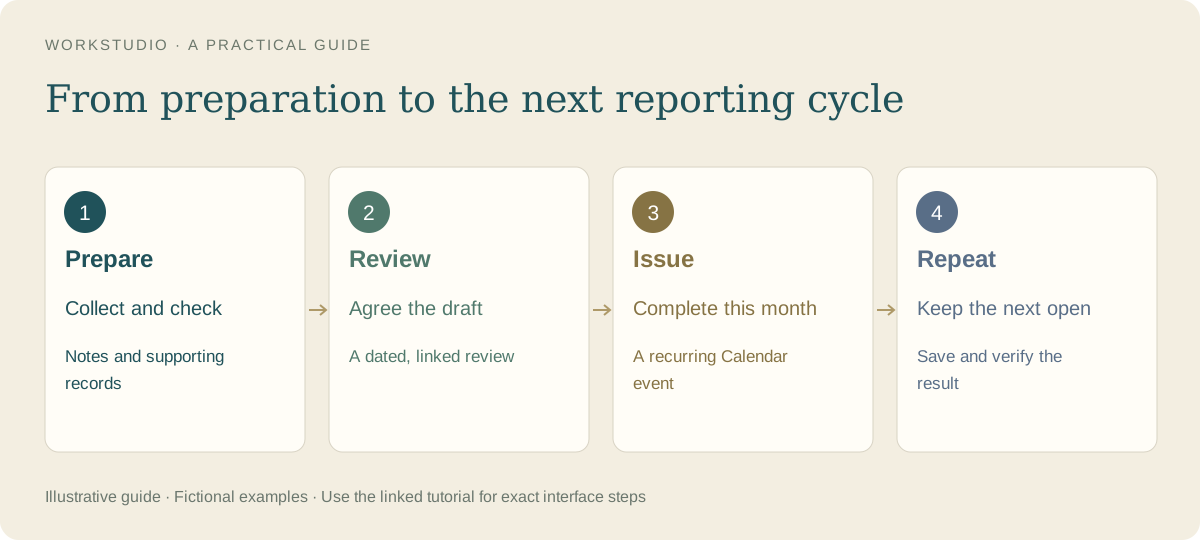
Our fictional company example keeps three things separate: preparing the figures, reviewing a draft and completing the monthly reporting deadline. They belong together, but finishing one does not prove that the others are finished.
The three parts
- Preparation Note: Monthly report preparation holds the checklist. Our completed item is Collect the monthly figures.
- Review event: Review the October summary is a one-off event on 9 October. It appears in Calendar, the preparation Note and Countdown.
- Reporting deadline: Publish monthly summary repeats monthly on the 7th. We completed its 7 October occurrence; 7 November remains open.
The one-off review is a separate follow-up commitment in this demonstration, so its later date does not move the recurring deadline. In your own process, place reviews before issue when approval is required.
Keep the evidence with the work
Use a dated supporting record, such as Operations report — October 2026, for the actual report. Connect it to relevant Notes, people and project records. Keep the issued document distinct from next month’s draft.
Make completion mean something
Check the Note’s preparation item when that action is finished. Complete a dated reporting occurrence only after the corresponding report is issued. The next occurrence remains open, ready for another cycle.
Save and review
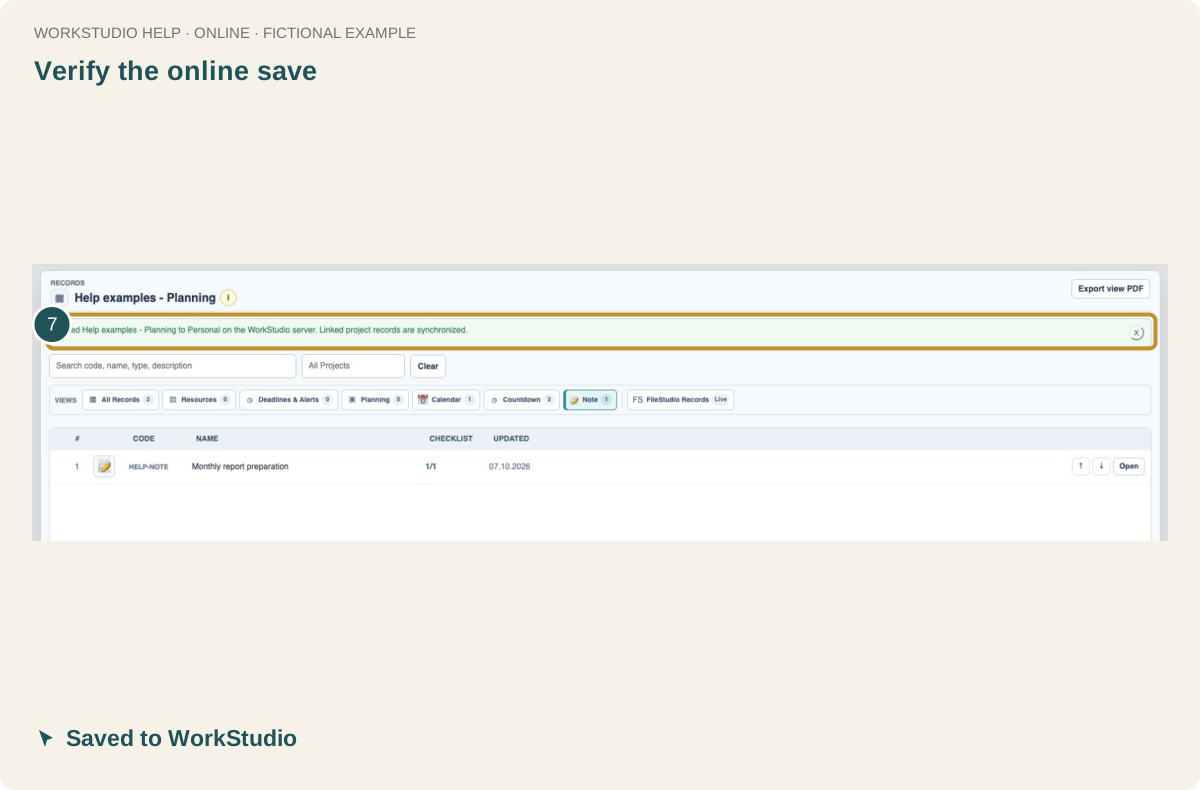
Save the Note or event, then use File → Save Catalog. The illustrated example was saved to WorkStudio and reopened to confirm the checklist and next occurrence. It does not demonstrate live companion synchronization.
Company use
- Confirm the intended account access before using real team information.
- Use clear names and categories so preparation, review and issue are easy to tell apart.
- Configure alerts separately when needed. This demonstration sends no notifications.
- Keep historical reports available while starting a fresh preparation checklist for the next month.
This is an ordinary company planning example, separate from WorkStudio’s administrative Monthly Report procedures.
In the example Catalog
Fictional example used to explain the workflow.
Enable JavaScript to use reading progress and usefulness ratings.