
Customize Your Family Chart
Choose details, portraits, decorative styles and readable card sizes before printing.
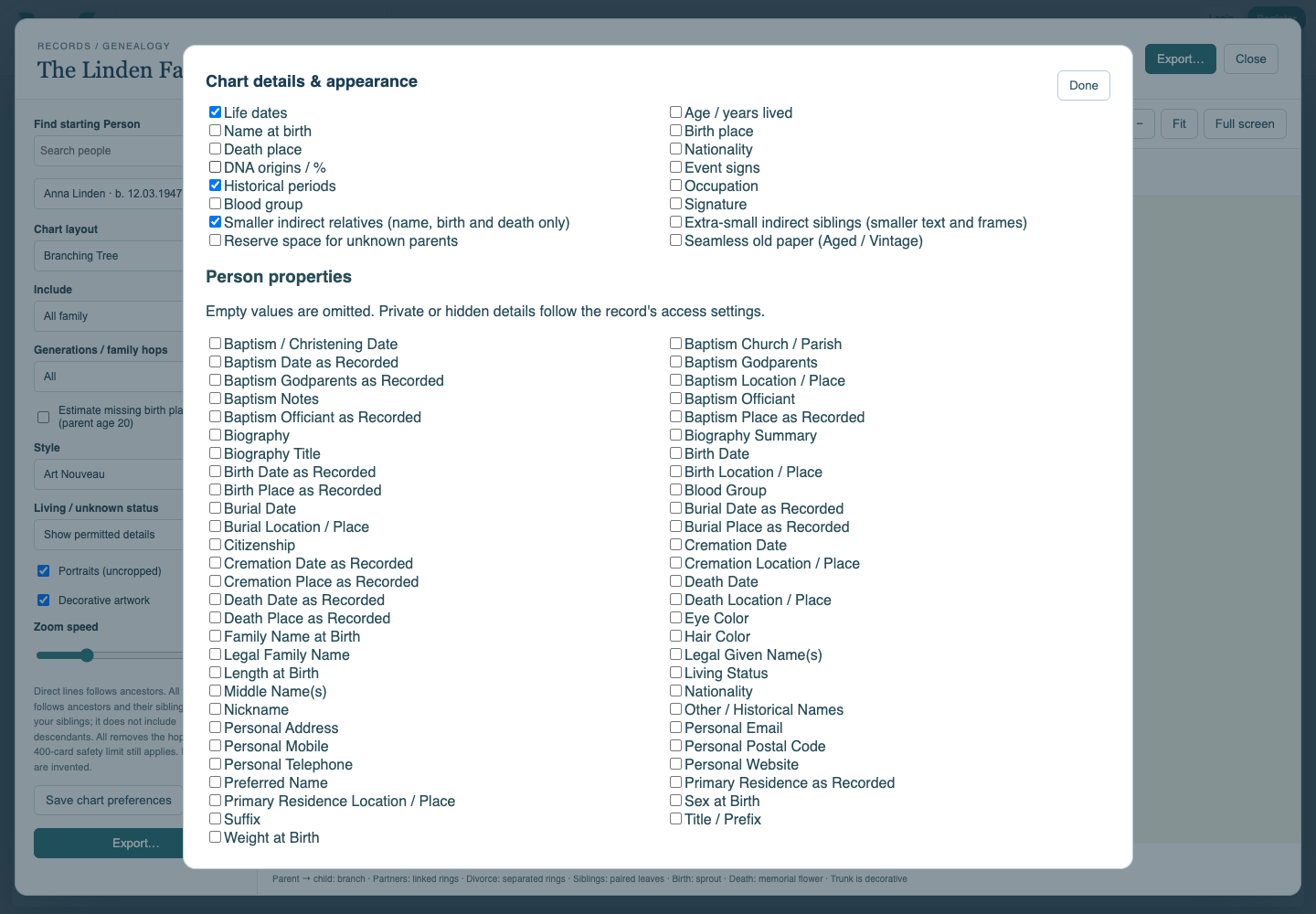
Use Chart details & appearance to choose the information shown on the chart: life dates, age, name at birth, places, nationality, event signs, occupation and other permitted Person properties. Empty values are omitted. Name at birth comes from recorded identity information; it is not inferred from a marriage.
Keep the chart readable by selecting only useful fields. Smaller indirect relatives and Extra-small indirect siblings reduce secondary cards to compact identity details. Reserve space for unknown parents helps expose gaps without inventing people. These settings alter presentation, not the underlying records.
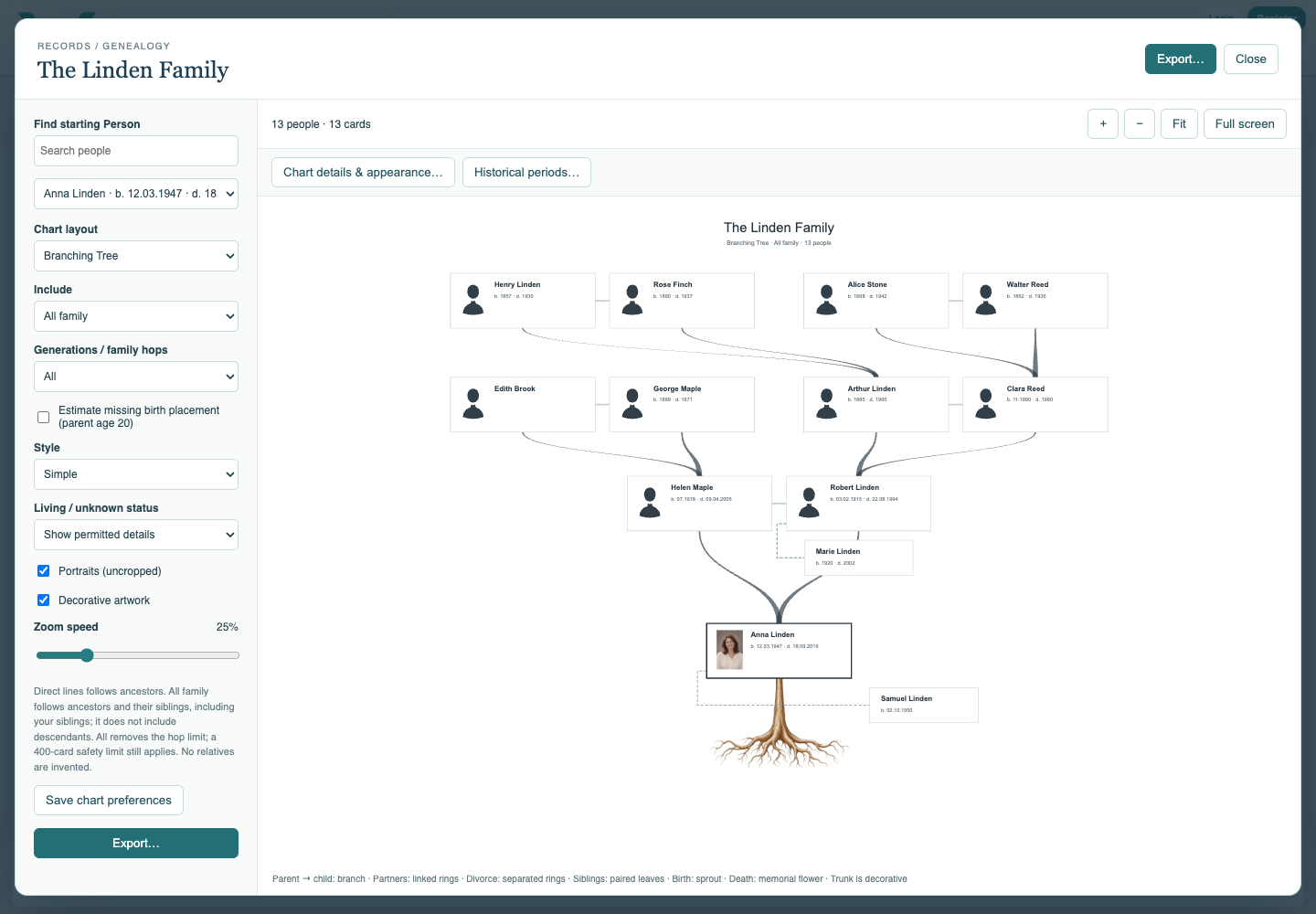
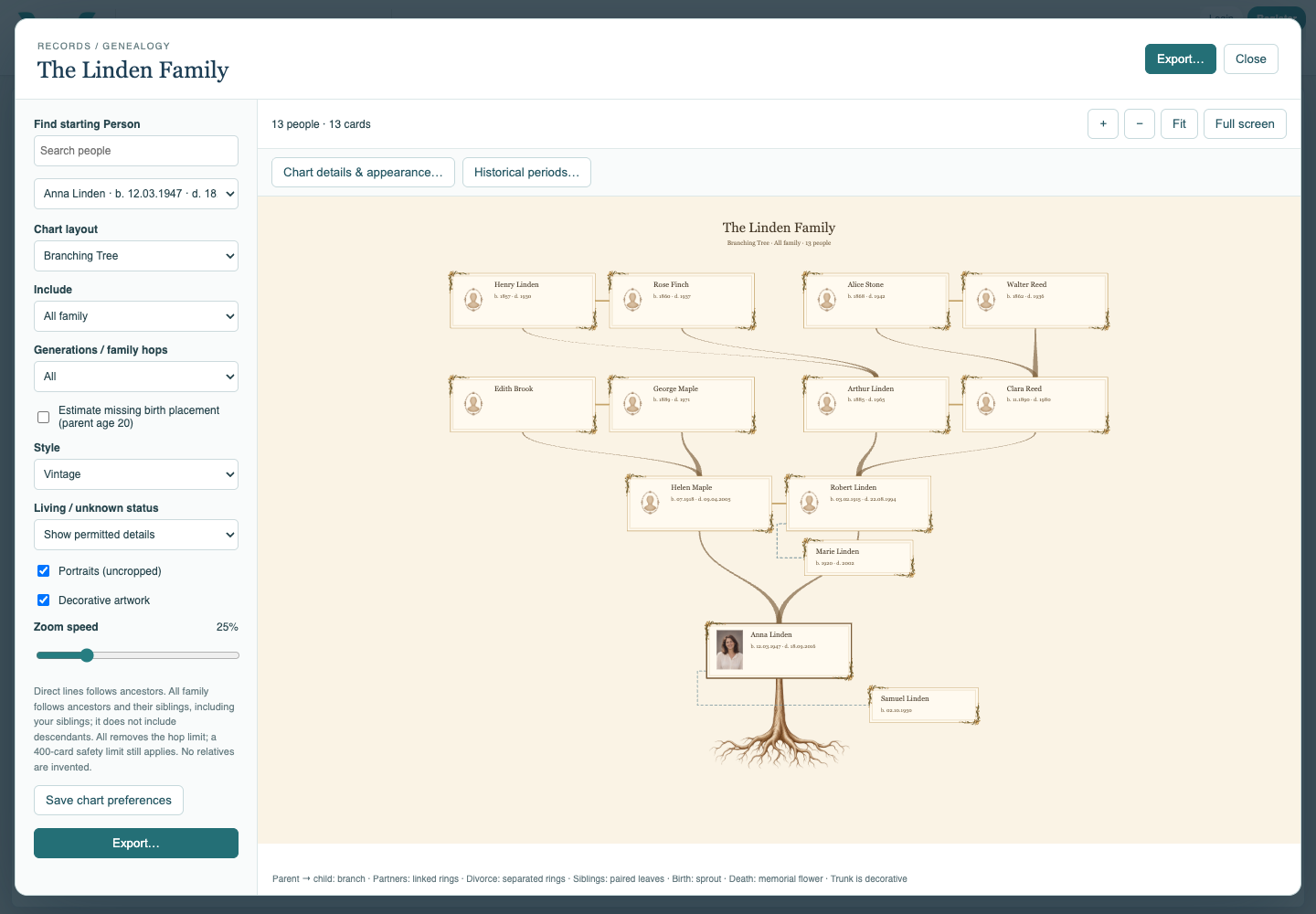
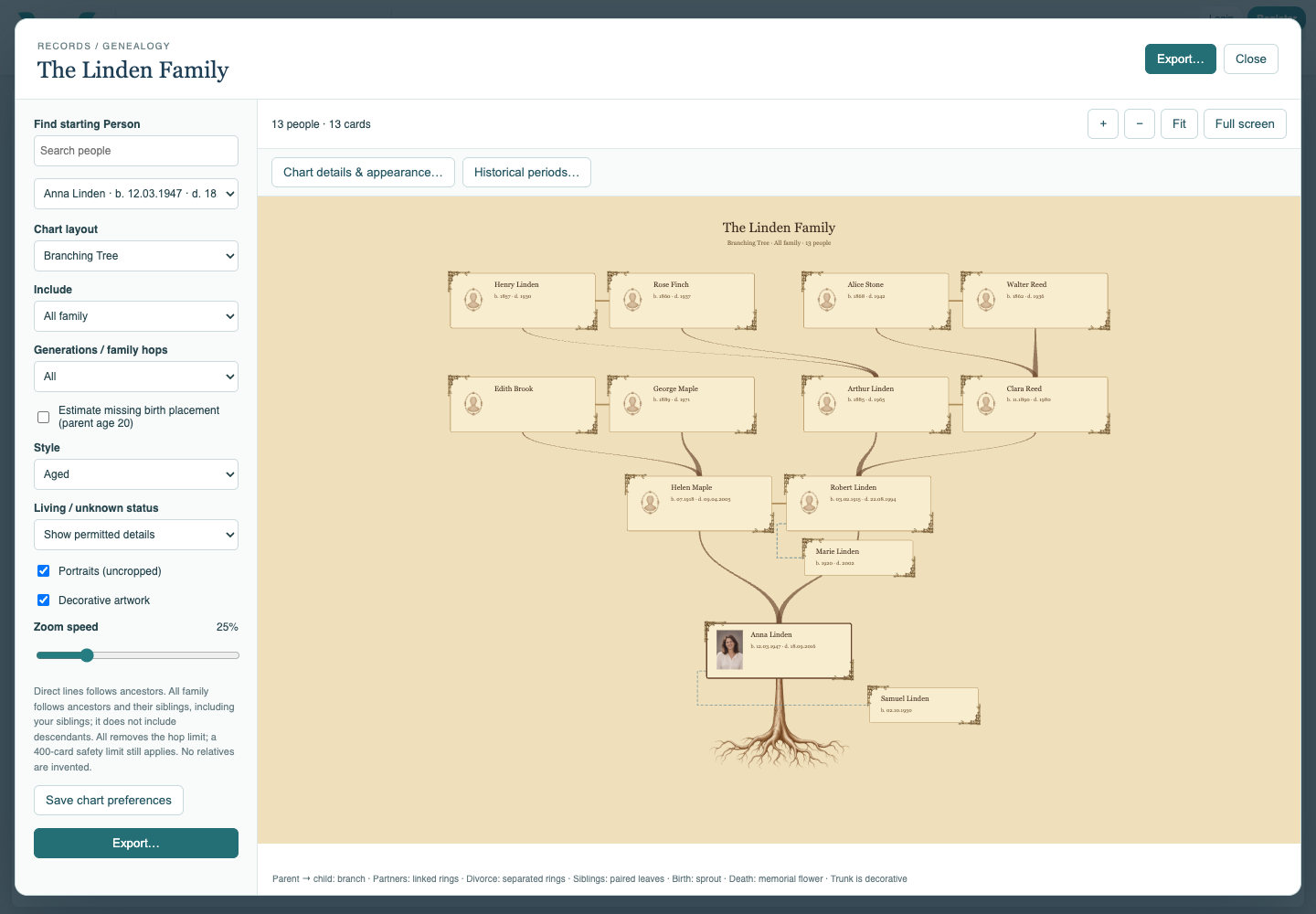
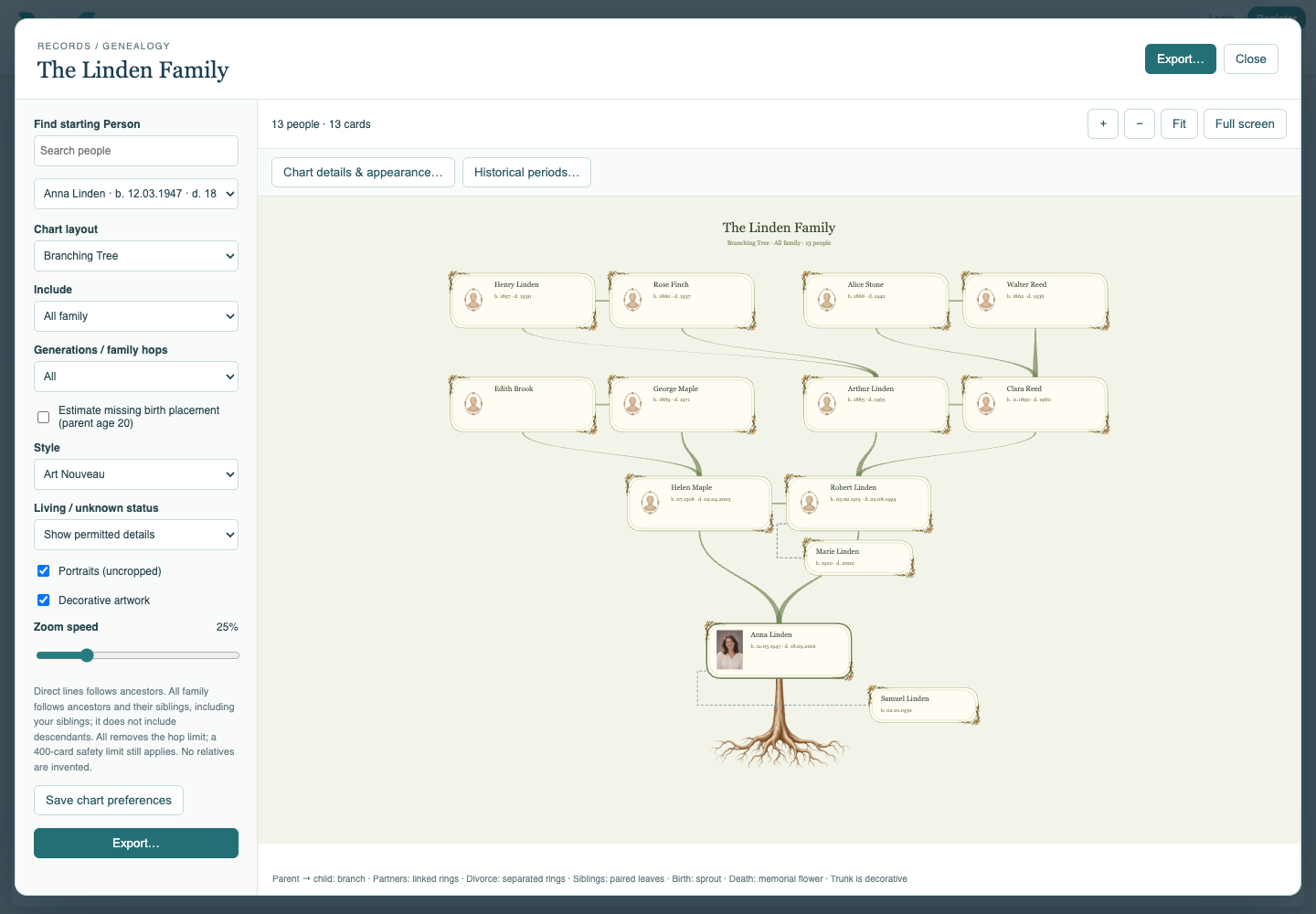
The five styles are Modern, Simple, Vintage, Aged and Art Nouveau. Portraits and Decorative artwork are separate choices. Seamless old paper applies to Aged and Vintage. Artwork is decoration, not evidence of an event or a person’s participation. Radial and Map use their own shapes, so card-specific settings do not all apply there.
Use Fit after changing scope or content, then zoom to check long names and dates. The pointer anchors zoom; Zoom speed changes sensitivity. Full screen gives more space. Save chart preferences updates the Family Tree record draft; save the collection afterward.
In Export, the optional styled PDF chart-page border follows the chart style. It applies to the chart page, not SVG or WorkFlow. Chart paper ranges from A4 to A0 with portrait or landscape orientation; appended dossiers use A4 portrait. Choose larger paper or fewer relatives when small text is warned about.
Choose the details
Chart details & appearance selects visible Person fields and compact relatives.
Simple
Simple chart style with restrained decoration.
Vintage
Vintage styling applied to the fictional family.
Aged
Aged styling for a family archive.
Art Nouveau
Art Nouveau styling for the same family chart.
Enable JavaScript to use reading progress and usefulness ratings.