
Why Multi-Factor Authentication Matters
Understand MFA, choose a compatible authenticator app and set up account recovery, with practical examples for individuals and companies.
Information only — not legal advice.
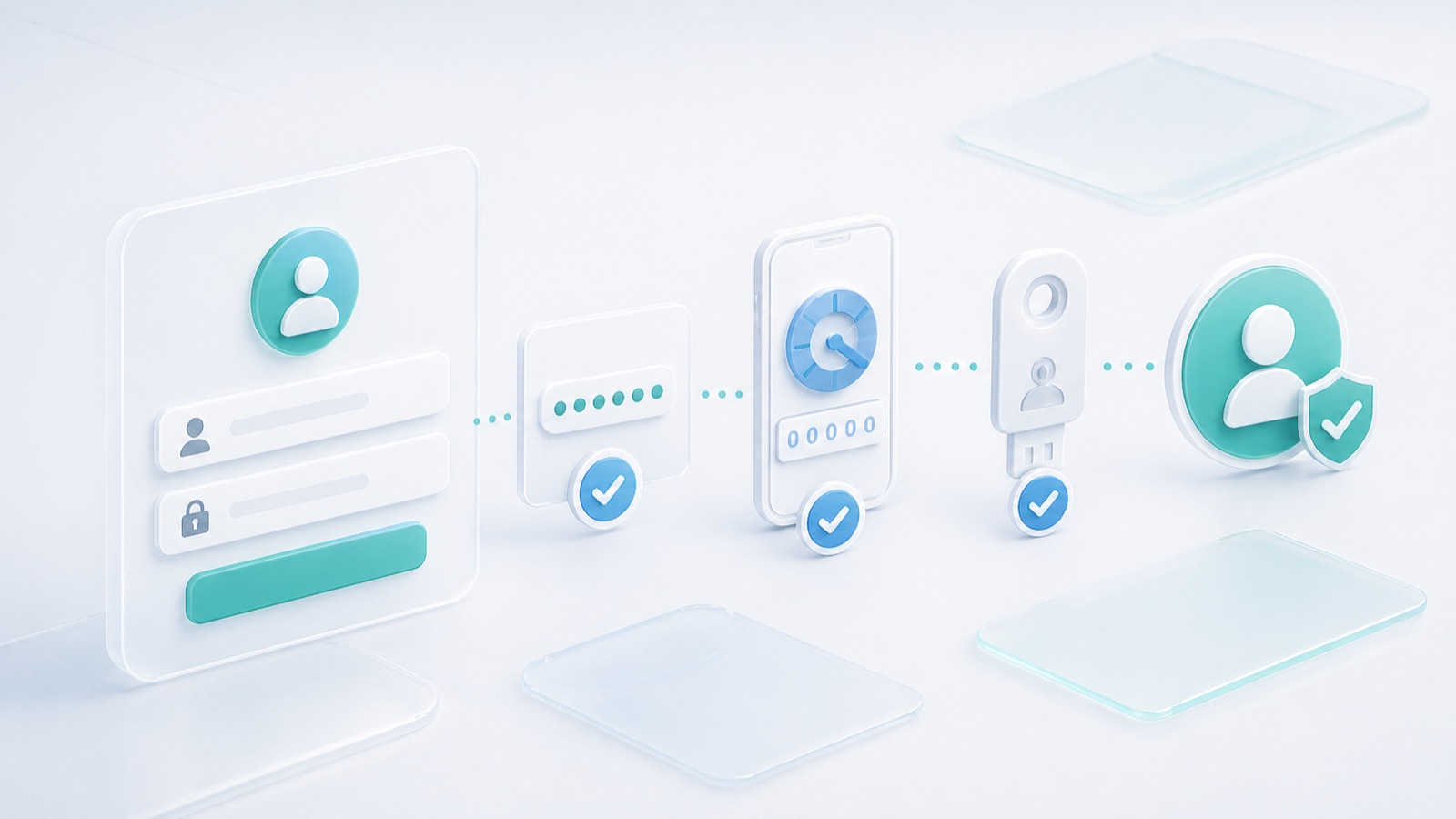
Multi-factor authentication (MFA) asks for proof from more than one category: something you know, something you have or something you are. A password plus a code from an enrolled authenticator is a familiar example. Two passwords are still one kind of proof.
MFA reduces the chance that a stolen password alone will let somebody enter an account. It is particularly useful for email, administration, shared work and sensitive records. It does not remove the need for secure devices, sensible access permissions and a recovery plan.
A practical example
Fictional scenario: a coordinator reuses a password that is exposed in an unrelated breach. An attacker tries it against the company's collaboration account. With password-only access, that password may be enough. With an additional enrolled authenticator, the attacker needs another proof.
The protection has limits. A fake sign-in page can ask for the password and current code, then relay both immediately. An unexpected approval prompt can also trick a person into accepting an attack. MFA helps, but the method and the user's response matter.
Which authenticator app can I use?
For a service that supports standard time-based one-time passwords (TOTP), you can generally use any compatible TOTP authenticator app permitted by the service and your organization's policy. You do not normally need an app from the same company as the account you are protecting.
- Google Authenticator generates verification codes for supported sites and apps, including services outside Google. See Google's authenticator guidance.
- Microsoft Authenticator supports code-based setup for compatible non-Microsoft accounts as well as Microsoft accounts. See Microsoft's account setup guidance.
- Other TOTP apps can also work when they support the service's code settings. Check the service's instructions and your company's approved-app policy.
These are examples, not an exclusive list or a paid recommendation. Any compatible app does not mean every app works with every MFA method. A provider-specific push approval, managed-device requirement or passwordless sign-in may require that provider's app. An ordinary TOTP app cannot automatically replace those functions.
Set up code-based MFA carefully
- Open the genuine service directly and find its account security settings. Choose its authenticator-app option.
- Install your chosen app from its official source or your organization's managed app catalogue.
- In the app, add an account and scan the setup QR code, or enter the setup key if the service provides that option.
- Enter a current generated code on the service to complete enrollment. Installing an app alone does not enable MFA.
- Give the entry a clear account label so you do not confuse personal and work accounts.
- Save the service's recovery codes securely and enroll an additional permitted recovery method if available. Test the setup before closing your existing signed-in session.
Treat the setup QR code and secret key like credentials. Do not put them in meeting minutes, screenshots, support tickets or shared folders. Recovery codes also need restricted storage; do not send them to someone who unexpectedly asks for help signing in.
Codes, push approvals and passkeys
Authenticator codes are useful protection compared with a password alone, but manually entered codes can be phished. Many TOTP apps generate codes without a mobile or internet connection after setup. If a code fails, check the account entry, expiry and device time before repeatedly retrying.
Push approvals ask you to confirm a sign-in in a registered app. Approve only a sign-in you initiated. Number matching can reduce accidental approvals, but it should not be described as equivalent to phishing-resistant authentication.
FIDO/WebAuthn security keys and passkeys can provide phishing-resistant authentication by binding authentication to the legitimate service. Whether a particular sign-in is multi-factor depends on the authenticator and user-verification process. A fingerprint used merely to unlock a phone is not proof that every subsequent website login used MFA. See NIST authentication guidance and the NCSC comparison of MFA methods.
Plan for a lost or replaced phone
Before replacing a device, follow the app's supported transfer or backup process and verify access to each important account. Where necessary, enroll the new authenticator at the service. Simply installing another app does not recreate the original account entries.
If a device is lost, use the organization's recovery process, report the loss and revoke affected sessions or credentials as appropriate. Protect any cloud account used to synchronize authenticator secrets. Avoid a recovery arrangement that depends entirely on the same lost device.
A sensible company rollout
- Prioritize administrators, email and sensitive roles, then extend coverage to other accounts.
- Use named accounts and assign a clear owner to recovery requests.
- Explain the supported methods, approved apps and a practical alternative for people who cannot use a personal phone.
- Train staff to reject unexpected prompts and report them promptly.
- Test recovery and review exceptions; do not make permanent password-only exceptions the easy default.
Related reading: ISO/IEC 27001 in Plain Language, Access Control Explained and Secure File Sharing.
Important information
This article provides general information and does not constitute legal advice or replace a qualified professional's assessment of your circumstances. Laws, official guidance, standards and product features can change. Check current primary sources and the requirements applicable to your jurisdiction, contract and project before making decisions. Examples illustrate the discussion; they are not official rulings or instructions for a particular case. For legal decisions, consult a qualified lawyer; for technical or other specialist matters, consult the responsible professional.
Enable JavaScript to use reading progress and usefulness ratings.