
What Is a Digital Workspace?
A practical introduction to shared information, everyday work records and the rules that help a team collaborate.
Information only — not legal advice.
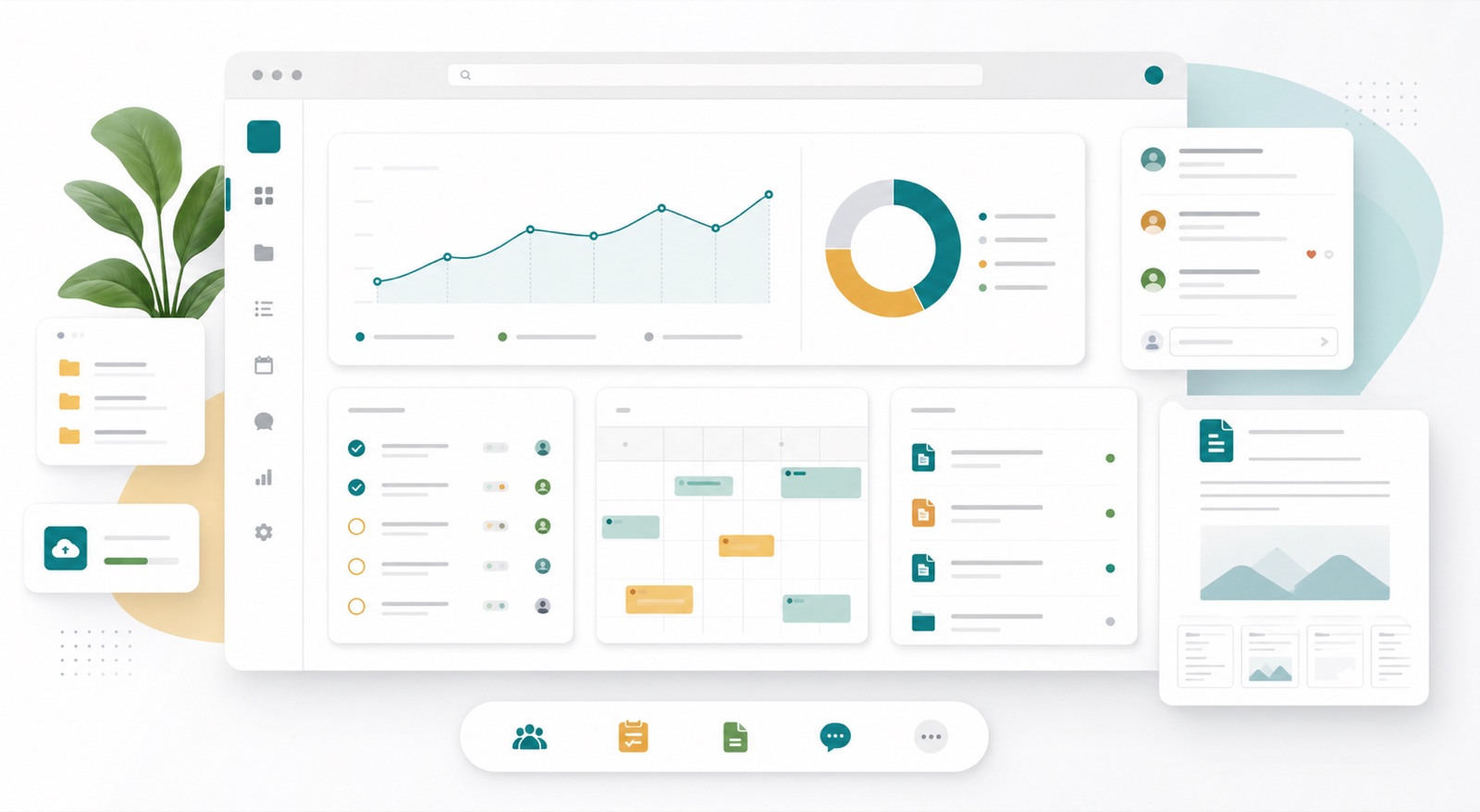
A digital workspace is the shared environment a team uses to find information, coordinate work and preserve its outcomes. It may combine several applications and storage systems. Its usefulness depends on how clearly people can find the current information, understand its purpose and act on it.
What can a workspace contain?
A record is information kept with enough context to explain an activity or decision. Some records are files; others are structured entries with attachments and relationships. Typical examples include:
- Documents: editable text documents, policies, proposals, contracts and issued PDF copies. Keep the editable source and issued version distinguishable.
- Schedules: Gantt charts, milestones, dependencies, calendars and look-ahead plans. Record the baseline and the date of an update.
- Drawings and models: design drawings, marked-up PDFs, CAD files, BIM models and revision registers. Identify the revision and permitted use.
- Daily logs: work completed, weather, site conditions, visitors, interruptions and inspections, with relevant photographs.
- Commercial information: budgets, quotations, purchase orders, bills of quantities, invoices and cost forecasts, with appropriate access restrictions.
- Meetings and decisions: agendas, minutes, action registers, approvals, assumptions and the evidence considered.
- Assets and operations: equipment identifiers, locations, manuals, warranties, maintenance tasks and handover information.
- People and administration: responsibilities, training and contact details. Keep sensitive employee records in a suitably restricted area.
- Research and knowledge: datasets, methods, lessons learned, reference material and links to original sources.
Choose formats for the next reader's task. An issued PDF preserves a fixed presentation; an editable document supports revision; a structured register supports filtering and checking. A scanned image may need searchable text. A file extension alone does not prove that information is complete or approved.
Make the connections explicit
Imagine a fictional office refurbishment. Drawing D-014 shows a revised doorway. Meeting decision DEC-008 explains why it changed. Action ACT-021 assigns the survey. The daily log records when the measurement was taken, and the cost estimate records the commercial effect.
Link these items using stable references. A colleague can then follow the chain from a decision to its evidence without guessing which email attachment was used. Keep one authoritative version of each item, with links or controlled copies where others need it.
Agree the basic rules
- Name an owner for each area and important record.
- Use a small, understandable classification scheme and consistent identifiers.
- Distinguish drafts, information under review, issued material and superseded versions.
- Give contributors, reviewers and external recipients the access their work requires.
- Record decisions, revisions and who accepted an output.
- Agree retention, backup, recovery and project-closeout arrangements.
A shared folder becomes easier to use when these rules are visible and practiced. A complicated folder tree cannot compensate for unclear responsibility.
Check whether it helps
Ask a new colleague to find the current drawing, identify the next action owner and explain the last significant decision. If they need a private message for every answer, improve the structure or guidance. Review duplicate copies, broken links and overdue actions regularly.
Start with a modest pilot: one project, a few record types and a weekly review. Add complexity only when it solves a real retrieval, coordination or control problem.
Further reading
Continue with How to Set Up a Project Workspace, What Is a Common Data Environment? and Meeting Minutes and Action Registers. For practical security guidance, see the NCSC guide for small organisations.
Important information
This article provides general information and does not constitute legal advice or replace a qualified professional's assessment of your circumstances. Laws, official guidance, standards and product features can change. Check current primary sources and the requirements applicable to your jurisdiction, contract and project before making decisions. Examples illustrate the discussion; they are not official rulings or instructions for a particular case. For legal decisions, consult a qualified lawyer; for technical or other specialist matters, consult the responsible professional.
Enable JavaScript to use reading progress and usefulness ratings.