
Notes on iPhone: local notes and connected work
Understand where your Note is kept before editing or moving between devices.
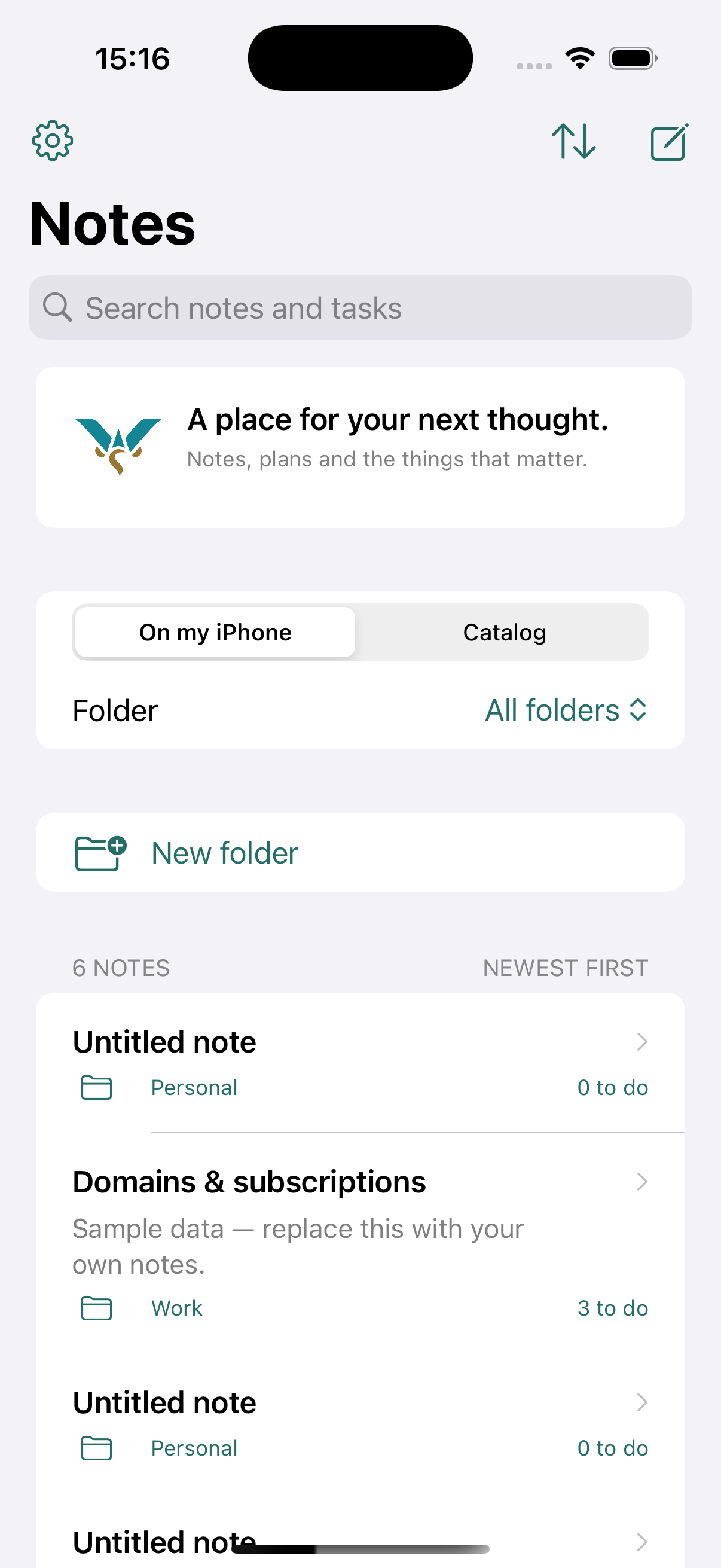
Keep one clear purpose
Use a Note for text, preparation and tasks. Give it a name that explains what belongs there, such as Monthly report preparation.
Know where you are working
A local Note is held on the device. A connected workflow uses a selected WorkStudio Catalog. Check the selected source and the save or synchronization status; do not assume that signing in has uploaded every local Note.
Before changing devices
Finish the edit, use the available save or synchronization action, and confirm the result. On the other device, open the same Catalog and Note and check the current content.
Learn the online workflow
Daily work in Notes explains checklists and dated work. Its tutorial shows the web interface. iPhone controls can differ.
This is a short orientation guide. A dedicated iPhone Notes film is not included in this set.
Enable JavaScript to use reading progress and usefulness ratings.