
Create a Family Birthplace Map
Connect Person birthplaces to Locations and export the resulting geographic view.
Use permitted records and saved places. The sample links people to Vienna, Prague and Munich with city-centre GPS coordinates.
All people and stories in these screenshots are fictional. Photographs were generated for these examples. The sample collection opens locally; changes to it do not save to your online collection automatically.
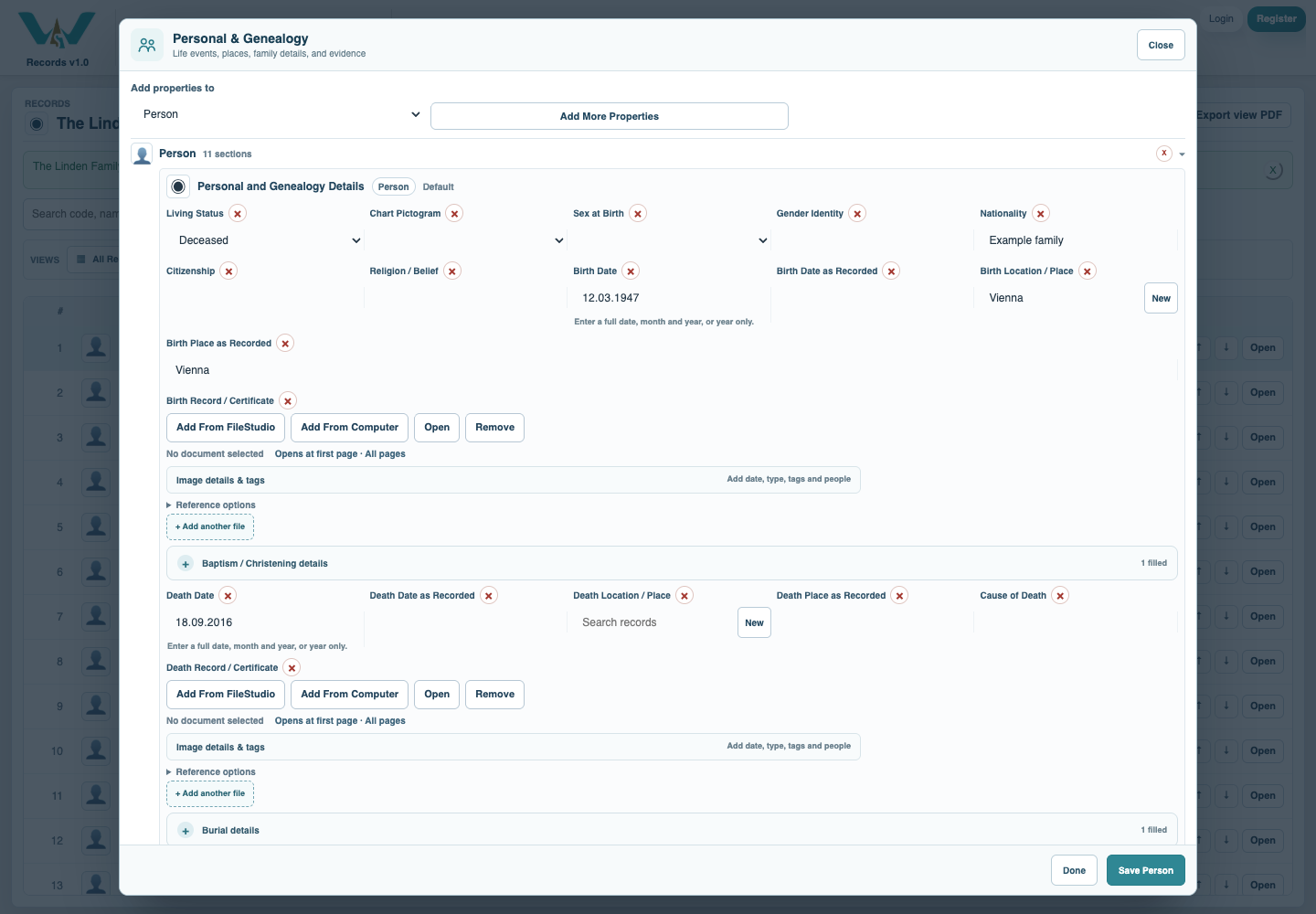
Link the Person’s birthplace
In Personal & Genealogy choose Birth Location / Place. Keep historical wording in Birth Place as Recorded. Do not substitute residence or nationality for birthplace. Save the Person.
Check the Location
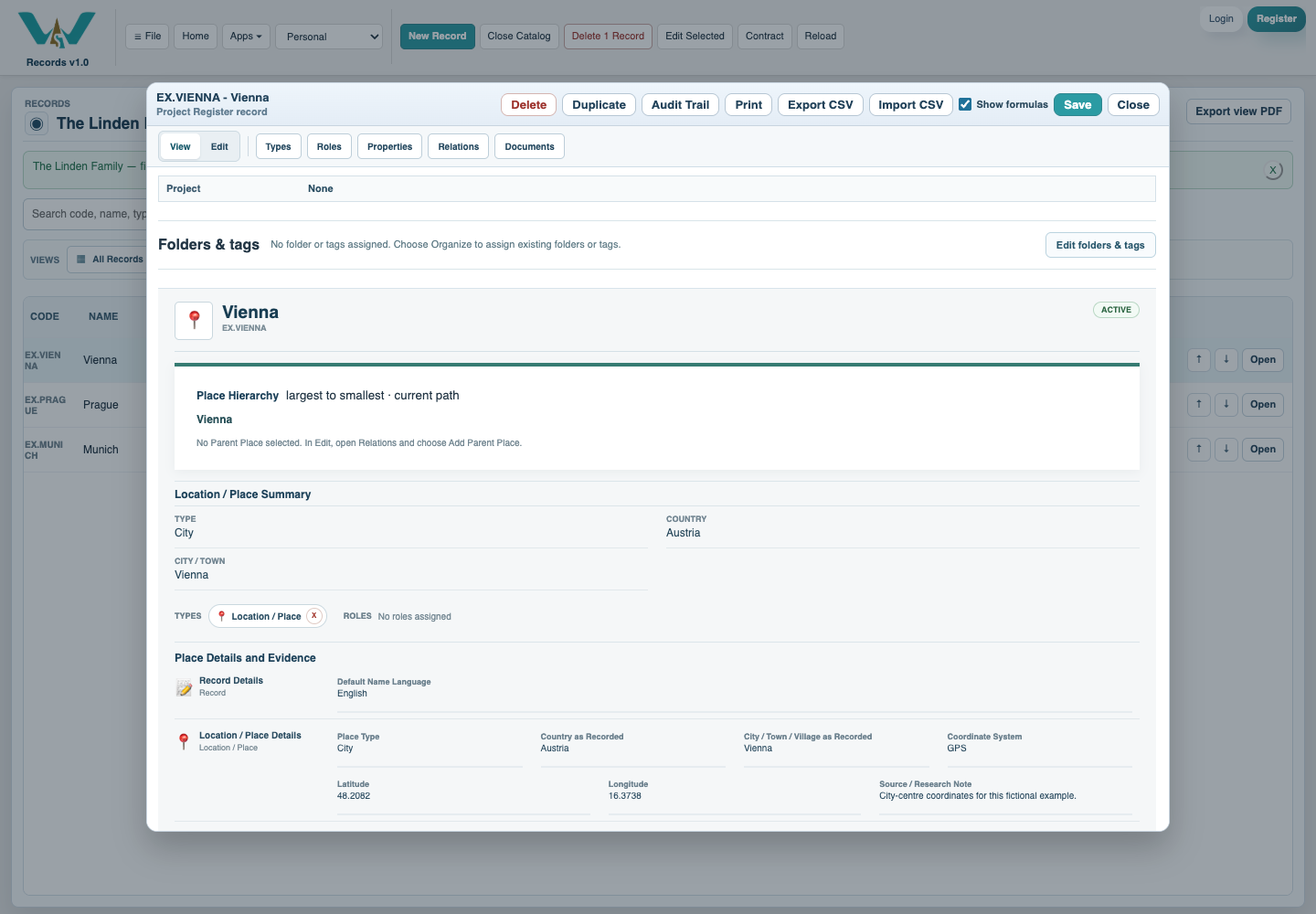
Open the linked Location and review the city, country and GPS coordinates. Enter coordinates only when known. A unique local city match may be approximate; ambiguous places stay unresolved.
Open Map and inspect the counts
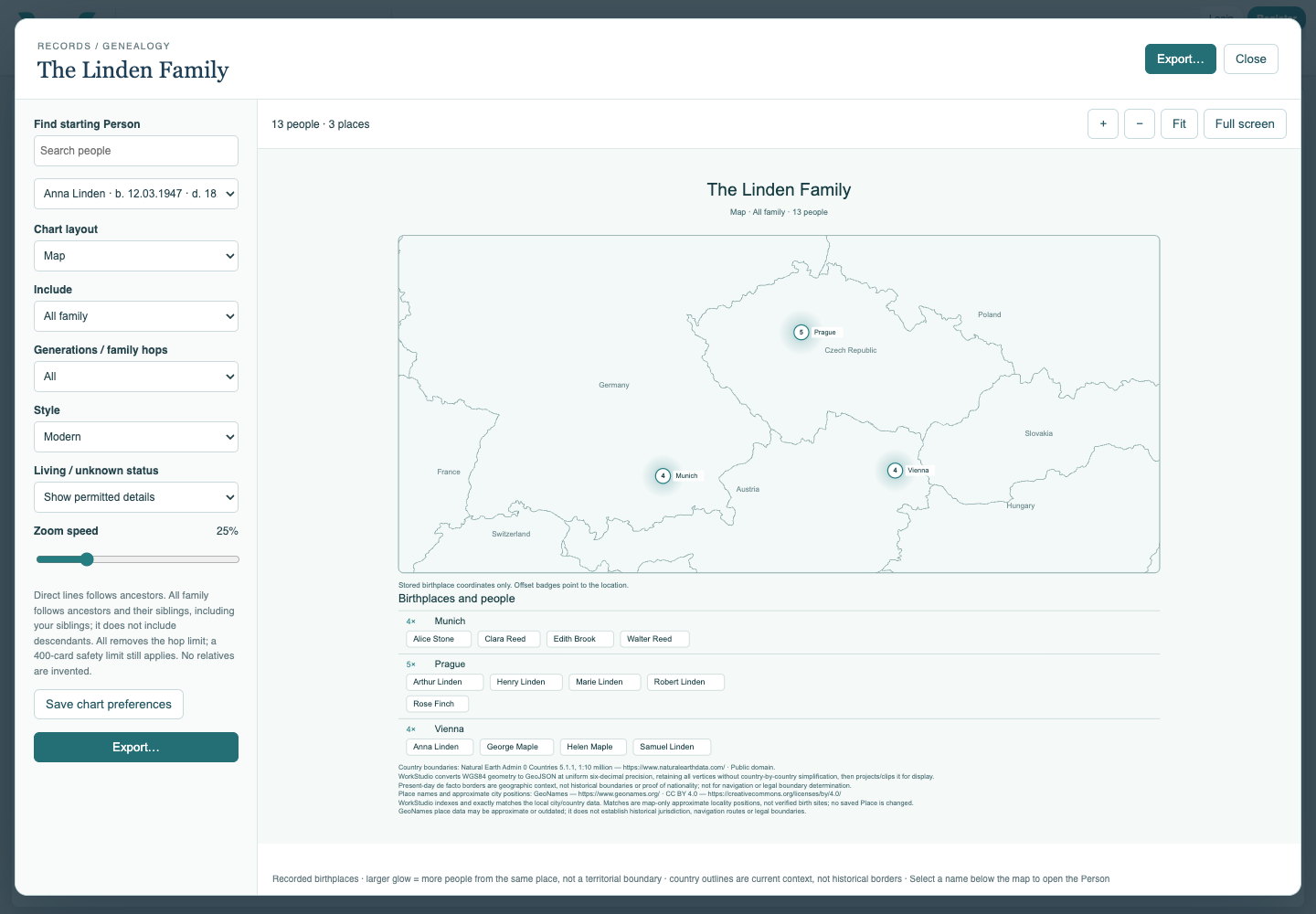
Open the Family Tree and select Map. Use Fit and zoom. Check that the dots and Person names match the selected family; a larger glow counts people rather than land area.
Review the selected people
Review scope and privacy before sharing. If a marker is missing, check saved birthplace information, hidden fields and any omission message. Do not guess a location to remove the warning.
Export with the credits
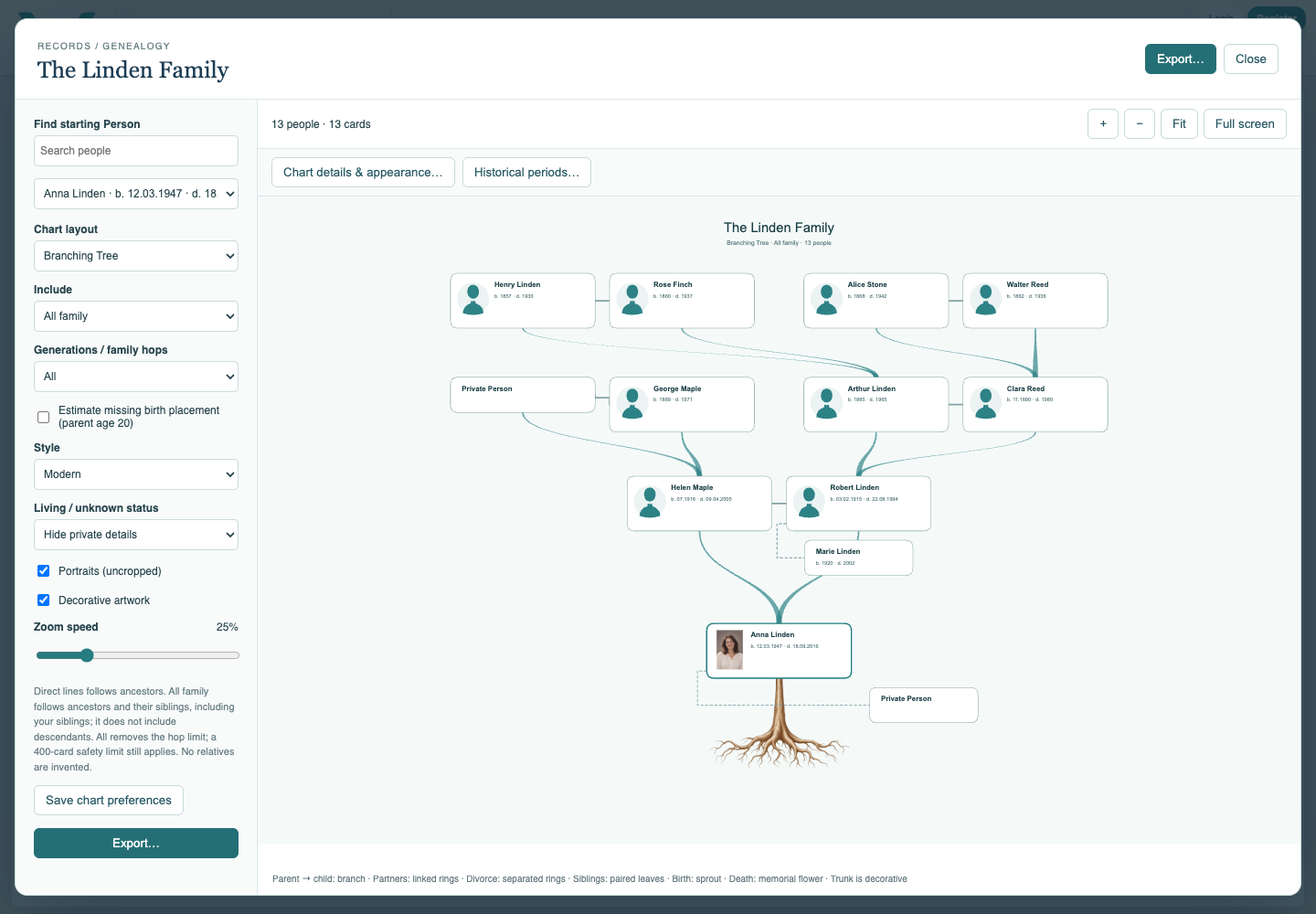
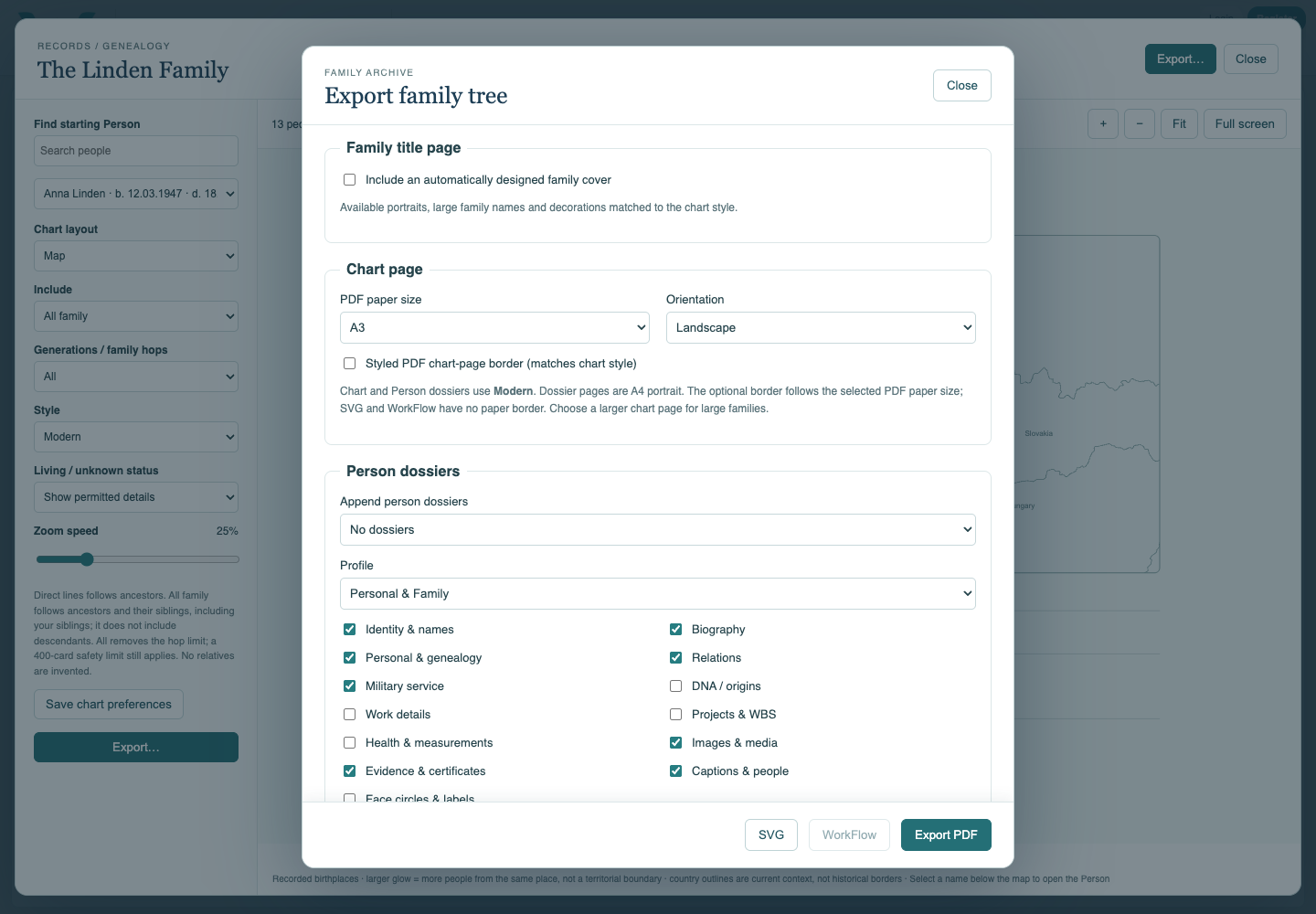
Choose Export, then PDF or SVG. Keep map credits in the result. WorkFlow is unavailable for Map. Save chart preferences and the collection separately from exporting.
Enable JavaScript to use reading progress and usefulness ratings.