
Download and Inspect Family Documents
Download everyone’s originals, one Person’s files, and a separate Person text archive.
The Family Documents list follows saved chart settings and current access rights. A ZIP of original files is separate from the printable family PDF.
All people and stories in these screenshots are fictional. Photographs were generated for these examples. The sample collection opens locally; changes to it do not save to your online collection automatically.
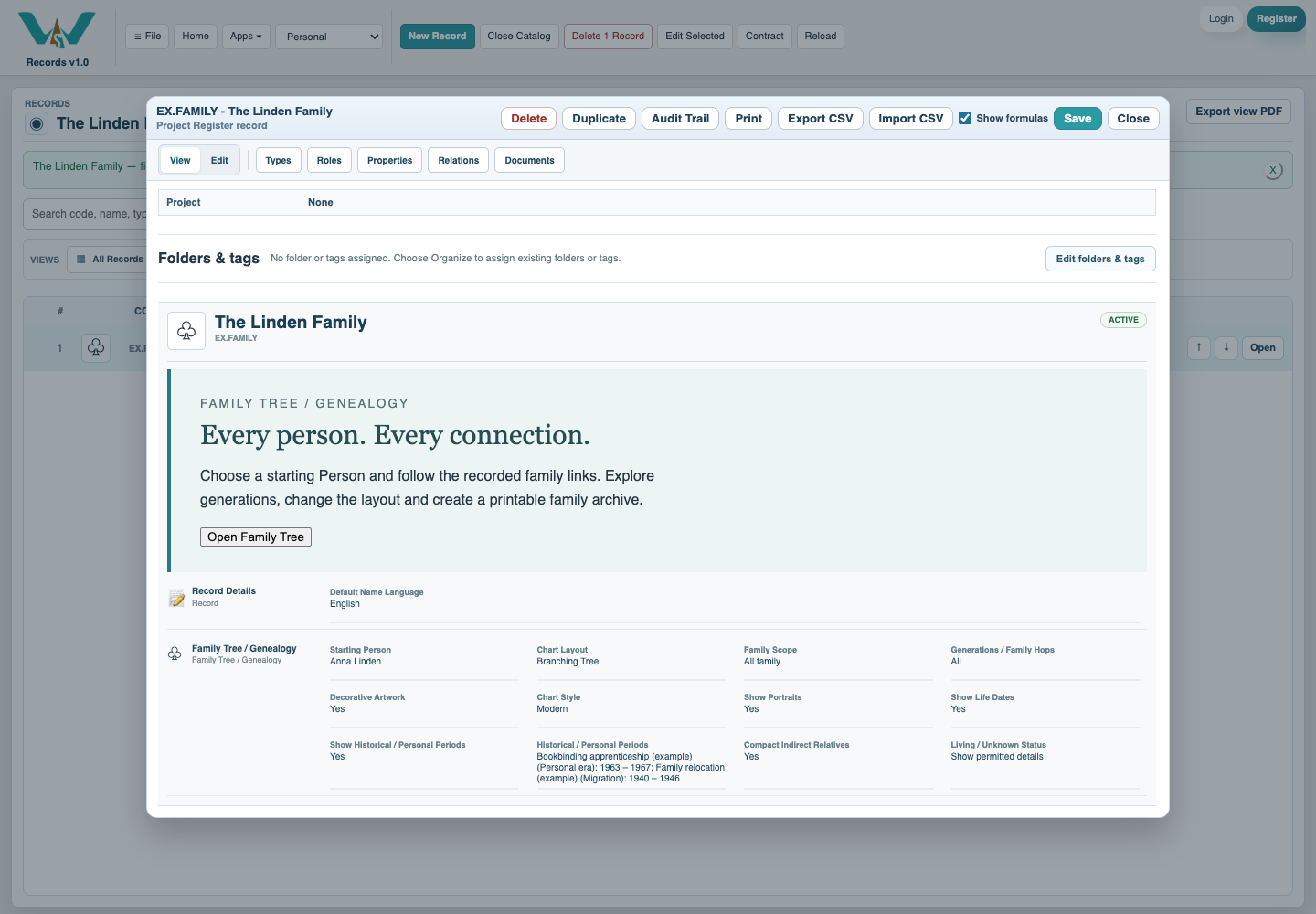
Confirm the saved Family Tree
Review and save the starting Person, scope and privacy preferences. Save the collection or retain the local .ca copy so the intended selection is kept.
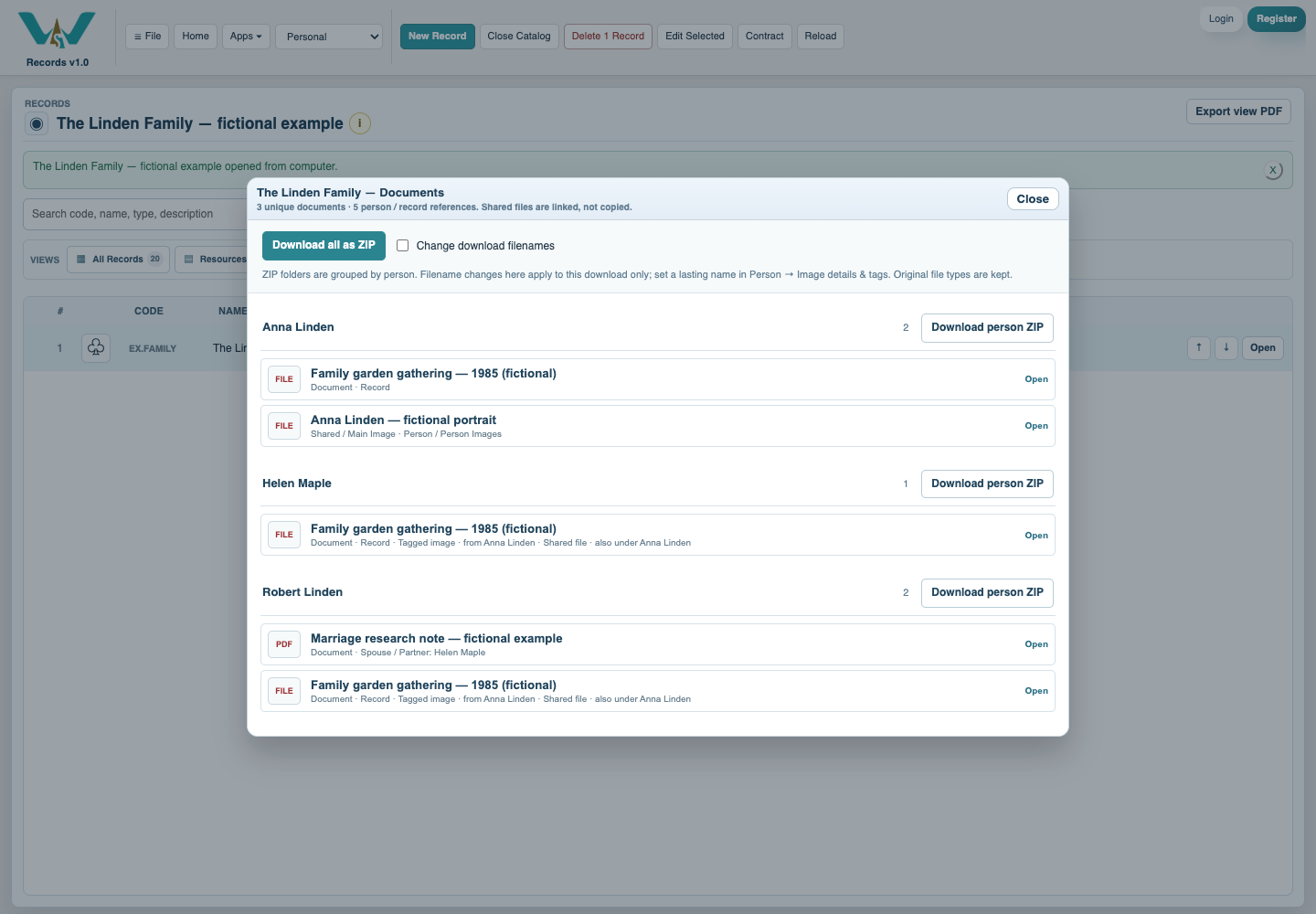
Open the Documents count
Close the record dialog and open the Family Tree’s document count in the list. Inspect the grouped people and the unique-file/reference summary.
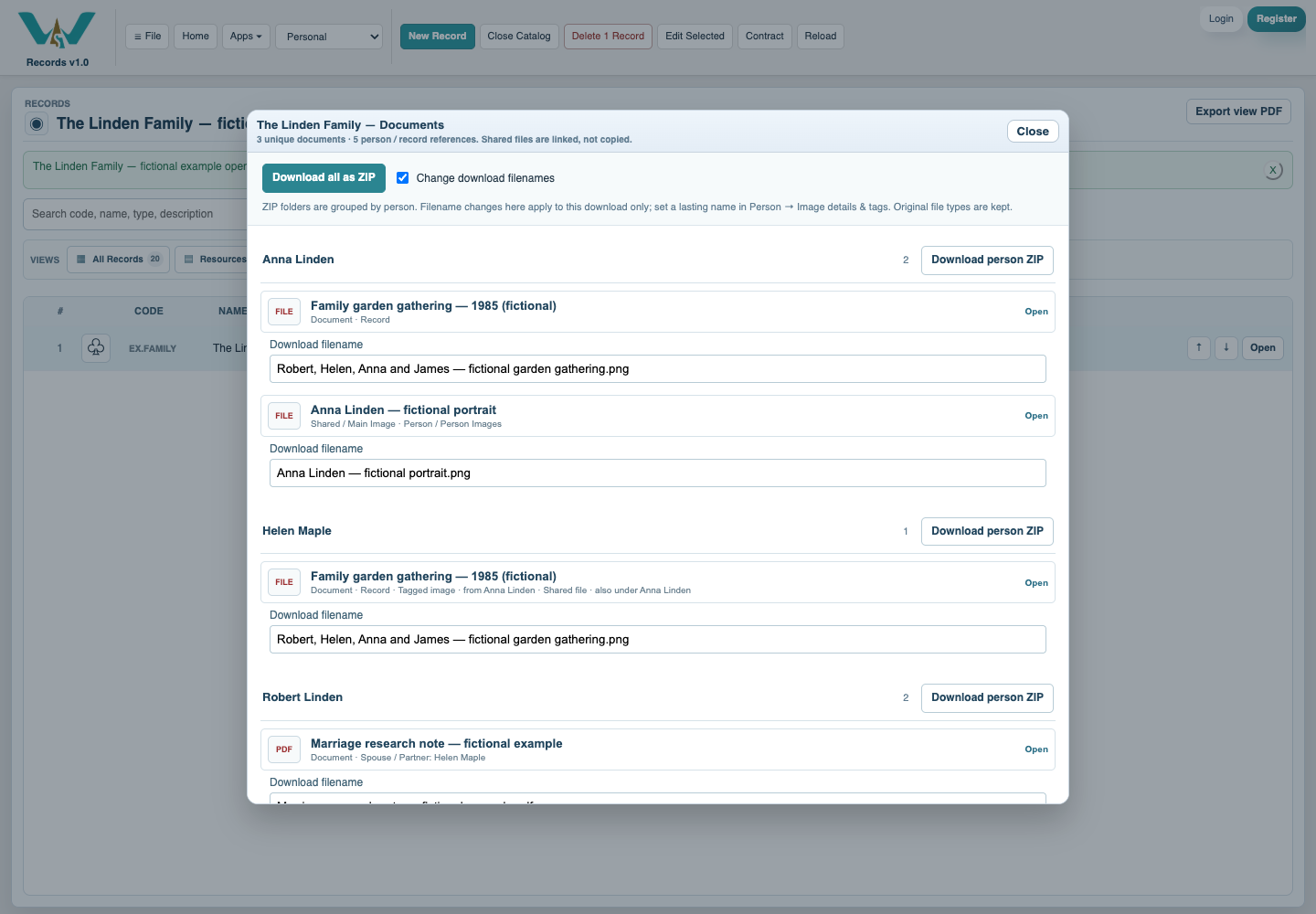
Choose useful download names
Use Change download filenames when a one-time rename is needed. This does not rename the stored source. Save a media Download filename on its owner for a lasting preference.
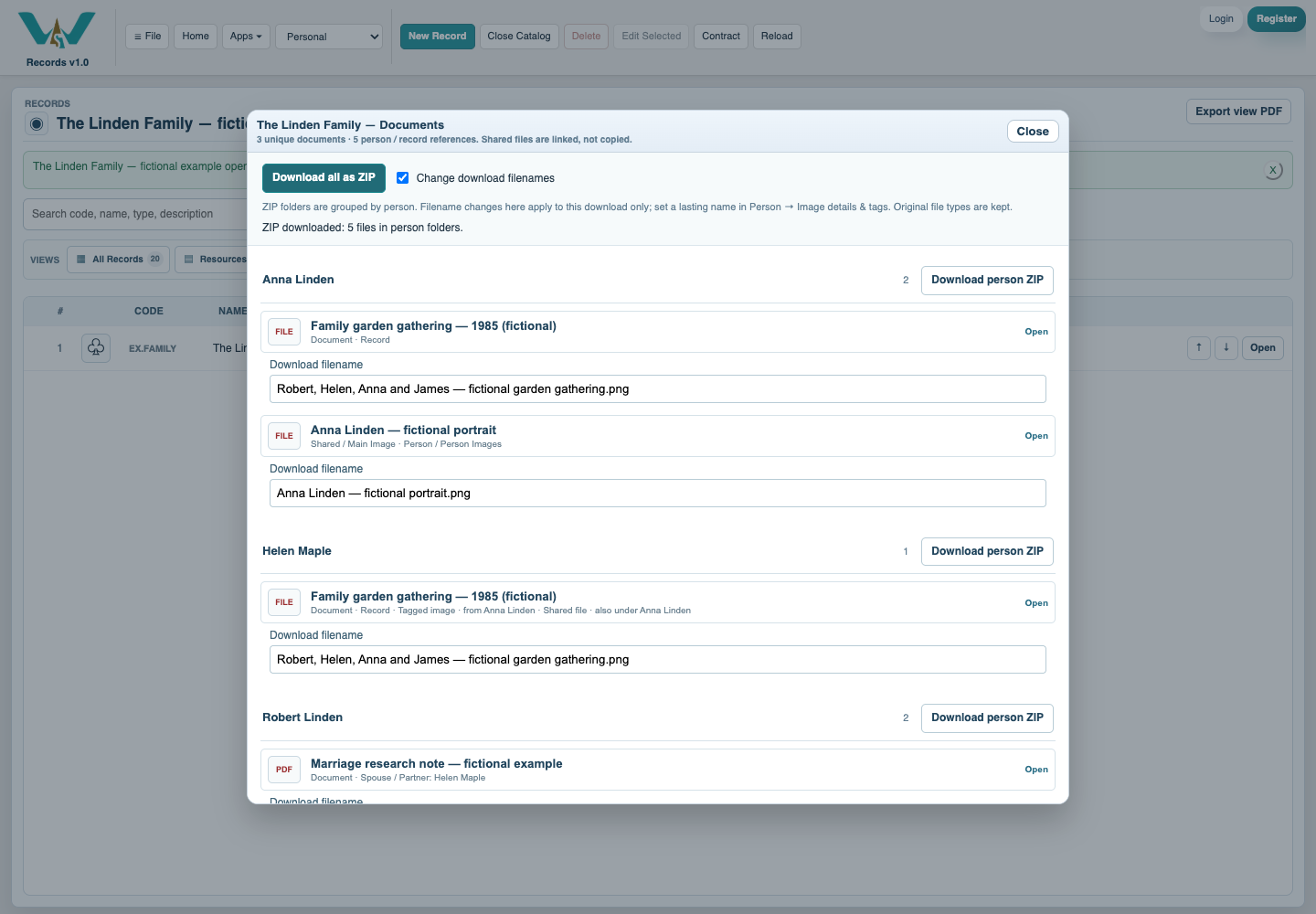
Download the family or one group
Use Download all as ZIP or Download person ZIP. Watch progress and inspect the downloaded folders and any missing-file report. Shared originals may occur in more than one person folder.
Compare a Person archive
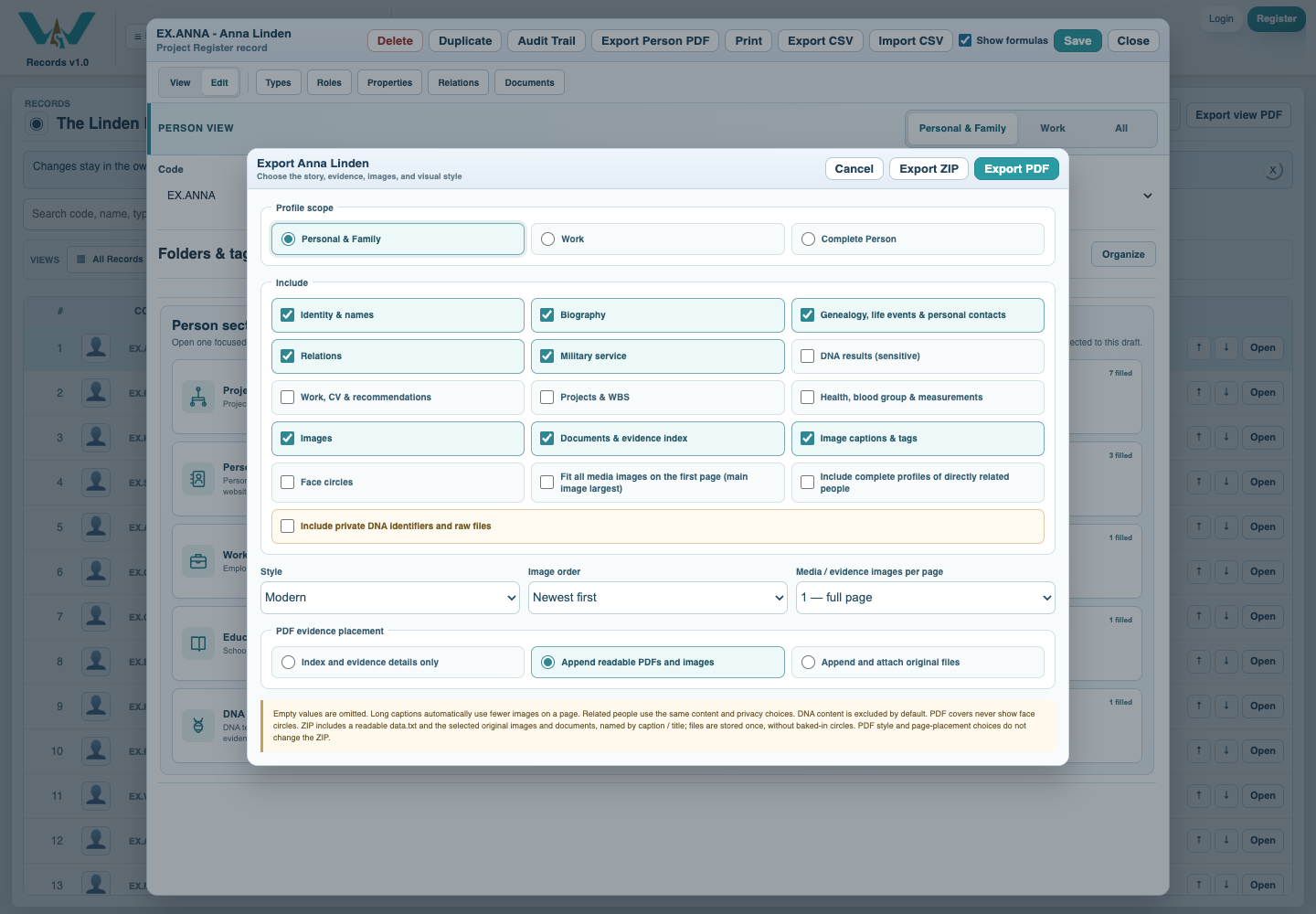
Open one Person, choose Export Person PDF, review the content selection and choose Export ZIP. This contains readable data.txt plus selected original files; PDF style and page placement do not change the ZIP.
Enable JavaScript to use reading progress and usefulness ratings.