
One task with several costs
The starting file has the October phone bill settled for EUR 24, while Internet service is still unpaid. Watch the combined task complete only after the second bill is settled.
These guides use fictional practice data and generic EUR amounts. Costs, tasks & dates is the second learning series; start with Costs & budgets if you are new to cost elements. The screenshots show the October 2026 interface. Adapt example dates and planning periods if practicing later. Recording bills and payments does not transfer money.
Before you start
Download connected-settled.ca below. It contains prelinked records so you can focus on this workflow. Then use File → Open → Computer → Choose .ca file. Work in the separate practice Catalog; save any existing work first.
Code is optional. Use it only if a short reference helps you; you can leave it blank. Number formats can vary with settings.
Online saving requires your usual signed-in account and edit access. Keep computer-only practice by exporting the complete Catalog.
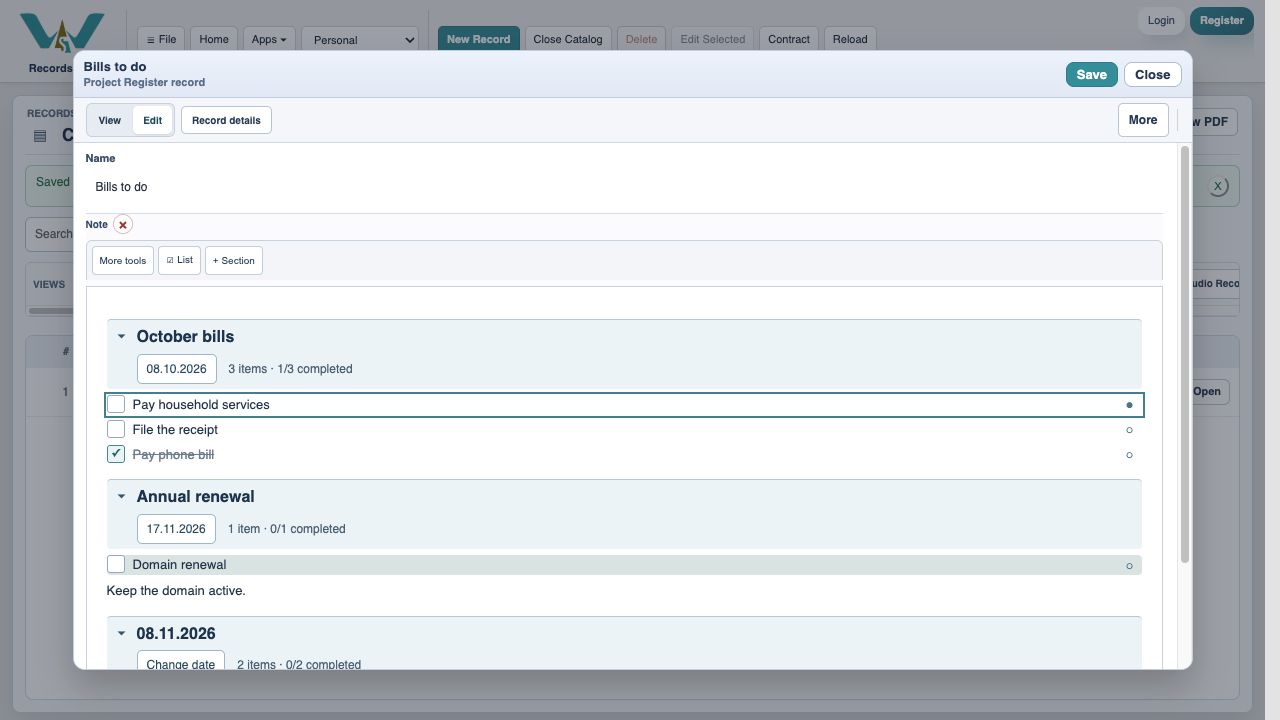
Open Bills to do in Edit
The phone-only task is complete. Pay household services remains open because it links two costs. Open that row’s context menu.
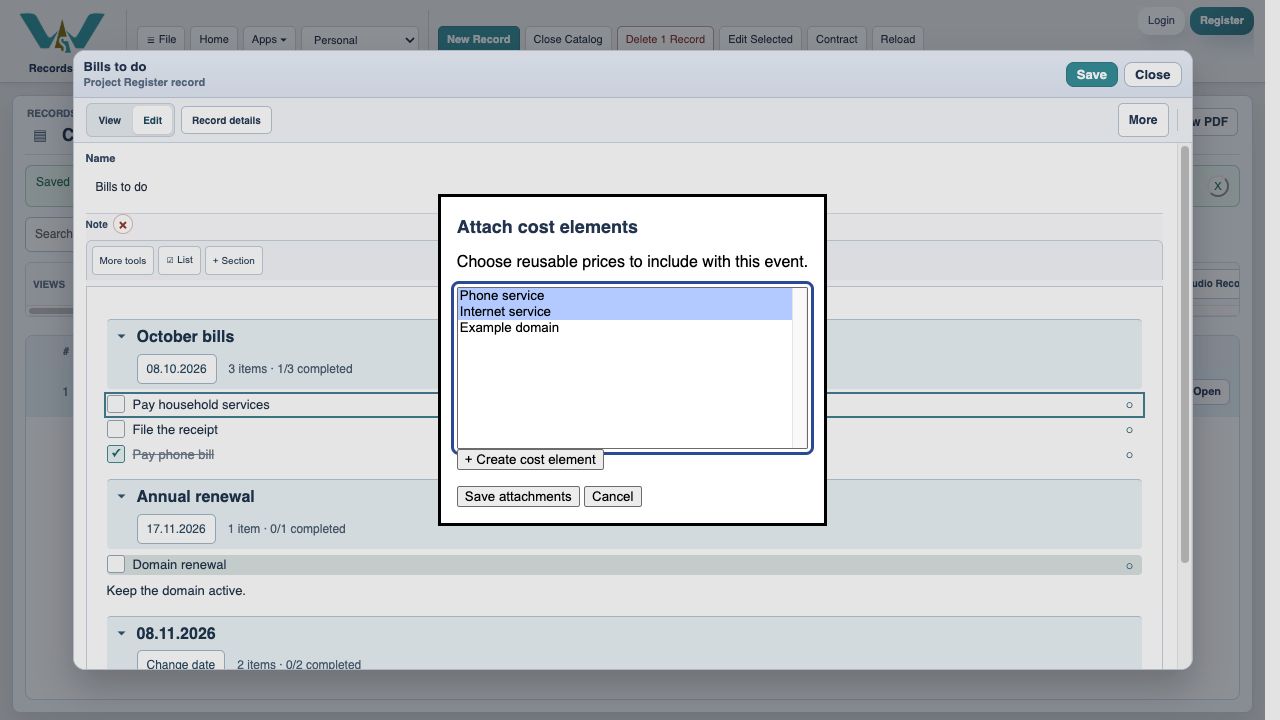
Choose both cost elements
Choose Attach / create cost elements…. Select Phone service and Internet service. On Mac, Command-click can add another selection without replacing the first.
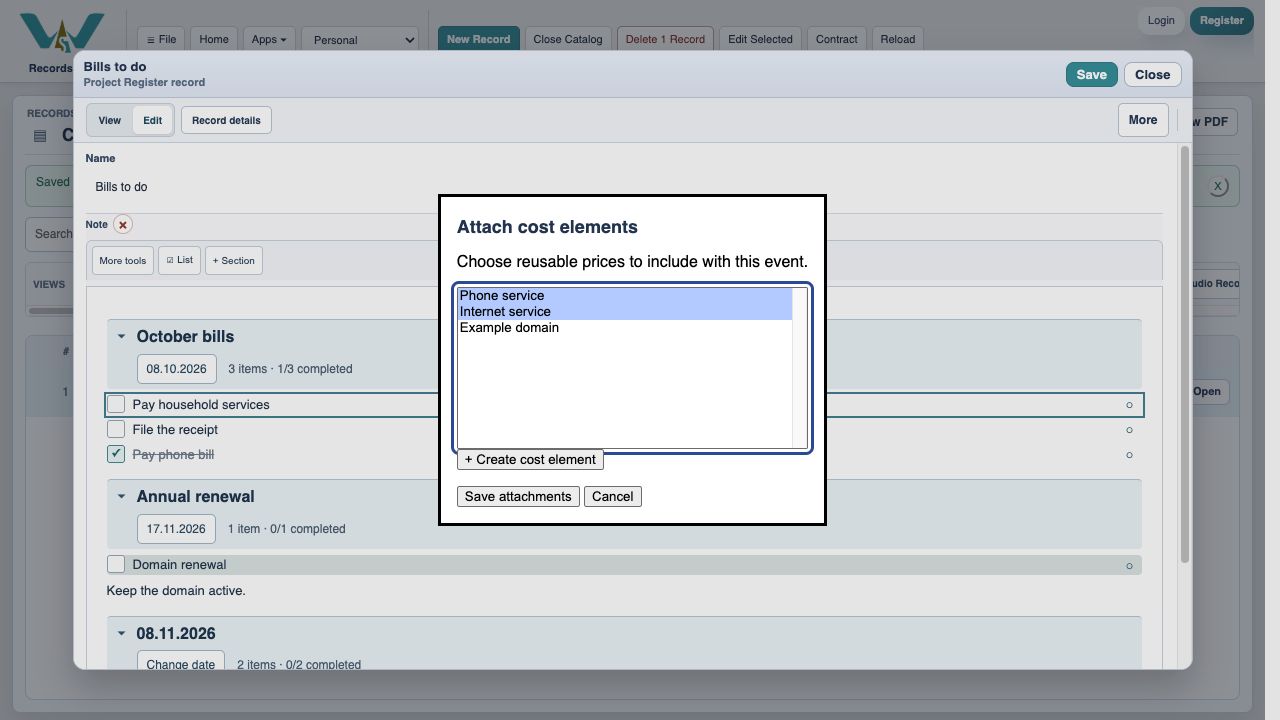
Save the links
Choose Save attachments. The selection belongs to this task, not to every row in the Note.
Save the Note
Choose Save in the Note header before moving to Budget / Estimate.
Find the unpaid second bill
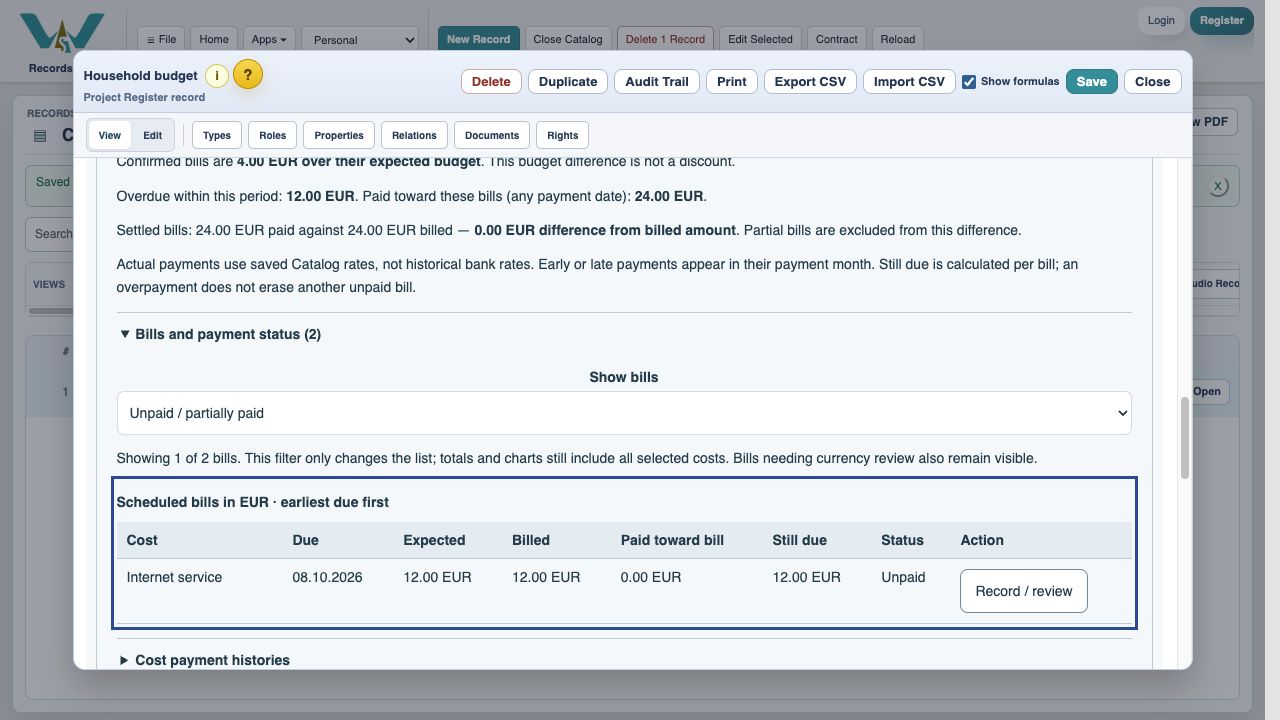
Open Household budget, choose This month, expand Bills and payment status, and choose Unpaid / partially paid. Only Internet service remains. Choose Record / review.
Enter an agreed discounted payment
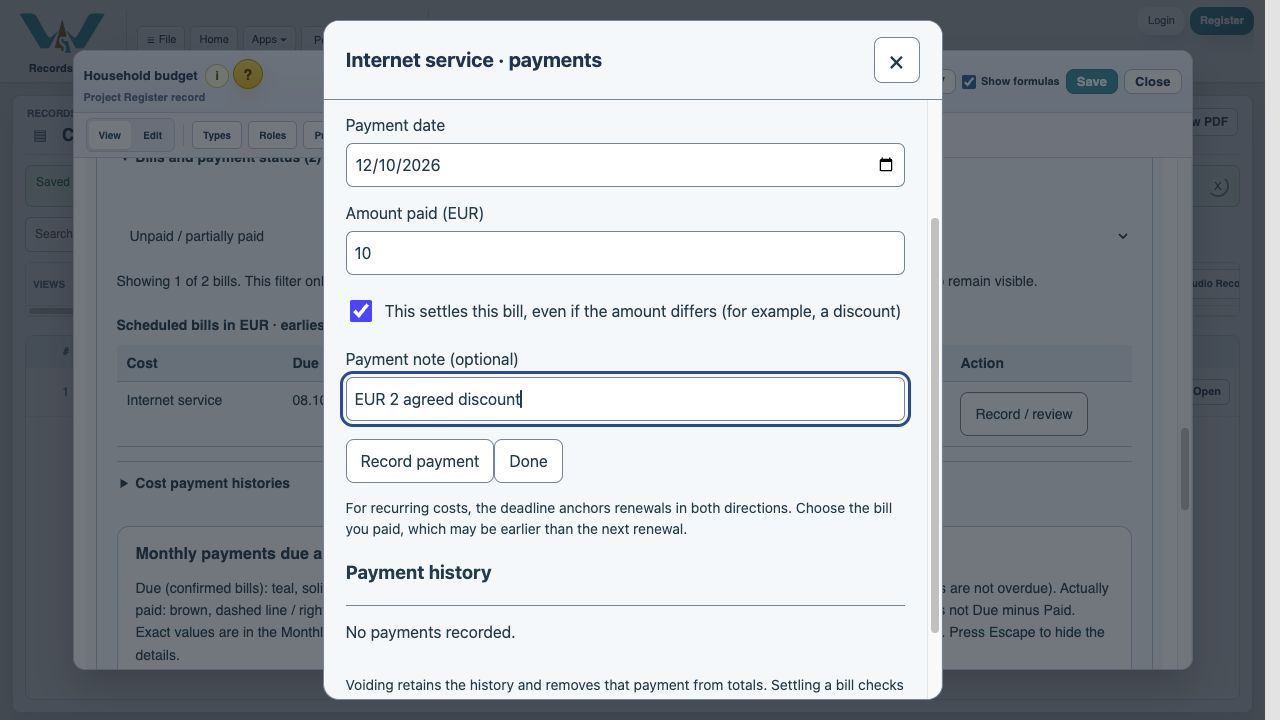
The bill is EUR 12. In this fictional example the provider accepts EUR 10. Enter 10, select This settles this bill and note EUR 2 agreed discount. If there is no agreement, do not use this example as a reason to settle a short payment.
Record the settlement
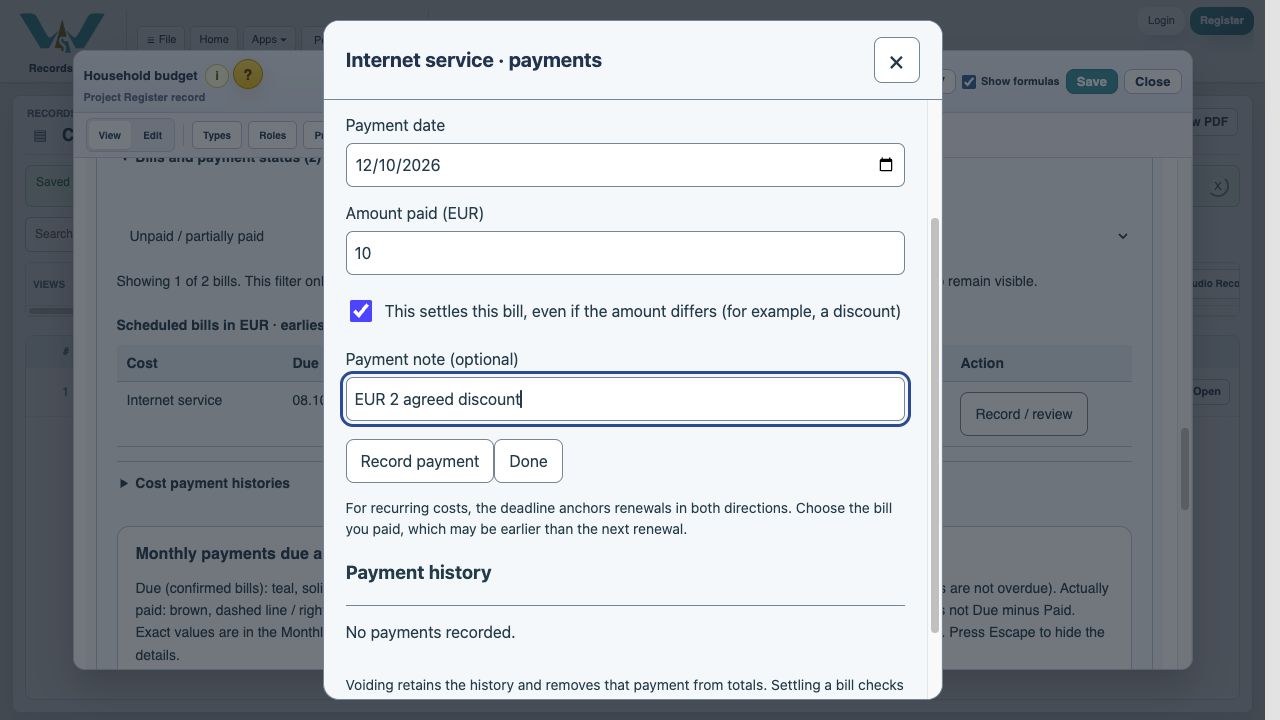
Choose Record payment. This is a bookkeeping entry, not a bank transfer.
Read the linked-task result
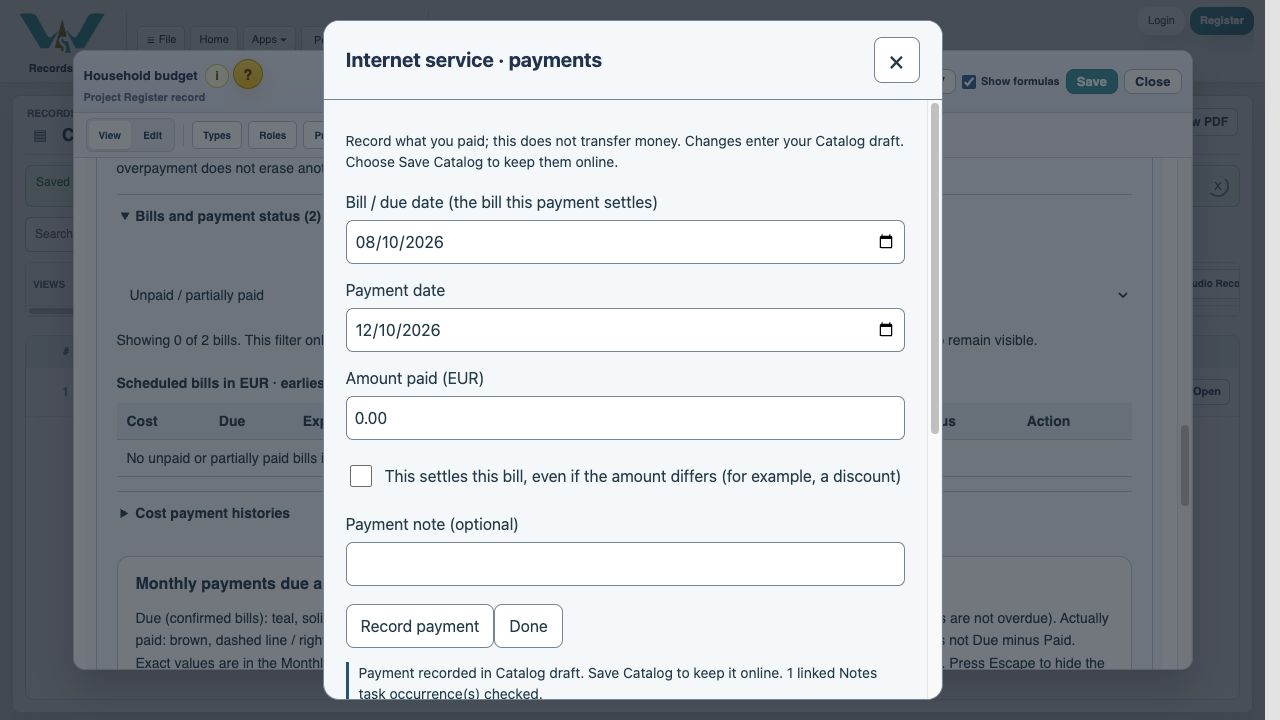
The result reports the matching linked task occurrence checked. Both costs for 8 October are now settled.
Verify the bill balances
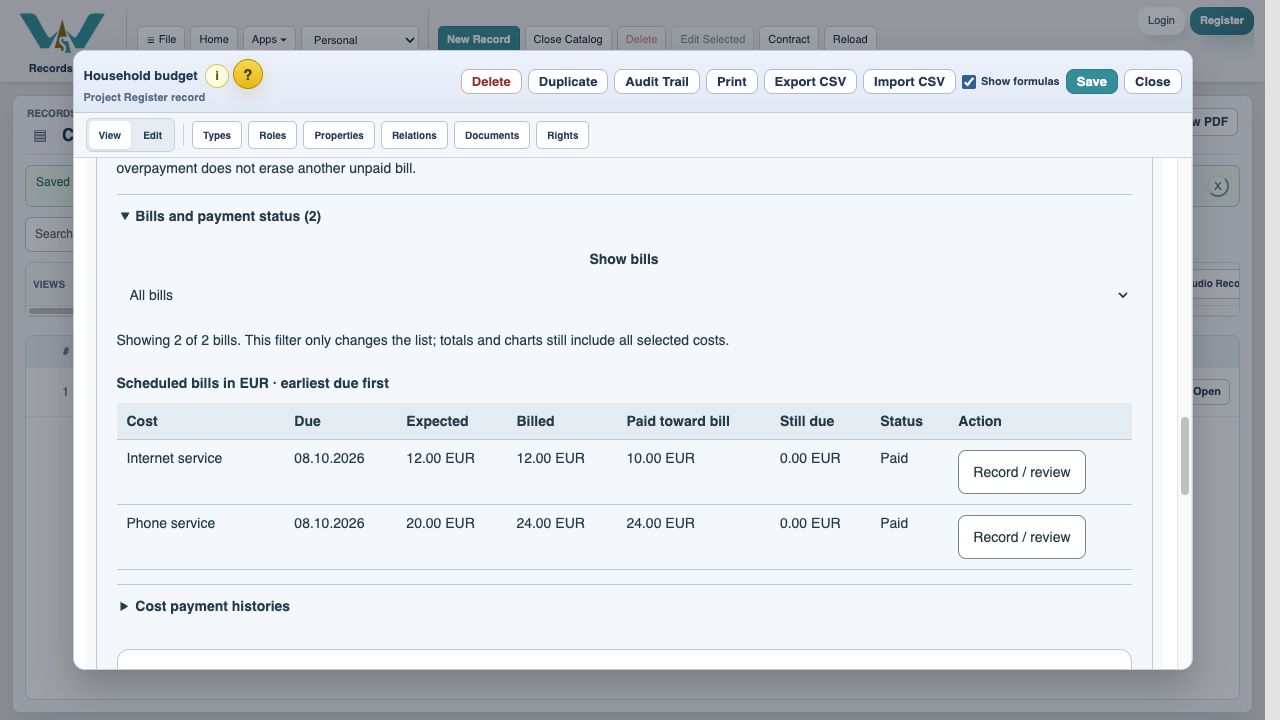
Choose Done and All bills. Internet shows EUR 10 paid, EUR 0 still due and Paid. Phone shows EUR 24 paid. The EUR 2 adjustment explains why total paid is lower than total billed.
Verify the Note and its next occurrence
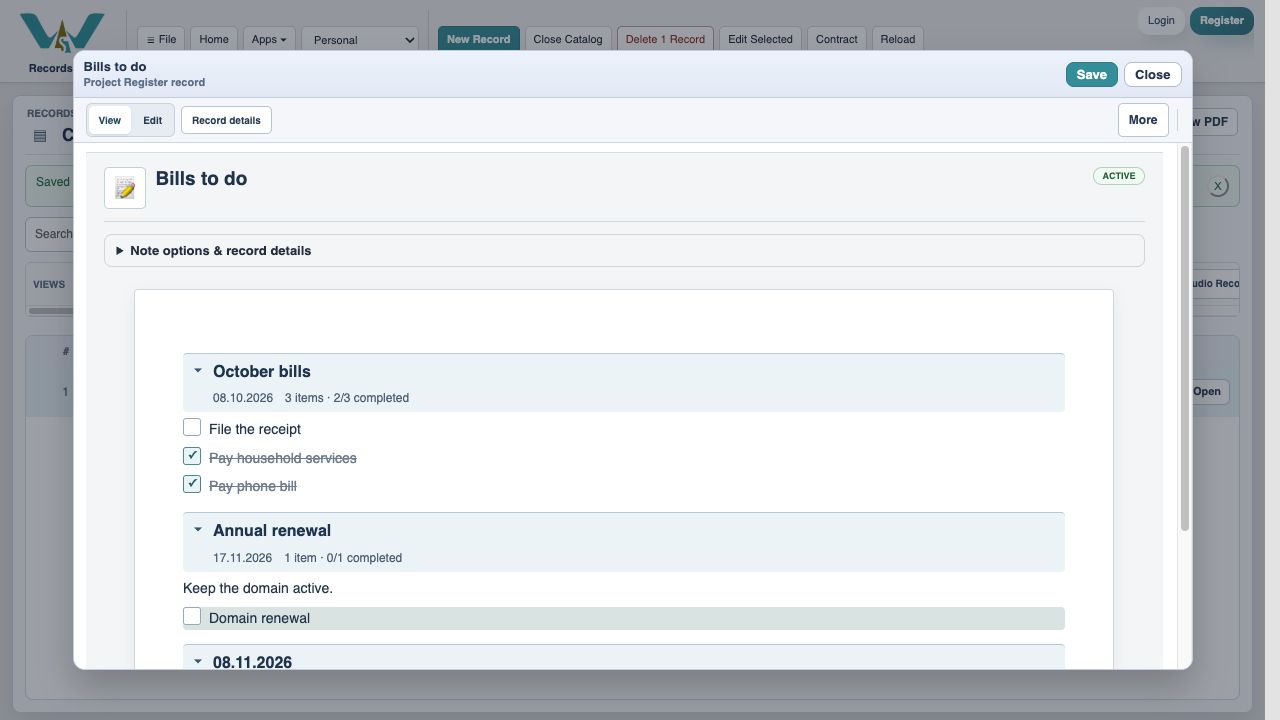
Reopen Bills to do. October’s two payment tasks are complete; File the receipt is still open. November’s recurring payment tasks remain open. If this were a parent task with unfinished children, review those children first: the parent safeguard prevents silent completion.
Save the Catalog
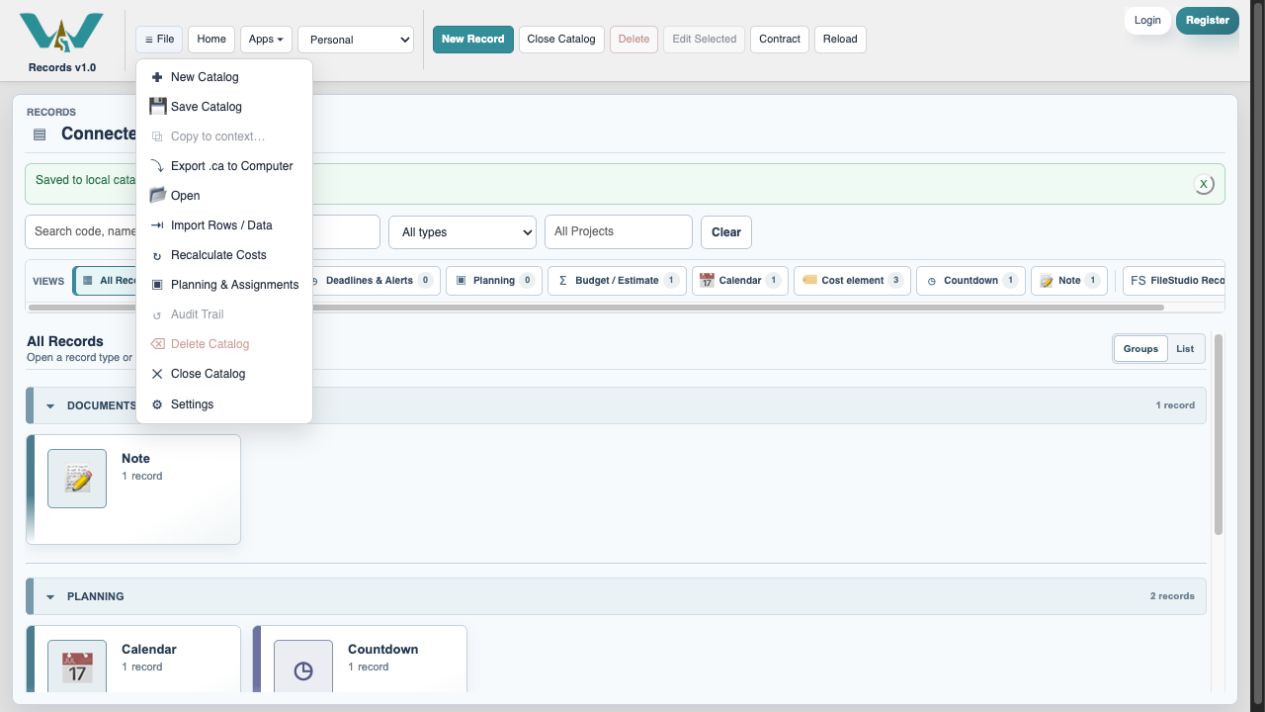
Keep the changes online with File → Save Catalog, or export the complete computer-only Catalog from All Records.
Enable JavaScript to use reading progress and usefulness ratings.