
Working Securely With External Partners
Practical habits for sharing information with clients, suppliers, consultants, contractors, and other outside collaborators.
Information only — not legal advice.
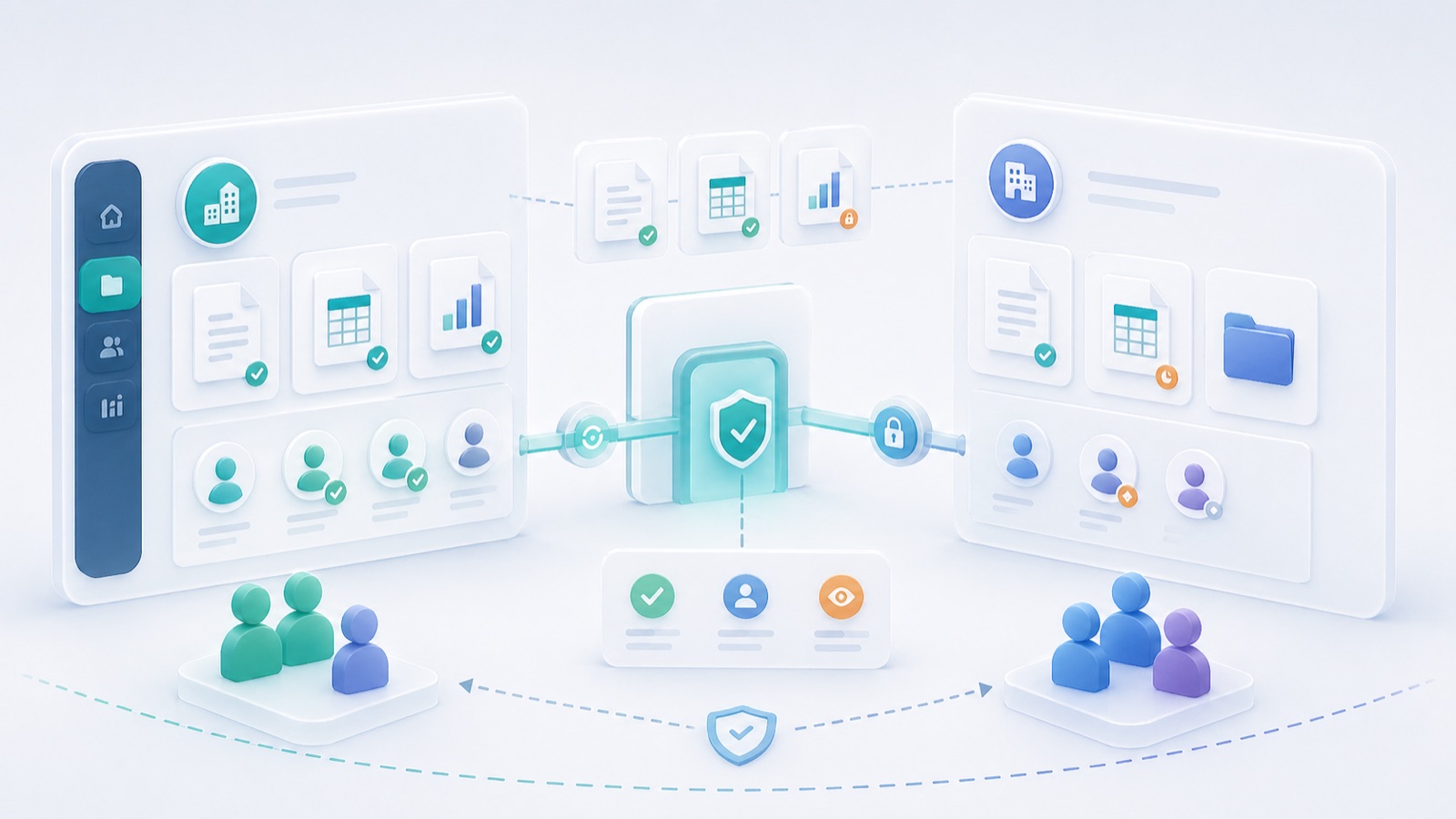
External collaboration needs a clear boundary: which organization is doing what, with which information, for how long? A client, subcontractor or adviser may need substantial project information while having no reason to access internal pricing, personnel records or another client’s files.
Agree the working arrangements before sending invitations. Technology can enforce some boundaries, but the relationship also needs a sponsor, deliverables, decision rights and a way to handle changes.
Write a short collaboration brief
Record the partner organization, named participants, internal sponsor, purpose, permitted information, allowed actions, start and review/end dates, and approved contact routes. Identify subcontracting or onward-sharing arrangements that need specific agreement.
Keep operational responsibility distinct from contractual rights. Permission to read a model does not automatically grant rights to reuse its contents for another project. Clarify permitted use, confidentiality and the applicable agreement with the responsible commercial or legal owner.
Set up the smallest useful working area
Give the partner the issued information and tools needed to complete the assignment. Avoid adding them to an all-company group to solve a single access problem. Check inherited access, existing links and integration permissions as well as the new invitation.
Use named identities where available and verify the person behind an unexpected invitation request. Arrange an alternative contact route for account recovery or suspected compromise. An external collaborator who cannot open a required file needs a supported fix, not a colleague’s password.
Worked example: a specialist design review
Fictional example: a facade consultant reviews an issued package. The internal coordinator shares the specified model revision, drawings and issue register. The consultant’s findings identify the reviewed revision, locations and assumptions. The design team records its response and releases any resulting changes through the normal design process.
The consultant’s completion email does not automatically approve the entire project. The acceptance record states the review scope, unresolved comments and who has authority to accept the response. If another specialist joins, access and responsibilities are updated explicitly.
Keep four handovers visible
- Information handover: what was issued, at which revision and for which use.
- Decision handover: what was accepted, rejected or returned, including outstanding conditions.
- Personnel handover: whose access and assigned work change when someone leaves or is replaced.
- Closeout handover: which final records are retained, which access is removed and which information must be returned or disposed of under the agreement.
Review the relationship when the scope changes, not just on a calendar. An added integration, new subconsultant or different data category can change the risk substantially.
Test the offboarding plan early
Confirm who can remove access and preserve the evidence the organization needs. Check links and tokens where applicable; deactivating one account may not end every sharing route. Record the actual outcome and limitations, including copies legitimately downloaded earlier.
NIST’s supply-chain risk-management resources provide broader context. Continue with secure sharing, supplier management and approval workflows.
Important information
This article provides general information and does not constitute legal advice or replace a qualified professional's assessment of your circumstances. Laws, official guidance, standards and product features can change. Check current primary sources and the requirements applicable to your jurisdiction, contract and project before making decisions. Examples illustrate the discussion; they are not official rulings or instructions for a particular case. For legal decisions, consult a qualified lawyer; for technical or other specialist matters, consult the responsible professional.
Enable JavaScript to use reading progress and usefulness ratings.