
Review and Export a REF Chart
Link records with REF, open the chart, choose a display style, and export either the graph or the linked record package.
Link the records
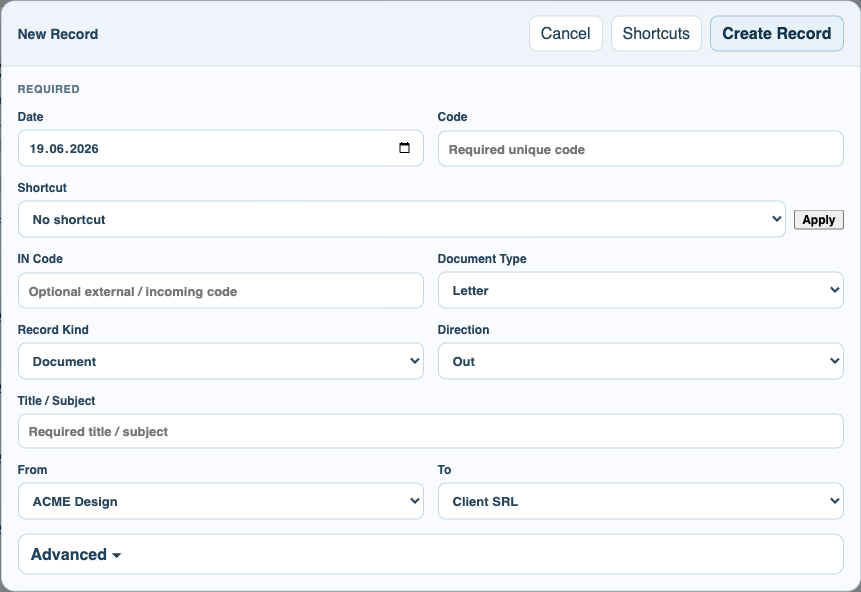
When creating or editing a record, use REF Type and REF Linked Record to connect it to the earlier record in the conversation.
Open the REF chart
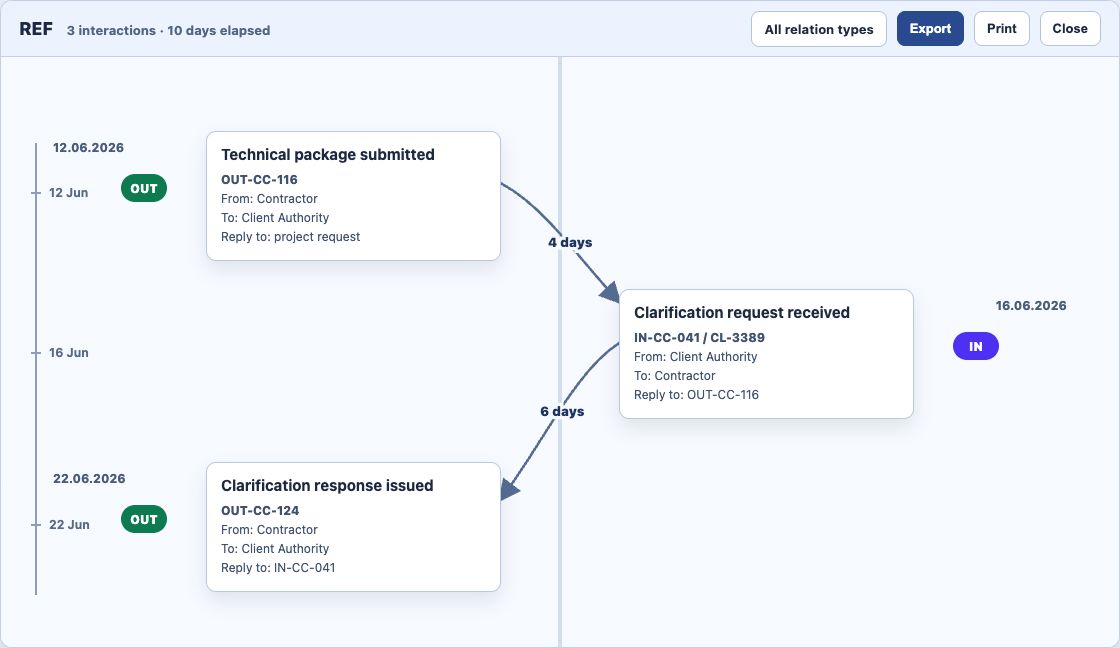
Open REF from the register, row menu, or document viewer. The title bar shows the number of visible interactions and the elapsed days between first and last record.
Choose the display style
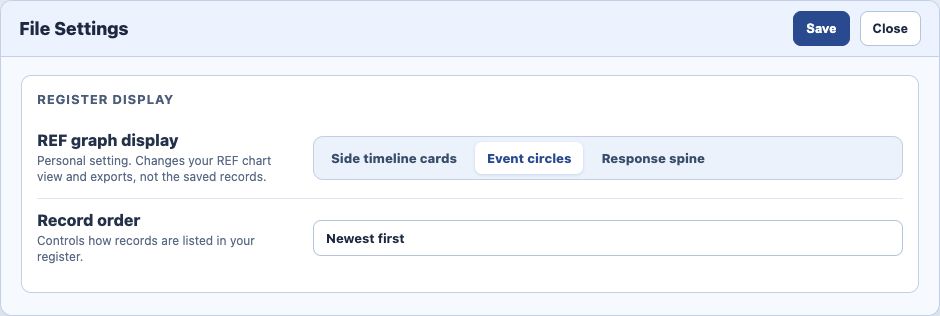
Open File Settings and choose Side timeline cards, Event circles, or Response spine. This is a personal display setting and does not change the records.
Export the graph
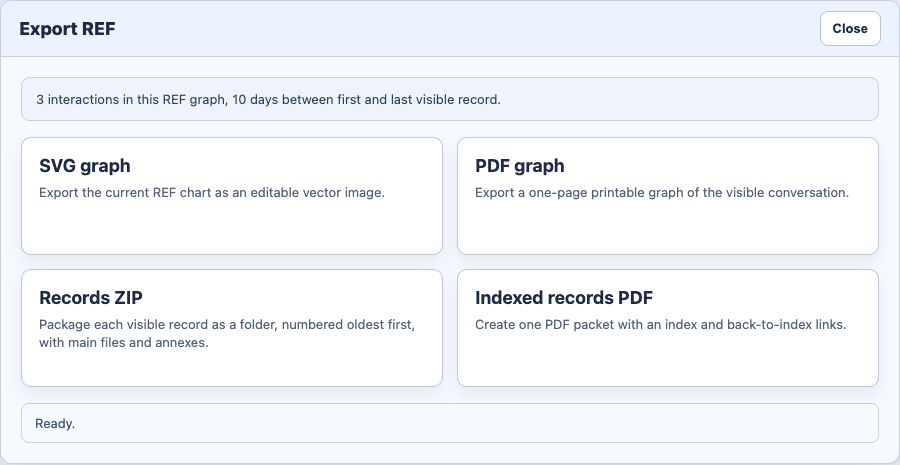
Use Export, then choose SVG for an editable vector or PDF for a printable graph view.
Export the records
Choose Records ZIP when you need originals and annexes. Choose Indexed records PDF when you want one readable packet with an index. ZIP folders are numbered oldest first.
Enable JavaScript to use reading progress and usefulness ratings.