
Stamp an IN Code and Prepare a Confirmation Email
Use a saved IN Code to view a stamped PDF, download the stamped document, and copy a receipt confirmation email.
Open a record with an IN Code
Open a PDF record that has an IN Code. The viewer sidebar shows the record data and the incoming registration value.
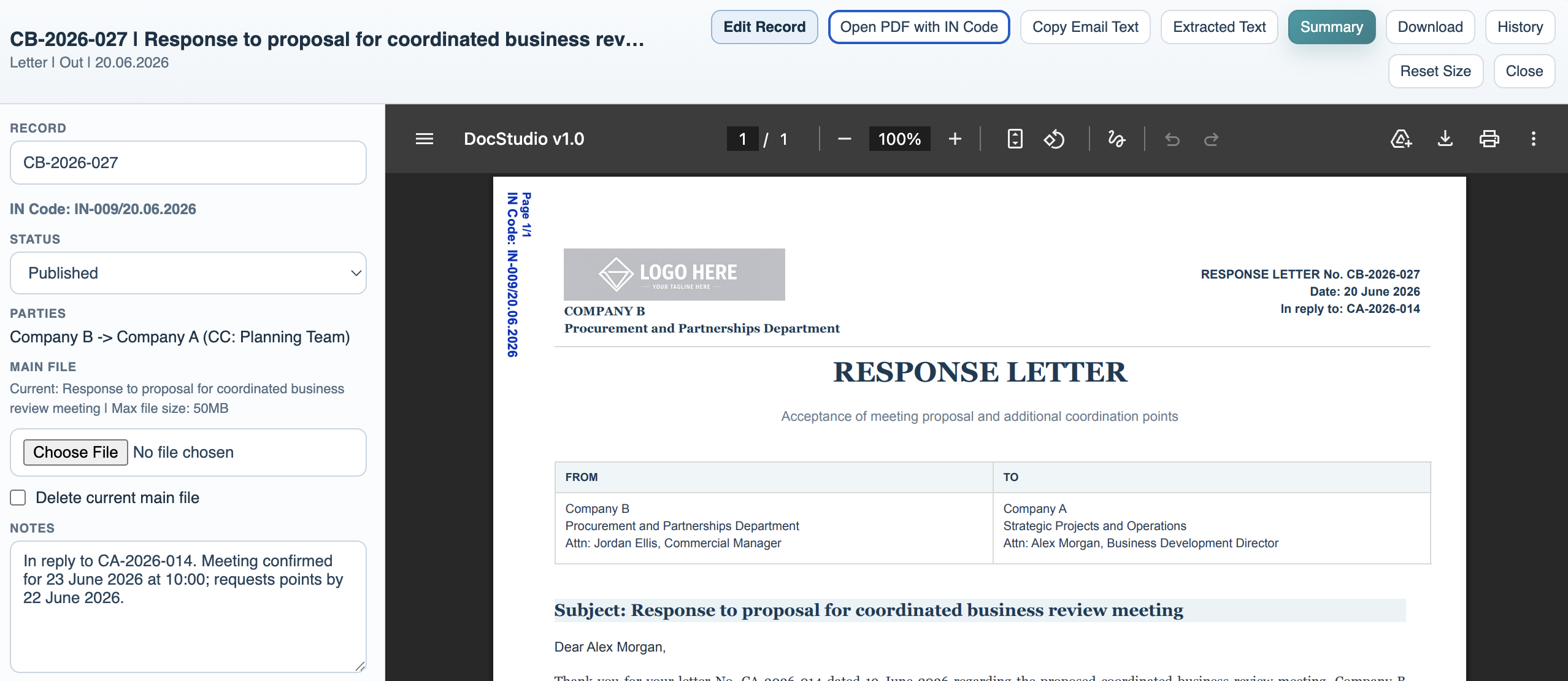
View or download the stamped PDF
Use the stamped PDF view when the registration number should appear on each page. Download from this view to get the stamped version.
Copy the confirmation email text
Use Copy Email Text to copy the receipt confirmation text configured in File Settings. Paste it into your email client and attach the stamped PDF when needed.
Enable JavaScript to use reading progress and usefulness ratings.