
Add Annexes to a FileStudio Record
Open Annexes, drop several files within the context limit, confirm the upload, and keep files grouped under the main document.
Open Annexes from a record
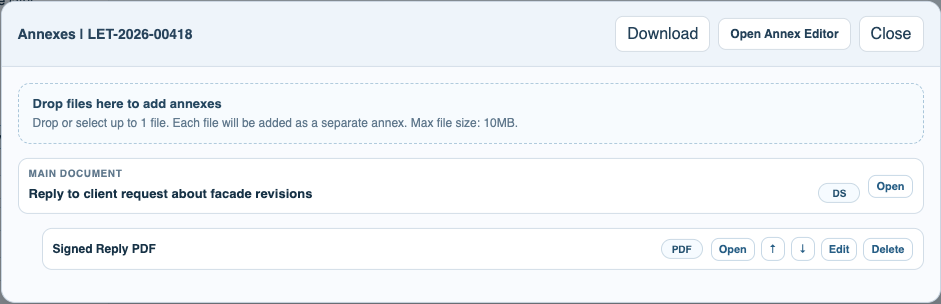
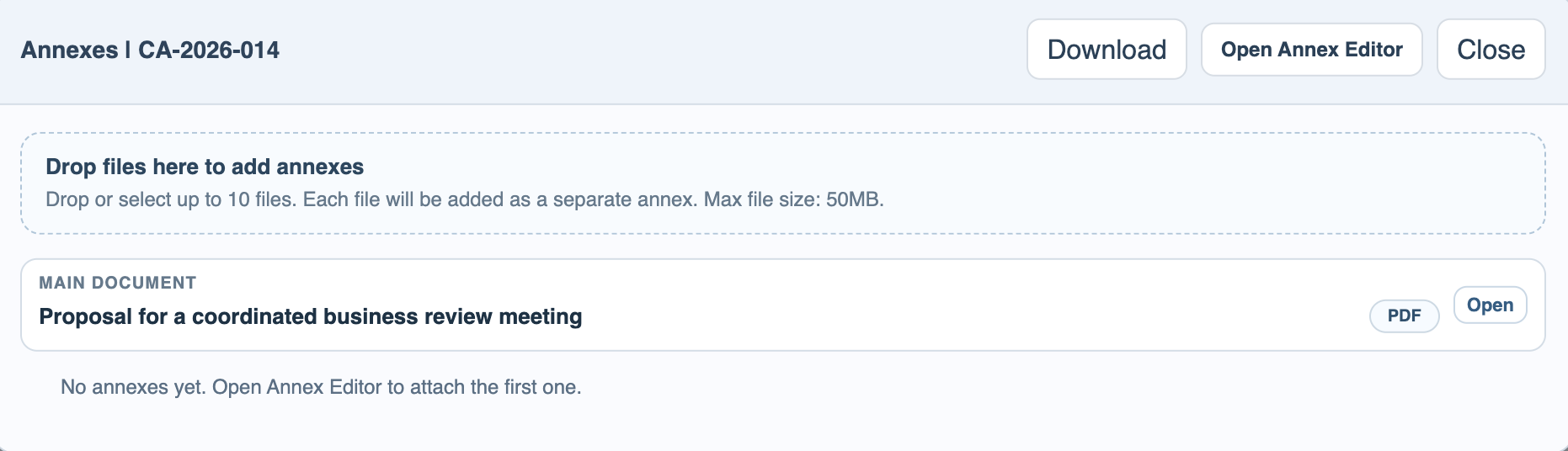
Select a record and open Annexes. The main document stays at the top and child annexes are managed below it.
Drop files into the annex drop zone
Drop files into the zone. The number of files allowed at once follows the current context limit.
Confirm the upload
FileStudio asks for confirmation before uploading dropped annexes. Each uploaded file becomes a separate annex named from the uploaded file.
Enable JavaScript to use reading progress and usefulness ratings.